
PostgreSQL is a safe default database, but a default install is only half the job. Out of the box it listens on localhost and trusts local
OS users, which is fine until the day you open it to an application server. This guide installs PostgreSQL and then closes the usual gaps:
a dedicated non-superuser role, a tight pg_hba.conf, encrypted connections and sane memory settings.
Once it is running, schedule dumps with our PostgreSQL backup script and put a firewall from the
UFW guide in front of port 5432.
How Access Is Layered
Three independent layers decide who gets in: the network (firewall), the listen address, and pg_hba.conf authentication rules. A connection must pass all three.
client --> firewall :5432 --> listen_addresses --> pg_hba.conf rule --> role + database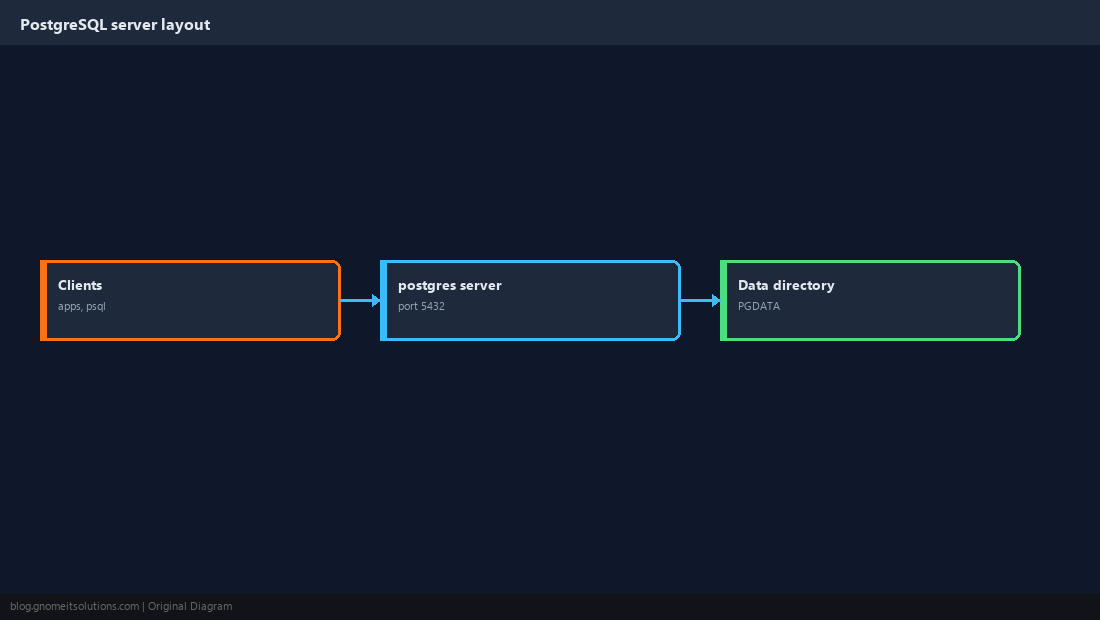
Install and Start the Server
Debian and Ubuntu initialise a cluster automatically. On AlmaLinux and Rocky you run postgresql-setup once.
sudo apt install -y postgresql
sudo systemctl enable --now postgresqlsudo dnf install -y postgresql-server
sudo postgresql-setup --initdb
sudo systemctl enable --now postgresqlsudo -u postgres psql -c 'SELECT version();'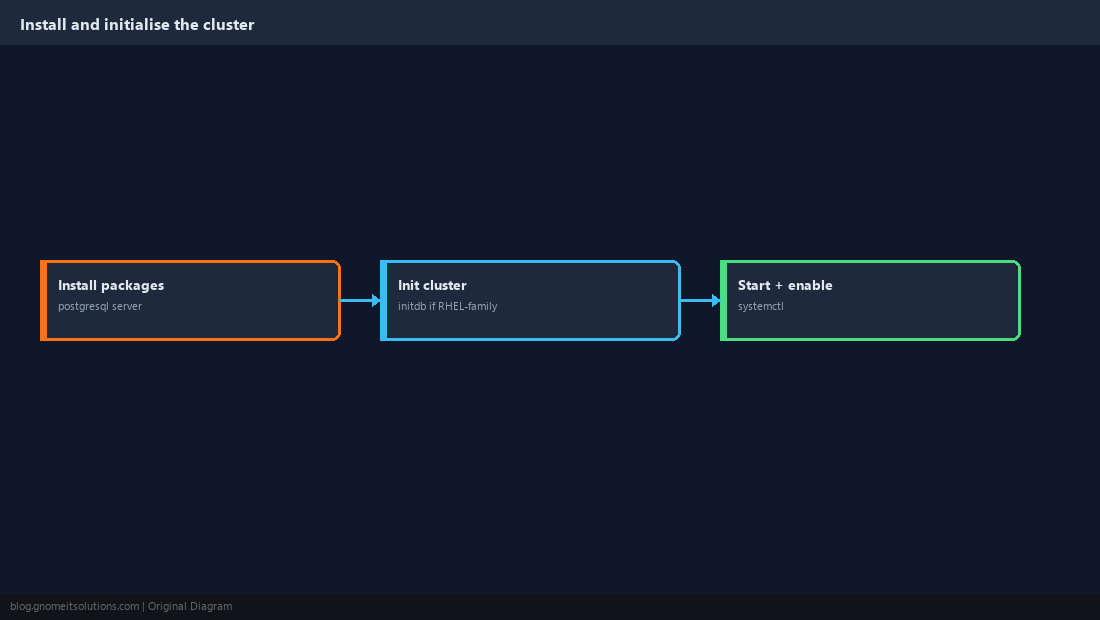
Create a Least-Privilege Role and Database
Applications should never connect as postgres. Create a role that can log in but cannot create roles or databases, and give it its own database.
CREATE ROLE appuser WITH LOGIN PASSWORD 'CHANGE_ME_LONG_RANDOM' NOSUPERUSER NOCREATEDB NOCREATEROLE;
CREATE DATABASE appdb OWNER appuser;
REVOKE ALL ON DATABASE appdb FROM PUBLIC;openssl rand -base64 24 and keep it in a secrets manager such as Vault.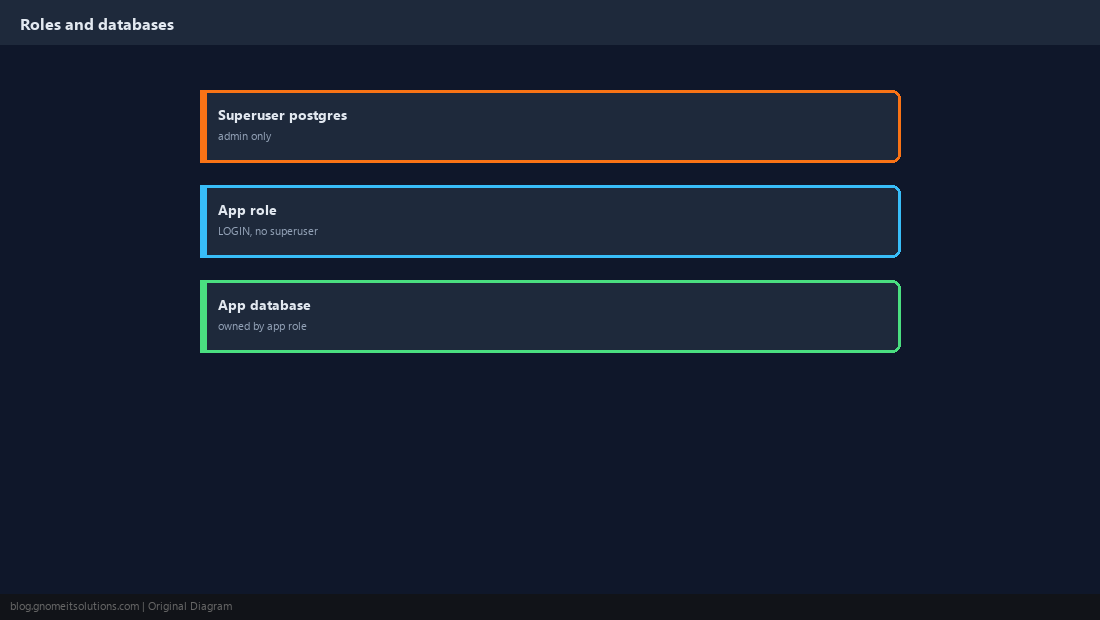
Set the Listen Address Deliberately
Leave listen_addresses on localhost if the app runs on the same host. If a remote app needs access, listen on the private interface only — never * on a public address.
listen_addresses = 'localhost,10.0.0.5'   # private IP only
port = 5432sudo -u postgres psql -c 'SHOW config_file;'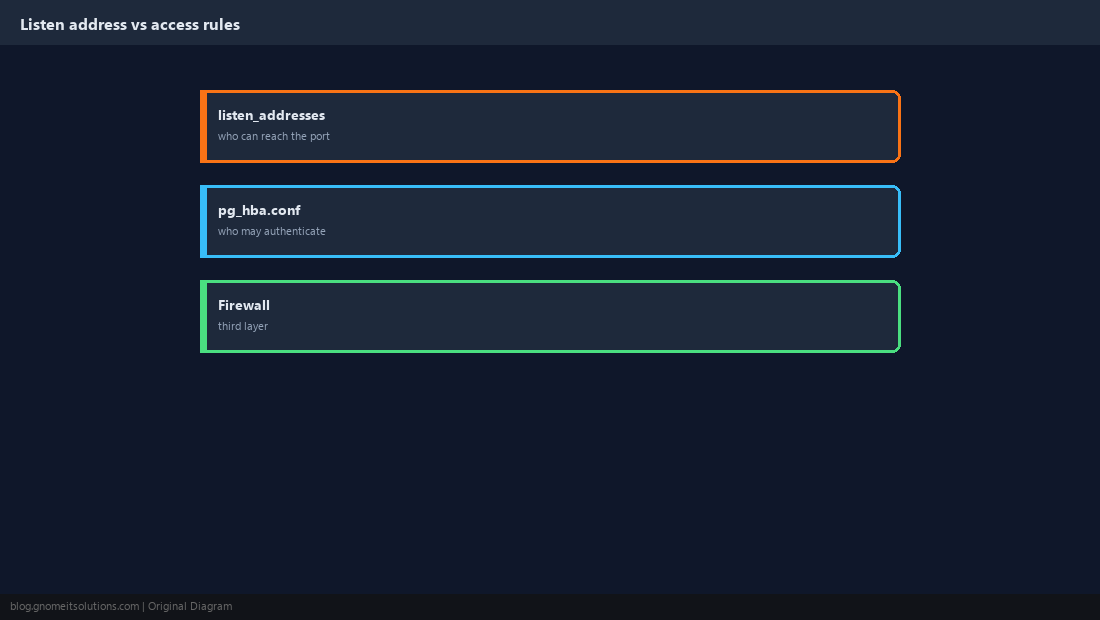
Write Strict pg_hba.conf Rules
Rules are read top to bottom and the first match wins. Allow the app subnet with scram-sha-256 and nothing else; an unmatched connection is rejected.
# TYPE   DATABASE  USER     ADDRESS        METHOD
local    all       postgres                peer
local    all       all                     scram-sha-256
hostssl appdb appuser 10.0.0.0/24 scram-sha-256sudo systemctl reload postgresql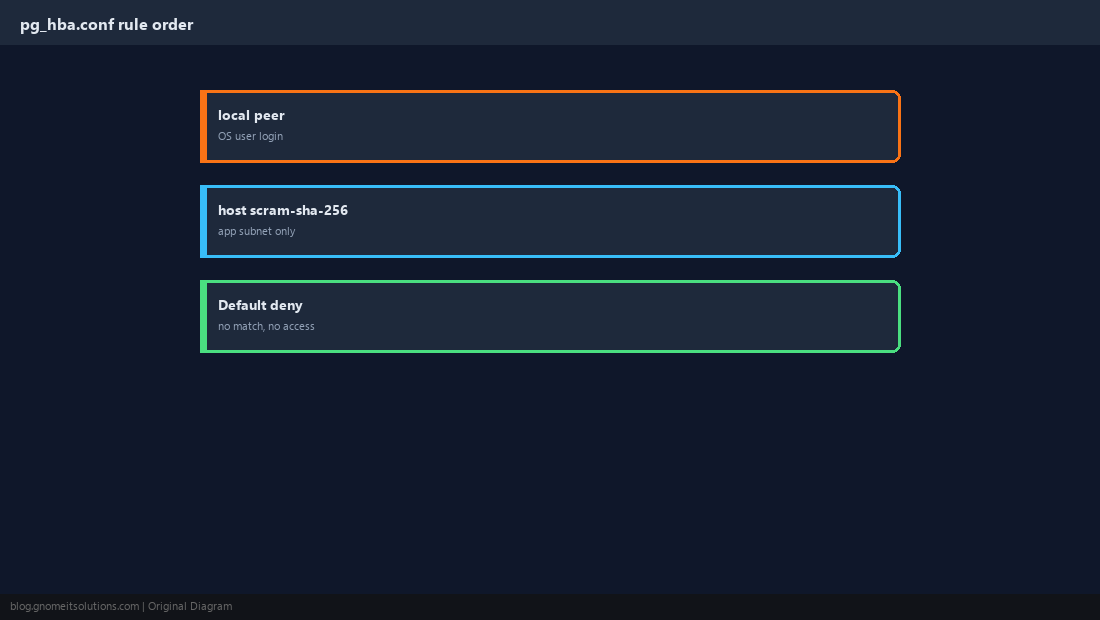
Enable TLS for Client Connections
Without TLS, passwords are protected but data crosses the network readable. Point PostgreSQL at a certificate and use hostssl rules to require it.
ssl = on
ssl_cert_file = '/etc/ssl/pg/server.crt'
ssl_key_file  = '/etc/ssl/pg/server.key'
ssl_min_protocol_version = 'TLSv1.2'postgres with mode 600 or the server refuses to start.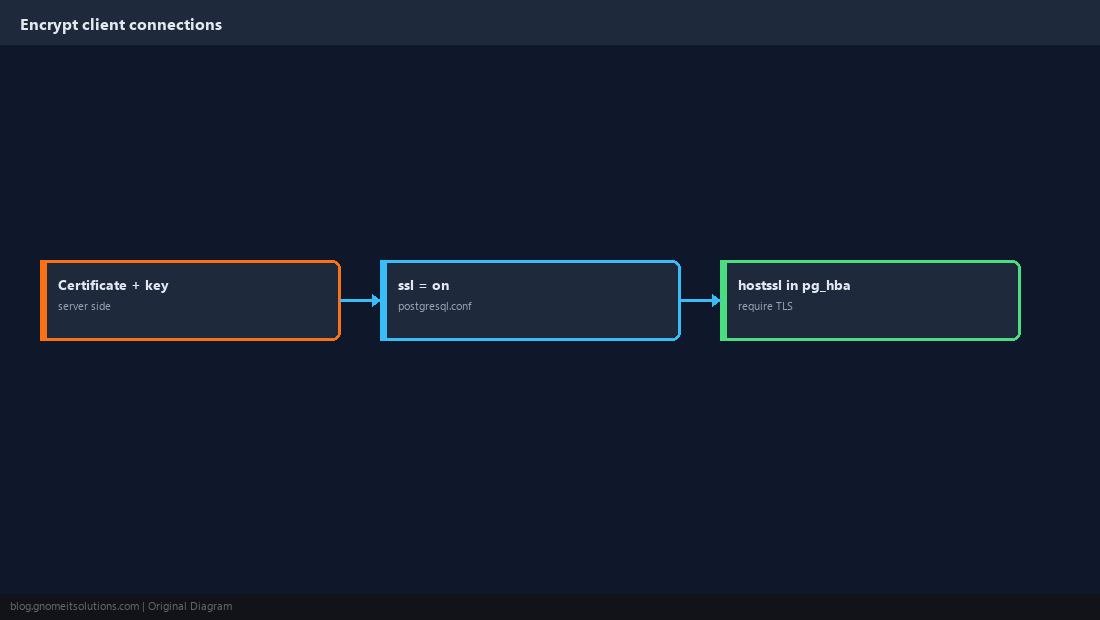
Apply Baseline Memory Tuning
The defaults assume a tiny machine. As a starting point on a dedicated host, set shared_buffers near a quarter of RAM and effective_cache_size to about half to three quarters. Change one thing at a time and measure.
shared_buffers = 4GB
effective_cache_size = 10GB
work_mem = 16MB
maintenance_work_mem = 512MB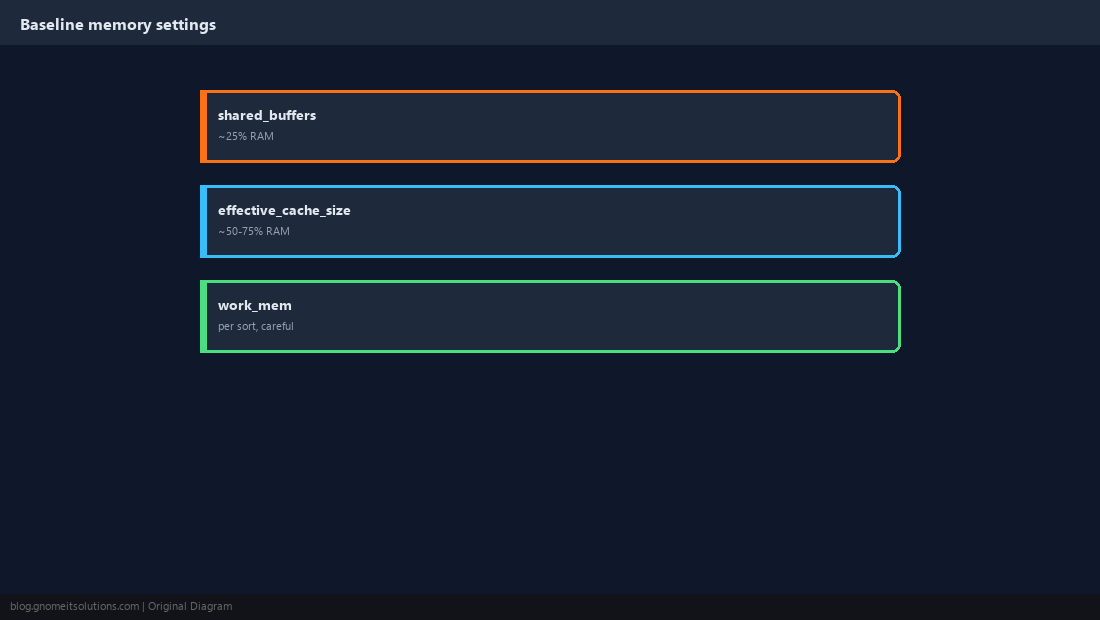
Verify Access and Prove a Restore
Test from the app host with TLS required, then take a dump and restore it into a scratch database. An unrestored backup is untested.
psql "host=10.0.0.5 dbname=appdb user=appuser sslmode=require" -c 'SELECT 1;'sudo -u postgres pg_dump -Fc appdb > /tmp/appdb.dump
sudo -u postgres createdb restore_test
sudo -u postgres pg_restore -d restore_test /tmp/appdb.dump && echo RESTORE OK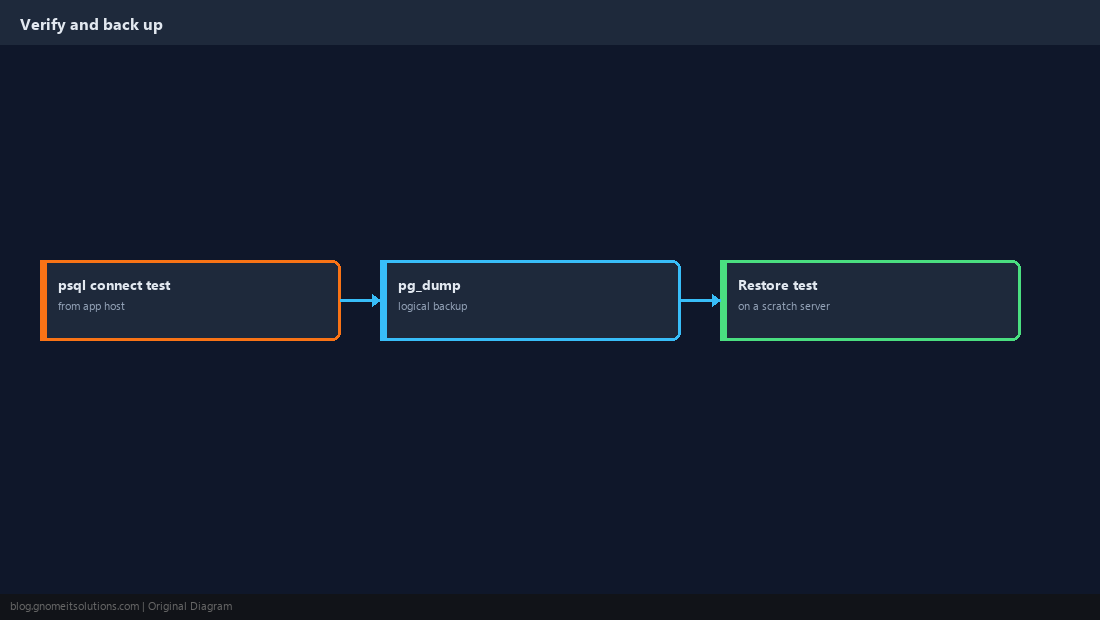
Quick Reference
- Non-superuser app role;
hostssl+scram-sha-256; private listen address - Tune from measurements; always test a restore
Related tutorials
Diagrams are original illustrations by Gnome IT Solutions. Tutorial text © Gnome IT Solutions.