
Swap is disk space the kernel uses when RAM is under pressure. It is not a substitute for installing enough memory, but a small swap file can prevent sudden
OOM kills on VMs and small cloud instances during spikes.
After adding swap, watch behaviour with htop and fix leaks instead of endlessly growing swap.
On database-heavy hosts, keep swappiness low.
Why Swap Exists
When physical RAM is full, the kernel can move cold pages to swap. That trades latency for survival — heavy swapping feels like a slow disk, not extra RAM.
free -h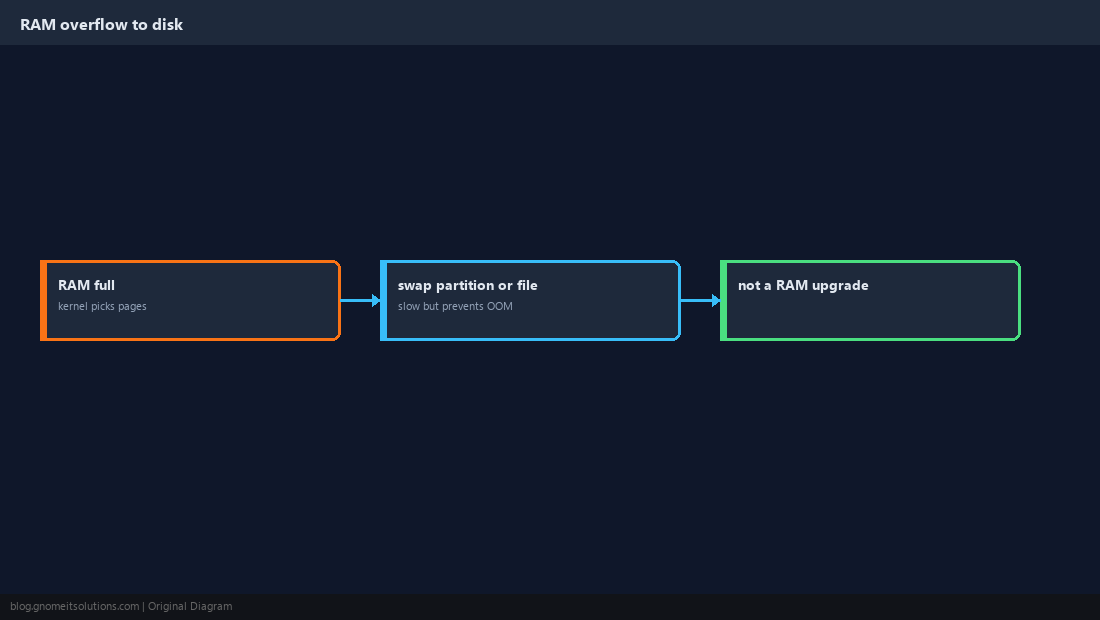
Check Existing Swap
You may already have a partition or file configured. swapon --show lists active swap devices.
swapon --show
cat /proc/swaps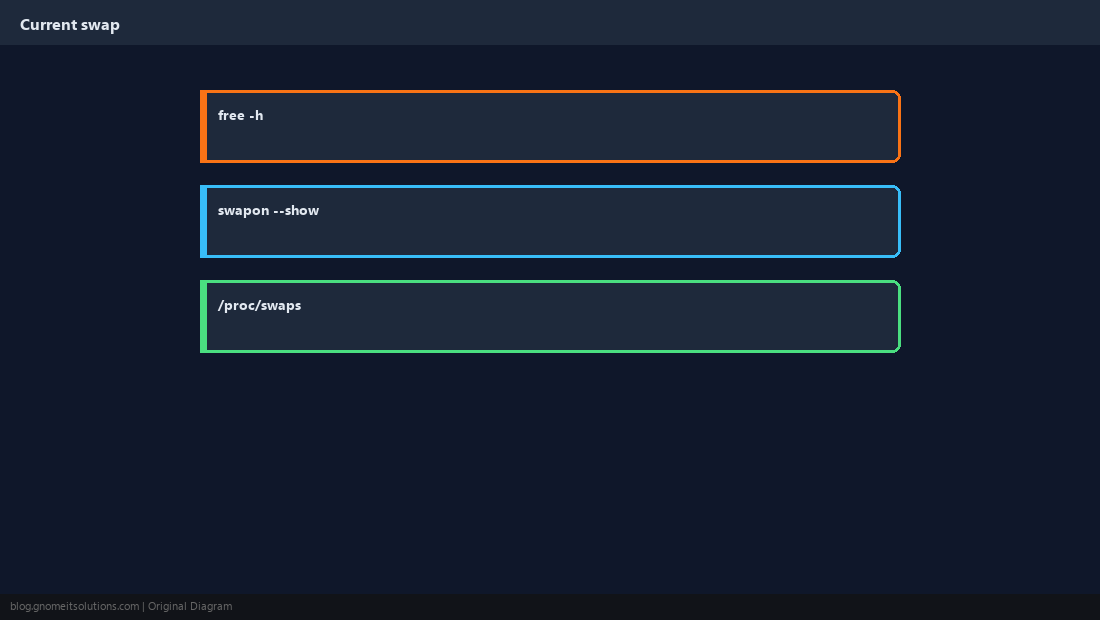
Create and Format a Swap File
Allocate a file (often 1–4 GiB on small VPS), restrict permissions, then mkswap and swapon.
sudo fallocate -l 2G /swapfile
sudo chmod 600 /swapfile
sudo mkswap /swapfile
sudo swapon /swapfile
free -hdd instead of fallocate if mkswap warns about holes.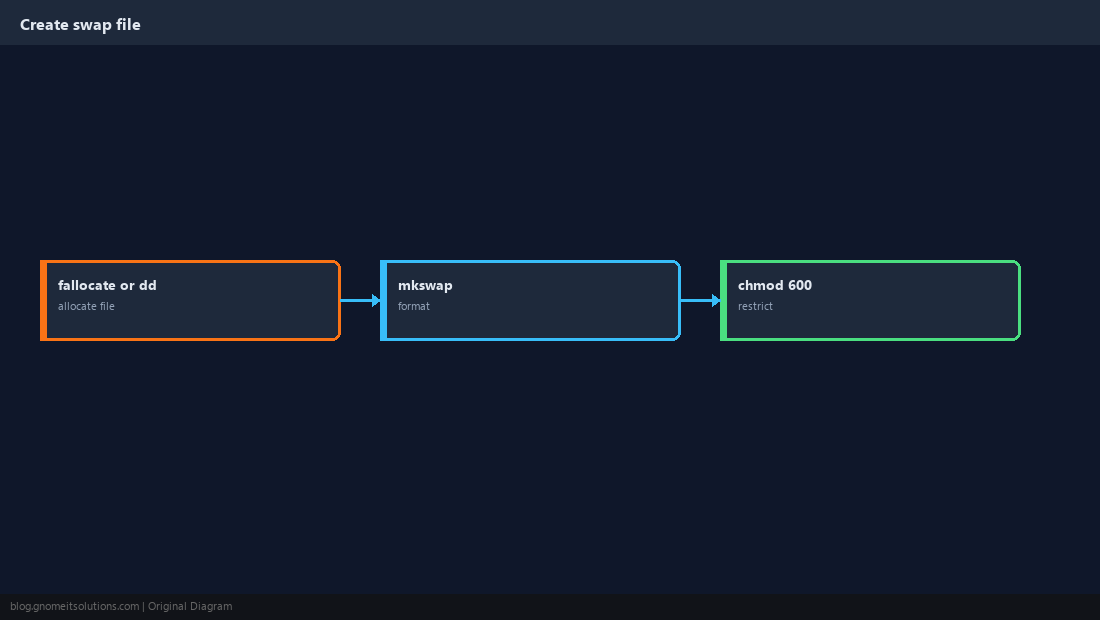
Persist in /etc/fstab
Without fstab, swap disappears after reboot. Use the UUID from blkid or the file path with none as the mount point.
echo '/swapfile none swap sw 0 0' | sudo tee -a /etc/fstab
sudo swapon -a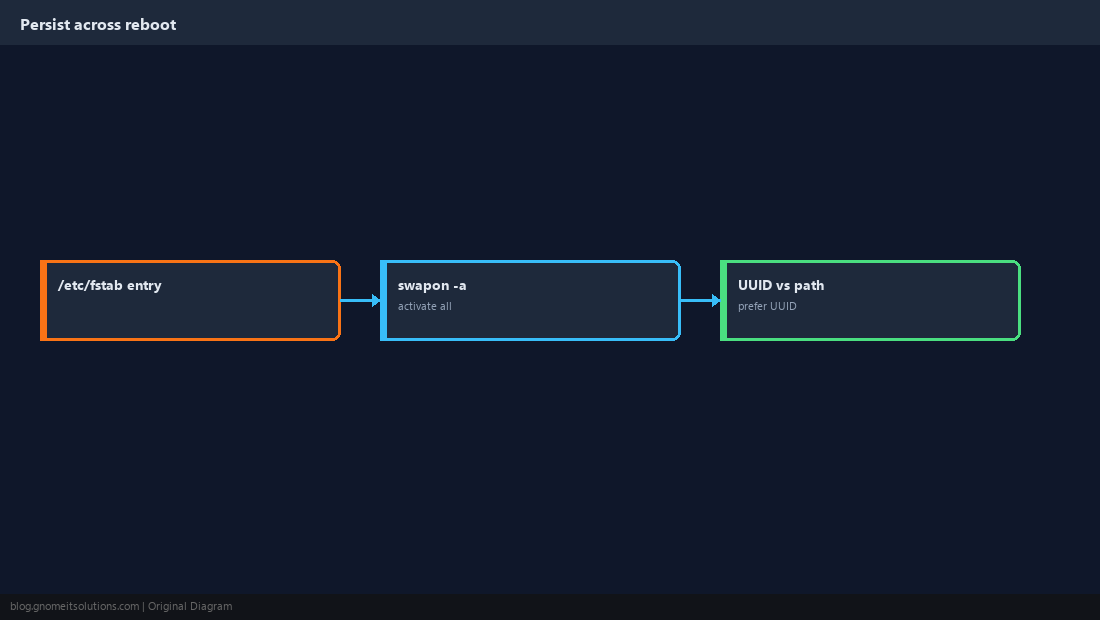
Tune swappiness
vm.swappiness controls how eagerly the kernel swaps (0–100). Many servers use 10 or lower; desktops may keep the default.
sudo sysctl vm.swappiness=10vm.swappiness=10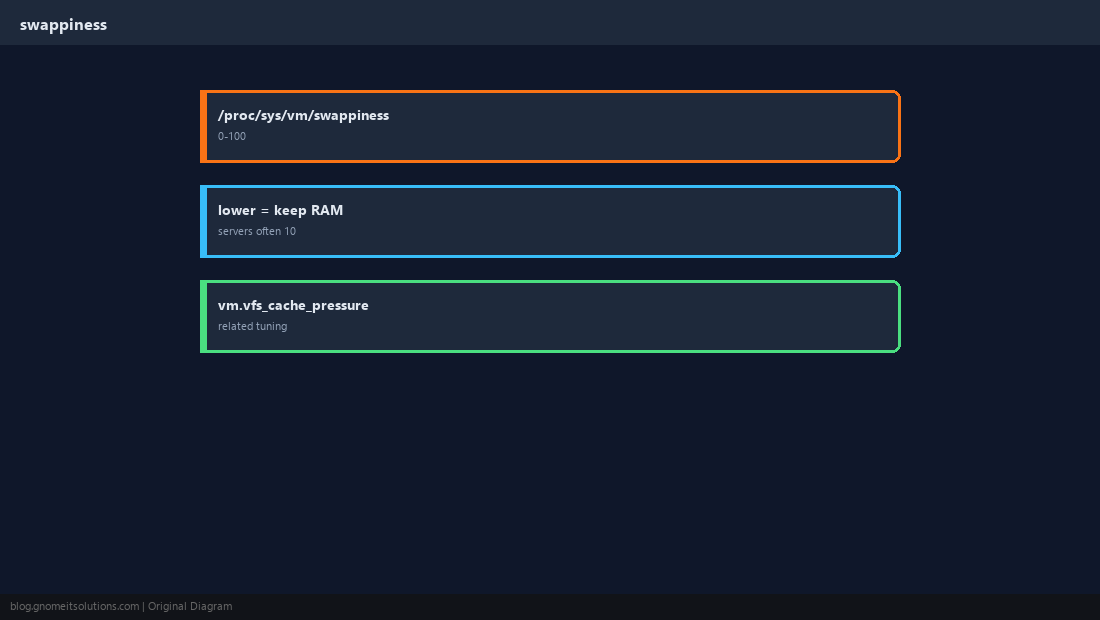
Remove or Resize Swap
Disable with swapoff, remove the fstab line, then delete the file. Resize by swapoff, recreate file, mkswap, swapon.
sudo swapoff /swapfile
sudo sed -i '\|/swapfile|d' /etc/fstab
sudo rm /swapfile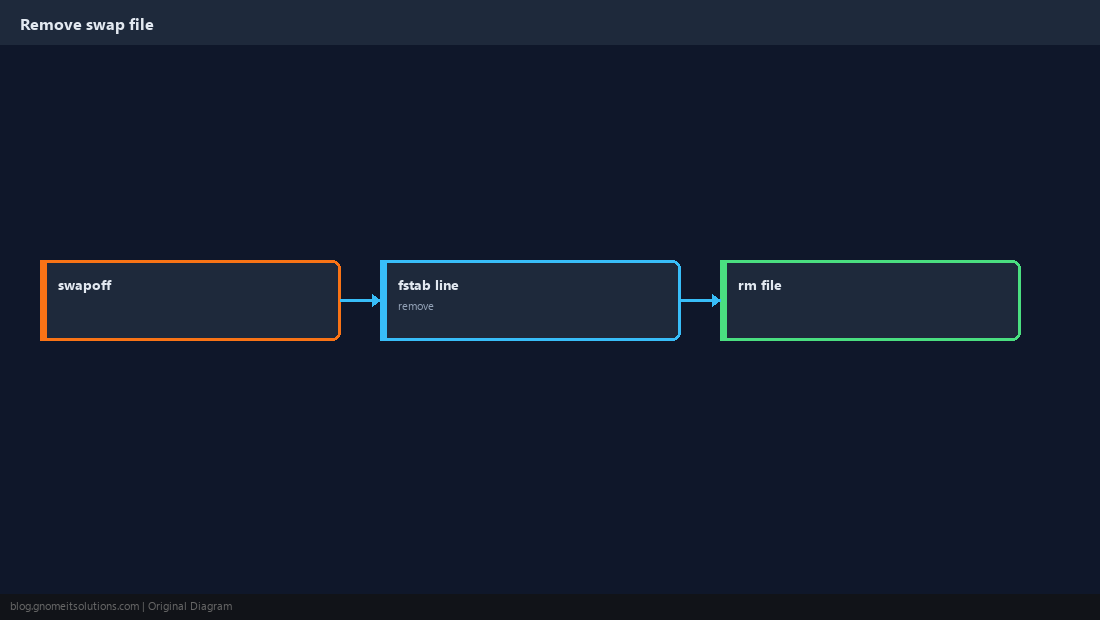
When Not to Rely on Swap
Constant swap churn means you need more RAM or fewer workloads. Databases and latency-sensitive apps should not live in swap.
vmstat 1 5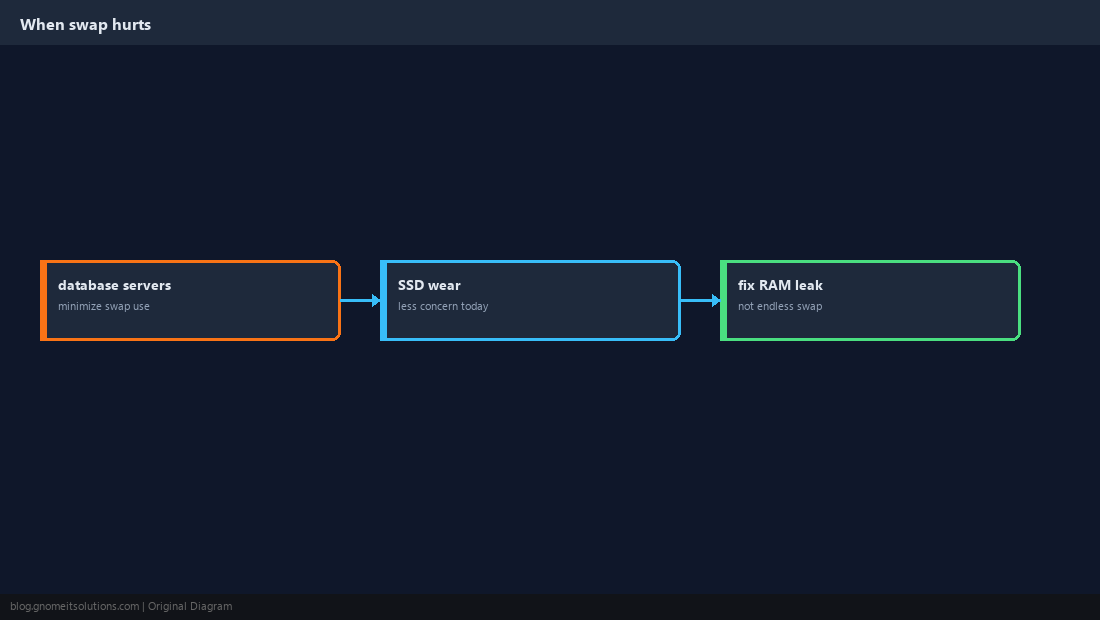
Quick Reference
chmod 600swap file;mkswap+swapon- fstab:
/swapfile none swap sw 0 0 - Lower
vm.swappinesson servers
Related tutorials
Diagrams are original illustrations by Gnome IT Solutions. Tutorial text © Gnome IT Solutions.