
ulimit open files is a classic production error — Nginx, Java, Elasticsearch, and databases hit the default ceiling and start refusing connections. The fix is raising nofile at the right layer: shell, PAM, or systemd unit.
Related: lsof,
systemctl,
Nginx guide.
Read Current Limits
ulimit -a shows the invoking shell; services see their own limits.
ulimit -a | grep -i 'open files'
cat /proc/$$/limits | grep 'Max open files'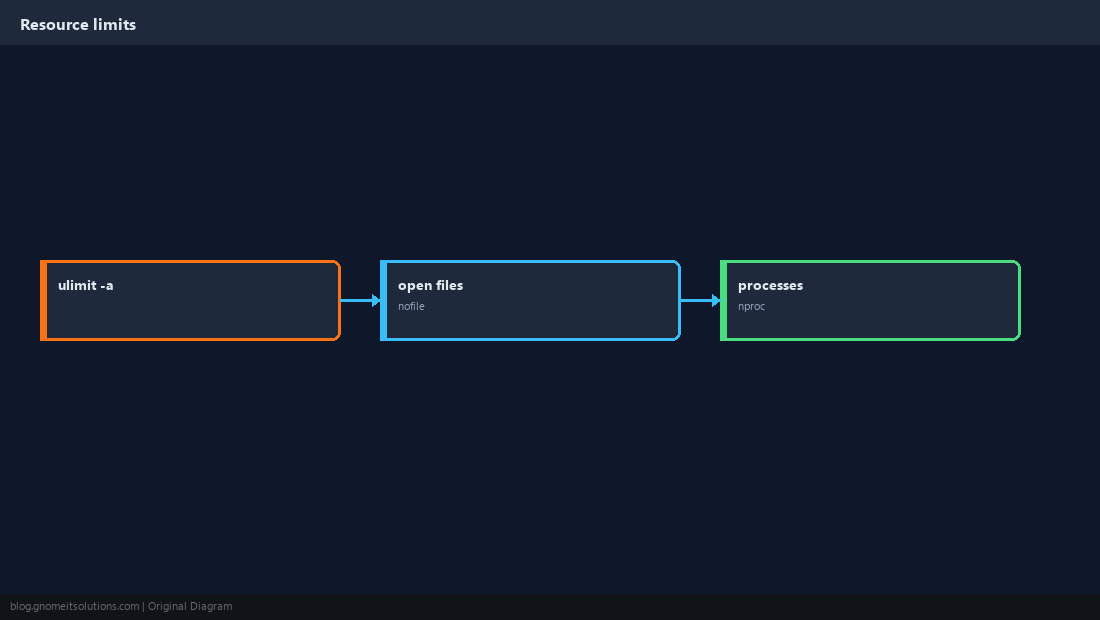
Soft vs Hard Limits
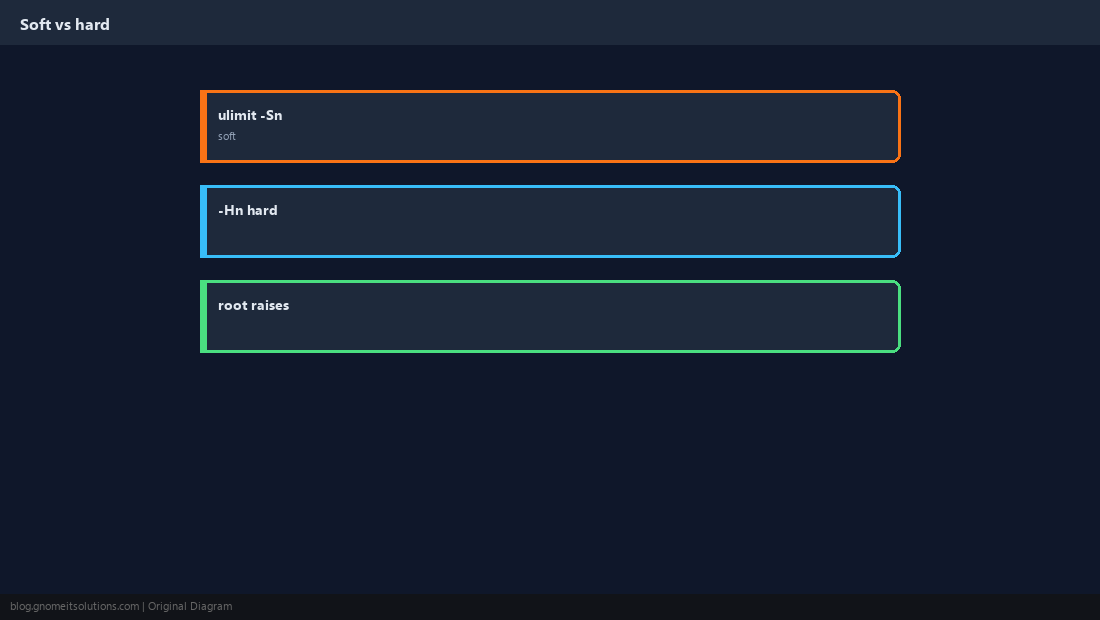
Users can raise soft up to hard; root can raise hard — know which applies to daemons.
Symptom: Too Many Open Files
Often appears in Nginx error.log or application stack traces under load.
sudo lsof -p $(pidof nginx | awk '{print $1}') | wc -l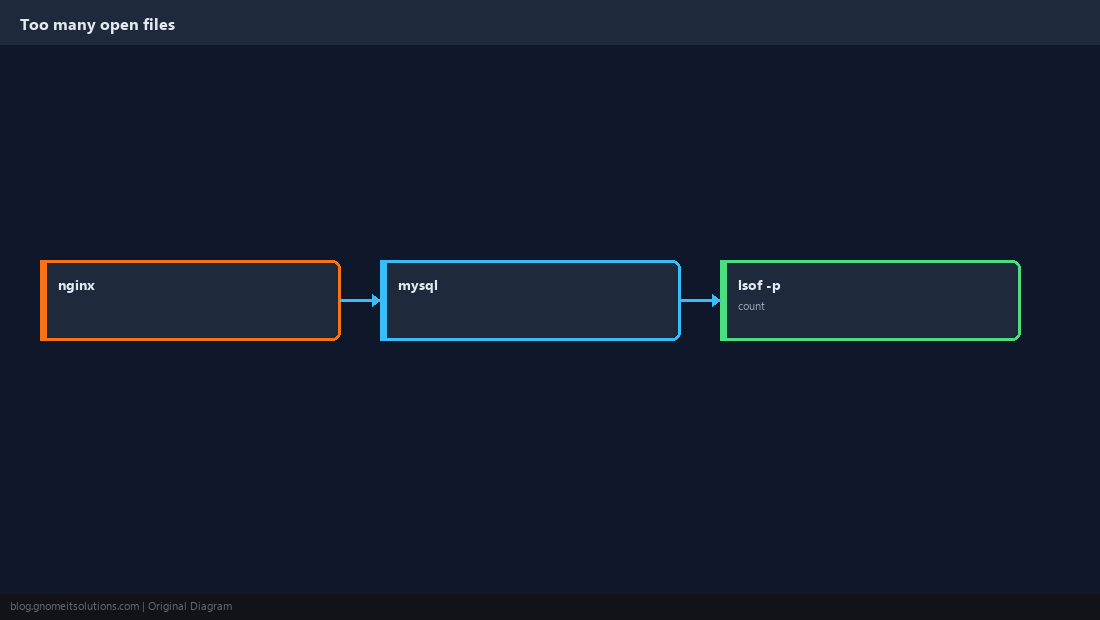
/etc/security/limits.conf
Persistent per-user limits when PAM loads pam_limits — typical for login shells and some services.
# /etc/security/limits.conf
* soft nofile 65535
* hard nofile 65535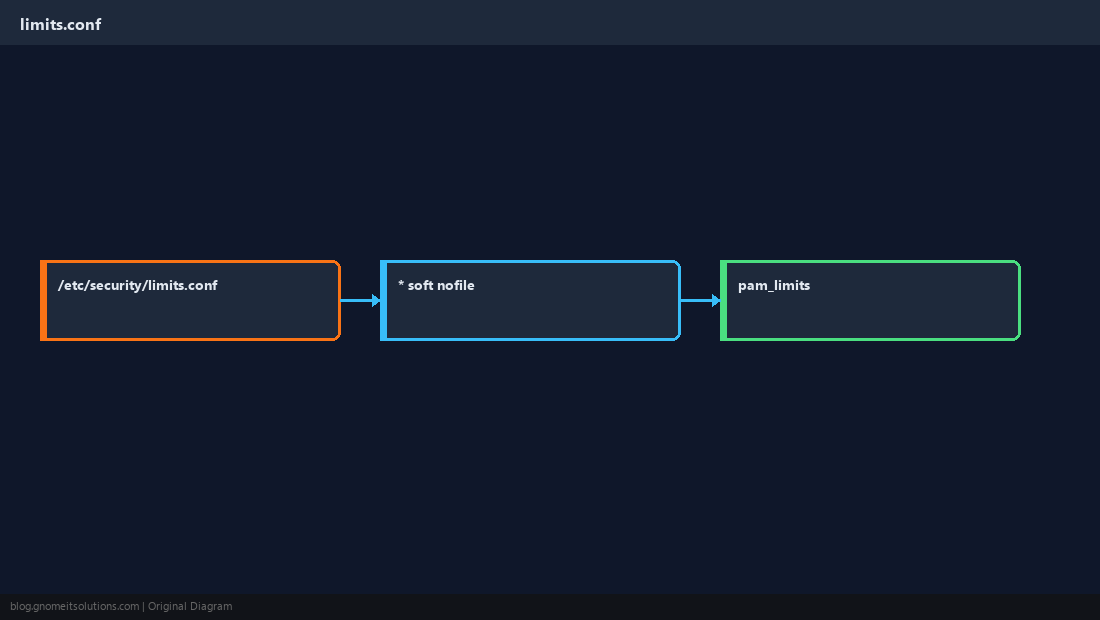
systemd LimitNOFILE
Most distro services ignore limits.conf unless configured — set overrides on the unit.
sudo systemctl edit nginx
# [Service]
# LimitNOFILE=65535
sudo systemctl daemon-reload && sudo systemctl restart nginx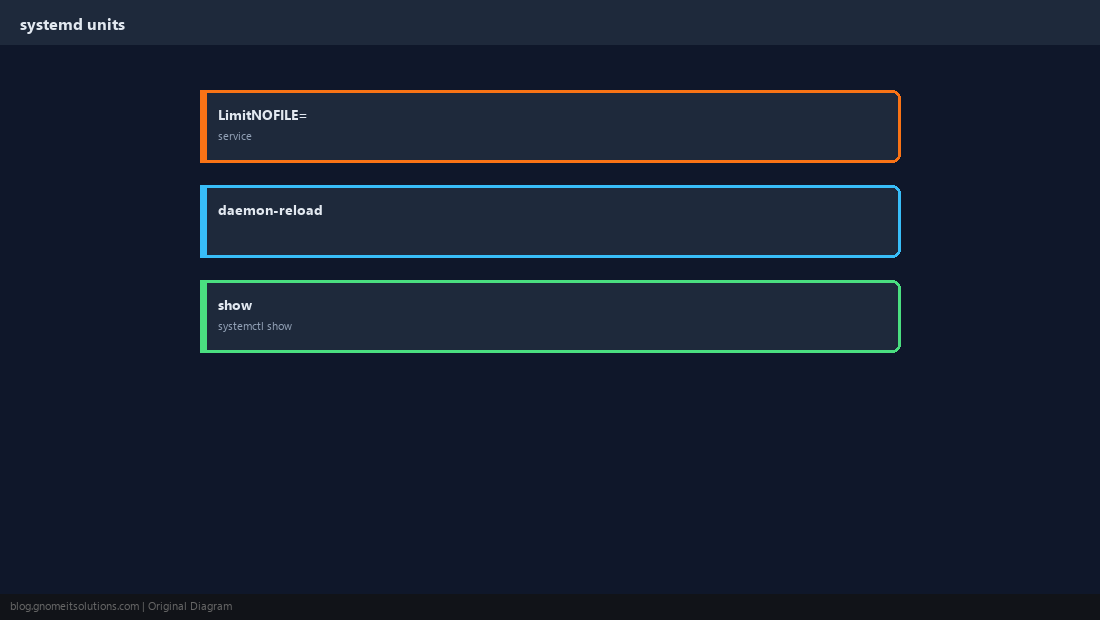
prlimit for One-Off Tests
Raise limits for a single command without editing global config.
prlimit --nofile=65535:65535 -- ./my-app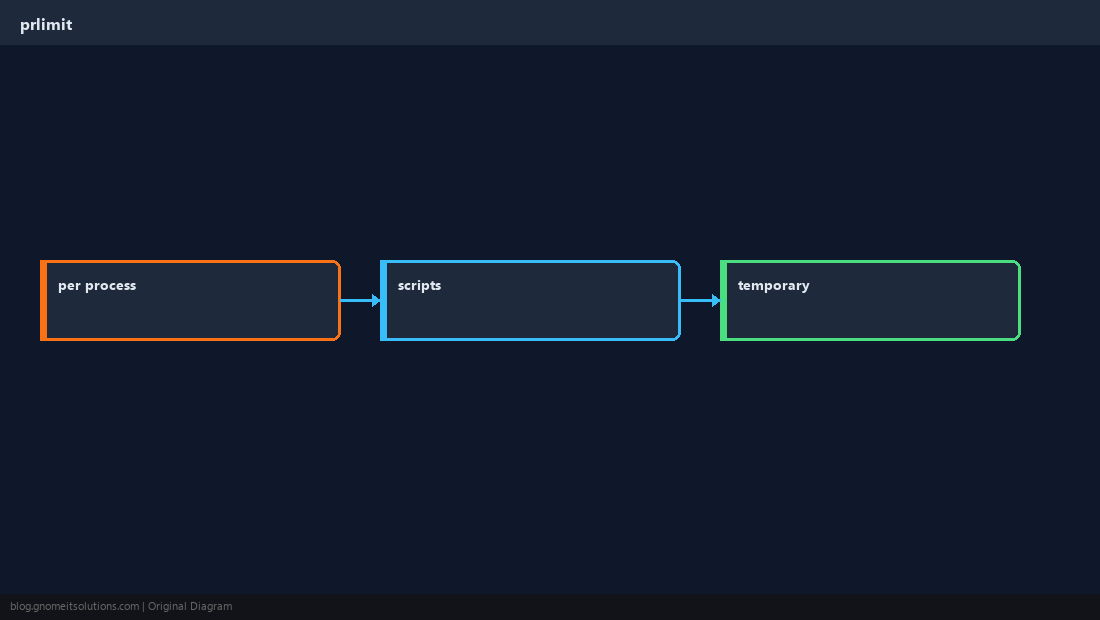
Verify Under Load
Confirm the running process inherited the new ceiling after restart.
systemctl show nginx -p LimitNOFILE
sudo cat /proc/$(pidof nginx | head -1)/limits | grep 'Max open files'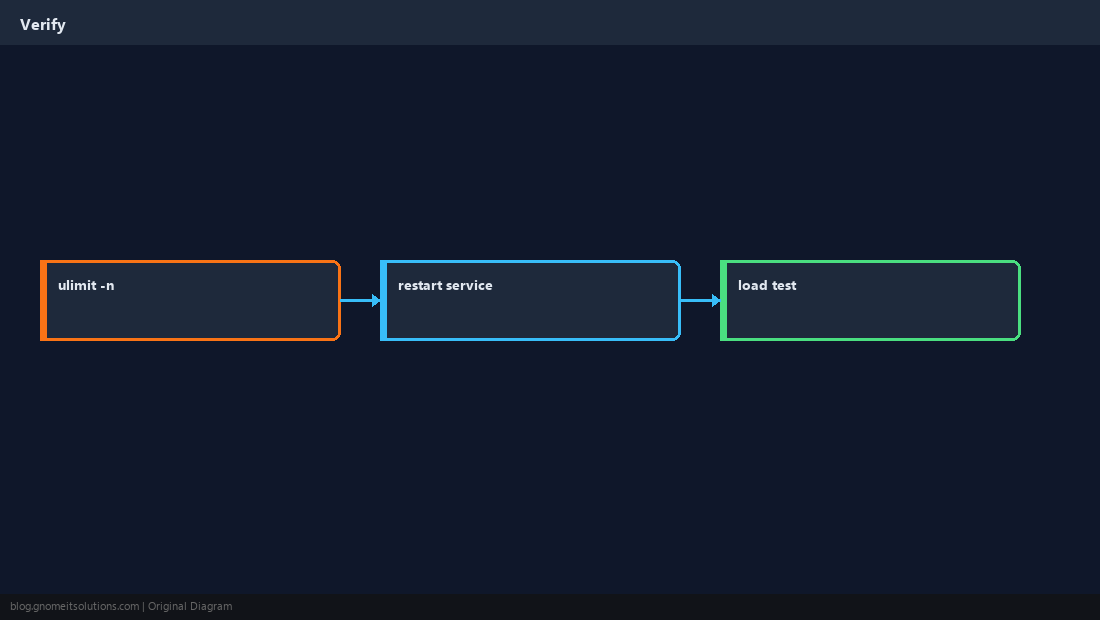
Quick Reference
- Shell:
ulimit -n(session only) - Services:
LimitNOFILE=in systemd drop-in - Debug with
lsofand/proc/PID/limits
Related tutorials
Diagrams are original illustrations by Gnome IT Solutions. Tutorial text © Gnome IT Solutions.