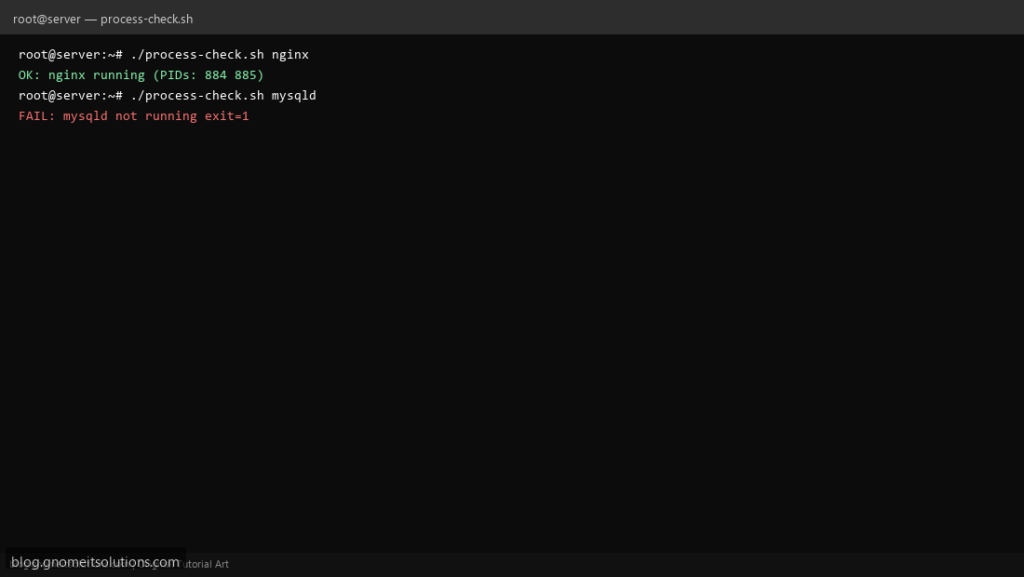
Monitoring tools and cron jobs often need a single question: is mysqld running? This script wraps pgrep with clear logging and exit codes so failures propagate to your alert pipeline.
What this script does
- Accepts process name or pattern as argument
- Uses
pgrep -xfor exact match when possible - Prints matching PIDs on success
- Exits
1when no process found (monitoring-friendly) - Optional restart hook placeholder for advanced use
Prerequisites
- procps package provides pgrep
- Run as user that can see target processes
- Name matches the real process (nginx vs nginx: master)
Step 1: Save the script
sudo nano /usr/local/bin/process-check.sh
sudo chmod +x /usr/local/bin/process-check.sh
Step 2: Full script (scroll to read)
process-check.sh
#!/usr/bin/env bash
set -euo pipefail

NAME="${1:?usage: process-check.sh PROCESS_NAME}"
LOG="/var/log/process-check.log"

log(){ echo "[$(date '+%F %T')] $*" | tee -a "$LOG"; }

if pgrep -x "$NAME" >/dev/null 2>&1; then
  pids=$(pgrep -x "$NAME" | tr '\n' ' ')
  log "OK: $NAME running (PIDs: $pids)"
  exit 0
fi

# fallback: partial match (e.g. mysqld vs mariadbd)
if pgrep -f "$NAME" >/dev/null 2>&1; then
  pids=$(pgrep -f "$NAME" | head -5 | tr '\n' ' ')
  log "OK: pattern '$NAME' matched (PIDs: $pids)"
  exit 0
fi

log "FAIL: $NAME not running"
exit 1
Scroll inside the box to read the full script.
Step 3: Configure settings
- Different from service watchdog script — this is a lightweight probe
- Pair with email alert wrapper
- Prefer
systemctl is-activefor systemd units when applicable
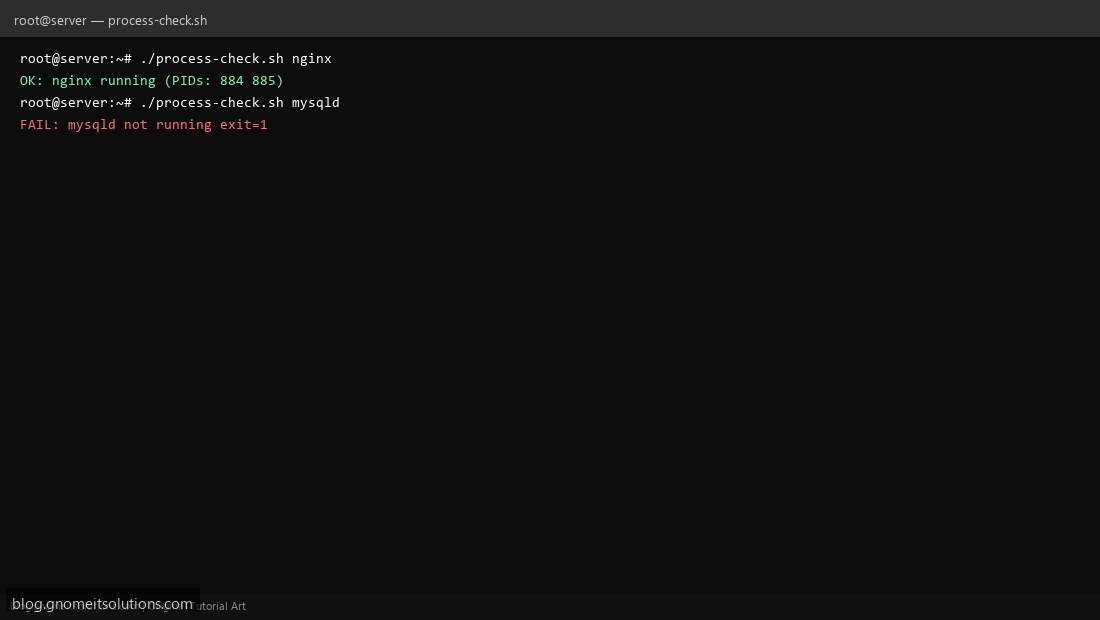
Step 4: Test manually
./process-check.sh sshd./process-check.sh nonexistent-daemon; echo exit=$?Schedule with cron
sudo crontab -eAdd:
*/2 * * * * /usr/local/bin/process-check.sh mysqld || /usr/local/bin/alert-on-fail.sh /usr/local/bin/process-check.sh mysqldRelated tutorials
- Linux Backup Shell Script: Files & Database to Remote Server
- Cron Jobs in Linux: Schedule Tasks with crontab
- SSH Key Authentication on Linux Servers
Terminal screenshot is an original illustration created for Gnome IT Solutions (blog.gnomeitsolutions.com).