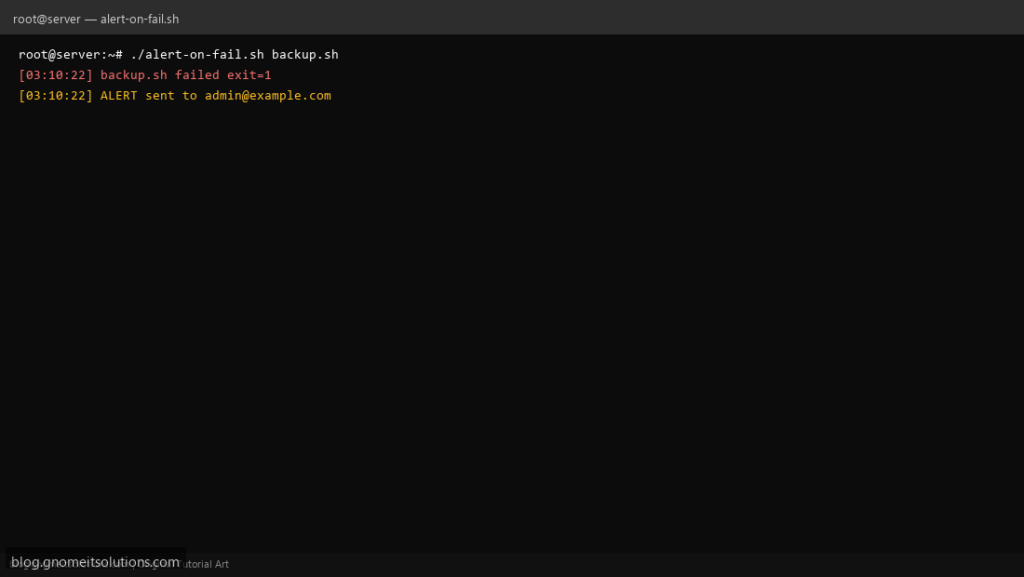
Cron can email output, but many servers disable MTA or bury failures in spam. This wrapper runs your command, captures output to a log, and sends a concise mail alert only when the exit code is non-zero.
What this script does
- Runs any command and records combined stdout/stderr
- Sends email only on non-zero exit
- Includes tail of log in the message body
- Returns the same exit code as the wrapped command
- Configurable recipient and subject prefix
Prerequisites
- mail or mailx package installed
- Working local MTA or relay (postfix/nullclient)
- Recipient address that accepts server mail
Step 1: Save the script
sudo nano /usr/local/bin/alert-on-fail.sh
sudo chmod +x /usr/local/bin/alert-on-fail.sh
Step 2: Full script (scroll to read)
alert-on-fail.sh
#!/usr/bin/env bash
set -euo pipefail

ALERT_TO="[email protected]"
SUBJECT_PREFIX="[cron-fail]"
LOG="/var/log/alert-on-fail.log"
CMD=("$@")

[[ ${#CMD[@]} -gt 0 ]] || { echo "usage: alert-on-fail.sh command [args...]"; exit 2; }

log(){ echo "[$(date '+%F %T')] $*" | tee -a "$LOG"; }

set +e
"${CMD[@]}" >>"$LOG" 2>&1
ec=$?
set -e

if [[ "$ec" -ne 0 ]]; then
  log "${CMD[*]} failed exit=$ec"
  {
    echo "Command: ${CMD[*]}"
    echo "Exit: $ec"
    echo "Host: $(hostname -f)"
    echo "--- log tail ---"
    tail -n 40 "$LOG"
  } | mail -s "${SUBJECT_PREFIX} $(hostname -s): ${CMD[0]##*/} exit $ec" "$ALERT_TO"
  log "ALERT sent to $ALERT_TO"
fi

exit "$ec"
Scroll inside the box to read the full script.
Step 3: Configure settings
ALERT_TO— destination email- On cloud VPS without MTA, use msmtp or an API webhook instead
- Different from uptime monitors — see uptime script
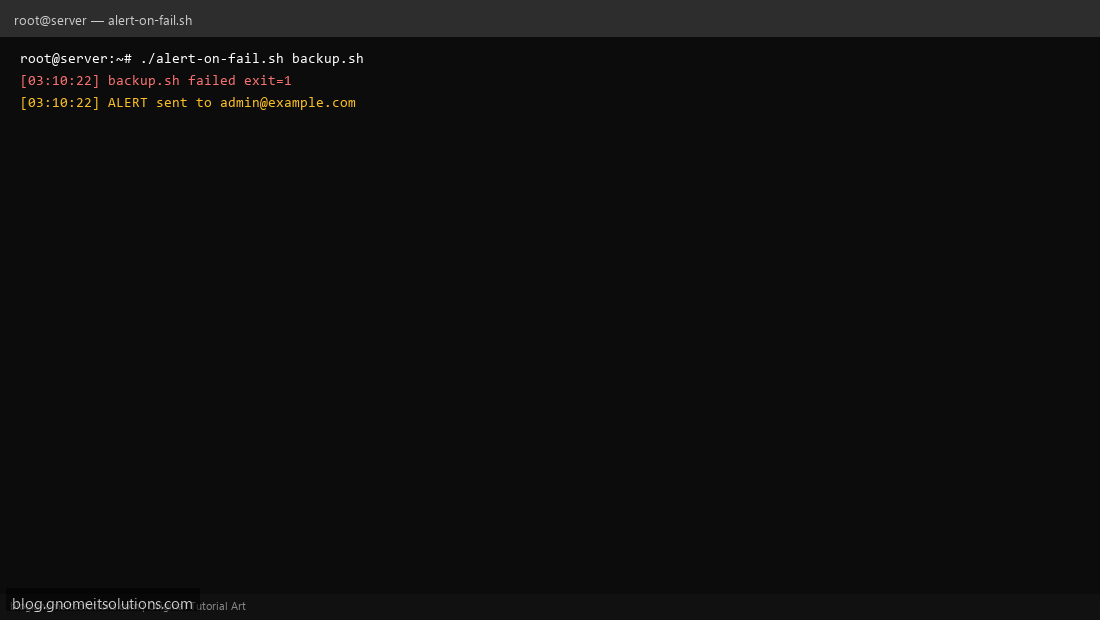
Step 4: Test manually
sudo alert-on-fail.sh /bin/falsesudo alert-on-fail.sh /bin/trueSchedule with cron
sudo crontab -eAdd:
0 3 * * * /usr/local/bin/alert-on-fail.sh /usr/local/bin/mysql-backup.shRelated tutorials
- Linux Backup Shell Script: Files & Database to Remote Server
- Cron Jobs in Linux: Schedule Tasks with crontab
- SSH Key Authentication on Linux Servers
Terminal screenshot is an original illustration created for Gnome IT Solutions (blog.gnomeitsolutions.com).