
curl POST JSON is how operators and devs hit webhooks, internal APIs, and cloud control planes without opening Postman. Getting headers and quoting right avoids the classic “empty body / 415 Unsupported Media Type” errors.
Related: curl & wget,
jq,
API health script.
Minimal POST
Set Content-Type: application/json and pass a JSON string with -d.
bashPOST
curl -sS -X POST 'https://httpbin.org/post' \
  -H 'Content-Type: application/json' \
  -d '{"name":"server01","role":"web"}'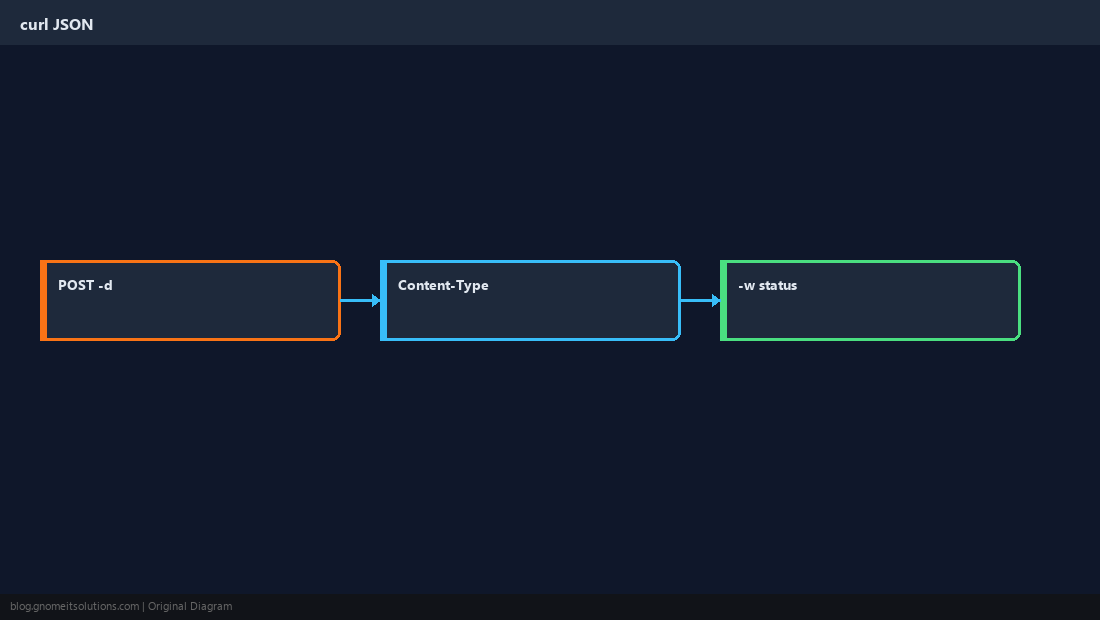
Authorization header
Bearer tokens and API keys belong in headers — never in shell history unquoted if avoidable.
bashtoken
curl -sS -H "Authorization: Bearer \$TOKEN" -H 'Content-Type: application/json' \
-d '{"status":"ok"}' https://api.example.com/v1/heartbeatShow HTTP status
Use -w to capture status code for scripts.
bashstatus
code=$(curl -sS -o /tmp/out.json -w '%{http_code}' https://api.example.com/health)
echo "HTTP \$code"
jq . /tmp/out.jsonPipe to jq
Validate structure before automation trusts the response.
WarningUse single quotes around JSON and escape inner quotes carefully in shell scripts.
Quick Reference
-H 'Content-Type: application/json'- Body:
-d '{...}' - Scripts: capture
%{{http_code}}with-w
Related tutorials
Diagrams are original illustrations by Gnome IT Solutions. Tutorial text © Gnome IT Solutions.