ls is the command you will type more than any other on a Linux server. It lists the files and directories in a folder, and with the right options it also shows
permissions, owners, sizes and modification times, which is exactly what you need when troubleshooting.
Quick answer: ls -lah lists everything, including hidden files, with readable sizes; ls -lt shows the newest files first; ls -lS shows the largest first.
Basic ls
Plain ls lists the names in the current directory. Give it a path to list another directory, or several paths at once.
ls
ls /var/log
ls /etc/nginx /etc/php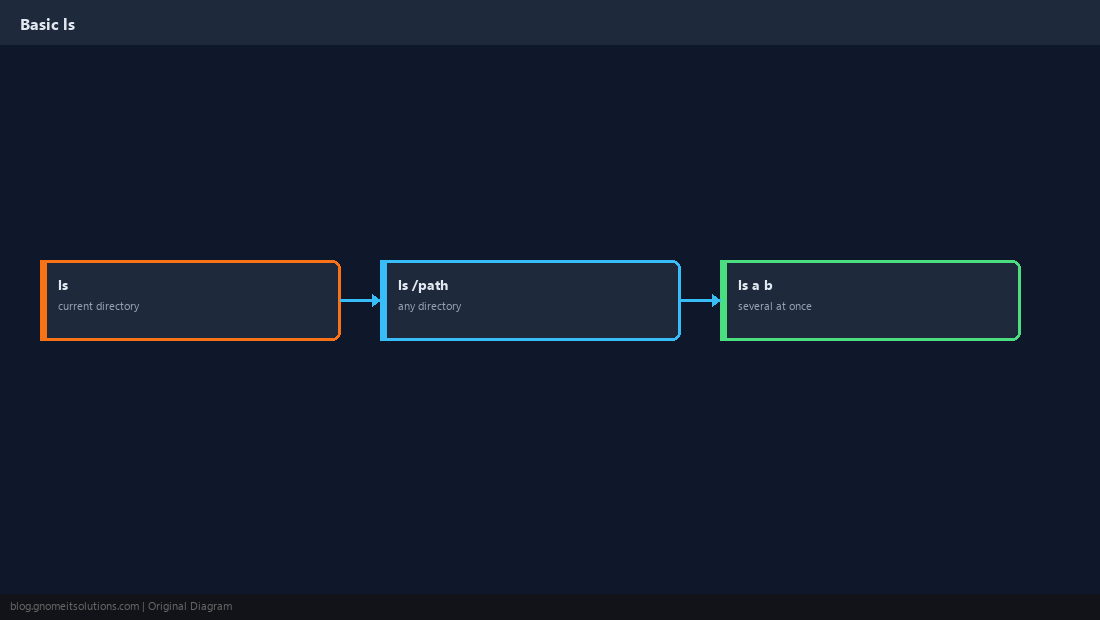
Long Listing With ls -l
-l shows one file per line with permissions, link count, owner, group, size, modification time and name. It is the format you need for almost every real task.
-rw-r--r-- 1 root     root      2.1K Nov 20 09:14 nginx.conf
drwxr-xr-x 2 www-data www-data  4.0K Nov 25 18:02 uploads
lrwxrwxrwx 1 root     root        34 Nov 02 11:40 default -> /etc/nginx/sites-available/default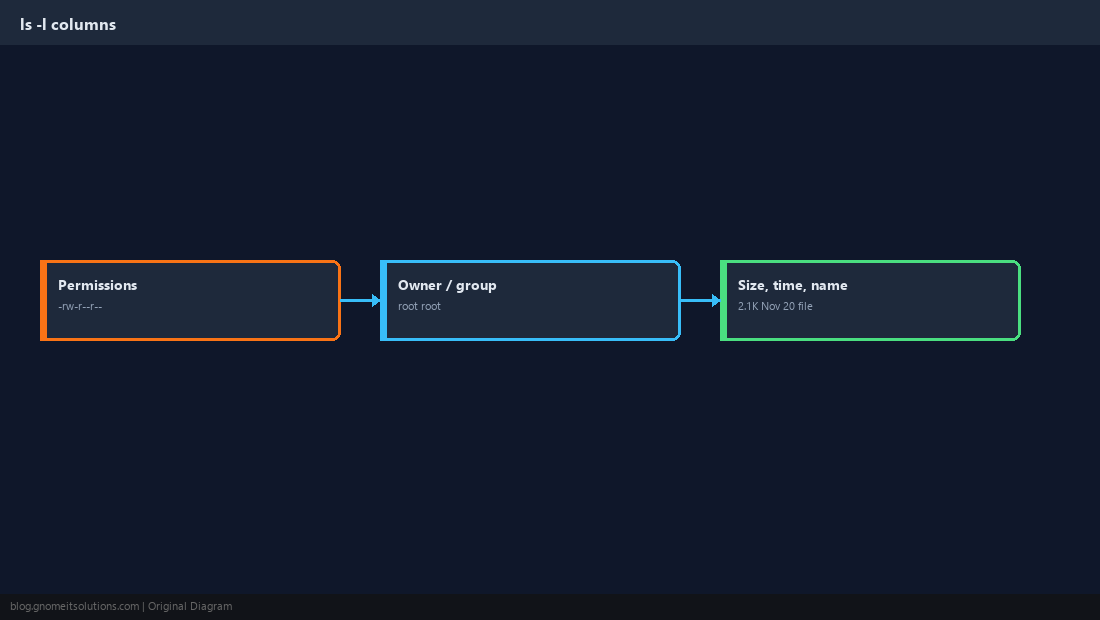
Show Hidden Files With -a and -A
Files whose names start with a dot (such as .bashrc, .env, .htaccess) are hidden by default. -a shows them plus . and ..; -A shows them without those two entries.
ls -a
ls -la ~
ls -A /var/www/html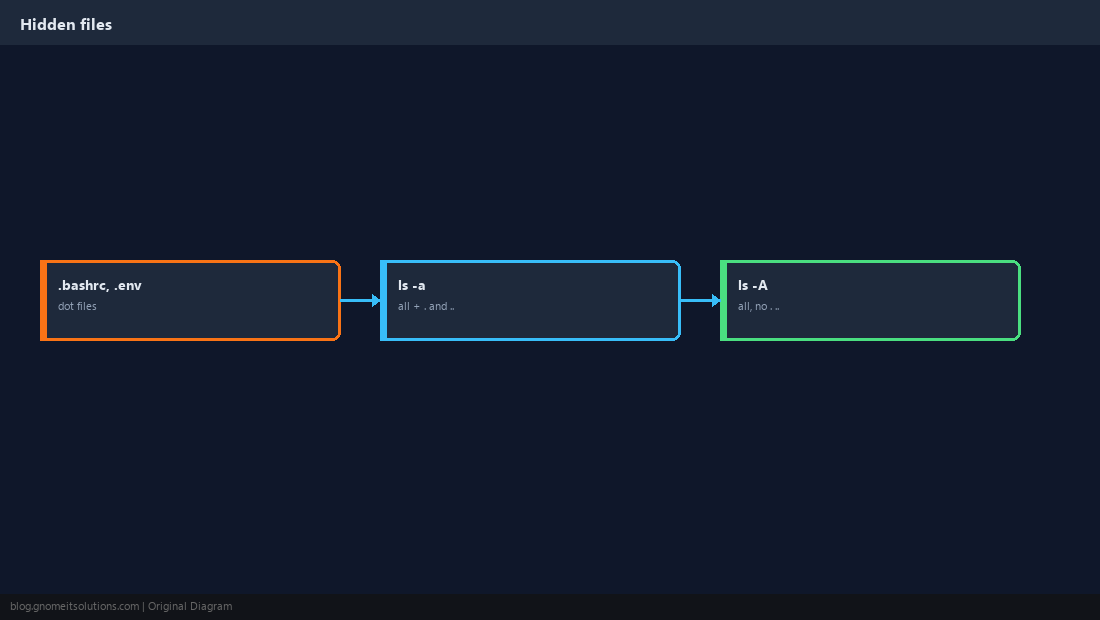
Human-Readable Sizes With -h
Combine -l with -h to print sizes as K, M and G instead of bytes. ls -lah is the most common combination on servers.
ls -lh
ls -lah /var/logdu -sh dir for the total; see the df, du and ncdu guide.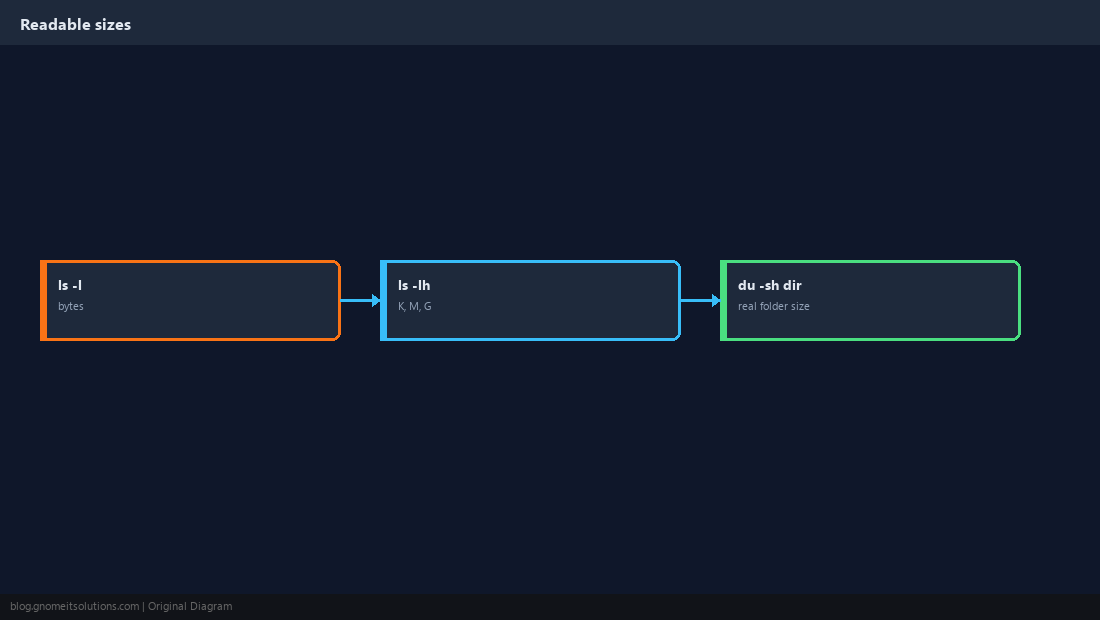
Sort by Time or Size
-t sorts by modification time (newest first) and -S by size (largest first). Add -r to reverse either order.
ls -lt /var/log | head        # newest logs first
ls -ltr                       # oldest first, newest at the bottom
ls -lS /var/backups | head    # largest first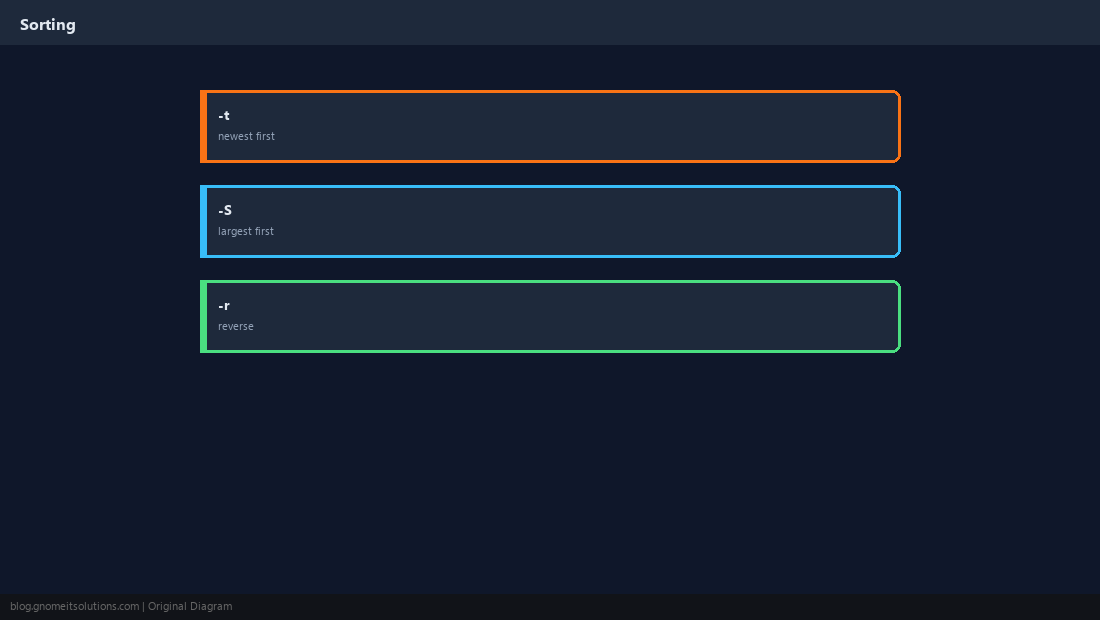
Read the Permission String
The first column of ls -l is the type and permissions. The first character is the type (- file, d directory, l link); then three groups of rwx for owner, group and others.
-    regular file
rwx  owner: read, write, execute
r-x  group: read, execute
---  others: no access   (numeric 750)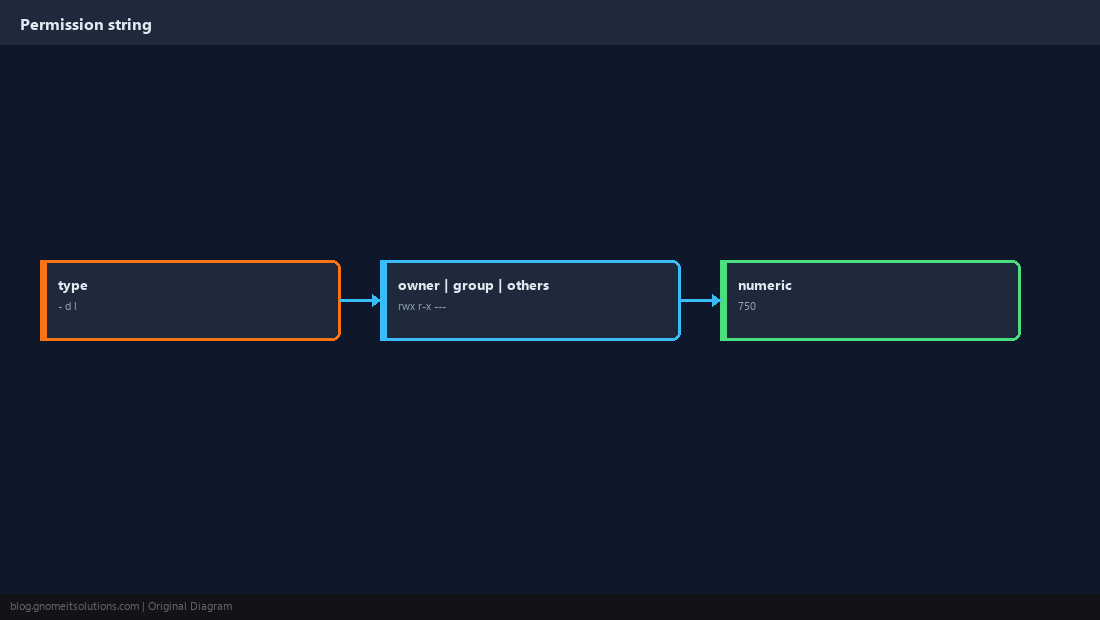
List Directories Recursively or Only Directories
-R walks into every subdirectory. -d shows a directory itself rather than its contents, which is handy with wildcards.
ls -R /etc/nginx
ls -ld /var/www          # the directory's own permissions
ls -d */                 # only subdirectories here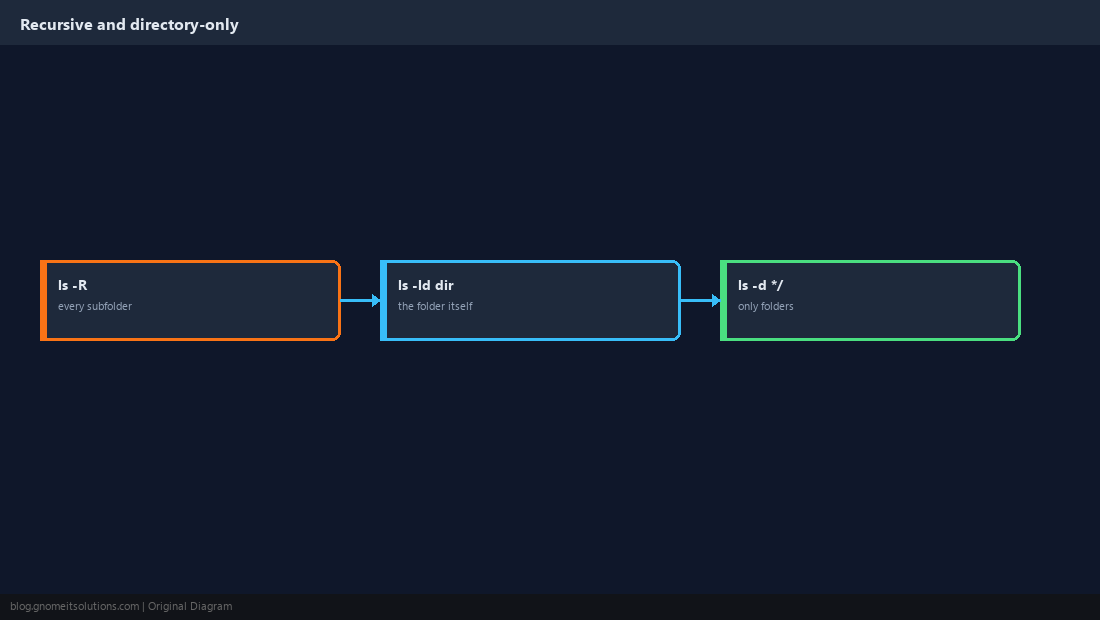
Useful Extras
-i shows inode numbers, -n shows numeric user and group IDs, --color highlights file types, and -1 prints one name per line for scripts.
ls -li
ls -ln
ls -1 *.log | wc -l          # count log files
alias ll='ls -lah --color=auto'~/.bashrc; see the bash aliases guide.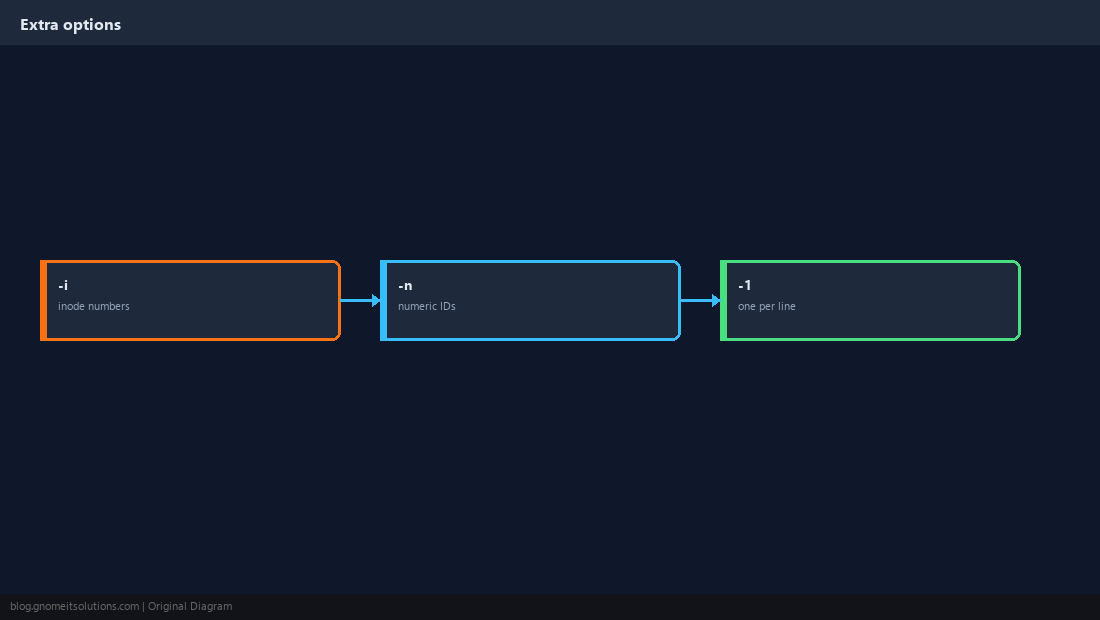
Quick Reference
What does ls -la do in Linux?
It lists all files, including hidden ones that start with a dot, in long format with permissions, owner, group, size and modification time.
How do I see file sizes in MB or GB with ls?
Use ls -lh. The -h option prints sizes as K, M and G.
How do I list files by date in Linux?
Use ls -lt for newest first or ls -ltr for oldest first.
How do I show hidden files in Linux?
Run ls -a or ls -A. Hidden files are those whose names begin with a dot.
Why does ls show 4.0K for a directory?
That is the size of the directory entry itself, not its contents. Use du -sh directory to see the total size.
Cheat Sheet
ls -lah,ls -lt,ls -ltr,ls -lSls -ld dir,ls -R,ls -1,ls -li
Related tutorials
Diagrams are original illustrations by Gnome IT Solutions. Tutorial text © Gnome IT Solutions.