A 403 Forbidden from Nginx means the server understood the request but refused to serve it. Unlike a 502 Bad Gateway,
the backend is not the problem: Nginx itself decided not to return the file. The cause is almost always one of six things, and the error log tells you which.
Quick answer: run sudo tail -n 20 /var/log/nginx/error.log. Permission denied means file permissions or SELinux; directory index … is forbidden means a missing index file.
Read the Error Log First
Every 403 leaves a line in the error log that names the cause. Reproduce the error, then read the newest lines.
sudo tail -n 30 /var/log/nginx/error.log
sudo tail -f /var/log/nginx/error.log # then reload the pageopen() "/var/www/site/index.html" failed (13: Permission denied)
directory index of "/var/www/site/" is forbidden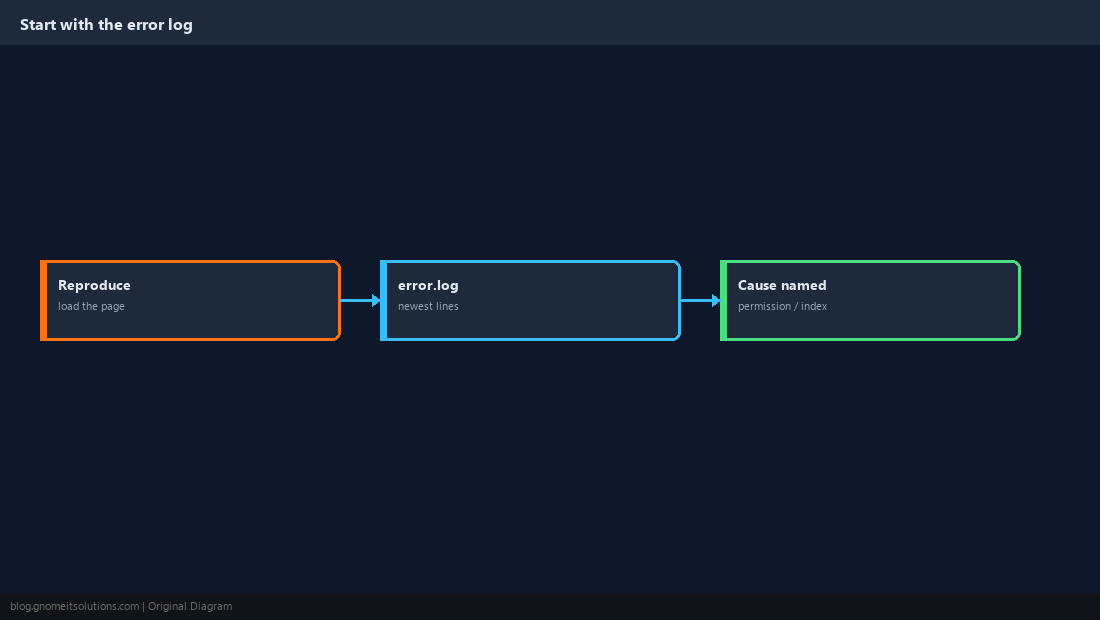
Fix File and Directory Permissions
The Nginx worker user (www-data on Debian/Ubuntu, nginx on RHEL/AlmaLinux) must be able to read files and execute (traverse) every directory in the path, all the way from /.
namei -l /var/www/site/index.html
ps -o user= -C nginx | sort -usudo chown -R www-data:www-data /var/www/site
sudo find /var/www/site -type d -exec chmod 755 {} +
sudo find /var/www/site -type f -exec chmod 644 {} +chmod 777. It hides the real problem and makes files writable by everyone.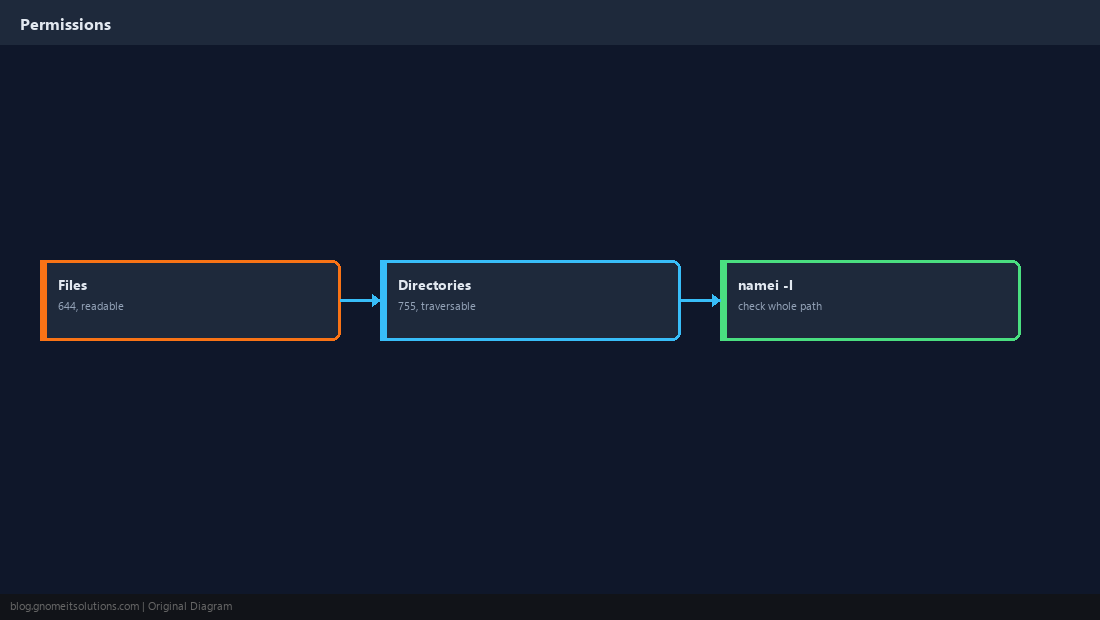
Site Files in a Home Directory
Home directories are often 750 or 700, so the Nginx user cannot pass through them even if the site files themselves are readable. Move the site to /var/www or allow traversal.
ls -ld /home/anil
sudo chmod o+x /home/anil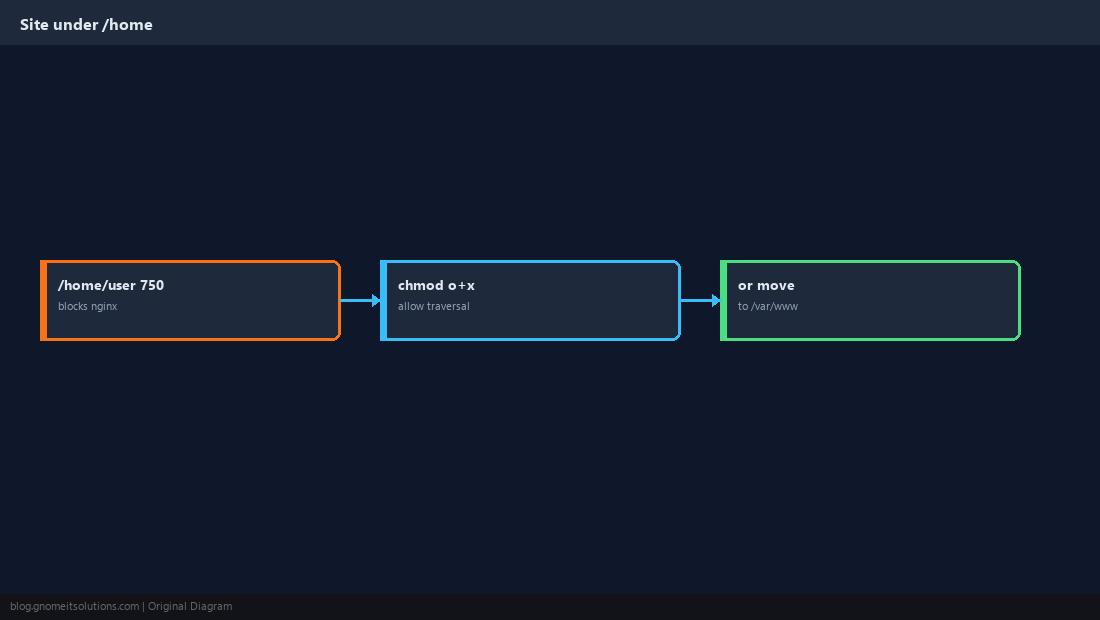
Missing Index File or Autoindex Off
When a URL points to a directory, Nginx looks for the files in index. If none exists and autoindex is off, it returns 403 directory index is forbidden.
root /var/www/site;
index index.php index.html index.htm;
# autoindex on; # only if you really want a file listingindex.php is in the list and the PHP location block exists.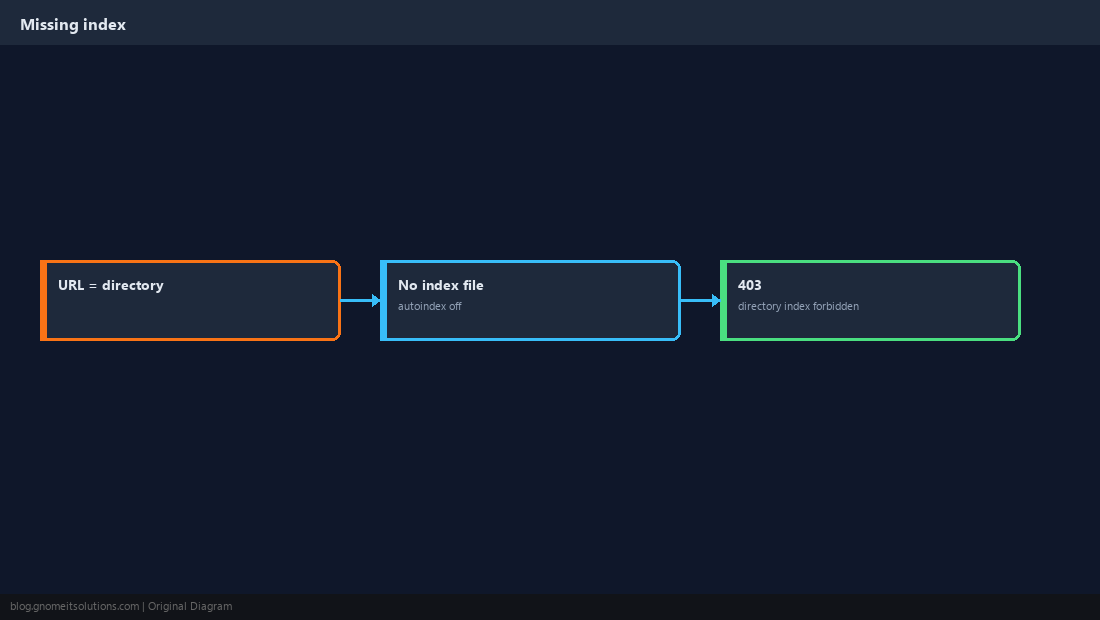
Wrong root Path
A typo in root or a root placed inside a location block can point Nginx at a directory that exists but has no index, which also produces 403.
sudo nginx -T | grep -nE 'server_name|root|index'
ls -la /var/www/site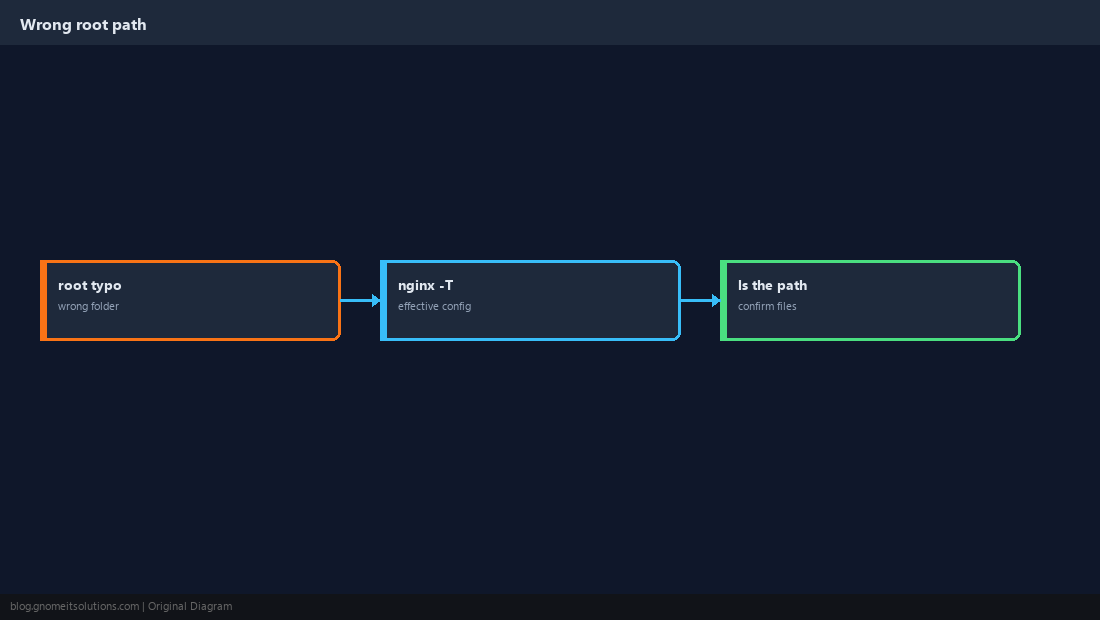
SELinux on RHEL, AlmaLinux and Rocky
If permissions look right but the log still says Permission denied on a RHEL-family server, SELinux is probably blocking files that lack the web content label.
getenforce
ls -Z /var/www/site
sudo semanage fcontext -a -t httpd_sys_content_t '/var/www/site(/.*)?'
sudo restorecon -Rv /var/www/site
sudo ausearch -m avc -ts recent | tail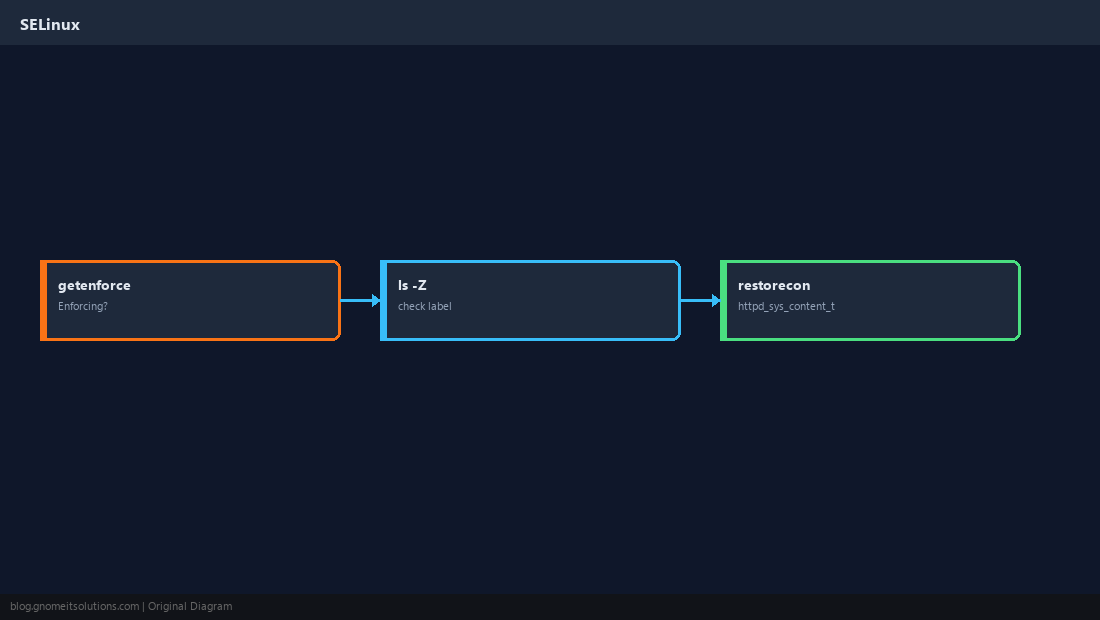
deny Rules and IP Restrictions
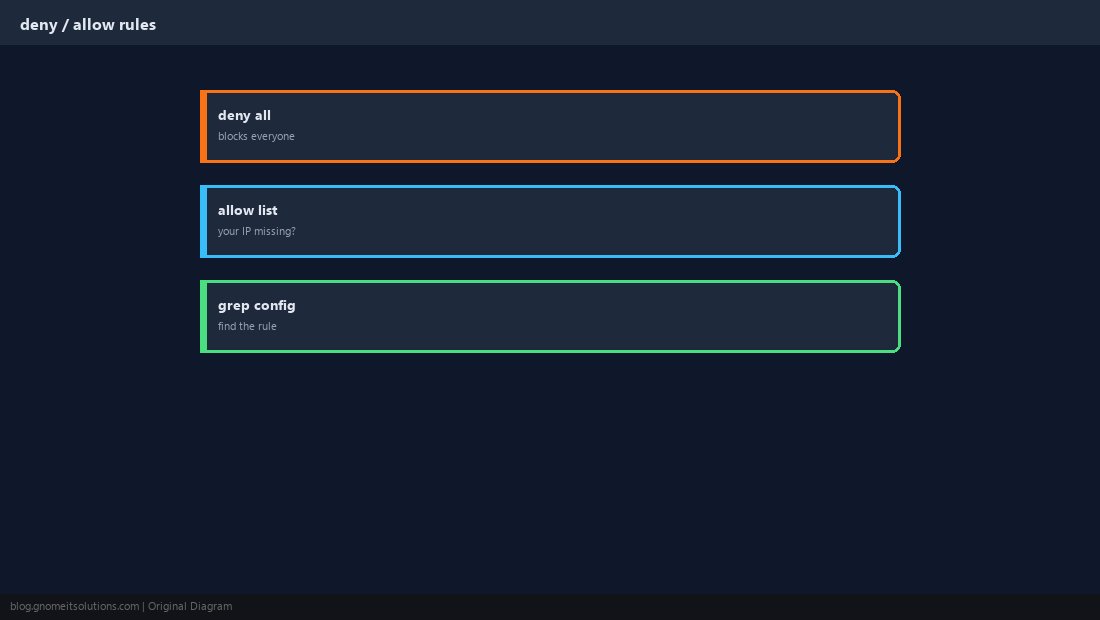
A deny all, an allow list that does not include your IP, or a rule blocking dot-files will return 403 by design. Search the config for them.
sudo grep -rnE 'deny|allow|return 403' /etc/nginx/location /admin/ {
allow 203.0.113.10;
deny all;
}
Test, Reload and Verify
After each change, test the configuration, reload Nginx and request the page again with curl so you see the status code directly.
sudo nginx -t && sudo systemctl reload nginx
curl -I https://example.com/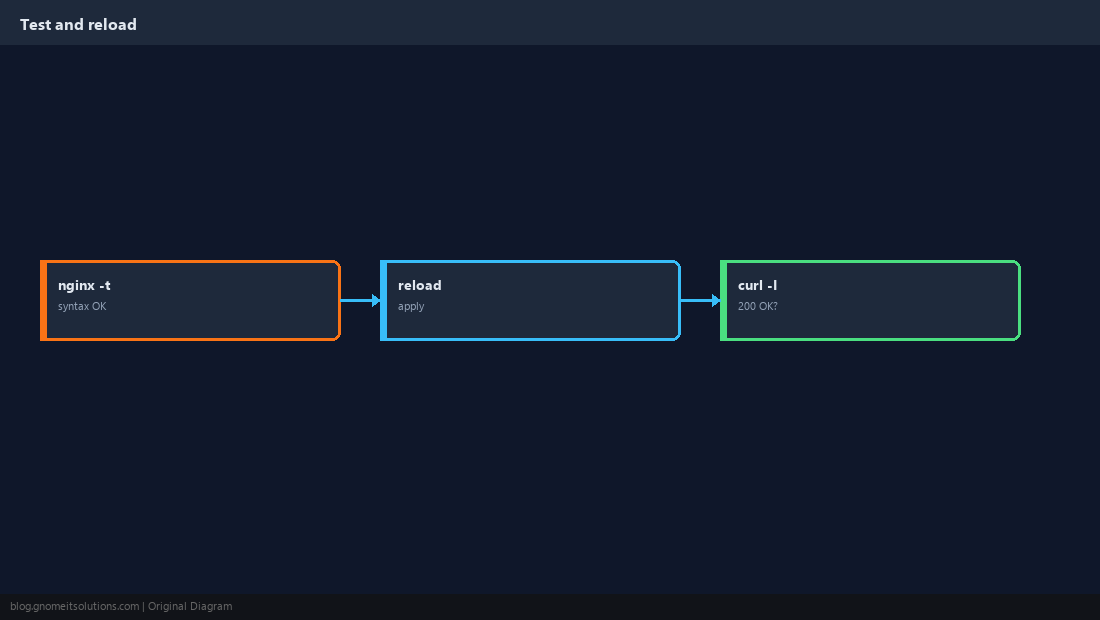
Quick Reference
What causes 403 Forbidden in Nginx?
Usually file or directory permissions, a missing index file with autoindex off, SELinux labels, a wrong root path, or a deliberate deny rule. The error log shows which.
How do I fix Nginx 403 permission denied?
Make sure the Nginx user can read the files and traverse every directory in the path (755 for directories, 644 for files), then check SELinux on RHEL-family systems.
What does ‘directory index is forbidden’ mean?
The URL points to a directory with no file listed in the index directive, and autoindex is off. Add an index file or fix the index line.
Should I use chmod 777 to fix a 403?
No. It weakens security and rarely fixes the real cause. Use correct ownership and 755/644 permissions.
Which user does Nginx run as?
www-data on Debian and Ubuntu, nginx on RHEL, AlmaLinux and Rocky. Check with ps -o user= -C nginx.
Cheat Sheet
tail /var/log/nginx/error.log,namei -l /path/file,nginx -Tchmod 755 dirs / 644 files,restorecon -Rv /var/www,nginx -t && systemctl reload nginx
Related tutorials
Diagrams are original illustrations by Gnome IT Solutions. Tutorial text © Gnome IT Solutions.