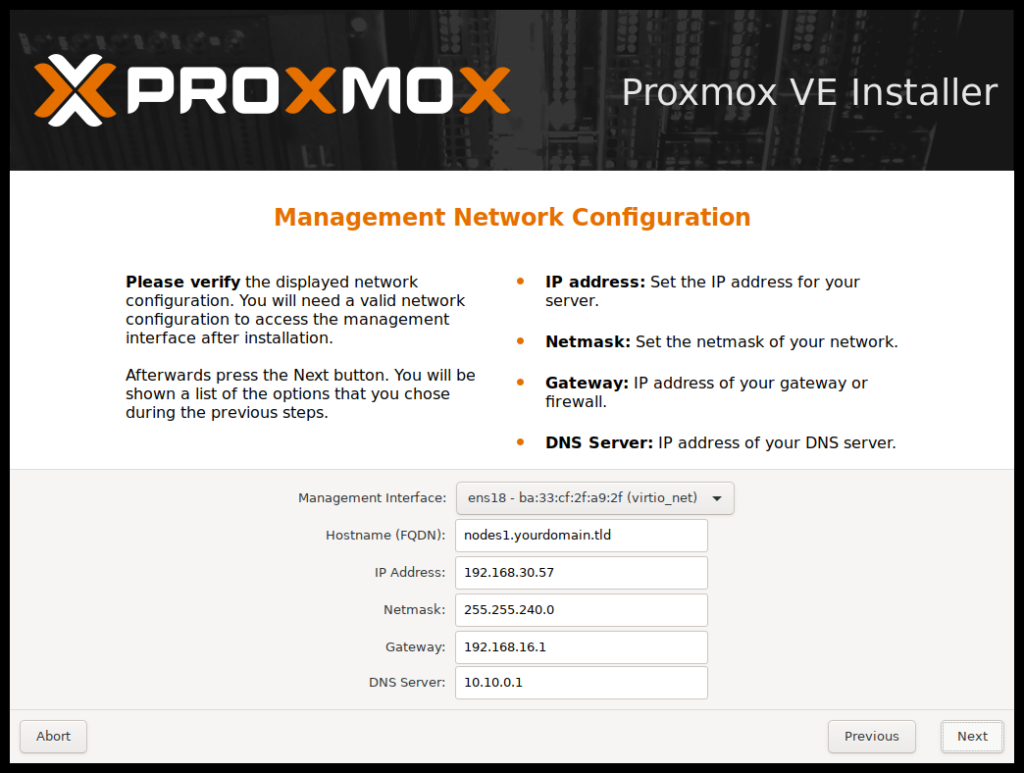
Proxmox networking is standard Linux networking with a few conventions. Physical NICs plug into Linux bridges (vmbr0, vmbr1 …),
which act as virtual switches; each VM’s virtual NIC plugs into one of those bridges. Add VLAN awareness and bonding and you can model almost any physical network.
This guide explains the default setup, makes a bridge VLAN-aware, tags VMs into VLANs, moves management onto its own VLAN, adds a bond for redundancy, and applies changes
without rebooting. For overlay networks across nodes, see SDN and VXLAN.
Quick answer: tick VLAN aware on vmbr0, set the switch port to trunk, and set a VLAN tag on each VM’s network device.
The Building Blocks
A physical NIC carries traffic to the switch. A Linux bridge connects that NIC to VM virtual NICs. The host’s own IP address lives on the bridge, not on the physical NIC.
switch <--> eno1 (physical) <--> vmbr0 (bridge, host IP) <--> VM101 net0, VM102 net0 ...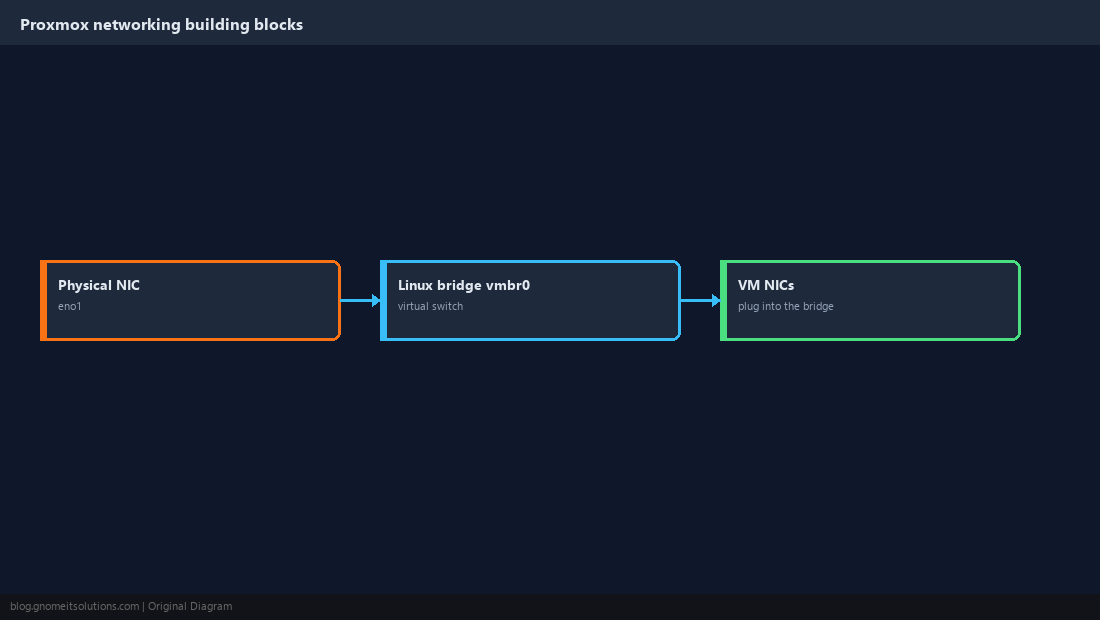
Read the Default Configuration
After installation, /etc/network/interfaces contains one bridge with the host’s IP and the physical NIC as its port.
auto lo
iface lo inet loopback

iface eno1 inet manual

auto vmbr0
iface vmbr0 inet static
    address 192.168.1.10/24
    gateway 192.168.1.1
    bridge-ports eno1
    bridge-stp off
    bridge-fd 0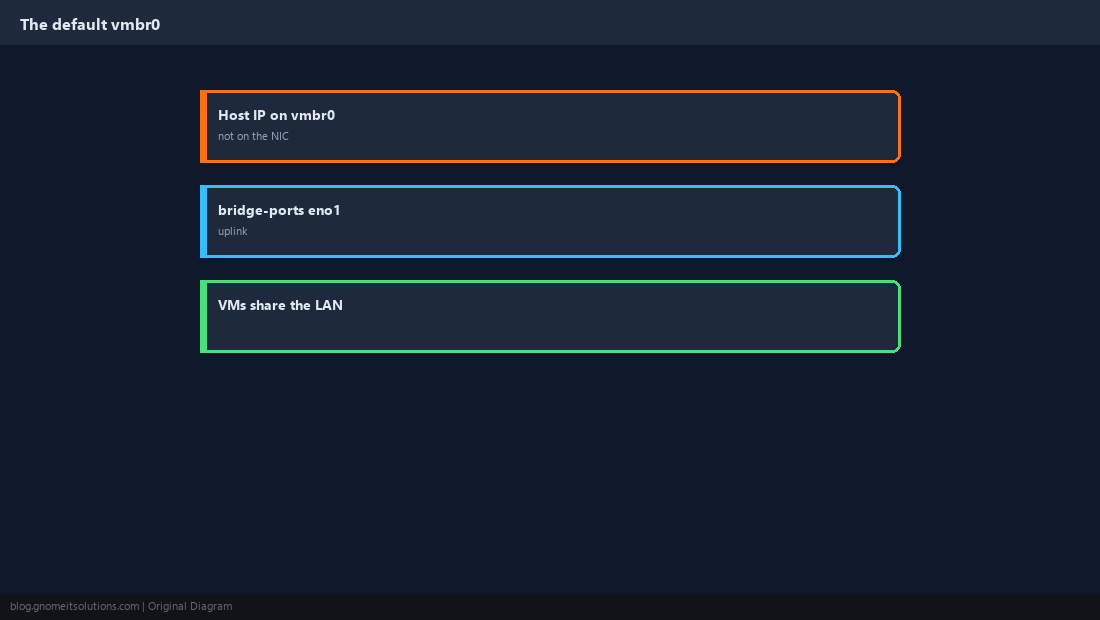
Make the Bridge VLAN-Aware
A VLAN-aware bridge carries many VLANs over one uplink. Configure the switch port facing the host as a trunk that carries those VLANs.
    bridge-vlan-aware yes
    bridge-vids 2-4094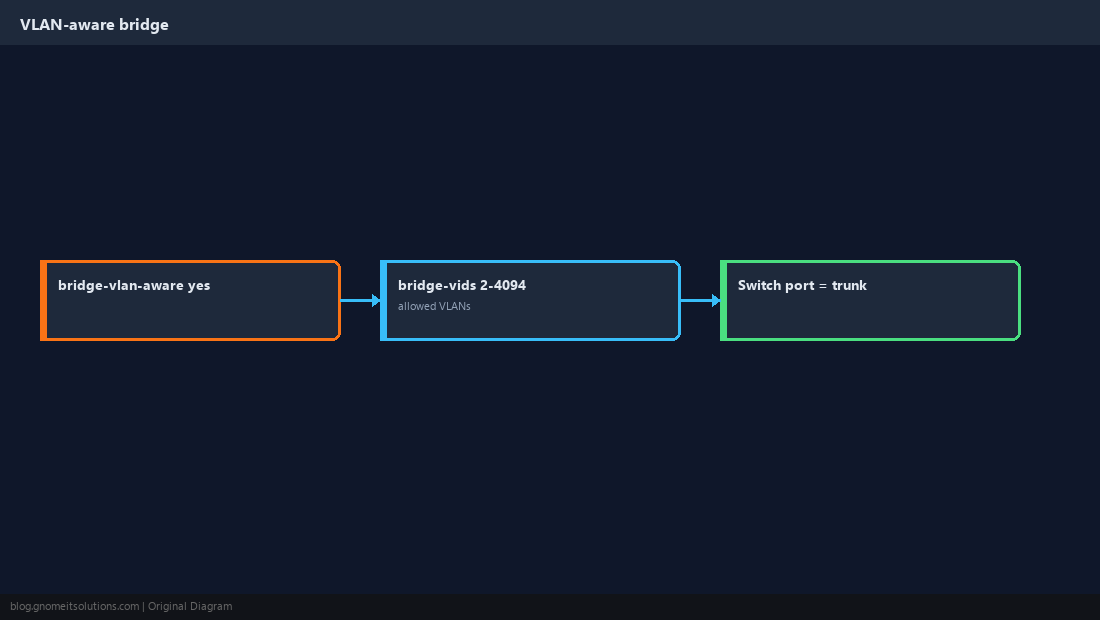
Tag a VM Into a VLAN
Set the VLAN tag on the VM’s network device. The bridge tags outgoing frames and strips the tag on the way in, so the guest needs no VLAN configuration at all.
qm set 101 --net0 virtio,bridge=vmbr0,tag=20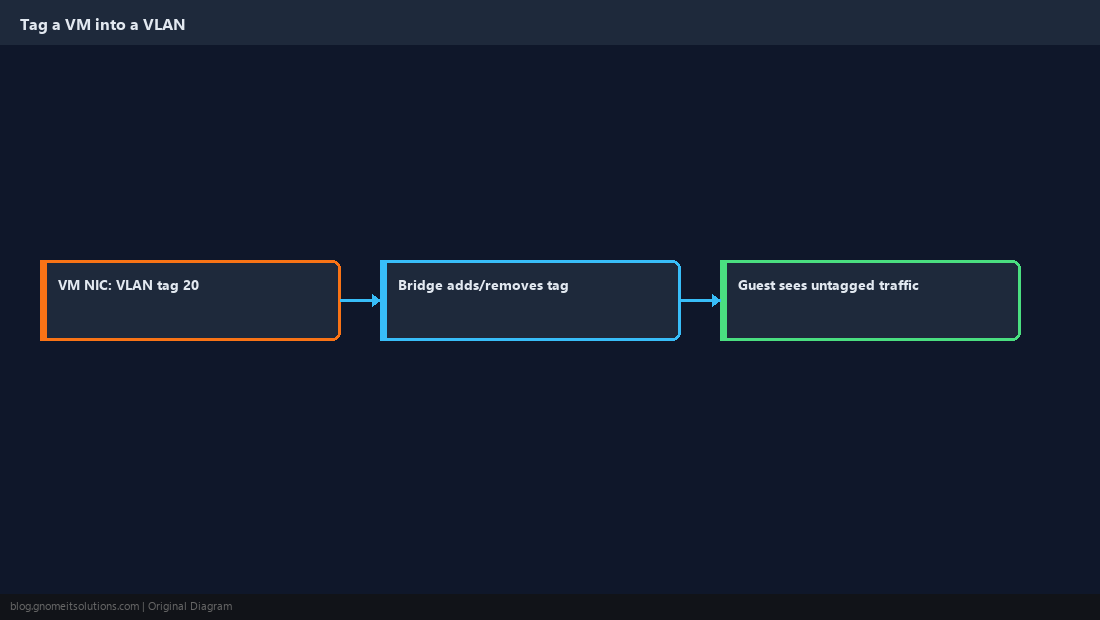
Move Host Management Onto a VLAN
To keep the management interface off the VM networks, move the host IP from vmbr0 to a VLAN sub-interface. Do this from the console, not over SSH on the address you are changing.
auto vmbr0
iface vmbr0 inet manual
    bridge-ports eno1
    bridge-stp off
    bridge-fd 0
    bridge-vlan-aware yes
    bridge-vids 2-4094

auto vmbr0.10
iface vmbr0.10 inet static
    address 10.0.10.11/24
    gateway 10.0.10.1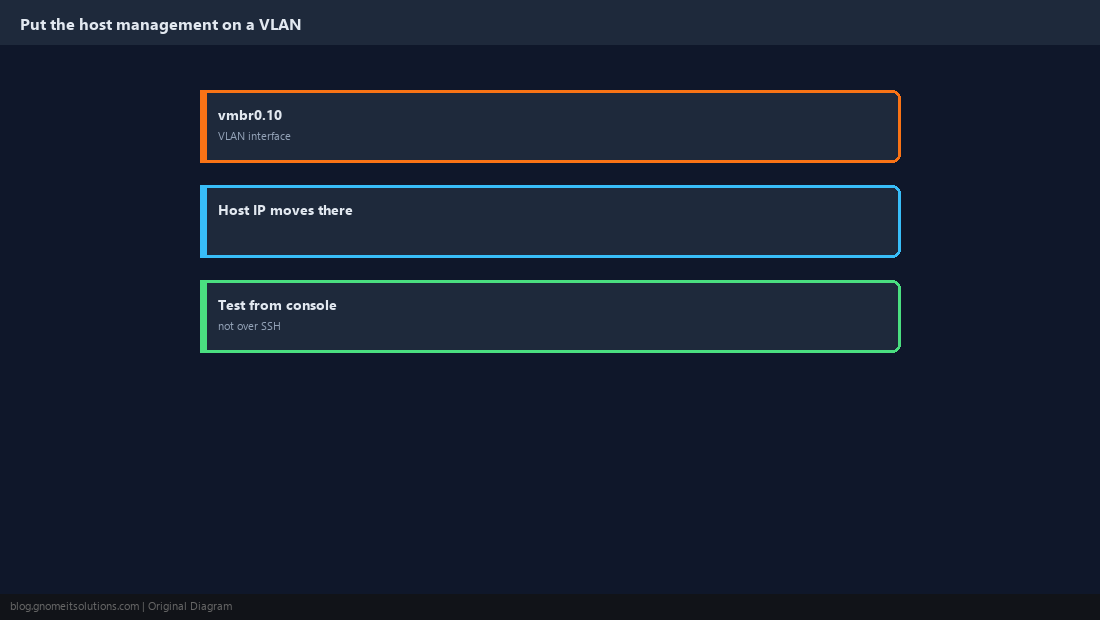
Add a Bond for Redundancy
Bonding two NICs survives a cable, NIC or switch-port failure. active-backup works with any switch; 802.3ad (LACP) adds bandwidth but needs matching switch configuration.
auto bond0
iface bond0 inet manual
    bond-slaves eno1 eno2
    bond-mode 802.3ad
    bond-miimon 100
    bond-xmit-hash-policy layer3+4

auto vmbr0
iface vmbr0 inet manual
    bridge-ports bond0
    bridge-stp off
    bridge-fd 0
    bridge-vlan-aware yes
    bridge-vids 2-4094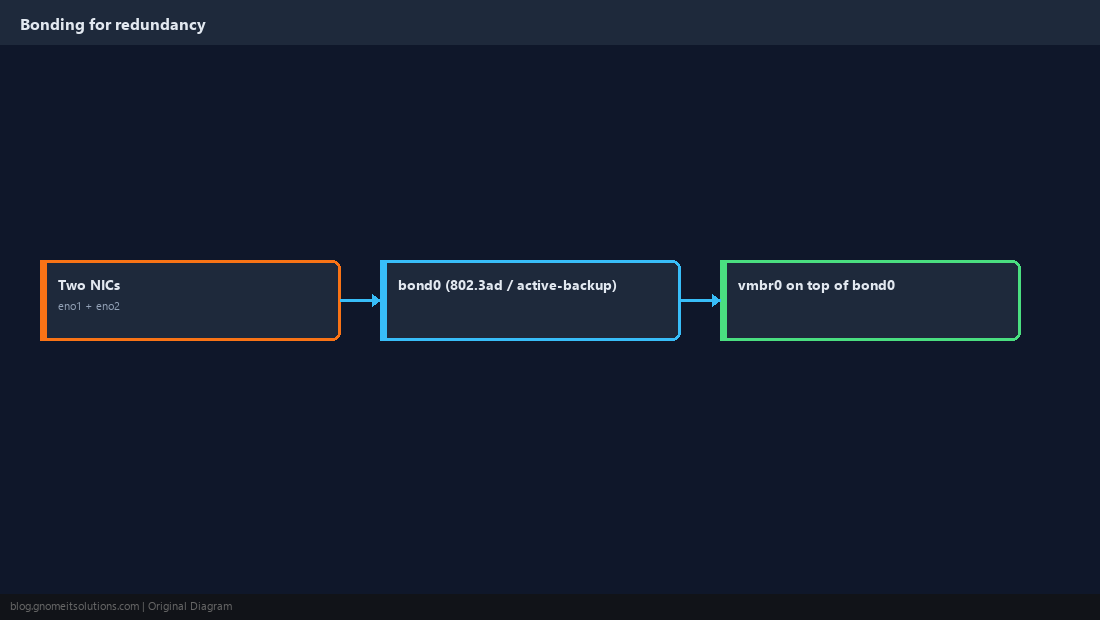
Apply Changes Without Rebooting
Proxmox uses ifupdown2, so ifreload -a applies the file in place. The web UI’s Apply Configuration button does the same.
cp /etc/network/interfaces /root/interfaces.bak
ifreload -a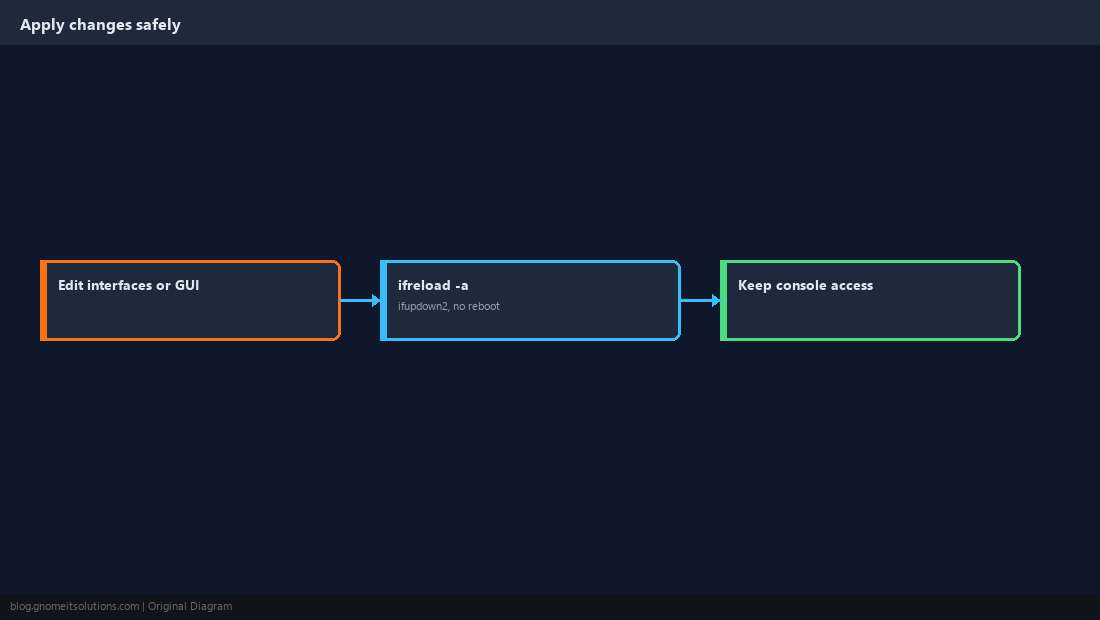
Verify
Check that VLAN settings are applied to the right ports and that each VLAN reaches its gateway.
bridge vlan show
ip -d link show vmbr0 | grep vlan
cat /proc/net/bonding/bond0 | head -20
ping -c 3 10.0.10.1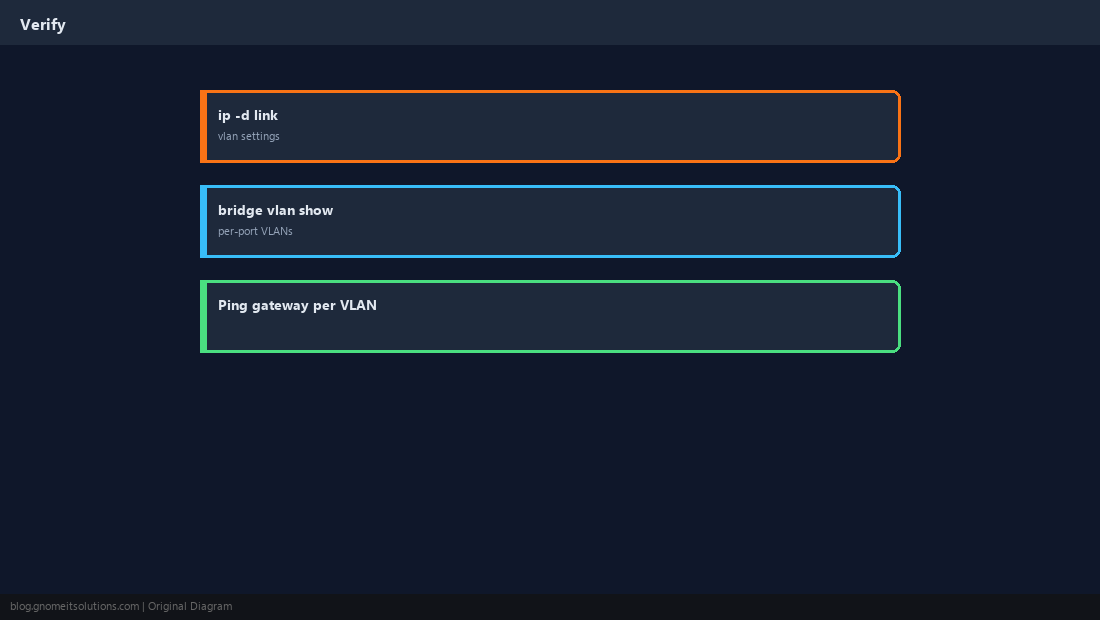
What is vmbr0 in Proxmox?
It is the default Linux bridge: a virtual switch connecting the physical NIC to VM network devices. The host’s management IP normally lives on it.
How do I use VLANs in Proxmox?
Make the bridge VLAN-aware, configure the switch port as a trunk, and set a VLAN tag on each VM’s network device.
Do guests need VLAN configuration inside the VM?
No. When the tag is set on the VM’s network device, the bridge handles tagging and the guest sees ordinary untagged traffic.
How do I apply Proxmox network changes without rebooting?
Run ifreload -a or click Apply Configuration in the web UI. Keep console access in case a change cuts off the network.
Which bond mode should I use?
active-backup works with any switch and gives redundancy. 802.3ad (LACP) adds aggregate bandwidth but requires LACP configured on the switch ports.
Cheat Sheet
- VLAN-aware
vmbr0+ trunk port + per-VMtag= - Management on
vmbr0.X; bond for redundancy;ifreload -awith console ready
Related tutorials
Diagrams are original illustrations by Gnome IT Solutions. Tutorial text © Gnome IT Solutions.