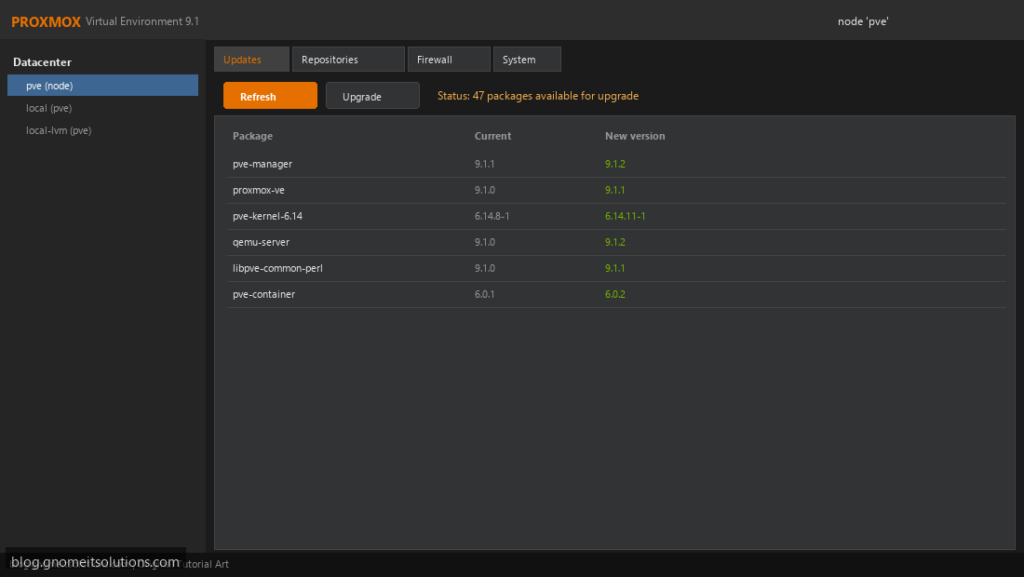
Updating Proxmox VE comes in two very different sizes. A minor update within the same major version is routine: refresh packages and reboot if
the kernel changed. A major upgrade, such as 8 to 9, moves the whole system to a new Debian release and deserves a plan, a backup and a checker.
This guide covers both, with the cluster-safe order for multi-node setups. Make sure your repositories work first with the
no-subscription repository fix, and have tested backups from
Proxmox Backup Server or vzdump.
Quick answer: minor update: apt update && apt full-upgrade. Major upgrade: back up, run the pveXtoY checker until clean, switch repositories, then apt dist-upgrade.
Minor Update or Major Upgrade?
Check your current version first. A minor update keeps the same Debian base. A major upgrade changes it and follows the official upgrade guide for that version pair.
pveversion
cat /etc/os-release | grep VERSION_CODENAME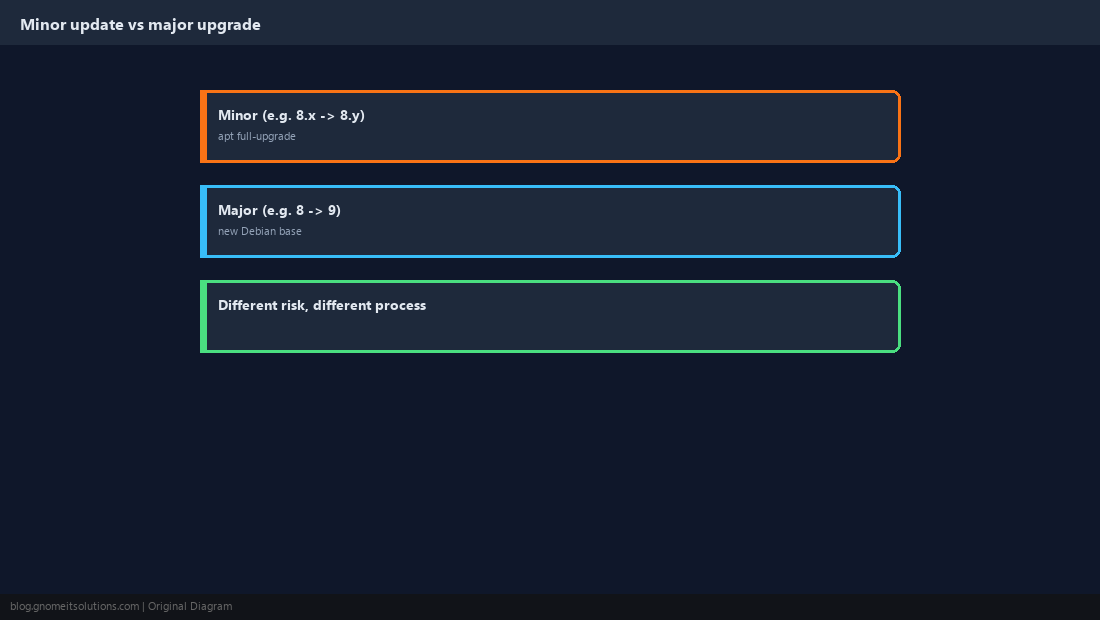
Back Up Before Anything
Back up every VM and container and copy the host configuration. For a major upgrade, restore one backup to prove they work.
tar czf /root/pve-etc-$(date +%F).tar.gz /etc/pve /etc/network/interfaces /etc/hosts
vzdump --all --storage backup-store --mode snapshot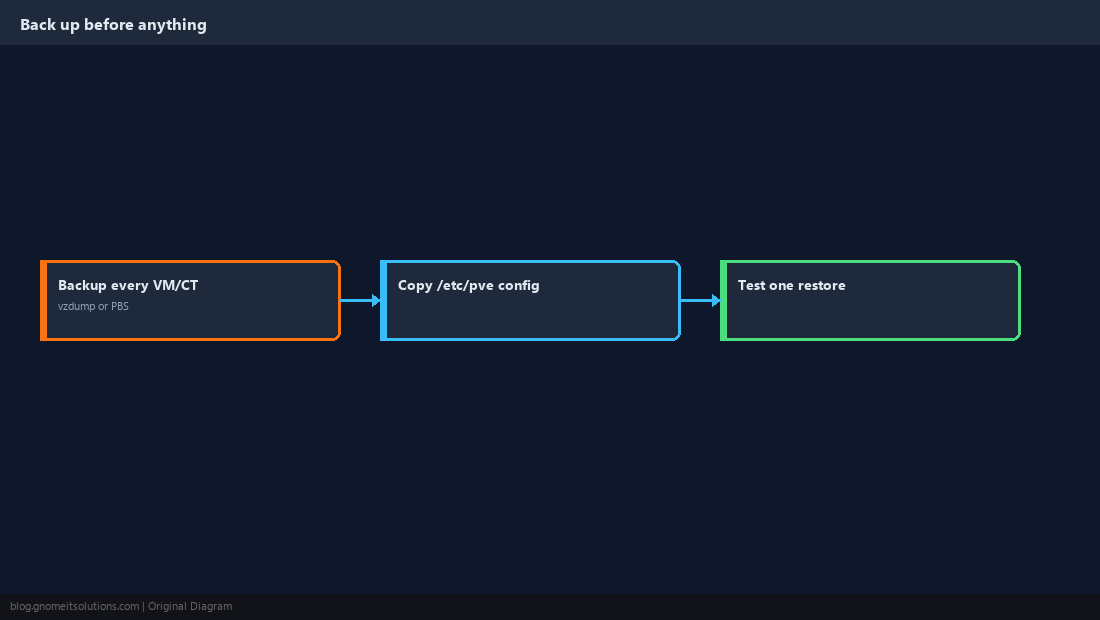
Run the Upgrade Checker (Major Upgrades)
Proxmox ships a checker script for each major upgrade (for example pve8to9). It reports anything that would break. Fix every FAIL, read every WARN, and re-run until clean.
pve8to9 --full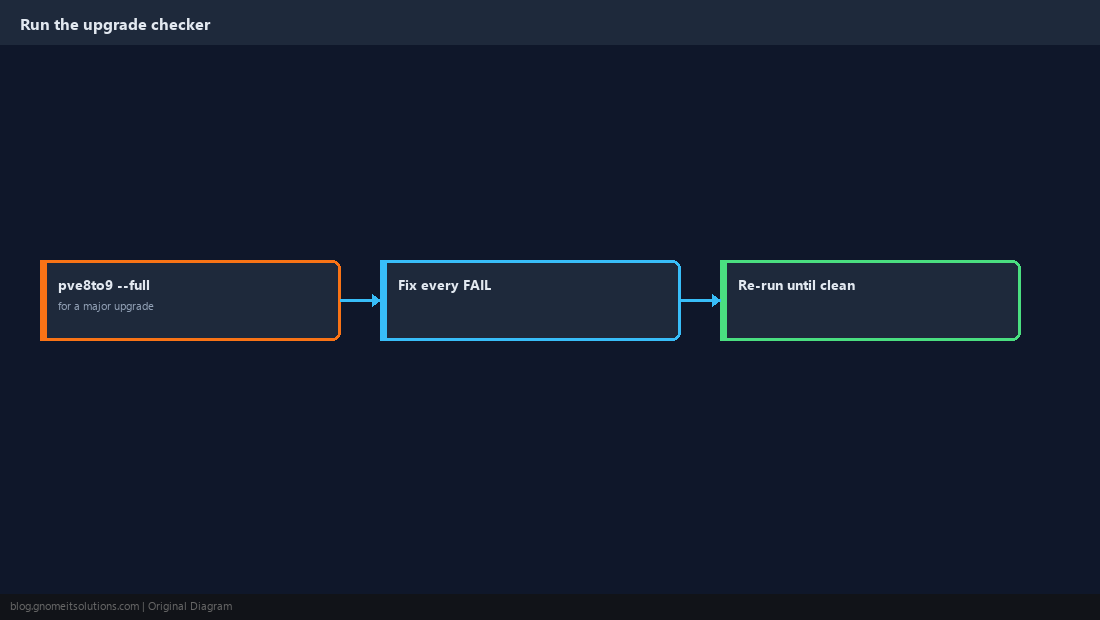
Switch Repositories to the New Release
For a major upgrade, point Debian, Proxmox and (if installed) Ceph repositories at the new release codename. The official guide for your version pair lists the exact files; the pattern below is the 8 to 9 (bookworm to trixie) case.
sed -i 's/bookworm/trixie/g' /etc/apt/sources.list
grep -rl bookworm /etc/apt/sources.list.d/
# update each listed file to trixie, or convert to .sources as the guide describes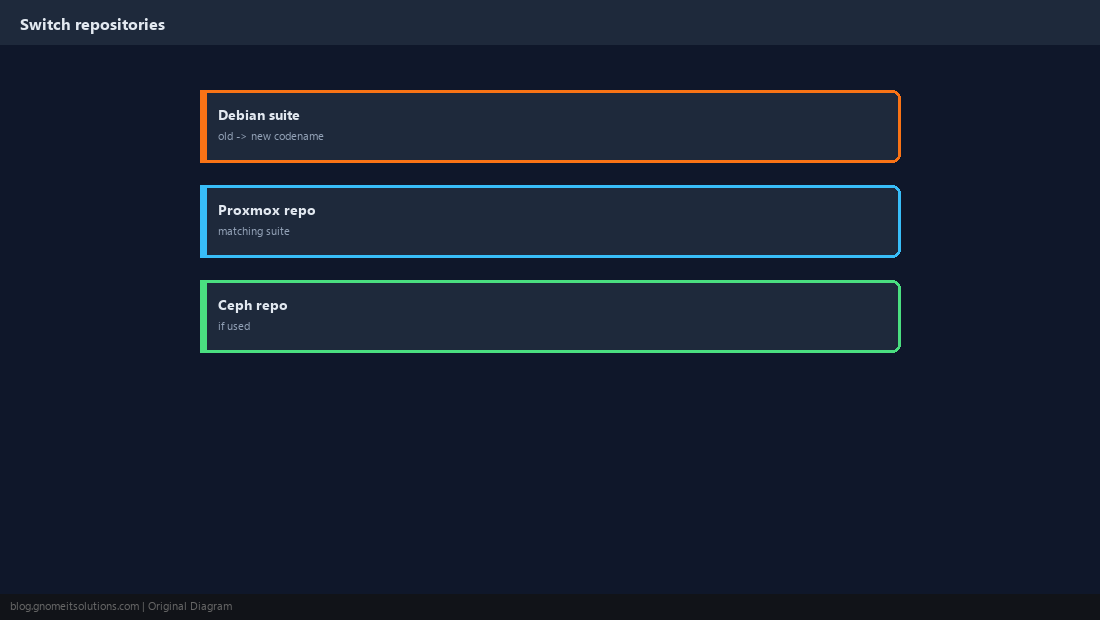
Upgrade a Cluster One Node at a Time
Never upgrade every node at once. Migrate guests off a node, upgrade and reboot it, confirm it rejoined the cluster healthily, then move to the next.
qm migrate 101 pve2 --online
pvecm status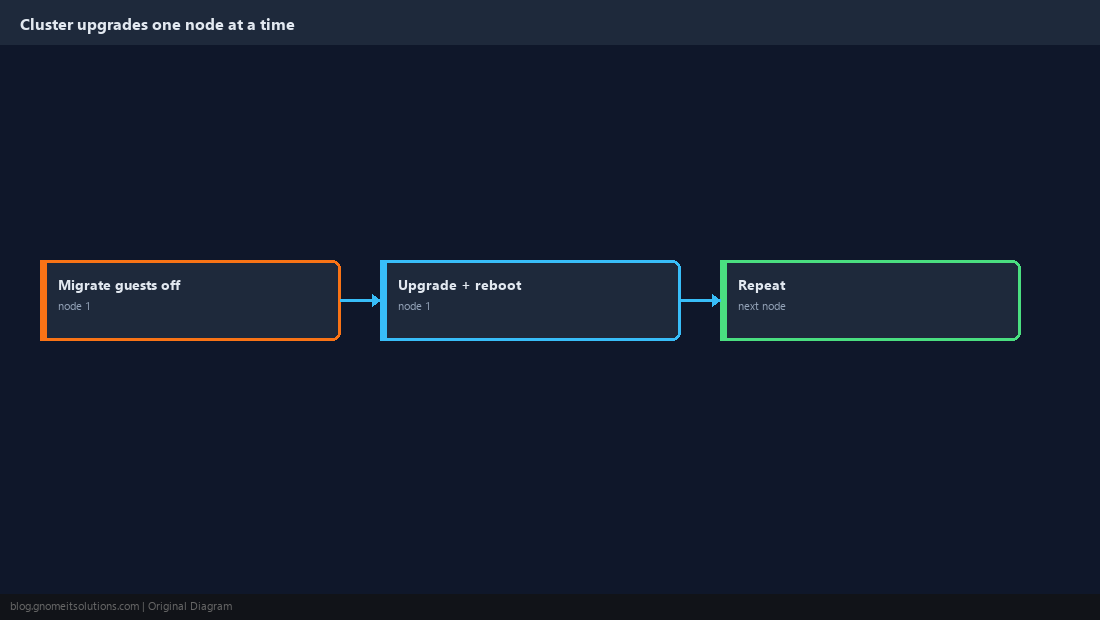
Run the Upgrade
Use full-upgrade/dist-upgrade, never plain upgrade. For a major upgrade, read each configuration-file prompt; keeping your current version is usually right for files you customised.
apt update
apt full-upgradeapt update
apt dist-upgrade
reboottmux or on the console, so a dropped SSH session cannot interrupt the package manager.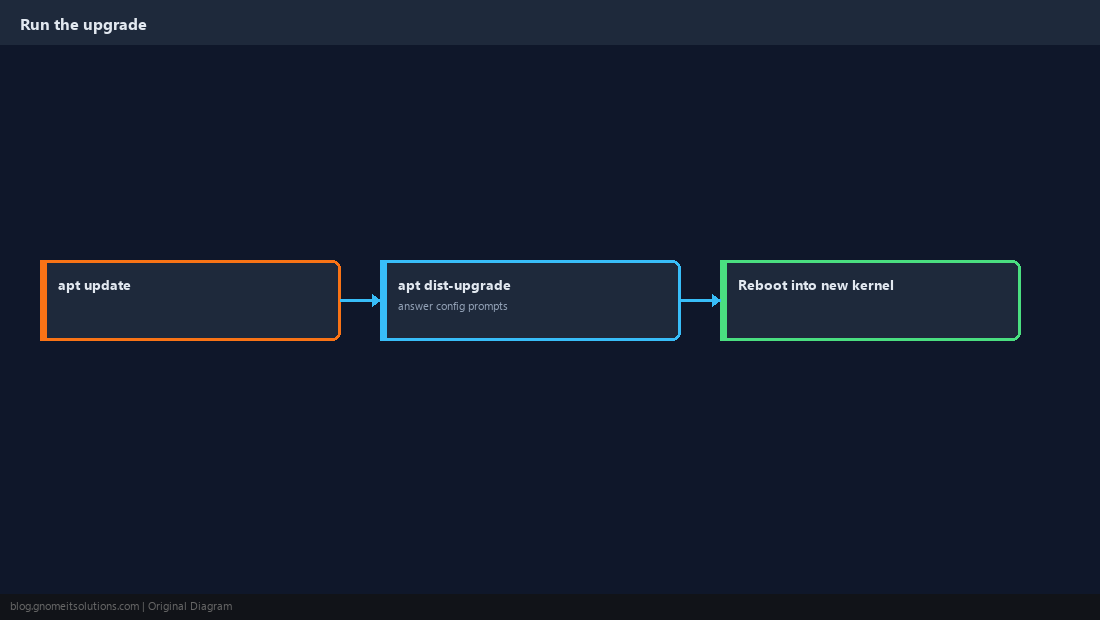
Verify After Reboot
Confirm the new versions, that guests start, and in a cluster that quorum is healthy before touching the next node.
pveversion -v | head -10
qm list; pct list
pvecm status
journalctl -b -p err --no-pager | tail -20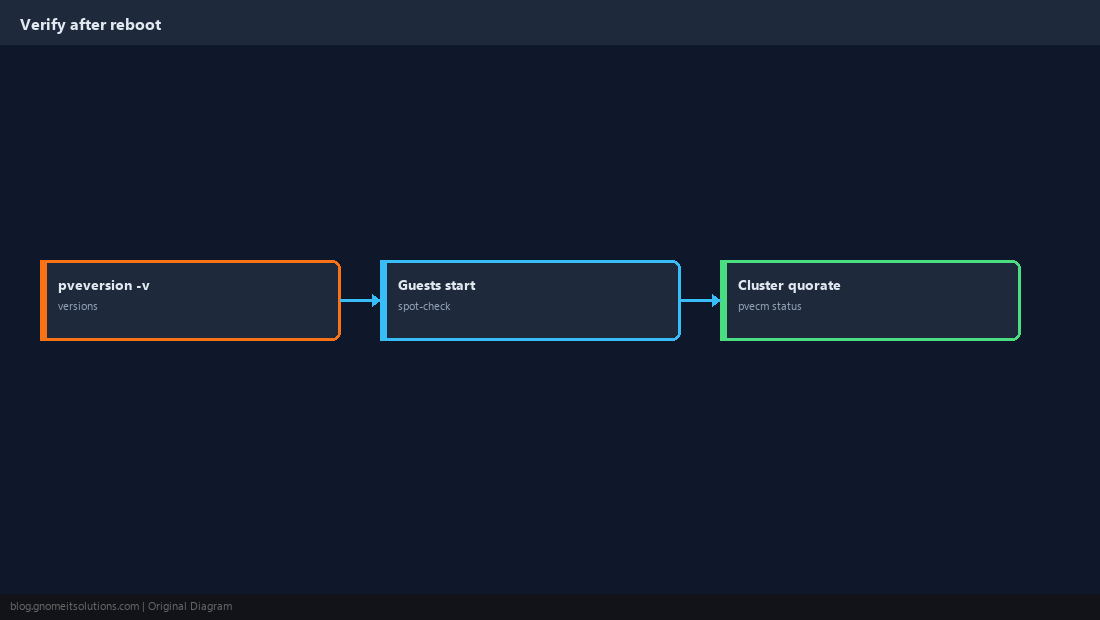
If Something Goes Wrong
A node that boots but misbehaves can often be recovered by selecting the previous kernel from the boot menu. Read the logs before reinstalling anything; restoring guests from backup is the last resort, not the first.
proxmox-boot-tool kernel list
proxmox-boot-tool kernel pin <version> --next-boot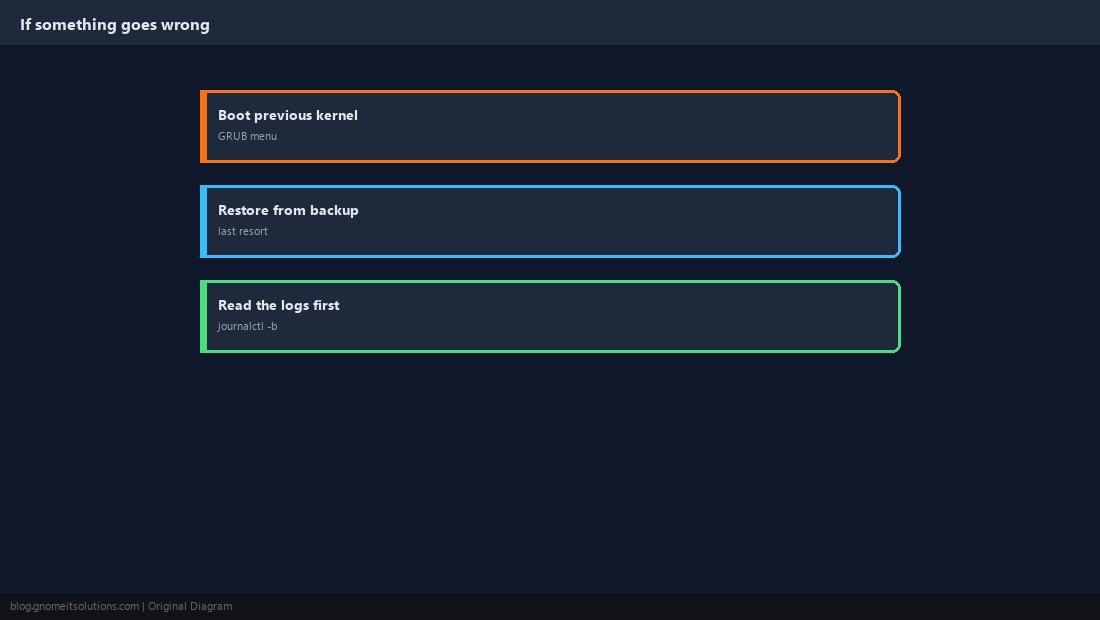
How do I update Proxmox VE?
Run apt update then apt full-upgrade, and reboot if a new kernel was installed. Make sure a working repository (enterprise or no-subscription) is configured first.
What is the difference between a Proxmox update and an upgrade?
An update stays within the same major version and Debian release. A major upgrade (for example 8 to 9) moves to a new Debian release and requires the checker script and repository changes.
What does pve8to9 do?
It checks a Proxmox VE 8 system for anything that would block or break an upgrade to version 9, and reports each item as PASS, WARN or FAIL.
Can I upgrade a Proxmox cluster without downtime?
Largely, yes: migrate guests off one node, upgrade and reboot it, verify, then repeat for each node. Guests keep running on the other nodes.
Why use apt full-upgrade instead of apt upgrade on Proxmox?
Proxmox updates often add or remove dependencies. Plain upgrade holds those back and can leave the system in an inconsistent state.
Cheat Sheet
- Minor:
apt update && apt full-upgrade; major: backup,pveXtoY --full, switch repos,dist-upgrade - Clusters: one node at a time; verify quorum before the next
Related tutorials
Diagrams are original illustrations by Gnome IT Solutions. Tutorial text © Gnome IT Solutions.