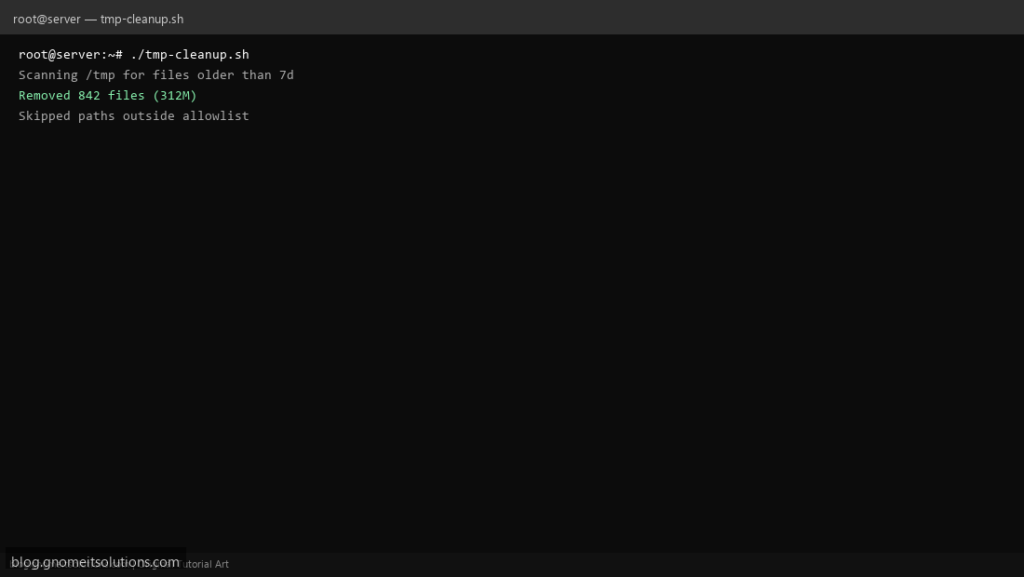
Runaway temp files (failed uploads, PHP sessions, build artifacts) can fill /tmp and break apps. This script deletes only files older than N days inside an explicit allowlist — never arbitrary paths.
What this script does
- Restricts deletes to
/tmpand optional extra dirs - Uses
find -mtimeage threshold - Supports
DRY_RUN=1to print actions without deleting - Logs count and approximate freed space
- Skips symlinks that point outside allowlist
Prerequisites
- Root or capability to delete target temp files
- Understand what apps store in /tmp before aggressive retention
- Test with DRY_RUN first
Step 1: Save the script
sudo nano /usr/local/bin/tmp-cleanup.sh
sudo chmod +x /usr/local/bin/tmp-cleanup.sh
Step 2: Full script (scroll to read)
tmp-cleanup.sh
#!/usr/bin/env bash
set -euo pipefail

AGE_DAYS=7
DRY_RUN="${DRY_RUN:-0}"
ALLOW=(/tmp)
LOG="/var/log/tmp-cleanup.log"

log(){ echo "[$(date '+%F %T')] $*" | tee -a "$LOG"; }

clean_dir(){
  local dir="$1"
  [[ -d "$dir" ]] || return 0
  log "Scanning $dir for files older than ${AGE_DAYS}d (DRY_RUN=$DRY_RUN)"
  local list
  list=$(find "$dir" -mindepth 1 -xdev -type f -mtime +"$AGE_DAYS" 2>/dev/null || true)
  local count=0
  local bytes=0
  while IFS= read -r f; do
    [[ -z "$f" ]] && continue
    count=$((count+1))
    bytes=$((bytes + $(stat -c%s "$f" 2>/dev/null || echo 0)))
    if [[ "$DRY_RUN" == "1" ]]; then
      log "would delete: $f"
    else
      rm -f -- "$f"
    fi
  done <<< "$list"
  log "Removed $count files (~$((bytes/1024/1024))M) under $dir"
}

for d in "${ALLOW[@]}"; do clean_dir "$d"; done
log "tmp cleanup completed"
Scroll inside the box to read the full script.
Step 3: Configure settings
- Do not point at
/— keep allowlist tight - Related: disk monitor script
- Some apps need long-lived sockets in /tmp — tune retention
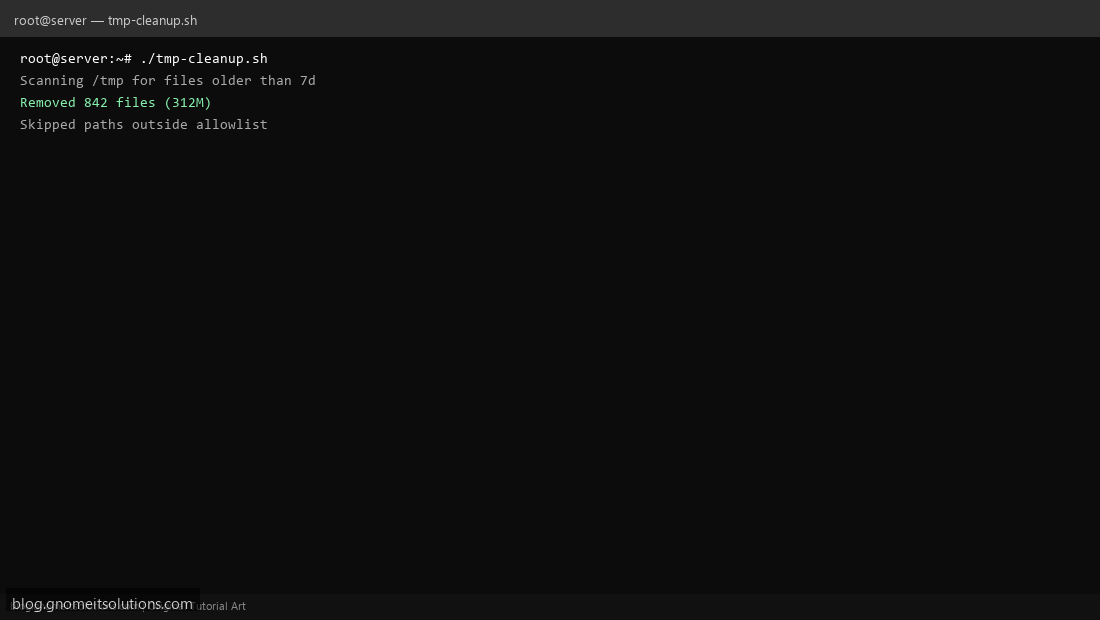
Step 4: Test manually
DRY_RUN=1 sudo /usr/local/bin/tmp-cleanup.shsudo /usr/local/bin/tmp-cleanup.shSchedule with cron
sudo crontab -eAdd:
30 3 * * * /usr/local/bin/tmp-cleanup.sh >> /var/log/tmp-cleanup.log 2>&1Related tutorials
- Linux Backup Shell Script: Files & Database to Remote Server
- Cron Jobs in Linux: Schedule Tasks with crontab
- SSH Key Authentication on Linux Servers
Terminal screenshot is an original illustration created for Gnome IT Solutions (blog.gnomeitsolutions.com).