
When you have more than a handful of servers, logging into each host to run journalctl does not scale. systemd can forward journals to a collector over HTTPS while keeping
the familiar journal fields (unit name, priority, boot ID) intact.
This complements local troubleshooting in our journalctl guide and log retention with
journal vacuum scripts. For long-term metrics, still ship important events to
Prometheus and Grafana.
Upload vs Remote: Two Roles
systemd-journal-upload runs on each client and pushes logs. systemd-journal-remote runs on the collector and writes incoming streams under /var/log/journal/remote/. You need both packages on their respective hosts.
  [app servers] --HTTPS--> [collector: systemd-journal-remote]
                                      |
                               journalctl on collector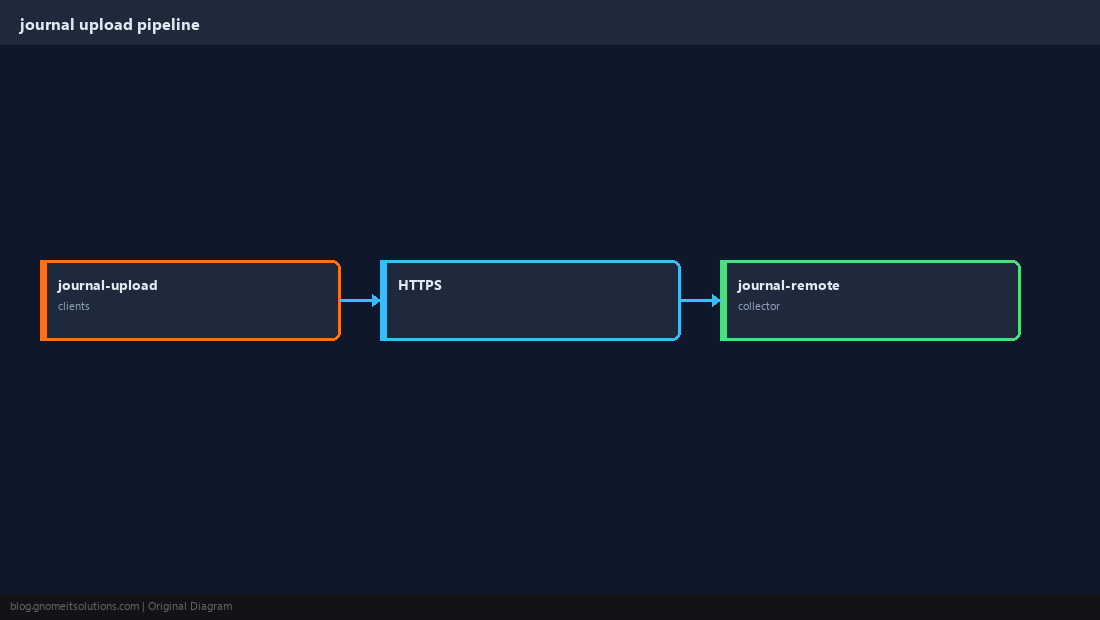
Install Packages
Package names differ slightly by distribution; the services are systemd-journal-upload and systemd-journal-remote.
sudo apt install -y systemd-journal-remotesudo systemctl enable --now systemd-journal-remote.socket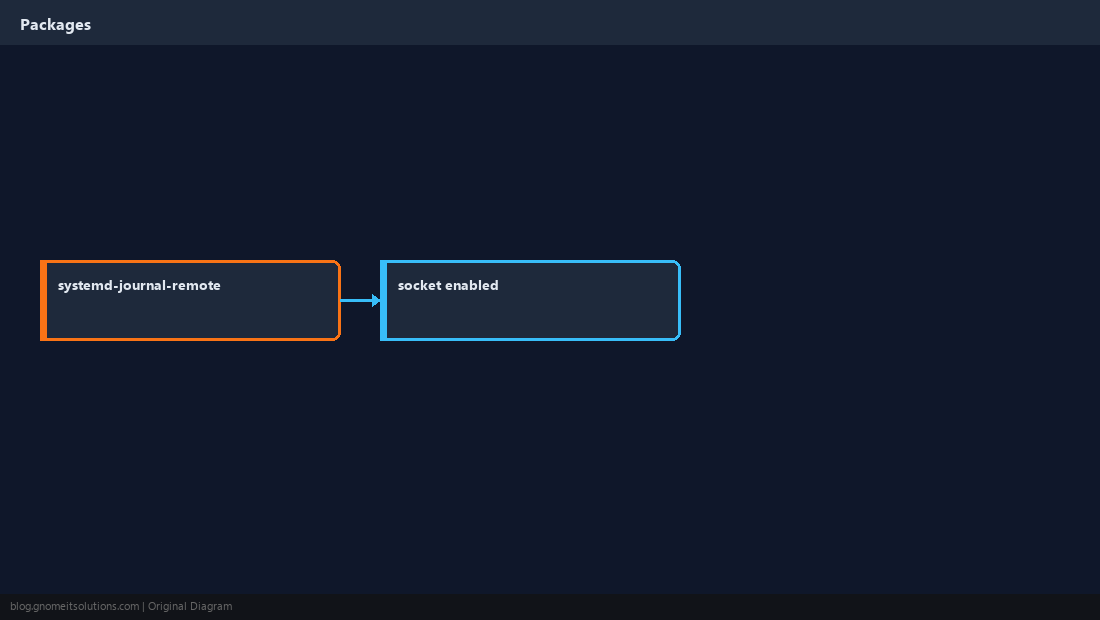
Configure the Collector Socket
The collector listens on a TCP port (often 19532). Put it on a management VLAN and firewall it; do not expose log ingestion to the public internet without TLS and auth.
[Remote]
Storage=auto
Compress=yessudo ufw allow from 10.0.0.0/24 to any port 19532 proto tcp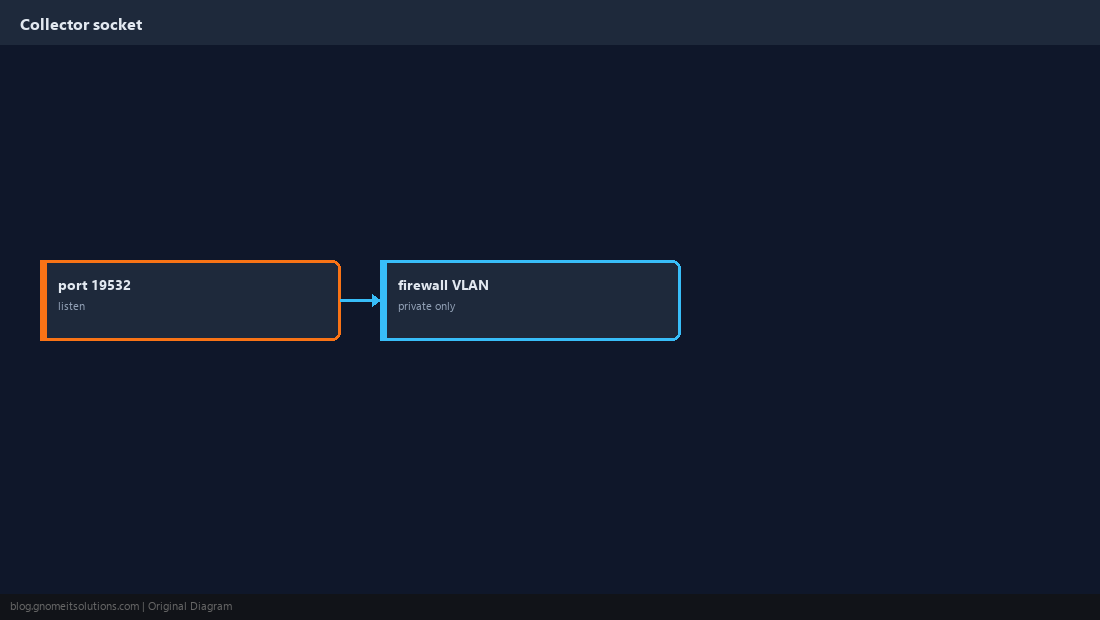
Point Clients at the Collector
On each sending host, configure systemd-journal-upload with the collector URL. Use HTTPS when you terminate TLS on the collector or behind a reverse proxy.
[Upload]
URL=https://logs.internal.example:19532/upload
ServerKeyFile=/etc/ssl/private/journal-upload.key
ServerCertificateFile=/etc/ssl/certs/journal-upload.pemsudo systemctl enable --now systemd-journal-upload.service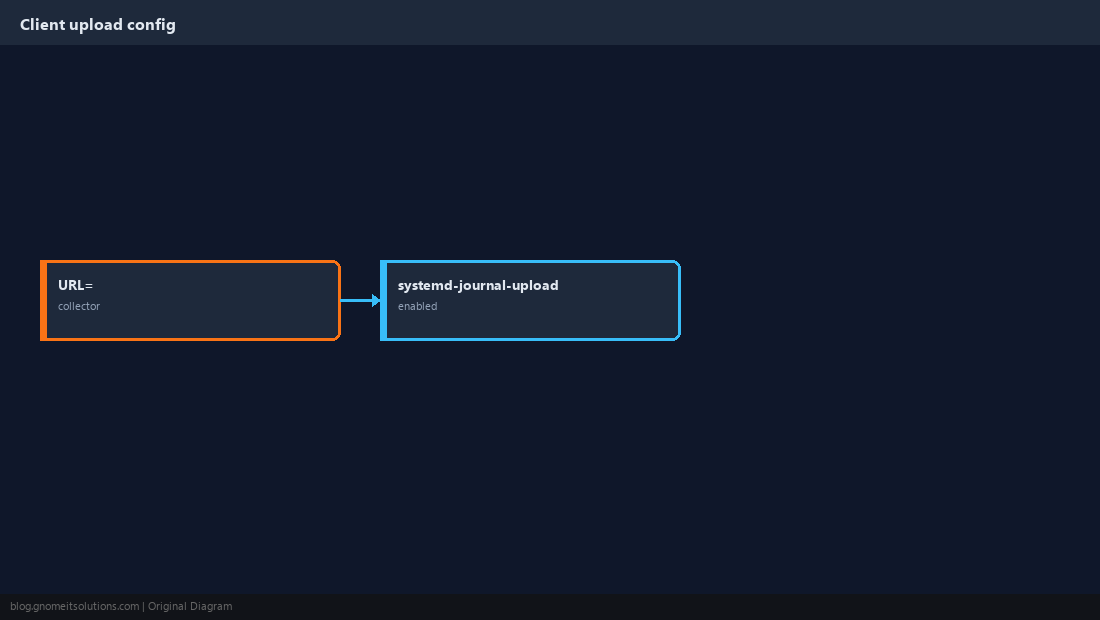
TLS Between Client and Collector
Generate or import certificates for mutual TLS or server-auth TLS depending on your threat model. At minimum use a private CA and verify the collector hostname.
curl -vk https://logs.internal.example:19532/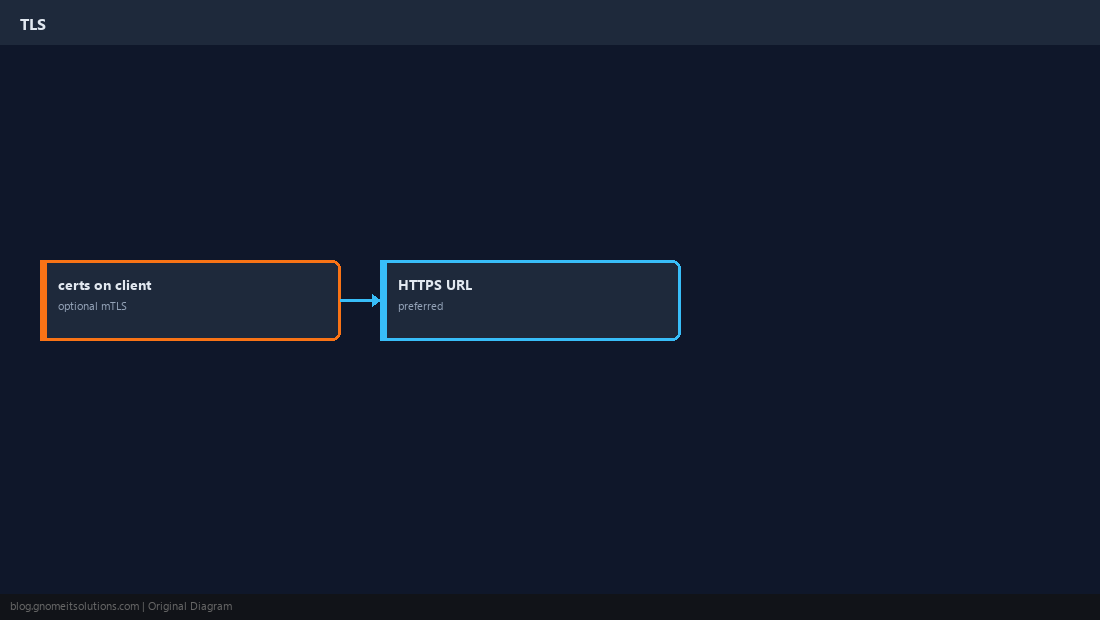
Search Forwarded Logs on the Collector
Remote journals appear as separate files. Use journalctl with --directory or the MACHINE_ID / hostname fields to filter.
journalctl --directory=/var/log/journal/remote --list-bootsjournalctl --directory=/var/log/journal/remote -u nginx.service -p err --since today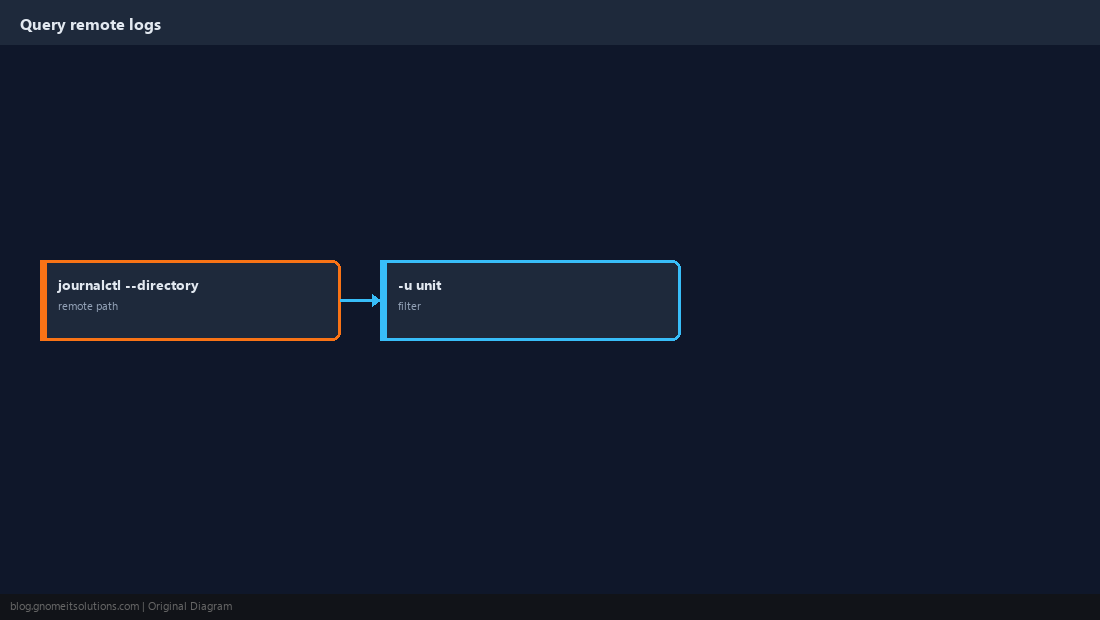
Retention and Disk on the Collector
Centralising logs concentrates disk use. Set SystemMaxUse in journald.conf on the collector and monitor free space.
SystemMaxUse=20G
MaxRetentionSec=30daysudo journalctl --vacuum-size=15G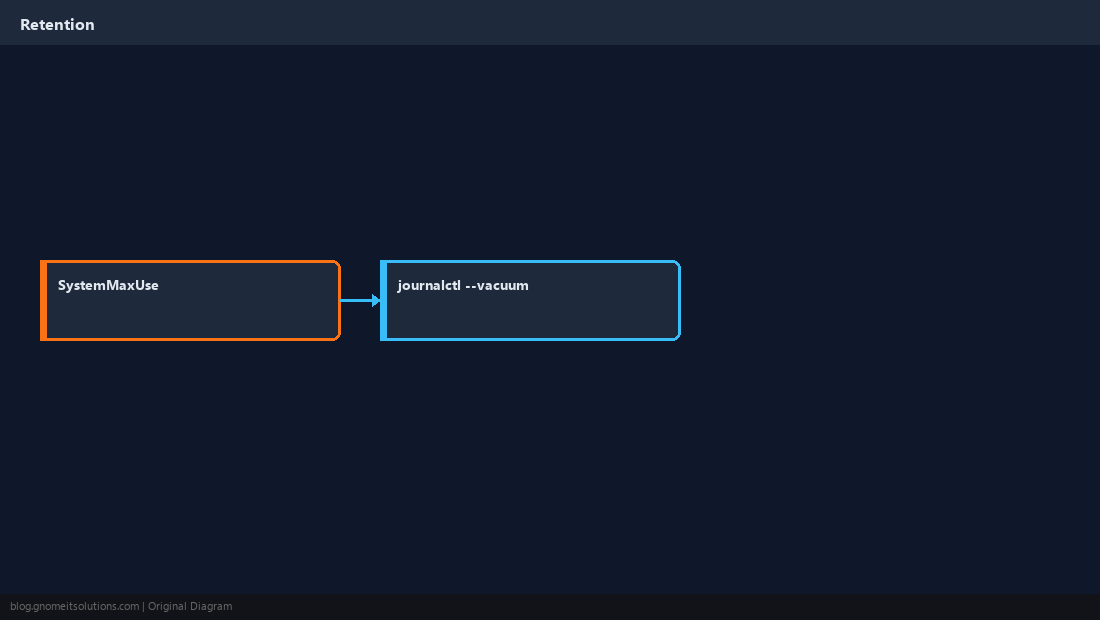
Quick Reference
- Clients:
systemd-journal-upload; collector:systemd-journal-remote - Firewall ingestion port; prefer HTTPS
- Query with
journalctl --directory=/var/log/journal/remote
Related tutorials
Diagrams are original illustrations by Gnome IT Solutions. Tutorial text © Gnome IT Solutions.