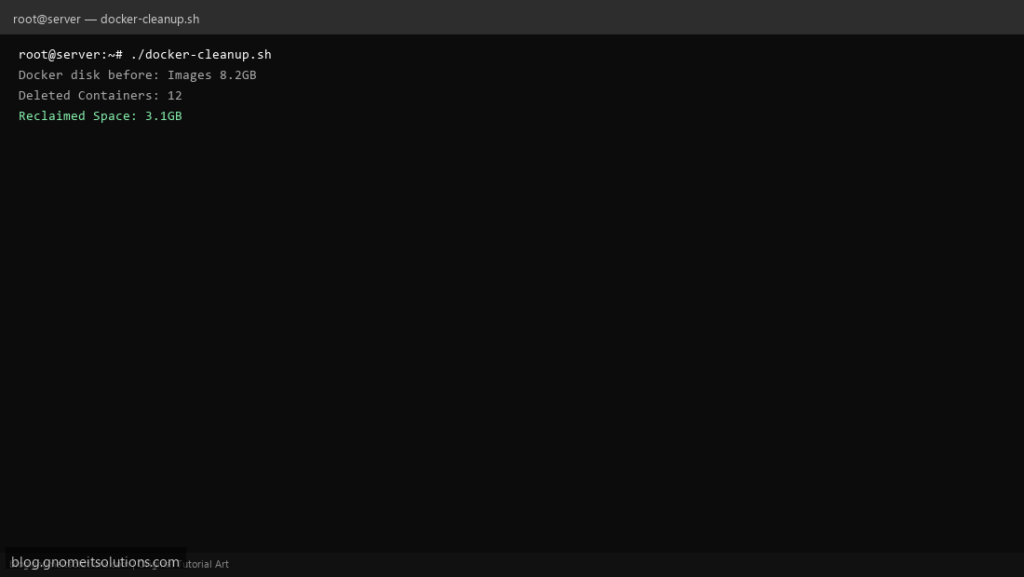
Free disk space on Docker hosts with an automated cleanup script that prunes unused containers, images, and volumes.
What this script does
- Removes stopped containers
- Prunes dangling and unused images
- Cleans unused volumes and networks
- Shows disk usage before and after
- Dry-run mode for safety
Prerequisites
- Docker installed and running
- Root or user in docker group
Step 1: Save the script
sudo nano /usr/local/bin/docker-cleanup.sh
sudo chmod +x /usr/local/bin/docker-cleanup.sh
Step 2: Full script (scroll to read)
docker-cleanup.sh
#!/usr/bin/env bash
set -euo pipefail

DRY_RUN=false
PRUNE_VOLUMES=false
LOG="/var/log/docker-cleanup.log"

log(){ echo "[$(date '+%F %T')] $*" | tee -a "$LOG"; }
run(){ if $DRY_RUN; then echo "DRY-RUN: $*"; else eval "$@"; fi; }

log "Docker disk before:"; docker system df | tee -a "$LOG"

run "docker container prune -f"
run "docker image prune -a -f"
run "docker network prune -f"
$PRUNE_VOLUMES && run "docker volume prune -f"

log "Docker disk after:"; docker system df | tee -a "$LOG"
log "Docker cleanup completed"
Scroll inside the box to read the full script.
Step 3: Configure settings
DRY_RUN=true— preview without deletingPRUNE_VOLUMES— enable volume cleanup (careful!)- Run during low-traffic hours
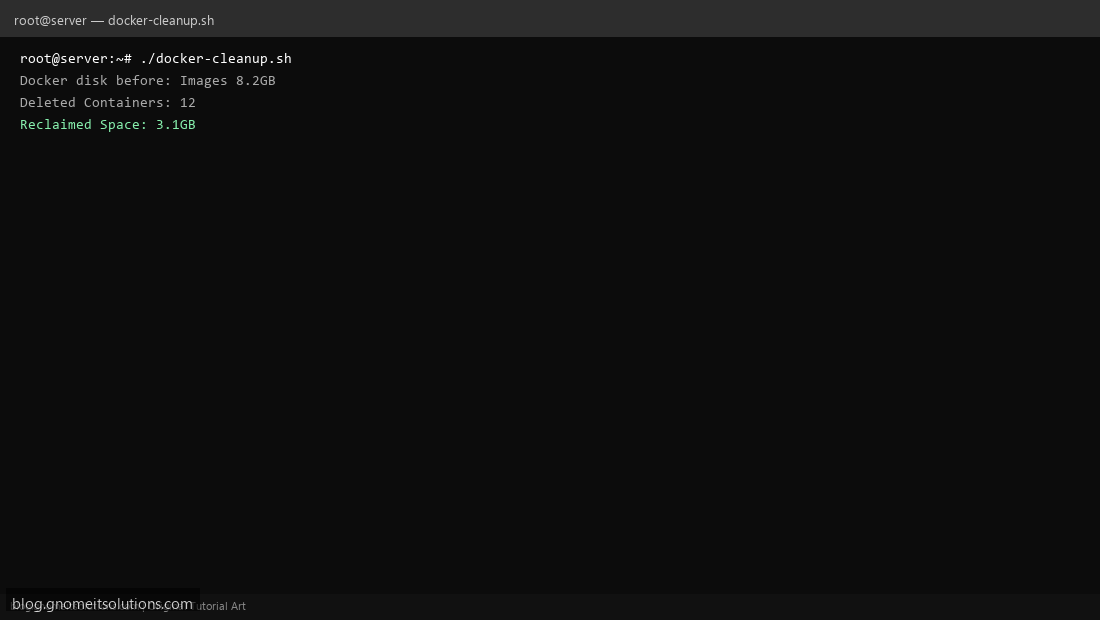
Step 4: Test manually
sudo /usr/local/bin/docker-cleanup.shdocker system dfSchedule with cron
sudo crontab -eAdd:
0 3 * * 0 /usr/local/bin/docker-cleanup.sh >> /var/log/docker-cleanup.log 2>&1Related tutorials
- Linux Disk Monitor Shell Script
- Linux Backup Shell Script: Files & Database to Remote Server
- Cron Jobs in Linux: Schedule Tasks with crontab
- SSH Key Authentication on Linux Servers
Terminal screenshot is an original illustration created for Gnome IT Solutions (blog.gnomeitsolutions.com).