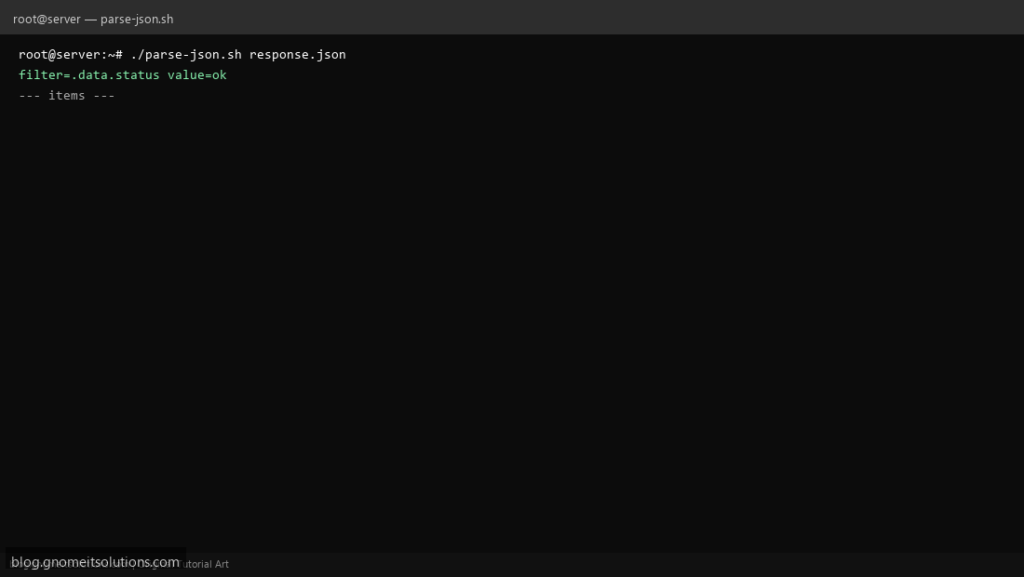
APIs return JSON; ops search for jq in bash shell scripts to extract one field without Python. This template validates JSON, pulls nested keys, and loops array results from a file or curl.
What this script does
- Validates input with
jq empty - Extracts scalar with
jq -r '.key' - Iterates array with
jq -c '.items[]' - Reads from file or stdin
- Example with nested
.data.status
Prerequisites
- jq package installed
- UTF-8 JSON input
- Quote jq filters in scripts
Step 1: Save the script
sudo nano /usr/local/bin/parse-json.sh
sudo chmod +x /usr/local/bin/parse-json.sh
Step 2: Full script (scroll to read)
parse-json.sh
#!/usr/bin/env bash
set -euo pipefail

FILE="${1:-}"
FILTER="${JQ_FILTER:-.data.status}"

json_in(){
  if [[ -n "$FILE" && "$FILE" != "-" ]]; then
    cat "$FILE"
  else
    cat
  fi
}

data=$(json_in)
if ! echo "$data" | jq empty 2>/dev/null; then
  echo "invalid JSON" >&2
  exit 1
fi

value=$(echo "$data" | jq -r "$FILTER" 2>/dev/null || true)
echo "filter=$FILTER value=$value"

# example: list names from array .items[].name
if echo "$data" | jq -e '.items|type=="array"' >/dev/null 2>&1; then
  echo "--- items ---"
  echo "$data" | jq -r '.items[] | [.id, .name] | @tsv' | head -20
fi
Scroll inside the box to read the full script.
Step 3: Configure settings
- curl POST: curl POST JSON
- Health checks: API health script
- Avoid piping untrusted huge JSON without limits
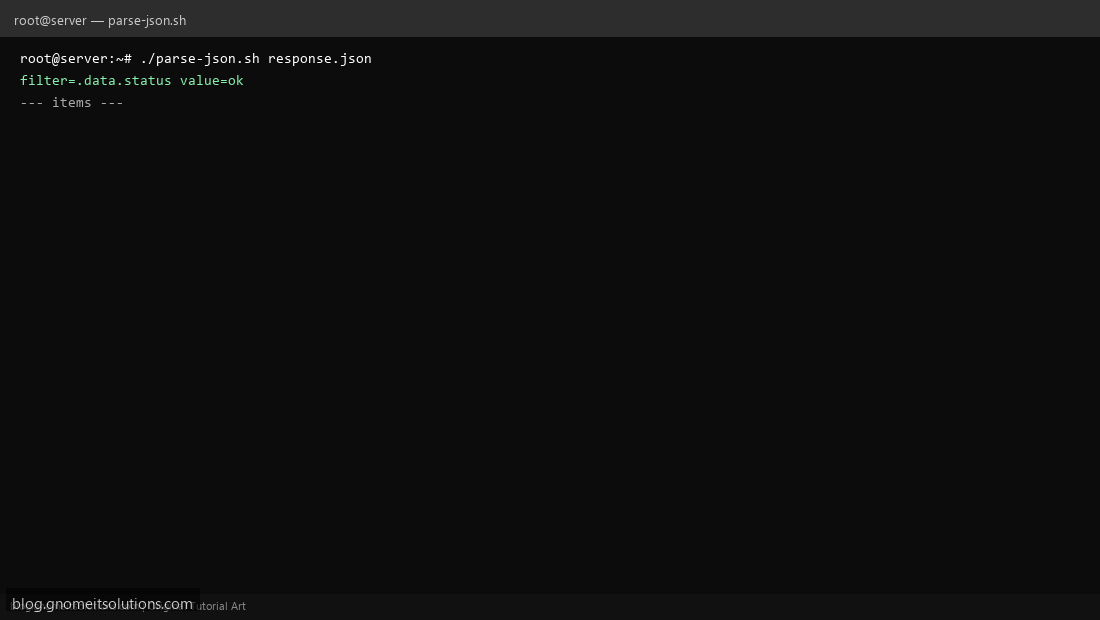
Step 4: Test manually
echo '{"data":{"status":"ok"}}' | ./parse-json.sh./parse-json.sh /tmp/response.jsonRelated tutorials
- Linux Backup Shell Script: Files & Database to Remote Server
- Cron Jobs in Linux: Schedule Tasks with crontab
- SSH Key Authentication on Linux Servers
Terminal screenshot is an original illustration created for Gnome IT Solutions (blog.gnomeitsolutions.com).