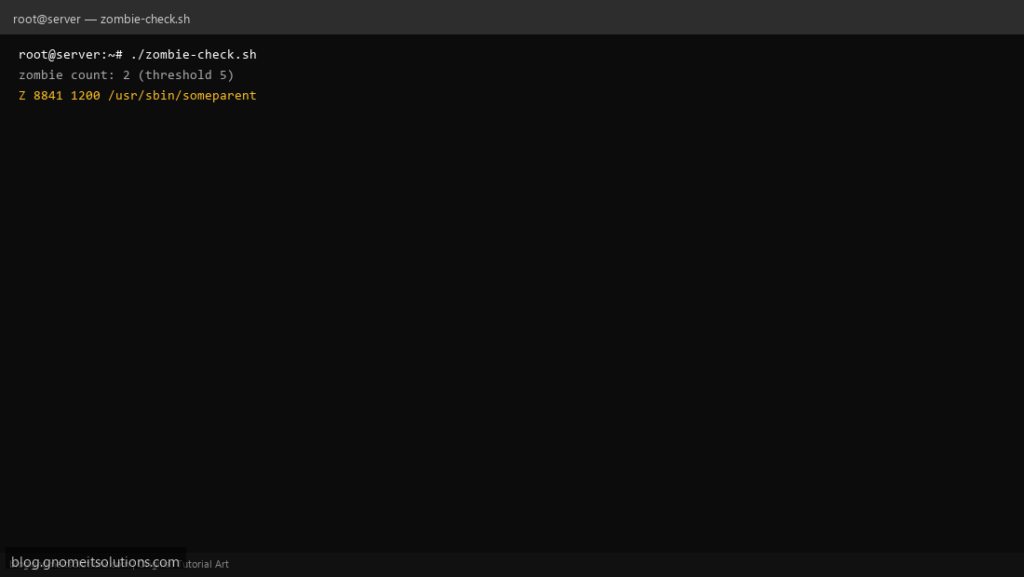
A rising zombie process count usually means a parent is not calling wait(). This script lists STAT Z rows, counts them, and exits non-zero when monitoring tools should page someone.
What this script does
- Parses
ps -eo stat,pid,ppid,cmdfor state Z - Configurable alert threshold (default 5)
- Prints parent PID for follow-up
- Logs summary to
/var/log/zombie-check.log - Nagios/monitoring friendly exit codes
Prerequisites
- procps ps
- Read permission on /proc
- Fix requires restarting or patching parent process
Step 1: Save the script
sudo nano /usr/local/bin/zombie-check.sh
sudo chmod +x /usr/local/bin/zombie-check.sh
Step 2: Full script (scroll to read)
zombie-check.sh
#!/usr/bin/env bash
set -euo pipefail

THRESHOLD="${THRESHOLD:-5}"
LOG="/var/log/zombie-check.log"

log(){ echo "[$(date '+%F %T')] $*" | tee -a "$LOG"; }

mapfile -t zombies < <(ps -eo stat=,pid=,ppid=,cmd= | awk '$1 ~ /Z/ {print}')
count=${#zombies[@]}

log "zombie count: $count (threshold $THRESHOLD)"
if (( count > 0 )); then
  printf '%s\n' "${zombies[@]}" | head -20 | tee -a "$LOG"
fi

if (( count >= THRESHOLD )); then
  log "ALERT zombies >= threshold"
  exit 1
fi
exit 0
Scroll inside the box to read the full script.
Step 3: Configure settings
- Killing zombies alone does not work — restart the parent or fix the app
- Related: pgrep monitor
- Load issues: load alert
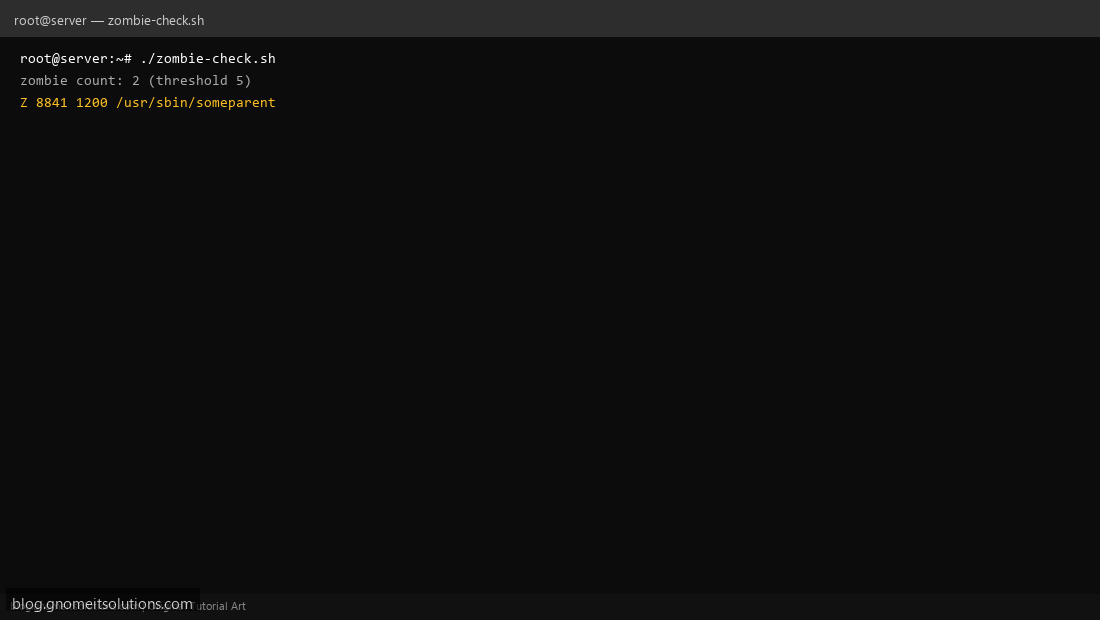
Step 4: Test manually
./zombie-check.shTHRESHOLD=0 ./zombie-check.sh # may alert on any zombieSchedule with cron
sudo crontab -eAdd:
*/15 * * * * /usr/local/bin/zombie-check.sh >> /var/log/zombie-check.log 2>&1Related tutorials
- Linux Backup Shell Script: Files & Database to Remote Server
- Cron Jobs in Linux: Schedule Tasks with crontab
- SSH Key Authentication on Linux Servers
Terminal screenshot is an original illustration created for Gnome IT Solutions (blog.gnomeitsolutions.com).