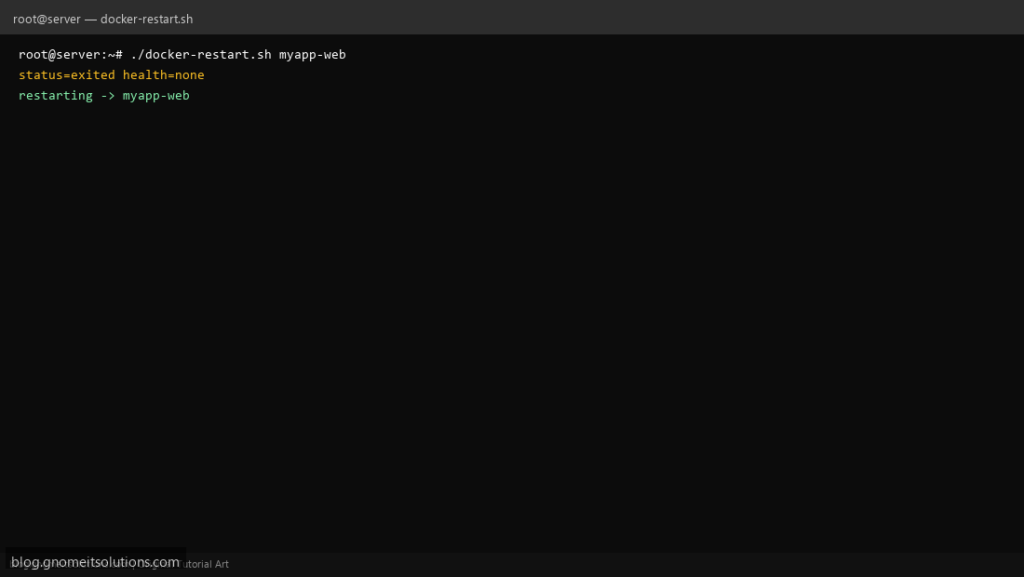
Compose stacks sometimes leave a container Exited (127) until someone runs docker start. This script restarts by name when status is not running — with cooldown to avoid restart loops.
What this script does
- Takes container name as argument
- Checks
docker inspectstate - Restarts when not
runningor health is unhealthy - Cooldown file limits rapid restarts
- Logs to
/var/log/docker-restart.log
Prerequisites
- Docker CLI
- User in docker group or root
- Container name must be exact
Step 1: Save the script
sudo nano /usr/local/bin/docker-restart.sh
sudo chmod +x /usr/local/bin/docker-restart.sh
Step 2: Full script (scroll to read)
docker-restart.sh
#!/usr/bin/env bash
set -euo pipefail

NAME="${1:?usage: docker-restart.sh CONTAINER_NAME}"
COOLDOWN_SEC="${COOLDOWN_SEC:-120}"
STATE="/var/run/docker-restart-${NAME}.state"
LOG="/var/log/docker-restart.log"

log(){ echo "[$(date '+%F %T')] $NAME $*" | tee -a "$LOG"; }

if ! docker inspect "$NAME" >/dev/null 2>&1; then
  log "FAIL no such container"
  exit 2
fi

status=$(docker inspect -f '{{.State.Status}}' "$NAME")
health=$(docker inspect -f '{{if .State.Health}}{{.State.Health.Status}}{{else}}none{{end}}' "$NAME")
log "status=$status health=$health"

need_restart=0
[[ "$status" != "running" ]] && need_restart=1
[[ "$health" == "unhealthy" ]] && need_restart=1

if (( ! need_restart )); then
  log "OK"
  exit 0
fi

now=$(date +%s)
last=$(cat "$STATE" 2>/dev/null || echo 0)
if (( now - last < COOLDOWN_SEC )); then
  log "SKIP cooldown"
  exit 0
fi

log "restarting"
docker restart "$NAME"
echo "$now" >"$STATE"
log "restart issued"
Scroll inside the box to read the full script.
Step 3: Configure settings
- Health checks: Docker health script
- Cleanup: Docker cleanup
- Prefer compose
restart:policies for permanent fix
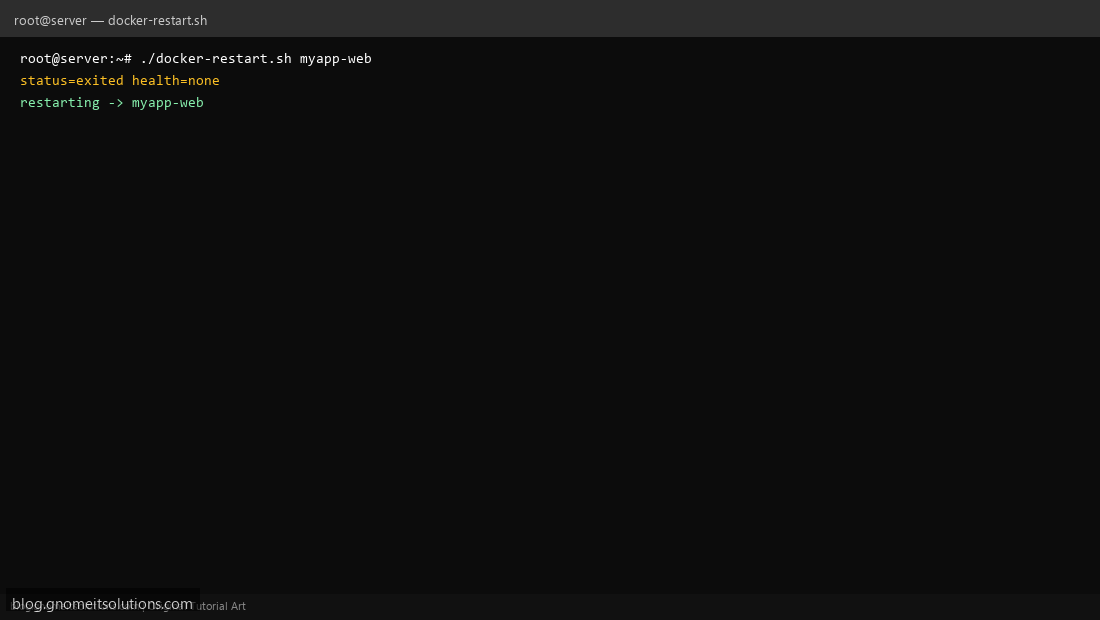
Step 4: Test manually
./docker-restart.sh my-nginxdocker inspect -f '{{.State.Status}}' my-nginxSchedule with cron
sudo crontab -eAdd:
*/5 * * * * /usr/local/bin/docker-restart.sh myapp-web >> /var/log/docker-restart.log 2>&1Related tutorials
- Linux Backup Shell Script: Files & Database to Remote Server
- Cron Jobs in Linux: Schedule Tasks with crontab
- SSH Key Authentication on Linux Servers
Terminal screenshot is an original illustration created for Gnome IT Solutions (blog.gnomeitsolutions.com).