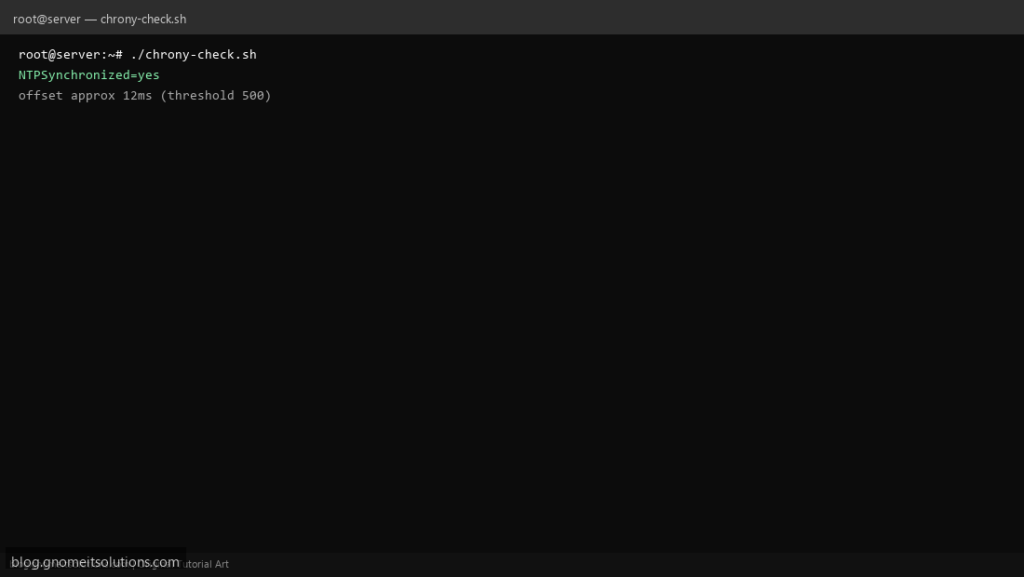
Clock skew breaks TLS, Kerberos, and distributed logs — a chrony sync check shell script is an easy cron job that alerts when offset exceeds a few hundred milliseconds.
What this script does
- Uses
timedatectl show -p NTPSynchronized - Parses
chronyc trackingoffset when chrony installed - Threshold on absolute offset milliseconds
- Fallback message when chrony missing
- Exit 1 for monitoring hooks
Prerequisites
- systemd or chrony
- chronyc in PATH if using offset parse
- Root optional for chronyc
Step 1: Save the script
sudo nano /usr/local/bin/chrony-check.sh
sudo chmod +x /usr/local/bin/chrony-check.sh
Step 2: Full script (scroll to read)
chrony-check.sh
#!/usr/bin/env bash
set -euo pipefail

MAX_OFFSET_MS="${MAX_OFFSET_MS:-500}"
LOG="/var/log/chrony-check.log"

log(){ echo "[$(date '+%F %T')] $*" | tee -a "$LOG"; }

synced=$(timedatectl show -p NTPSynchronized --value 2>/dev/null || echo "unknown")
log "NTPSynchronized=$synced"

if [[ "$synced" != "yes" ]]; then
  log "FAIL not synchronized"
  exit 1
fi

if command -v chronyc >/dev/null 2>&1; then
  off=$(chronyc tracking 2>/dev/null | awk -F: '/RMS offset|Last offset/ {gsub(/[^0-9.-]/,"",$2); print $2; exit}' || true)
  if [[ -n "$off" ]]; then
    # rough: treat field as seconds if small decimal
    ms=$(awk -v o="$off" 'BEGIN{printf "%.0f", (o<10?o*1000:o)}')
    log "offset approx ${ms}ms (threshold $MAX_OFFSET_MS)"
    if (( ms > MAX_OFFSET_MS )); then
      log "FAIL offset too high"
      exit 1
    fi
  fi
fi

log "OK"
exit 0
Scroll inside the box to read the full script.
Step 3: Configure settings
- Guide: timedatectl
- Logs and time: journalctl
- VMs: sync after snapshot restore or vMotion
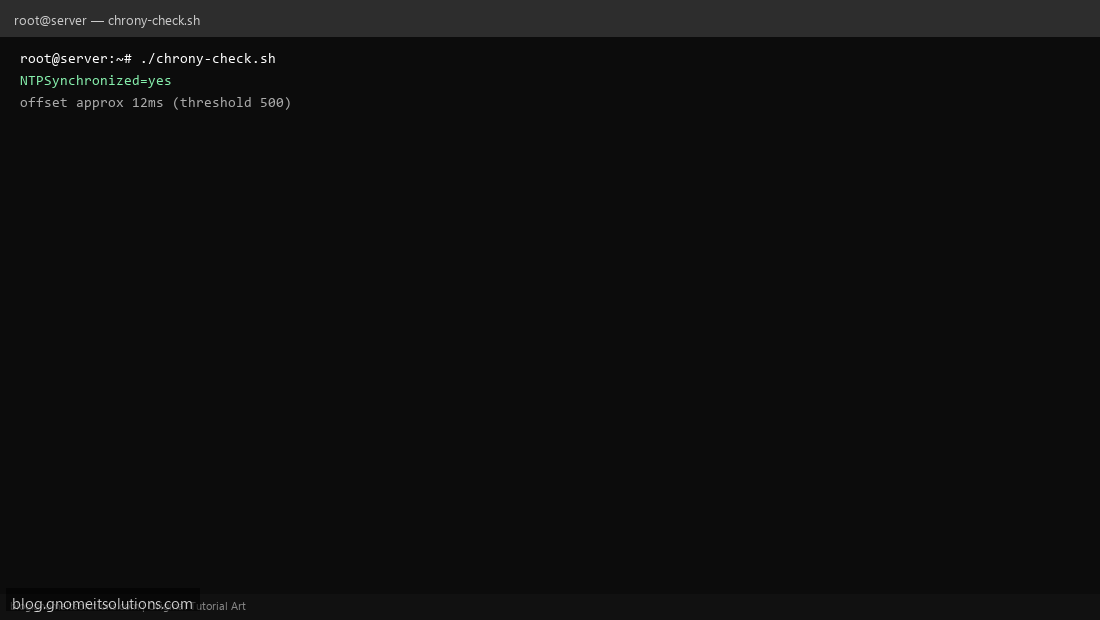
Step 4: Test manually
./chrony-check.shMAX_OFFSET_MS=50 ./chrony-check.shSchedule with cron
sudo crontab -eAdd:
*/30 * * * * /usr/local/bin/chrony-check.sh >> /var/log/chrony-check.log 2>&1Related tutorials
- Linux Backup Shell Script: Files & Database to Remote Server
- Cron Jobs in Linux: Schedule Tasks with crontab
- SSH Key Authentication on Linux Servers
Terminal screenshot is an original illustration created for Gnome IT Solutions (blog.gnomeitsolutions.com).