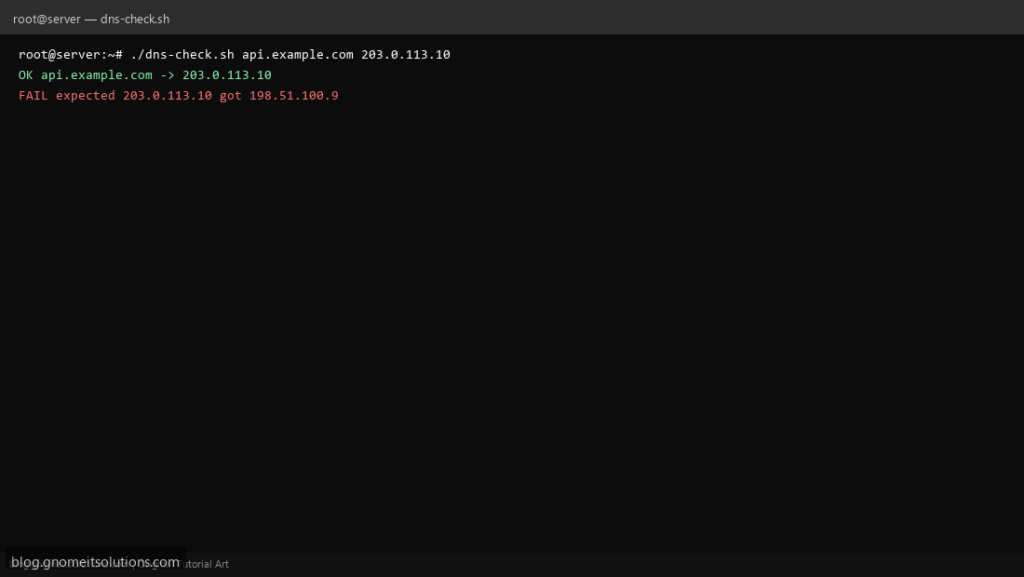
After DNS or CDN cutovers, the top check is a dns lookup shell script that fails when dig returns the wrong A record — reusable in cron until TTLs settle.
What this script does
- Takes hostname and optional expected IPv4
- Uses
dig +short Awith resolver override - Compares answer to
EXPECTED_IPenv or arg - Logs failures for ticket attachment
- Exit 0 only when resolution matches
Prerequisites
- bind-utils or dnsutils (dig)
- Network DNS egress
- IPv4 focus (extend for AAAA separately)
Step 1: Save the script
sudo nano /usr/local/bin/dns-check.sh
sudo chmod +x /usr/local/bin/dns-check.sh
Step 2: Full script (scroll to read)
dns-check.sh
#!/usr/bin/env bash
set -euo pipefail

HOST="${1:?usage: dns-check.sh HOST [EXPECTED_IPV4]}"
EXPECTED="${2:-${EXPECTED_IP:-}}"
RESOLVER="${DNS_SERVER:-}"
LOG="/var/log/dns-check.log"

log(){ echo "[$(date '+%F %T')] $*" | tee -a "$LOG"; }

dig_cmd=(dig +short A "$HOST")
[[ -n "$RESOLVER" ]] && dig_cmd=(dig +short A "$HOST" "@$RESOLVER")

answer=$("${dig_cmd[@]}" 2>/dev/null | head -n1 || true)
if [[ -z "$answer" ]]; then
  log "FAIL no A record for $HOST"
  exit 1
fi

log "OK $HOST -> $answer"
if [[ -n "$EXPECTED" && "$answer" != "$EXPECTED" ]]; then
  log "FAIL expected $EXPECTED got $answer"
  exit 1
fi
exit 0
Scroll inside the box to read the full script.
Step 3: Configure settings
- CLI DNS: nslookup guide
- Network path: mtr
- Pair with ping monitor
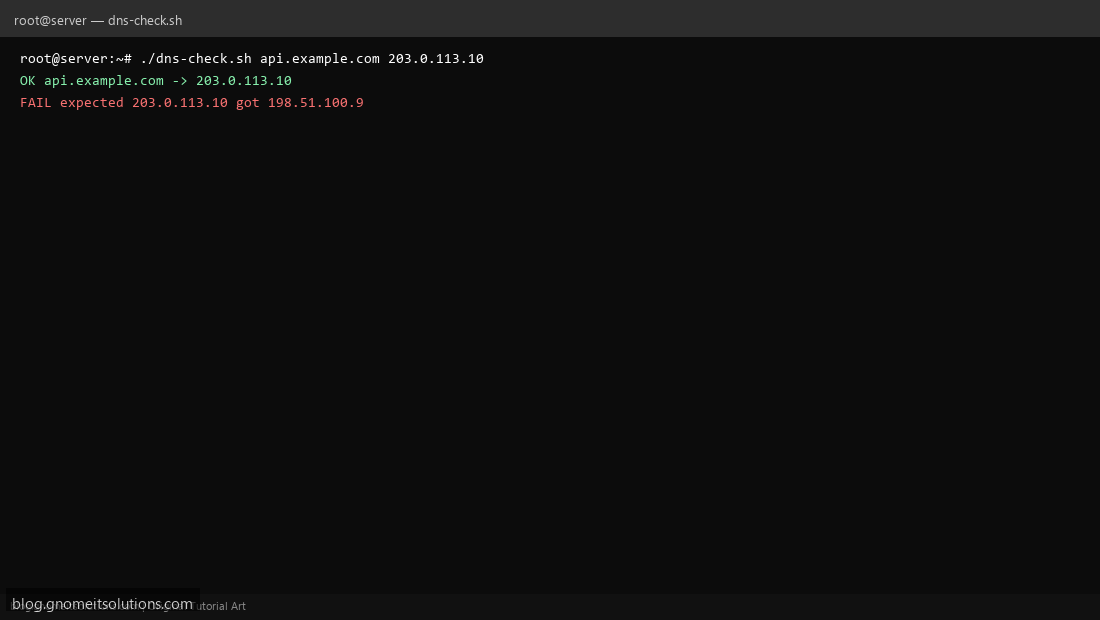
Step 4: Test manually
./dns-check.sh www.example.comEXPECTED_IP=93.184.216.34 ./dns-check.sh example.comSchedule with cron
sudo crontab -eAdd:
*/15 * * * * /usr/local/bin/dns-check.sh api.example.com 203.0.113.10 >> /var/log/dns-check.log 2>&1Related tutorials
- Linux Backup Shell Script: Files & Database to Remote Server
- Cron Jobs in Linux: Schedule Tasks with crontab
- SSH Key Authentication on Linux Servers
Terminal screenshot is an original illustration created for Gnome IT Solutions (blog.gnomeitsolutions.com).