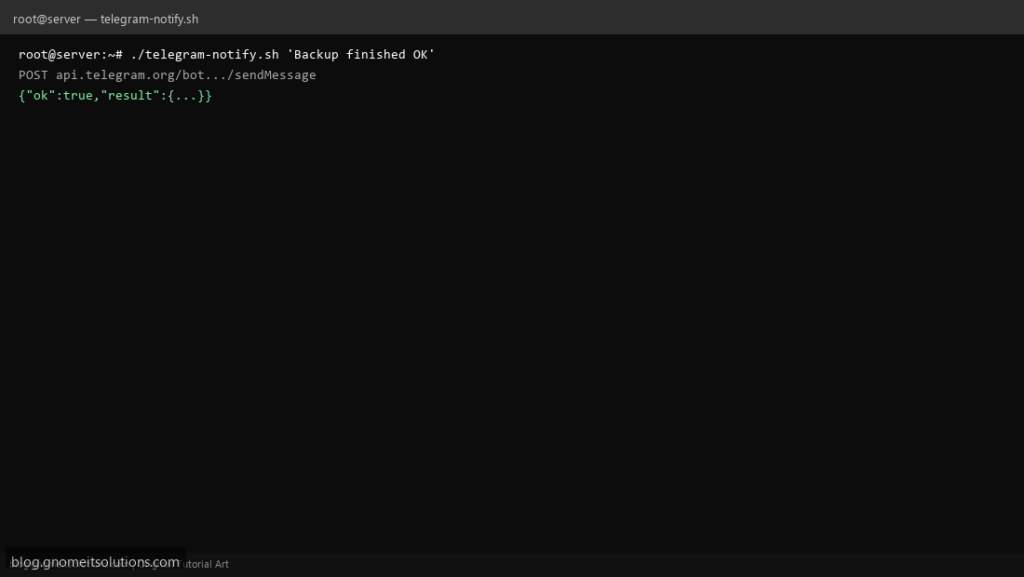
Telegram bot alerts are a popular Slack alternative for small teams — one Bash script with curl and the Bot API covers deploy notices, cron failures, and backup summaries.
What this script does
- Uses
https://api.telegram.org/bot$TOKEN/sendMessage - Reads
TELEGRAM_BOT_TOKENandTELEGRAM_CHAT_ID - Accepts message from args or stdin
- JSON payload built with Python one-liner (safe escaping)
- Fails fast on missing token
Prerequisites
- curl
- Telegram bot token from @BotFather
- Chat ID from getUpdates or channel
Step 1: Save the script
sudo nano /usr/local/bin/telegram-notify.sh
sudo chmod +x /usr/local/bin/telegram-notify.sh
Step 2: Full script (scroll to read)
telegram-notify.sh
#!/usr/bin/env bash
set -euo pipefail

TOKEN="${TELEGRAM_BOT_TOKEN:?set TELEGRAM_BOT_TOKEN}"
CHAT_ID="${TELEGRAM_CHAT_ID:?set TELEGRAM_CHAT_ID}"

if [[ $# -gt 0 ]]; then
  text="$*"
else
  text="$(cat)"
fi

payload=$(TEXT="$text" CHAT_ID="$CHAT_ID" python3 -c 'import json,os; print(json.dumps({"chat_id":os.environ["CHAT_ID"],"text":os.environ["TEXT"]}))')

curl -fsS -X POST "https://api.telegram.org/bot${TOKEN}/sendMessage" \
  -H 'Content-Type: application/json' \
  -d "$payload"
echo
Scroll inside the box to read the full script.
Step 3: Configure settings
- Slack variant: Slack webhook script
- Email: email alert
- Never commit tokens — use
/etc/default/telegram-alertmode 600
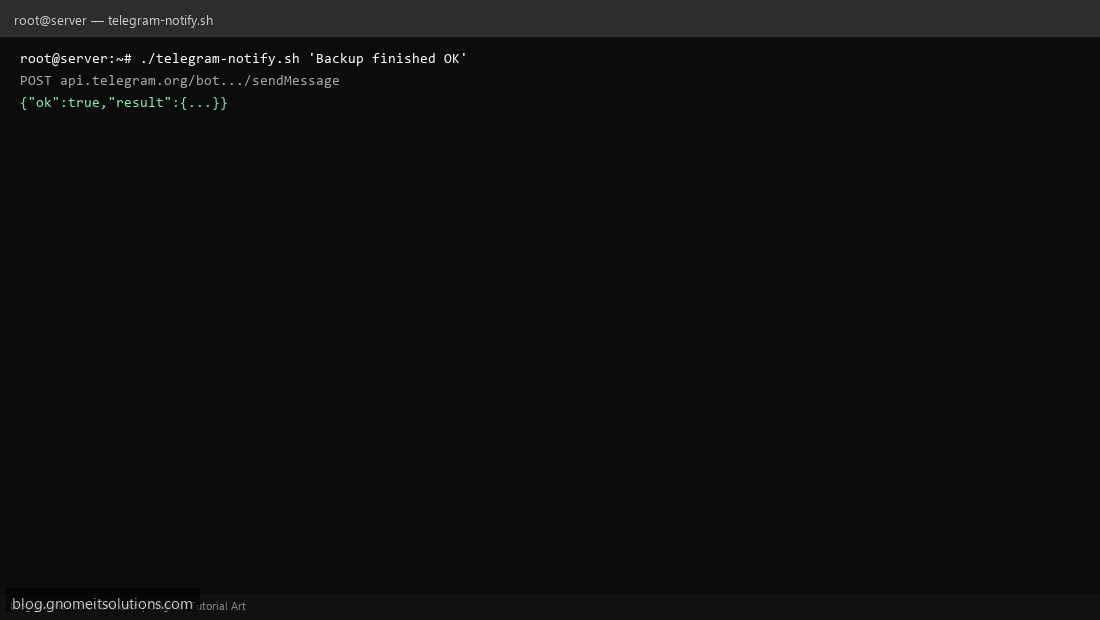
Step 4: Test manually
TELEGRAM_BOT_TOKEN='xxx' TELEGRAM_CHAT_ID='123' ./telegram-notify.sh 'test from server'Schedule with cron
sudo crontab -eAdd:
*/5 * * * * /usr/local/bin/telegram-notify.sh "Cron heartbeat $(hostname)"Related tutorials
- Linux Backup Shell Script: Files & Database to Remote Server
- Cron Jobs in Linux: Schedule Tasks with crontab
- SSH Key Authentication on Linux Servers
Terminal screenshot is an original illustration created for Gnome IT Solutions (blog.gnomeitsolutions.com).