Every Linux admin eventually needs to stop a stuck job, a runaway script, or a service that ignored a graceful shutdown. The usual mistake is reaching for
kill -9 first — that can leave temp files, half-written databases, or corrupted queues.
Start with SIGTERM, use systemctl for managed services, and reserve SIGKILL for when a process truly will not exit.
Signals in One Minute
SIGTERM (15) asks a process to clean up. SIGKILL (9) removes it immediately and cannot be caught. SIGINT (2) is what Ctrl+C sends.
kill -l | head -20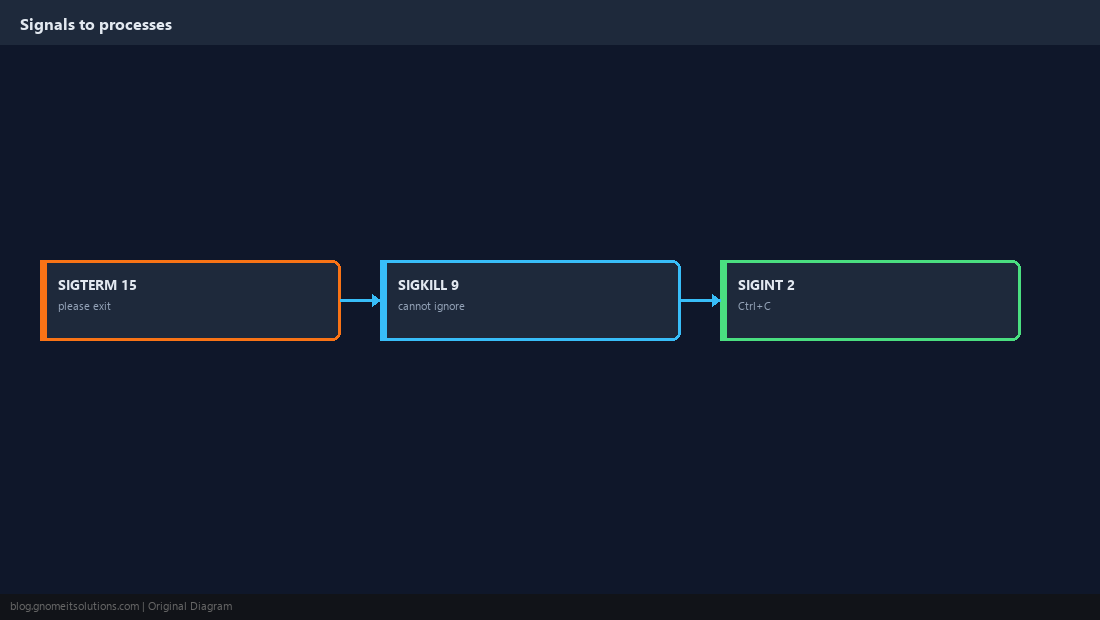
Find the PID
Know what you are stopping. pgrep is faster than guessing; systemctl status shows the main PID for units.
pgrep -a nginx
ps aux --sort=-%cpu | head -5
systemctl status nginx --no-pager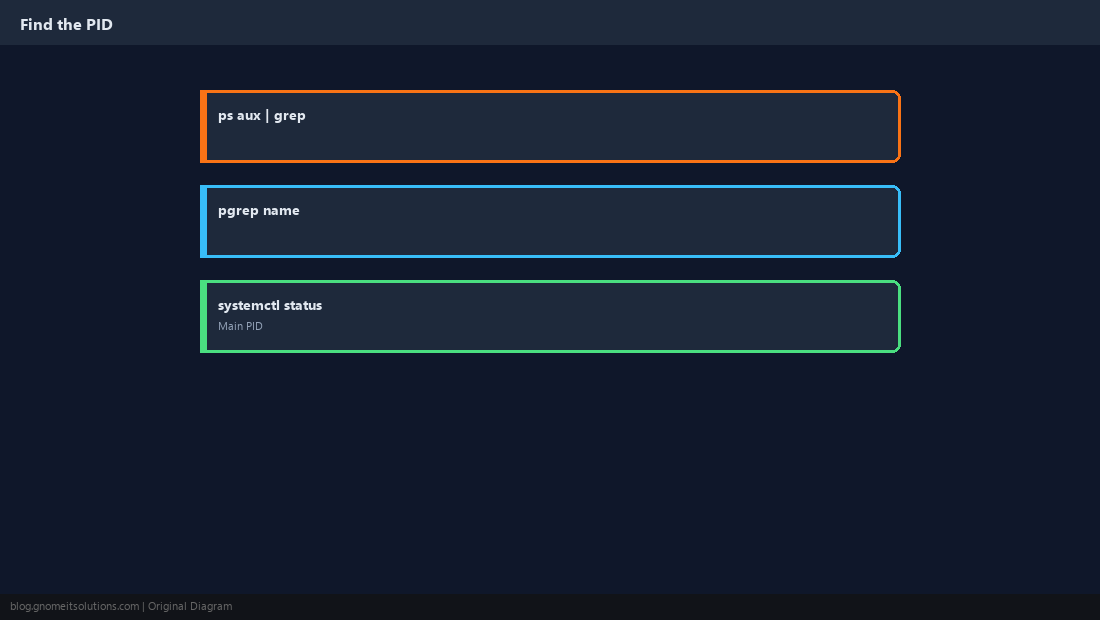
kill and kill -9
Default kill PID sends SIGTERM. Wait a few seconds, confirm with ps -p PID, then escalate if needed.
kill 12345
sleep 3
ps -p 12345 || echo 'gone'
kill -9 12345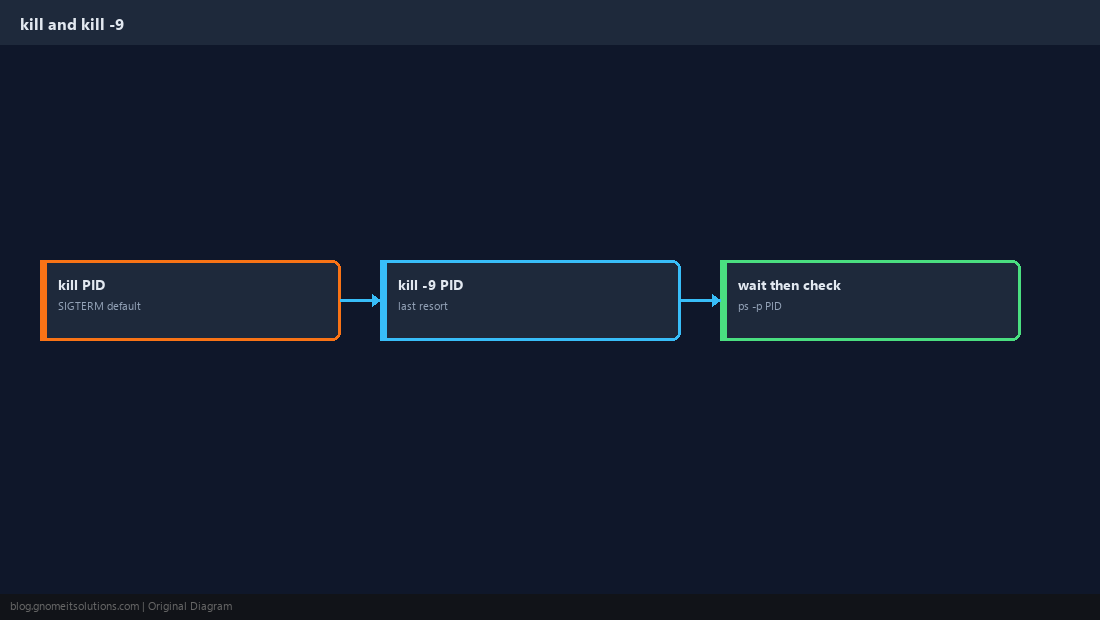
pkill and killall
Match by name when you are sure only the intended processes match. Scope with -u on shared hosts.
pkill -f 'python3 /opt/job/run.py'
killall -u deploy myworkerkillall nginx stops every nginx process on the box — including workers you still need.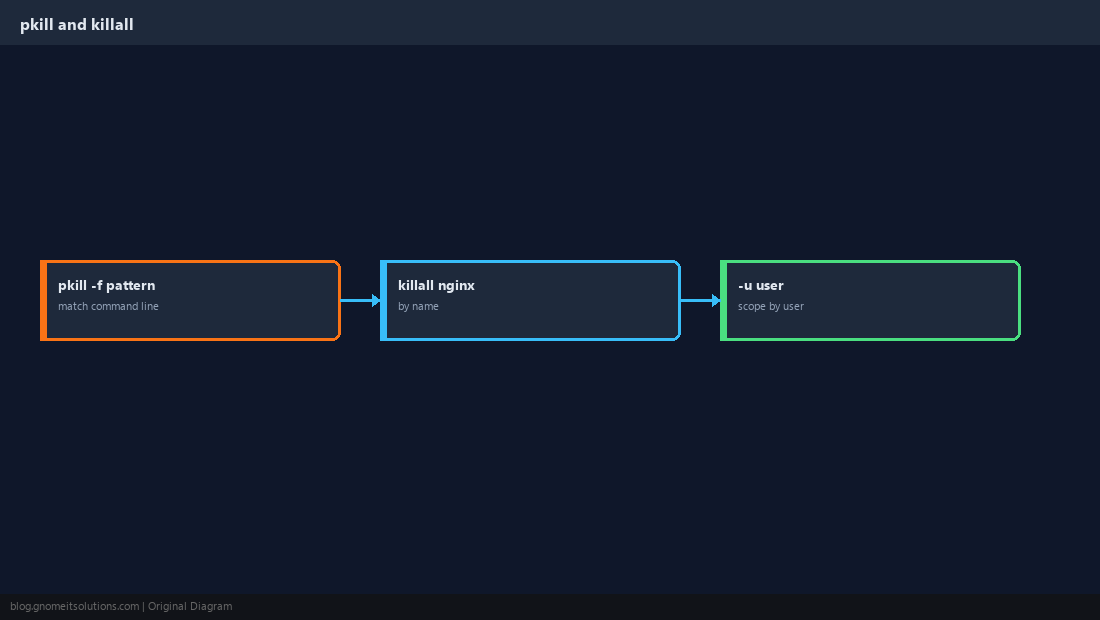
CPU Priority (Optional)
Lowering niceness reduces CPU contention without killing. Real-time scheduling is rare and risky on shared servers.
renice +10 -p 12345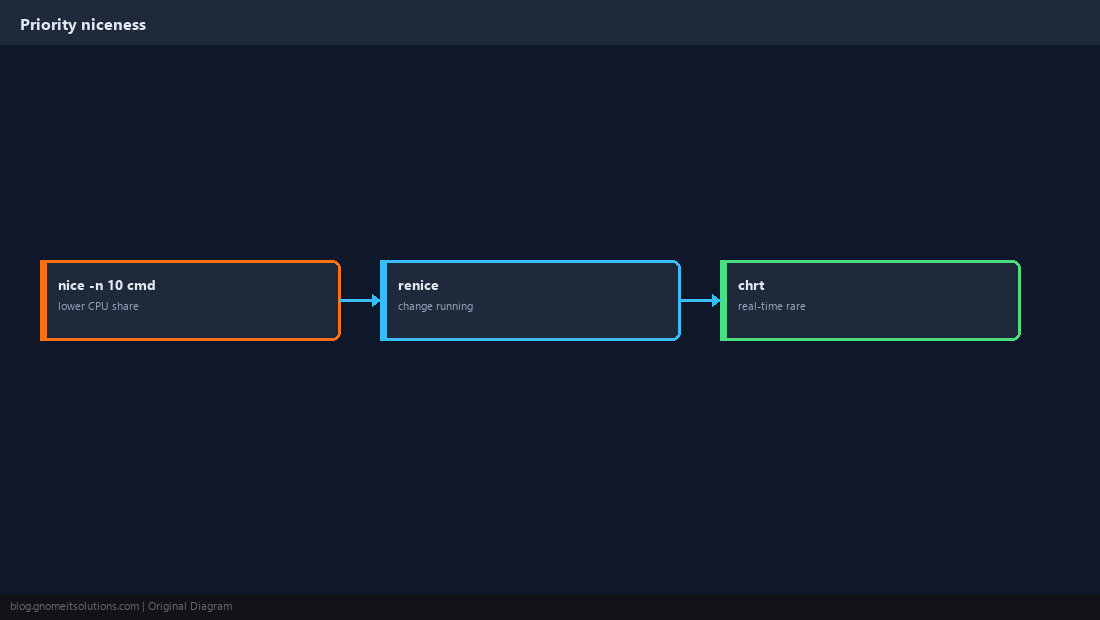
Zombie vs Uninterruptible (D)
Zombies (Z) need the parent process to reap them. D state often means stuck I/O — killing may not work until the kernel completes the driver call.
ps aux | awk '$8 ~ /Z|D/ {print}'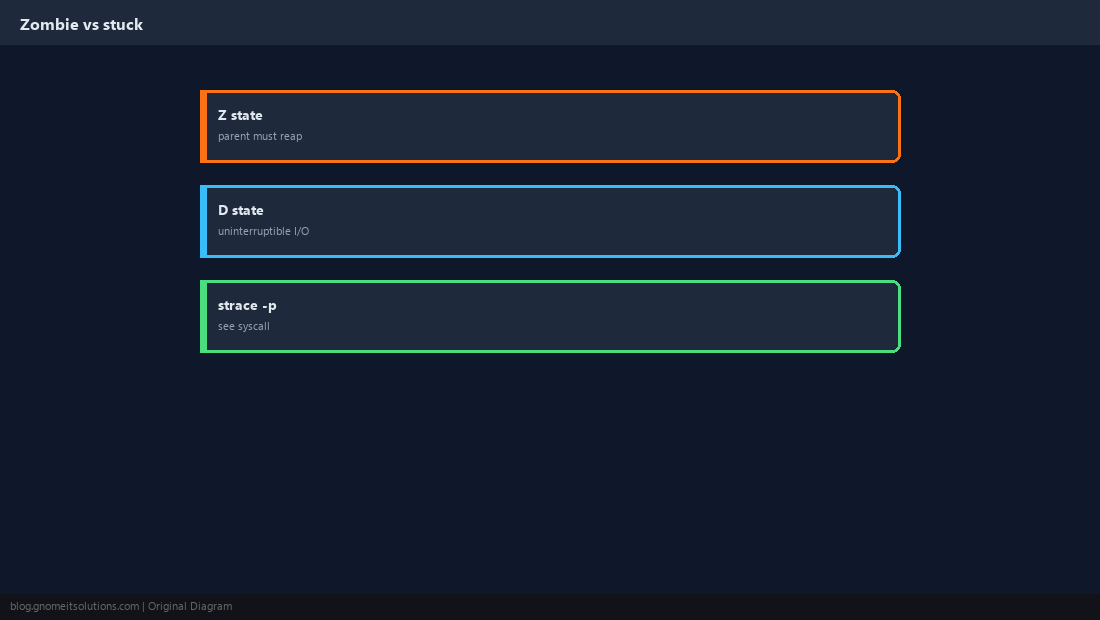
Prefer systemd for Services
systemctl stop sends SIGTERM, respects unit timeouts, and logs in the journal.
sudo systemctl stop nginx
journalctl -u nginx --since '5 min ago' --no-pager | tail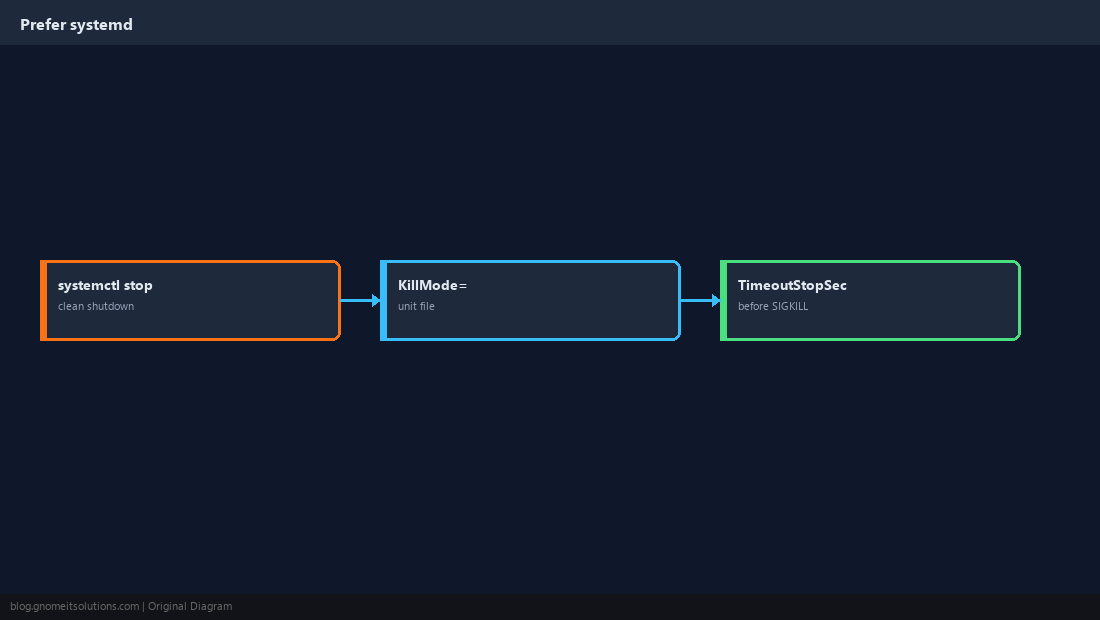
Quick Reference
kill PID(TERM) beforekill -9pkill -fwhen the command line is unique- Managed services:
systemctl stop
Related tutorials
Diagrams are original illustrations by Gnome IT Solutions. Tutorial text © Gnome IT Solutions.