Permission errors look like “Permission denied” on a script, a web server that cannot read a site root, or an SSH client refusing a private key.
The fix is almost always the triplet user / group / other plus who owns the file.
This guide ties into SSH keys (private keys should be 600) and
Nginx document roots (often 755 dirs, 644 files).
Read ls -l
The first column is the mode string; the third and fourth columns are owner and group. Directories need the execute bit to be entered.
ls -l /var/www/html/index.html
ls -ld /var/www/html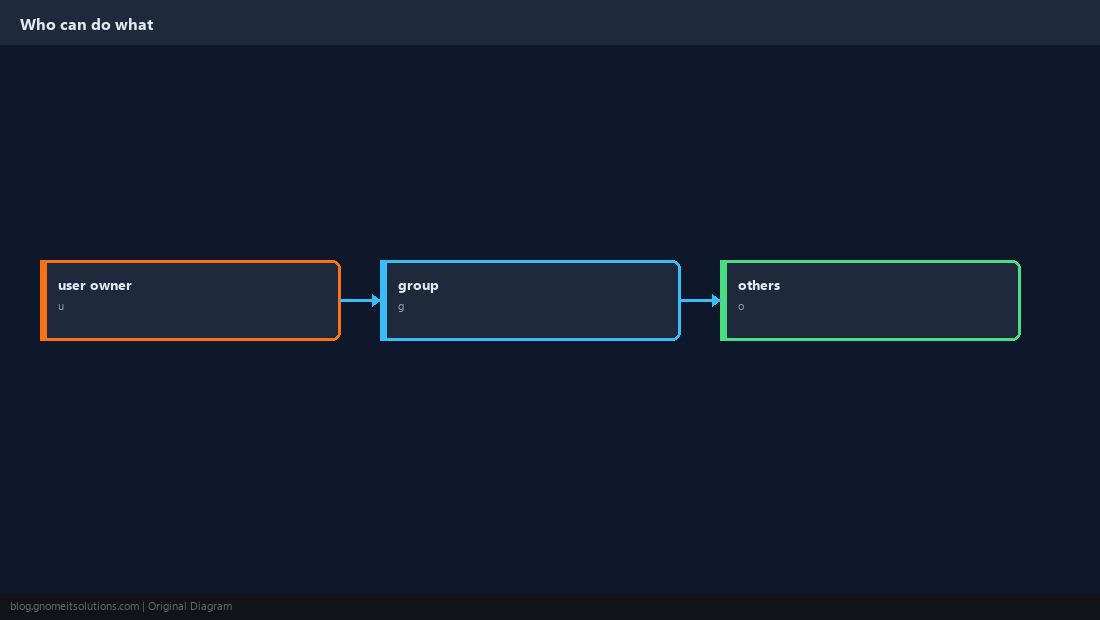
Symbolic chmod
Add or remove bits for user (u), group (g), others (o), or all (a). +x adds execute; -w removes write.
chmod u+x deploy.sh
chmod 600 ~/.ssh/id_ed25519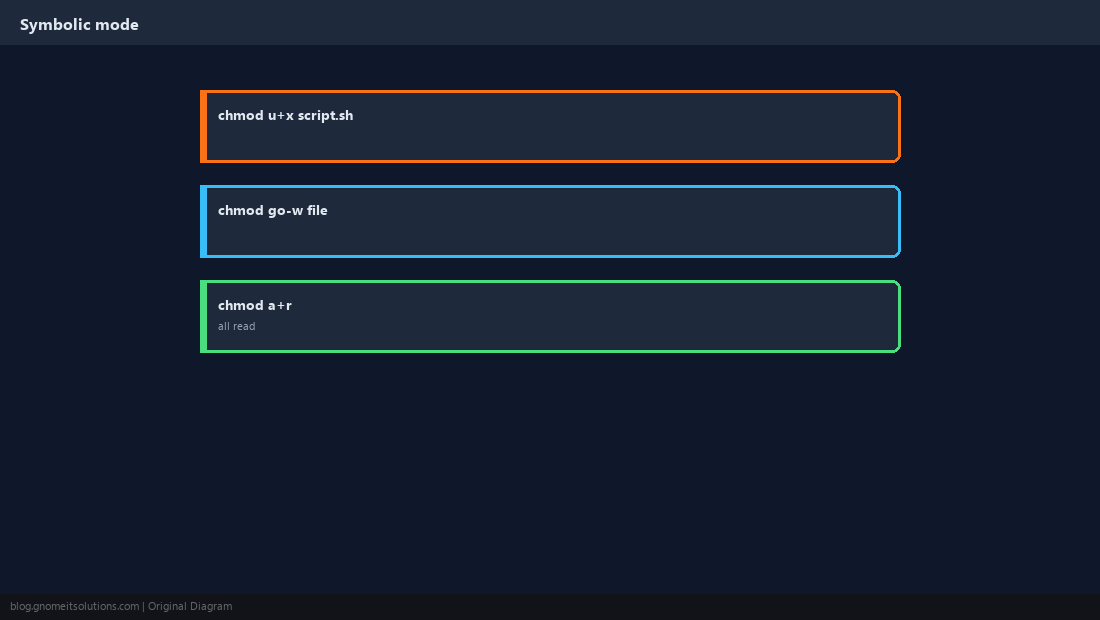
Octal Mode (755, 644, 600)
Three digits are owner, group, other. Each digit sums read (4), write (2), execute (1). This is what tutorials mean by “chmod 755”.
chmod 755 /usr/local/bin/myapp
chmod 644 /var/www/html/*.html755 on a directory means you can cd into it; without x on a dir, listing may work but entering fails.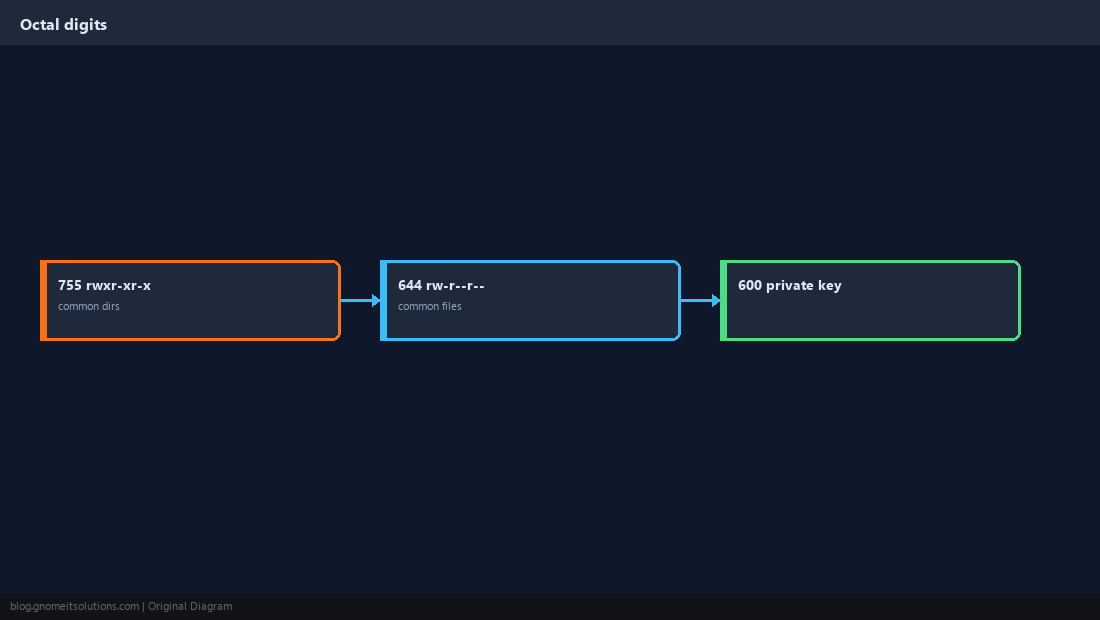
Recursive chmod
Web trees often need find plus two chmod passes: directories 755, files 644. Avoid chmod -R 777 except in disposable lab VMs.
find /var/www/mysite -type d -exec chmod 755 {} +
find /var/www/mysite -type f -exec chmod 644 {} +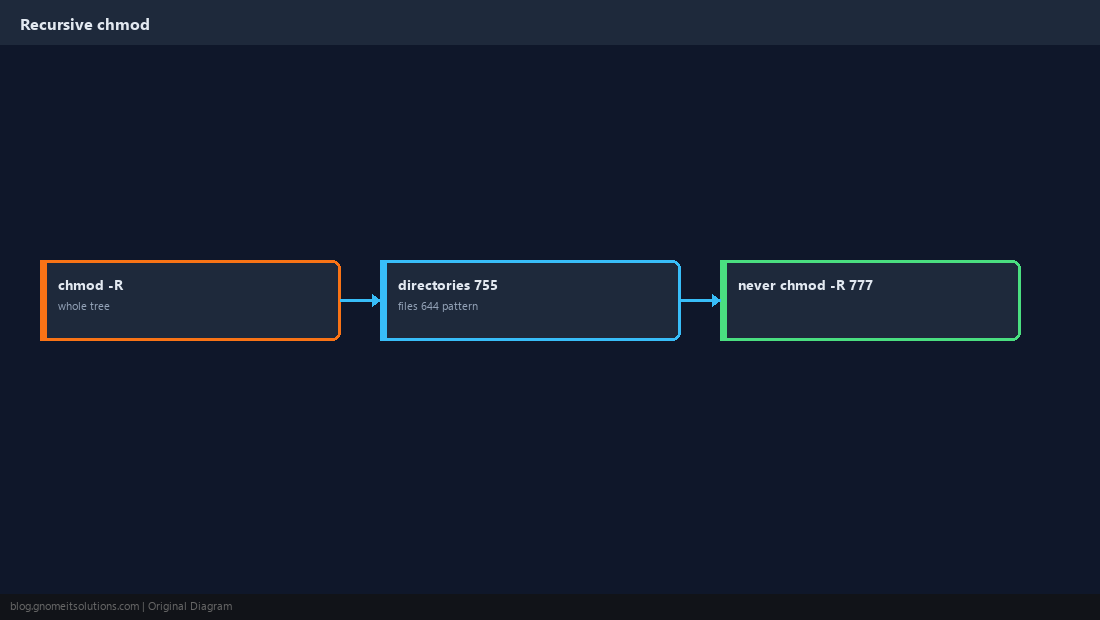
chown: Change Owner and Group
Only root can give away files to another user. Use user:group syntax; -R walks the tree.
sudo chown www-data:www-data -R /var/www/mysite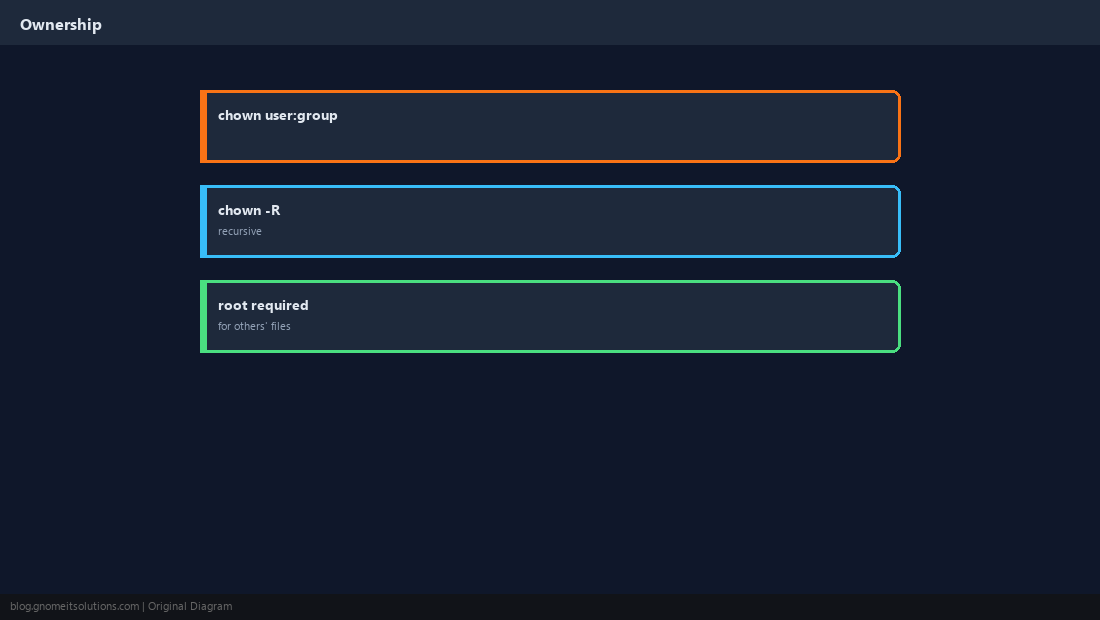
Special Bits (Brief)
setuid, setgid, and sticky appear as extra letters in ls -l (e.g. drwxrwxrwt on /tmp). Change these only when you understand the security impact.
ls -ld /tmp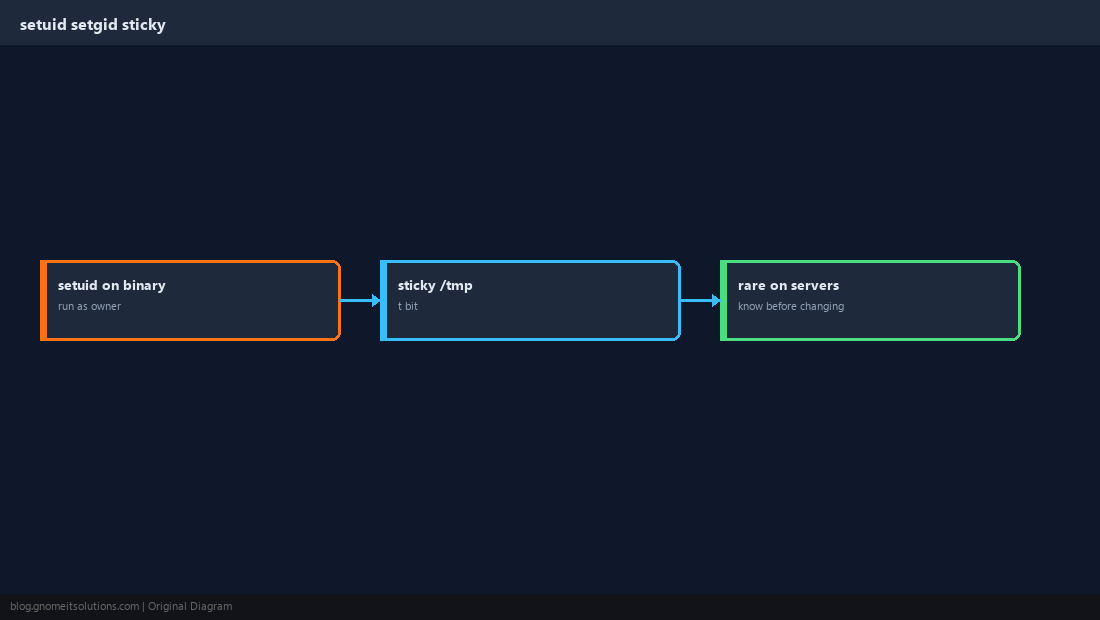
Verify the Full Path
namei -l shows permissions on every component of a path — useful when a parent directory blocks access even if the file mode looks correct.
namei -l /var/www/mysite/index.html
stat -c '%a %U:%G %n' /var/www/mysite/index.html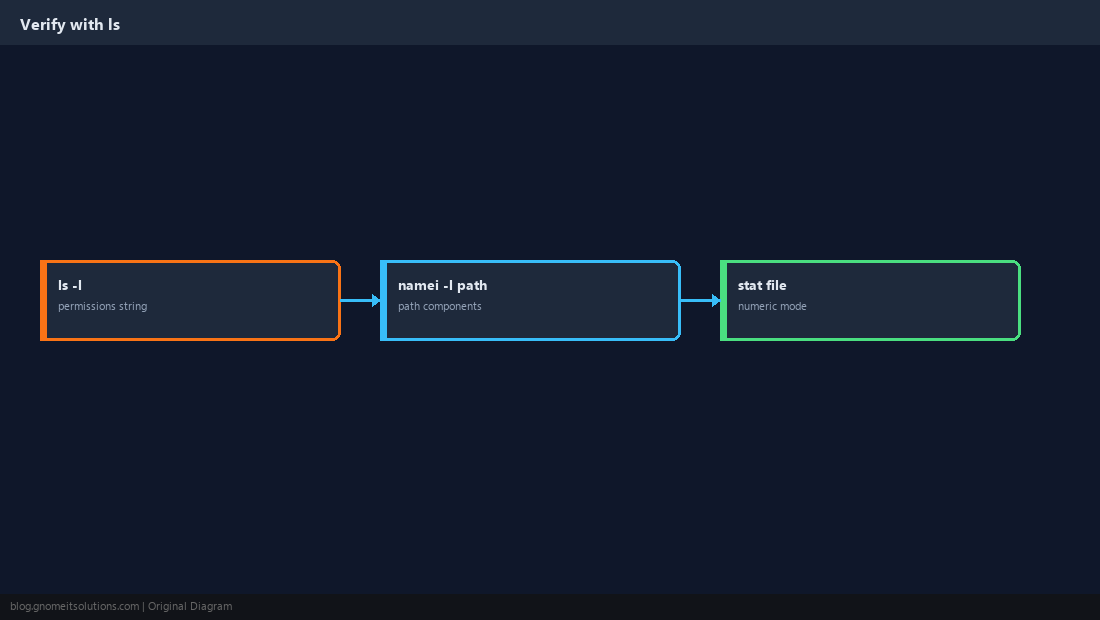
Quick Reference
- Dirs often
755; files644; SSH private keys600 chown user:groupfor app ownershipnamei -lwhen parent perms block access
Related tutorials
Diagrams are original illustrations by Gnome IT Solutions. Tutorial text © Gnome IT Solutions.