A 502 Bad Gateway means Nginx acted as a gateway but could not get a valid response from the upstream app — PHP-FPM, Node, Gunicorn, or another proxy target. The fix is almost always on the upstream side or in the proxy configuration.
This guide complements Nginx reverse proxy and
Nginx vs Apache.
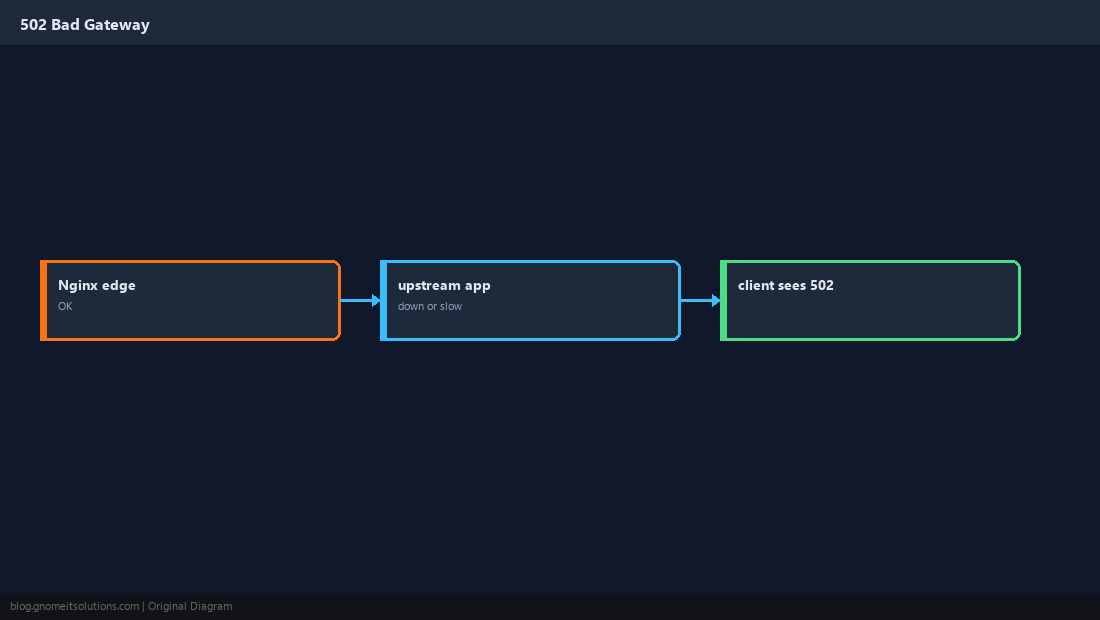
What 502 Means
Nginx is up; the backend is not answering correctly — connection refused, timeout, or invalid response.
Confirm the Upstream Is Listening
Match proxy_pass or fastcgi_pass to a real port or socket.
sudo ss -tlnp | grep -E ':3000|:9000'
systemctl status php8.2-fpm nginx --no-pager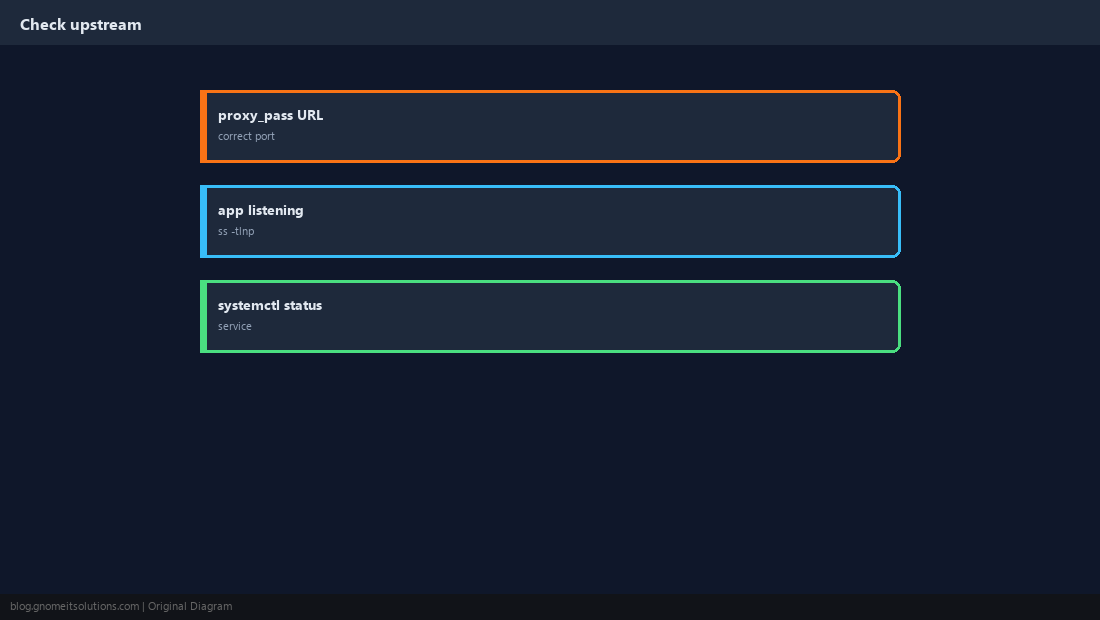
Read error.log First
Look for connect() failed, upstream prematurely closed, or timeout messages with timestamps.
sudo tail -50 /var/log/nginx/error.log
journalctl -u php8.2-fpm --since "10 min ago" --no-pager | tail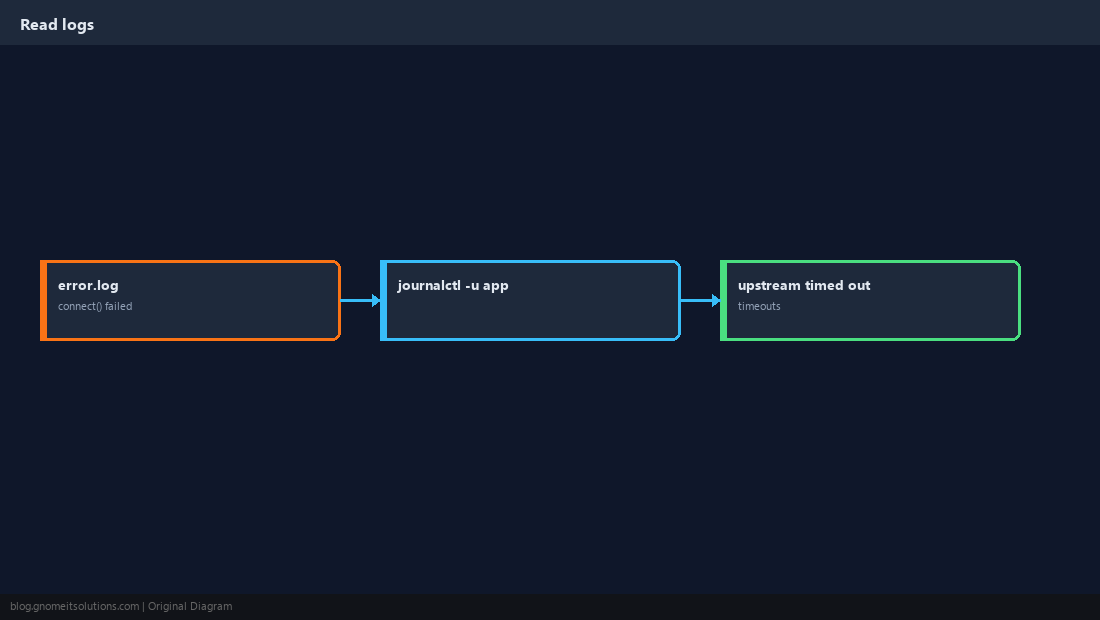
Tune Proxy Timeouts
Slow APIs may need higher proxy_read_timeout. Do not set infinite timeouts — fix the slow query instead.
proxy_read_timeout 120s;
proxy_connect_timeout 10s;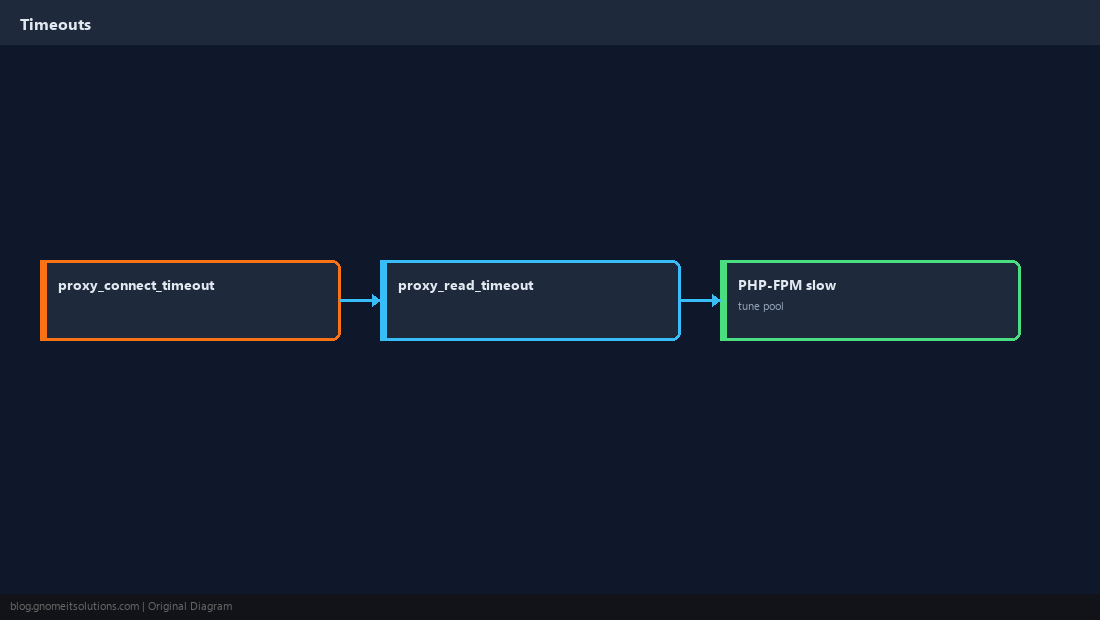
Unix Socket Permissions (PHP-FPM)
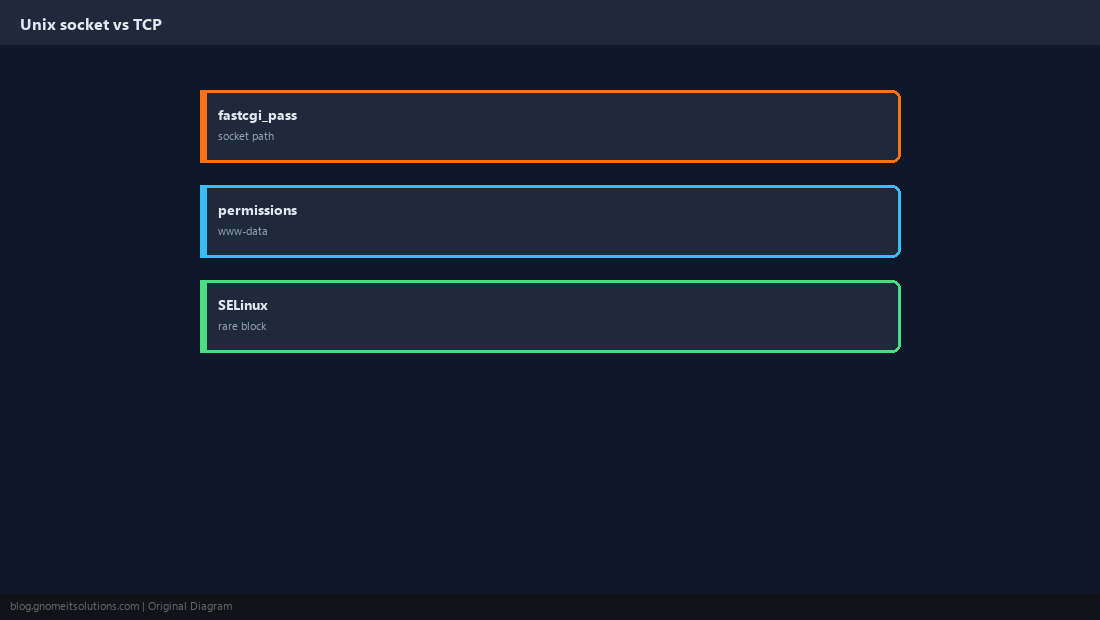
Wrong socket owner or SELinux context blocks fastcgi. Compare pool user with Nginx user.
PHP-FPM Pool Exhaustion
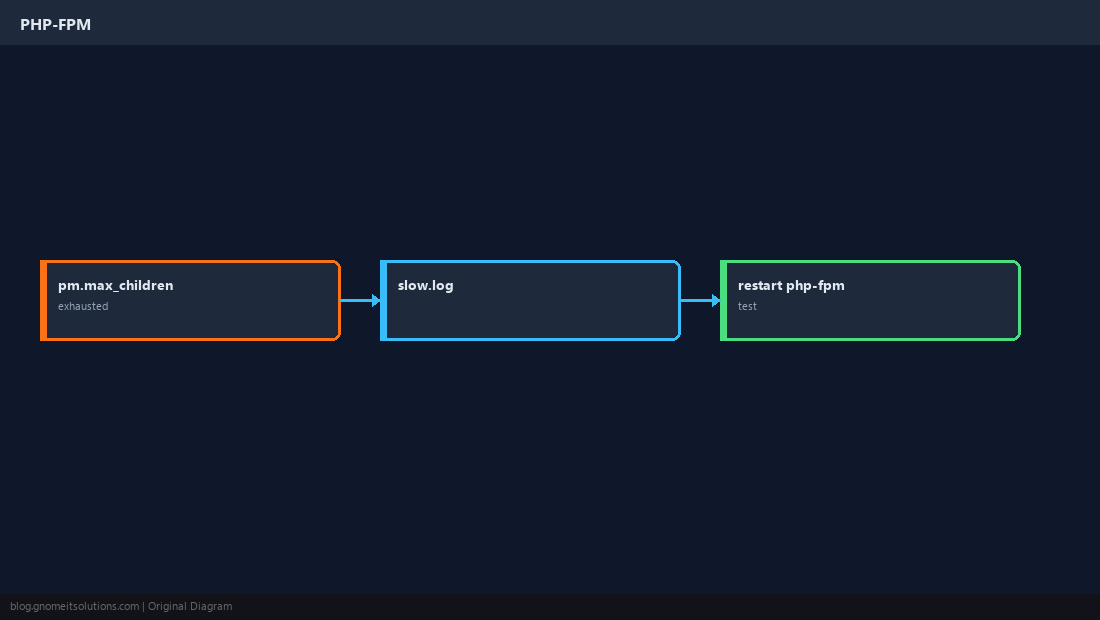
When pm.max_children is hit, new requests fail — often seen as 502/504.
Verify the Fix
Test locally and through the public vhost.
curl -sI http://127.0.0.1/
curl -sI https://your-domain/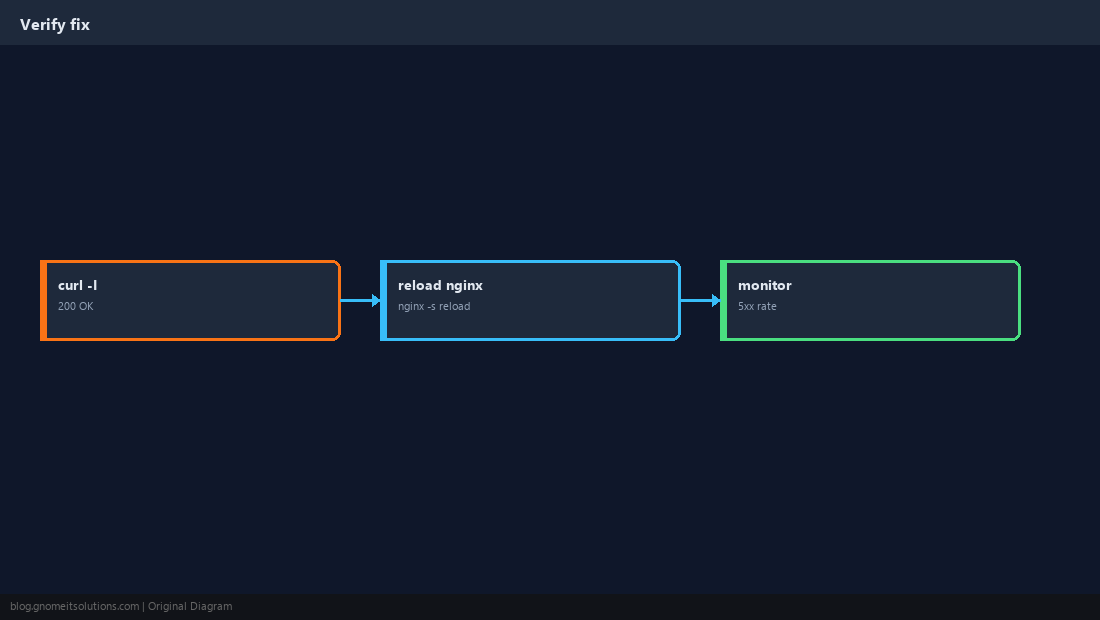
Quick Reference
- 502 → upstream not responding; check
ss -tlnp - Read
/var/log/nginx/error.logat the incident time - PHP: pool limits and socket path
Related tutorials
Diagrams are original illustrations by Gnome IT Solutions. Tutorial text © Gnome IT Solutions.