Before Let's Encrypt automation, every admin learned openssl commands for keys and CSRs. You still need them for internal services, load balancer uploads, and understanding what Certbot creates behind the scenes.
For public websites use Certbot on Nginx; use OpenSSL directly for lab and private PKI.
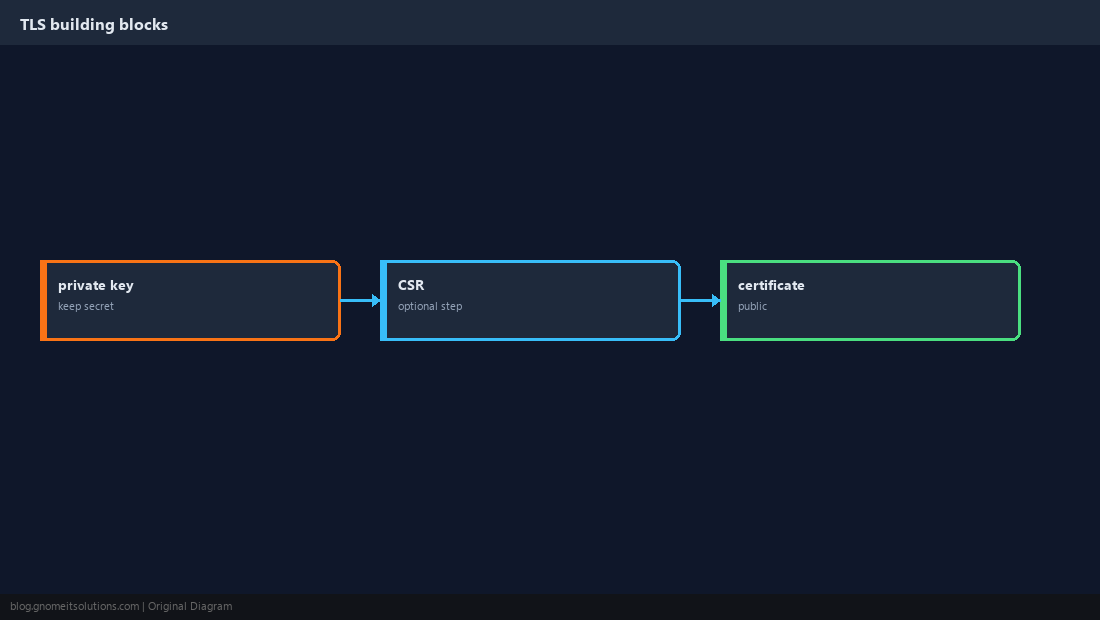
Key, CSR, Certificate
The private key stays on the server. The CSR is sent to a CA (or you self-sign). The certificate is the public file clients trust.
Self-Signed Certificate (Lab)
Quick HTTPS for dev — browsers will warn until you trust the cert.
openssl req -x509 -newkey rsa:2048 -nodes -keyout key.pem -out cert.pem -days 365 -subj "/CN=dev.local"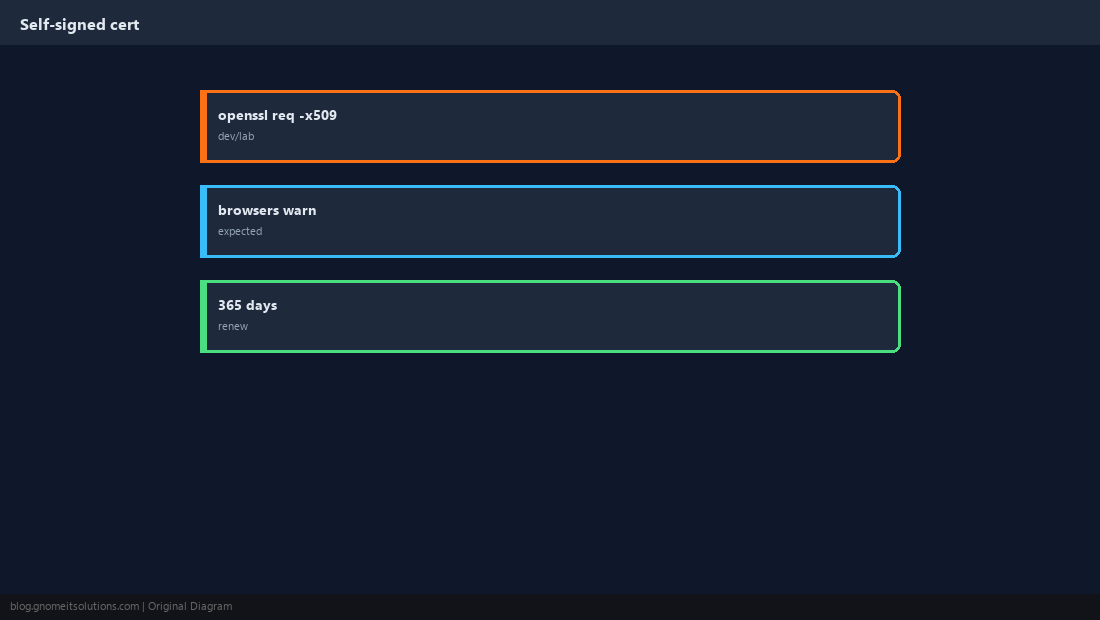
Generate Key and CSR Separately
Commercial CAs and some cloud load balancers want a CSR while you keep the key.
openssl genrsa -out server.key 2048
openssl req -new -key server.key -out server.csr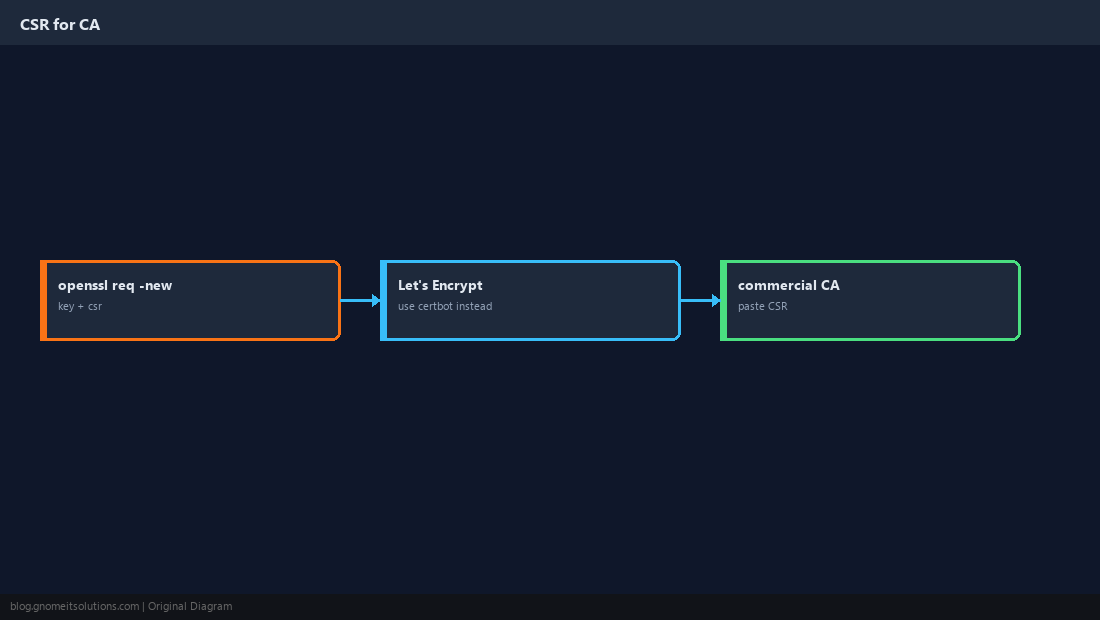
File Permissions
Private keys must not be world-readable.
chmod 600 server.key
chown root:root server.key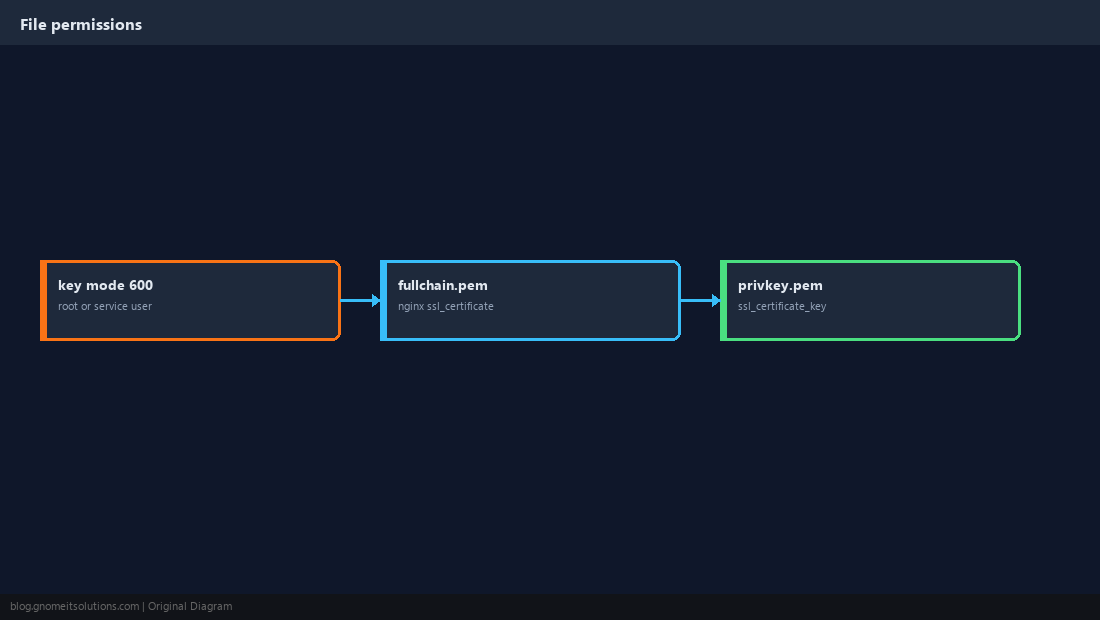
Inspect and Test
Check expiry before outages bite.
openssl x509 -in cert.pem -noout -dates
openssl s_client -connect localhost:443 -servername example.com </dev/null 2>/dev/null | openssl x509 -noout -dates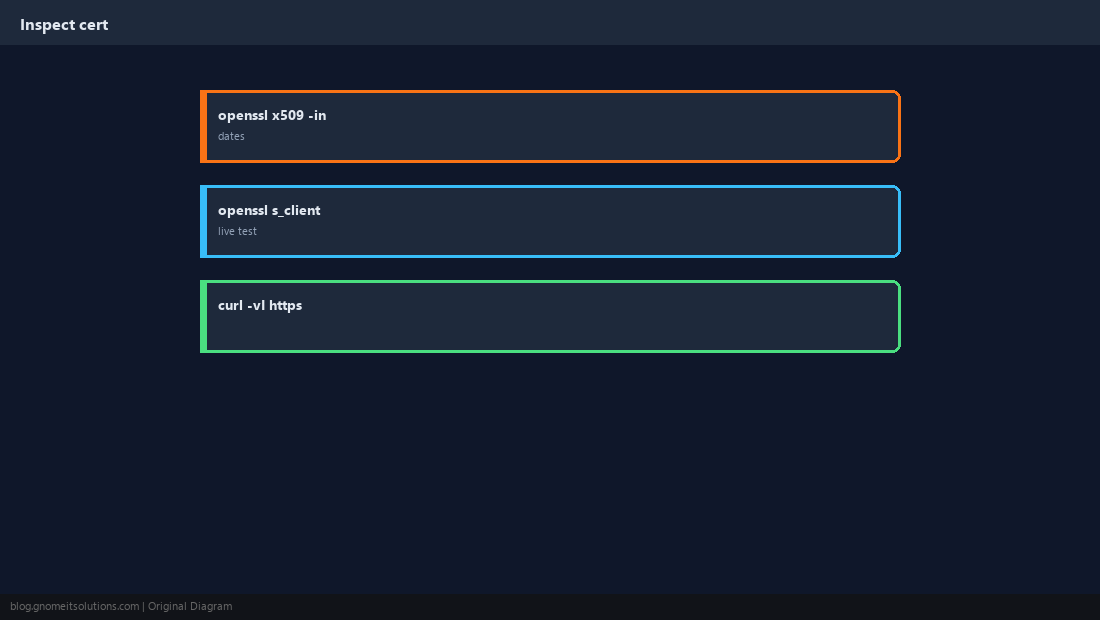
Renewal in Production
Automate public certs — do not manually re-run openssl every 90 days.
sudo systemctl reload nginx.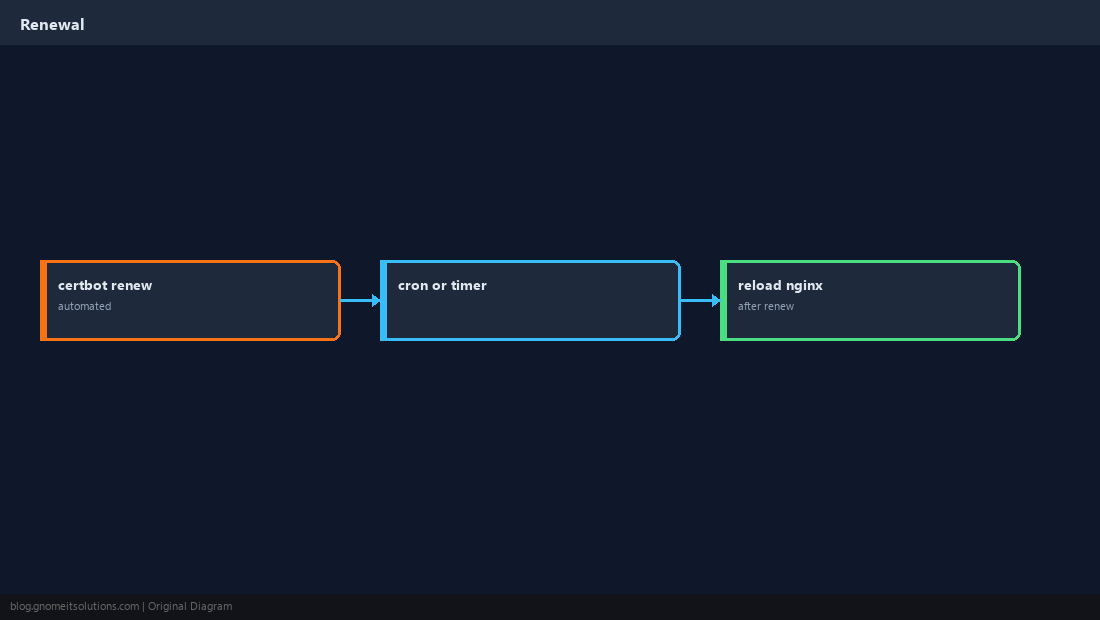
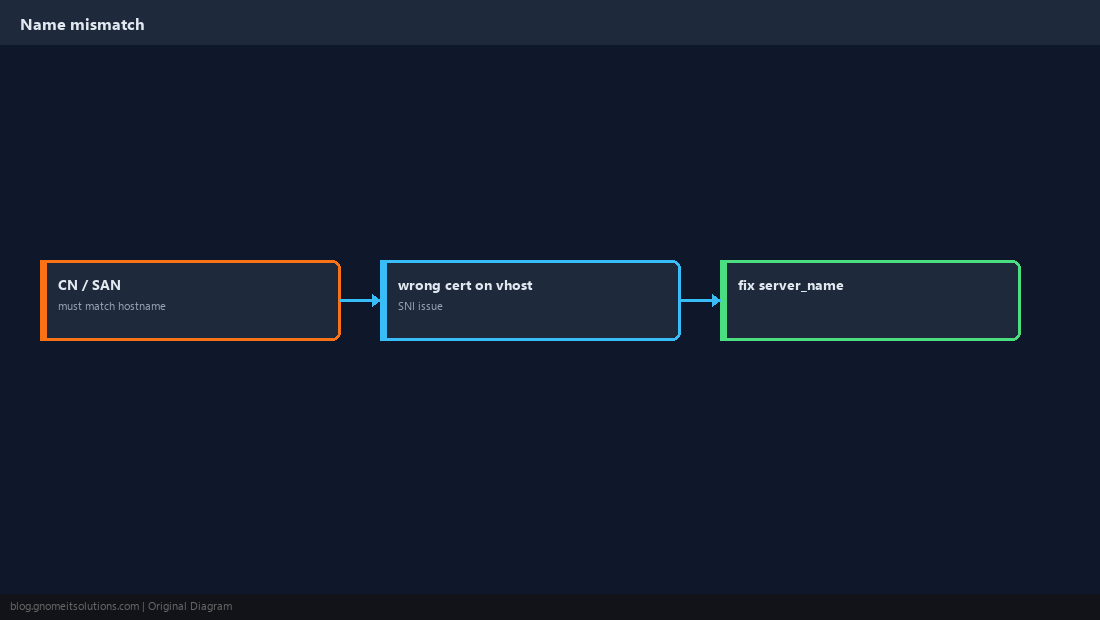
Hostname Mismatch
Certificate SAN/CN must match the URL clients use.
Quick Reference
- Production HTTPS: Certbot for public sites
- Keys:
chmod 600 - Check expiry with
openssl x509 -dates
Related tutorials
Diagrams are original illustrations by Gnome IT Solutions. Tutorial text © Gnome IT Solutions.