Install Python on Linux is a top search because automation, Ansible modules, data scripts, and ML tooling all start with a working python3 and isolated dependencies. Distro packages are the right default; virtual environments keep project libraries off the system Python.
Node stack: Node.js on Linux. Containers:
Docker install.
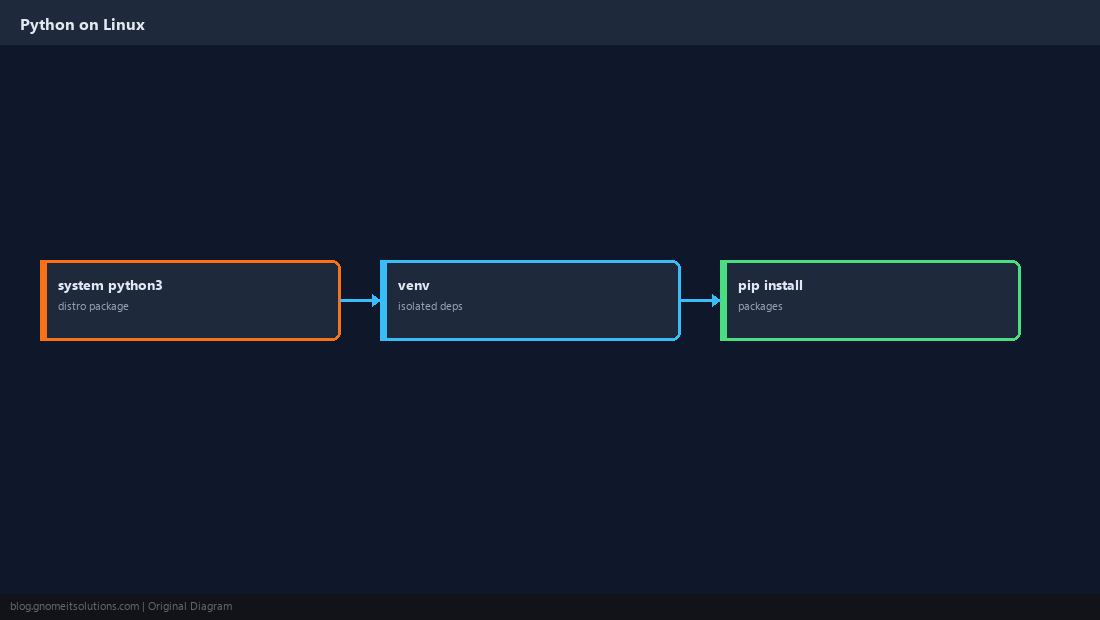
System Python vs Project venv
Linux ships python3 for tools and scripts. Application dependencies belong in a venv per project.
Install on Ubuntu / Debian
Install the interpreter, venv module, and pip in one apt transaction.
sudo apt update
sudo apt install -y python3 python3-venv python3-pip
python3 --version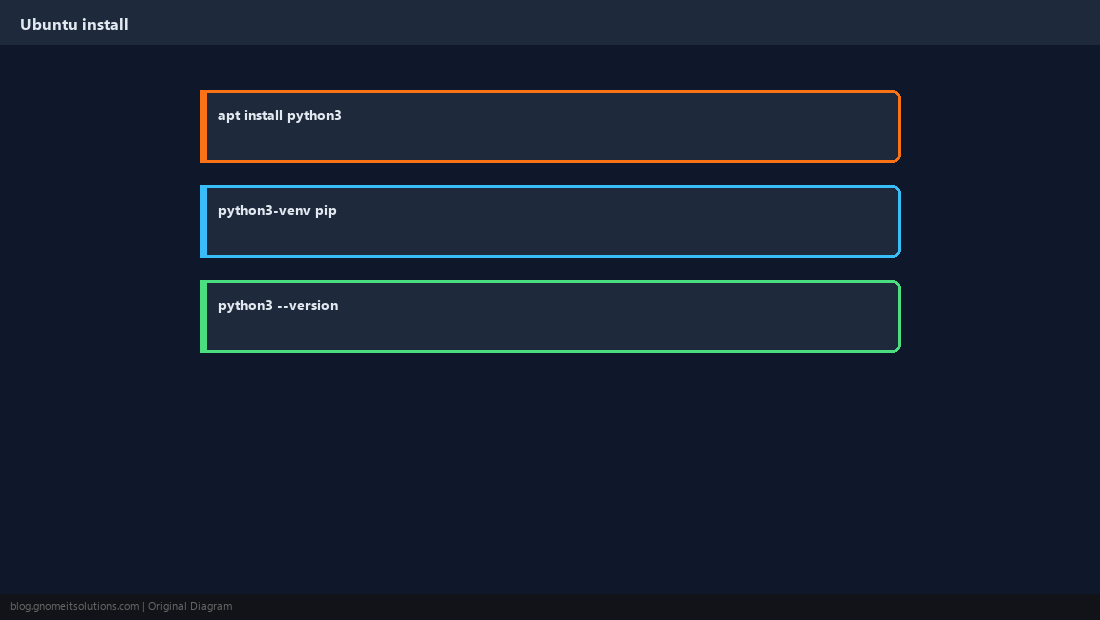
Create and Activate a venv
The venv lives inside your project directory; activation adjusts PATH for the current shell only.
cd /opt/myapp
python3 -m venv .venv
source .venv/bin/activate
which python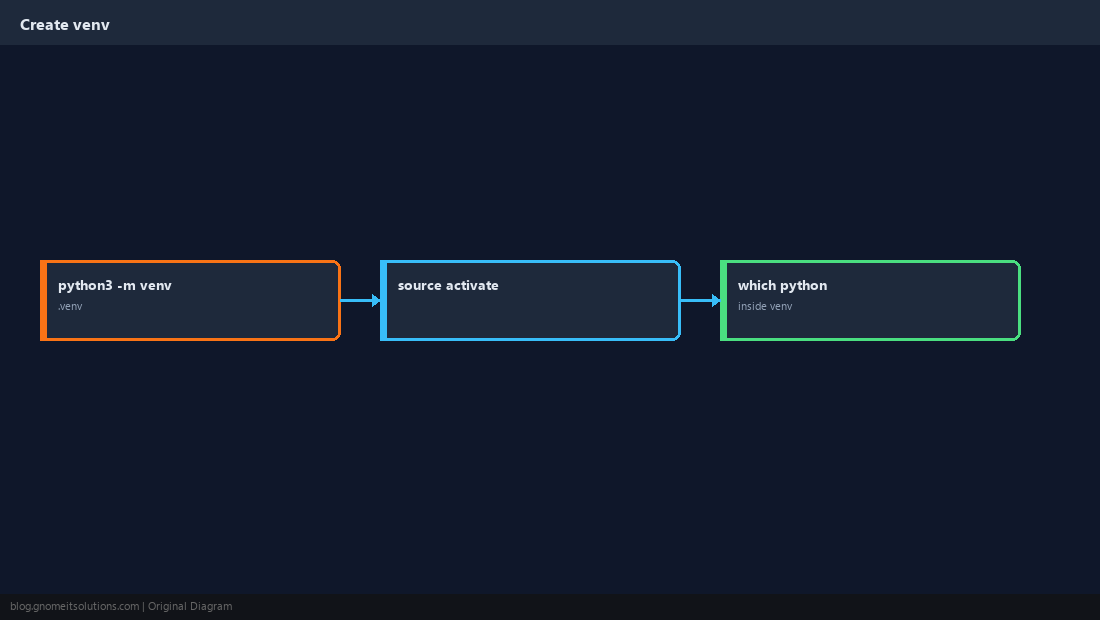
pip install Safely
With venv active, pip install writes only under .venv.
pip install --upgrade pip
pip install -r requirements.txt
pip freeze | head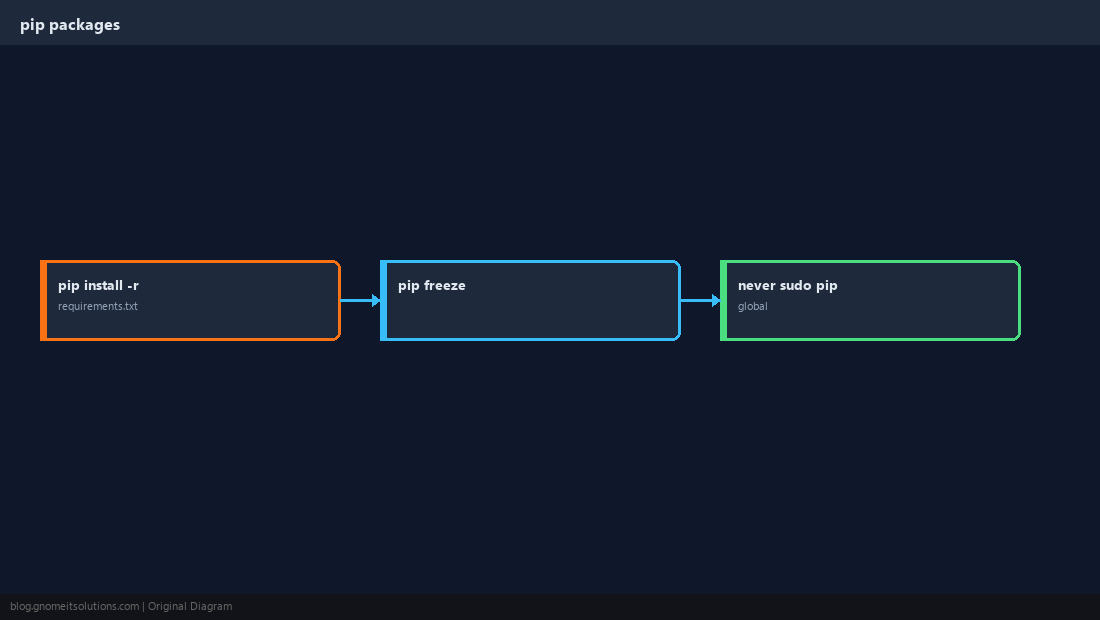
Install on AlmaLinux / Rocky
Use AppStream Python or enable a newer module if your app requires it.
sudo dnf install -y python3 python3-pip
python3 --version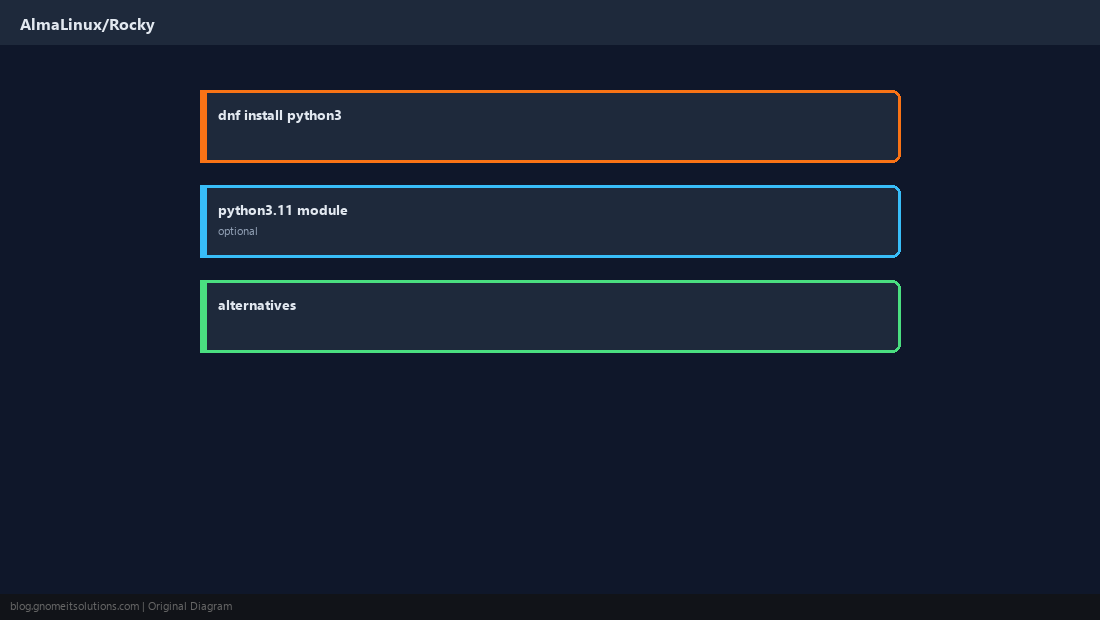
Scripts and Cron
Point cron at /path/.venv/bin/python — cron does not load your interactive shell.
sudo pip install on system Python — it can break apt/dnf managed packages.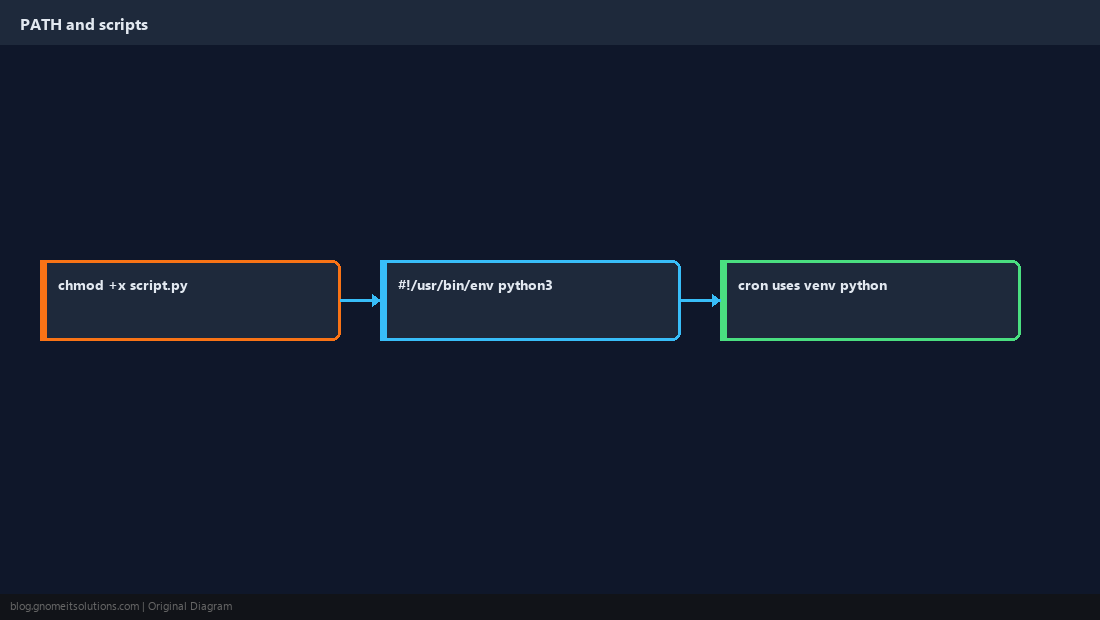
Verify Imports
Quick import test before deploying automation.
python -c 'import requests; print(requests.__version__)'
deactivate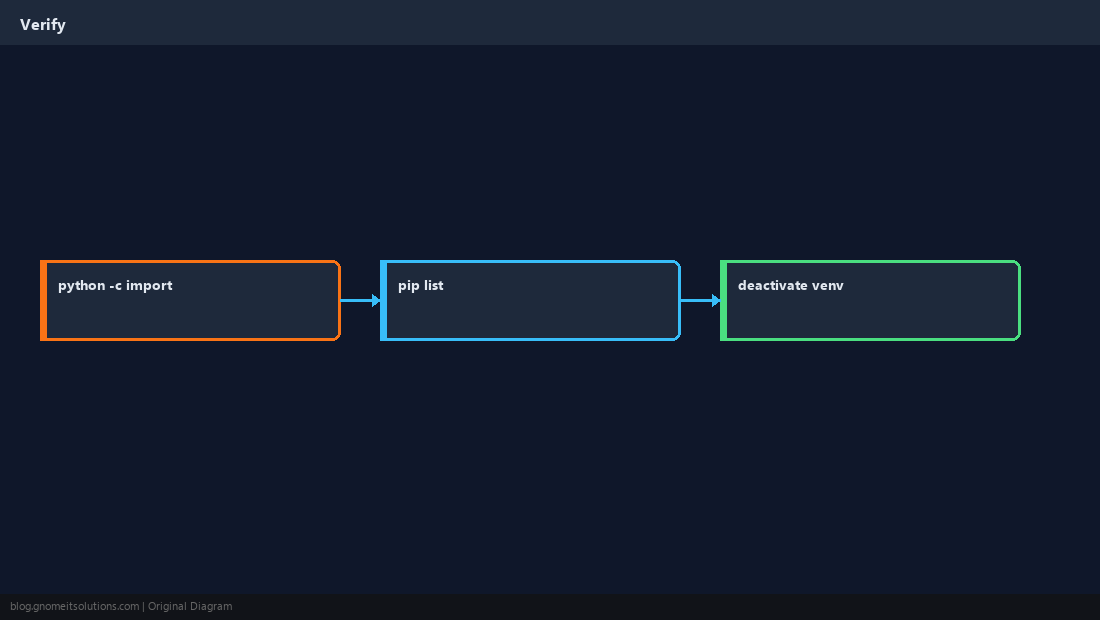
Quick Reference
- Project deps:
python3 -m venv .venvthenpip install - No
sudo pipon system Python - Cron: full path to
.venv/bin/python
Related tutorials
Diagrams are original illustrations by Gnome IT Solutions. Tutorial text © Gnome IT Solutions.