
mtr on Linux combines ping and traceroute into one live view — each row is a router hop with loss and latency stats. It is a common search when latency spikes but ping to the destination looks fine (problem may be mid-path).
Basics: ping & traceroute,
dig DNS,
ss command.
Install mtr
Debian/Ubuntu often package mtr-tiny; full mtr on RHEL as well.
bashinstall
sudo apt install -y mtr
mtr --version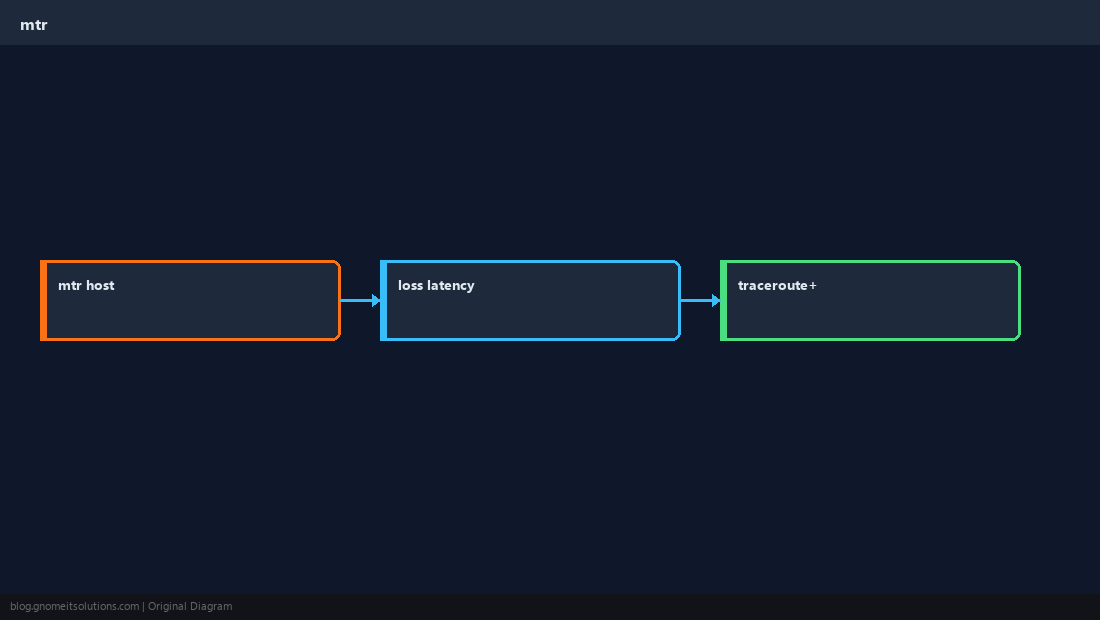
Interactive vs report
Interactive mode updates continuously; batch mode prints a report for tickets.
bashreport 50 pings
mtr -rwzbc 50 1.1.1.1Read the columns
High loss on an intermediate hop may be ICMP rate-limiting — look for loss that propagates to later hops.
When to escalate
Capture mtr from both ends if possible; pair with tcpdump on your side for app issues.
WarningSome networks deprioritize ICMP — a clean mtr does not guarantee TCP performance; use
iperf3 for throughput.Quick Reference
- Quick check:
mtr hostname - Report:
mtr -rwzbc N host - Compare with
tracerouteif mtr unavailable
Related tutorials
Diagrams are original illustrations by Gnome IT Solutions. Tutorial text © Gnome IT Solutions.