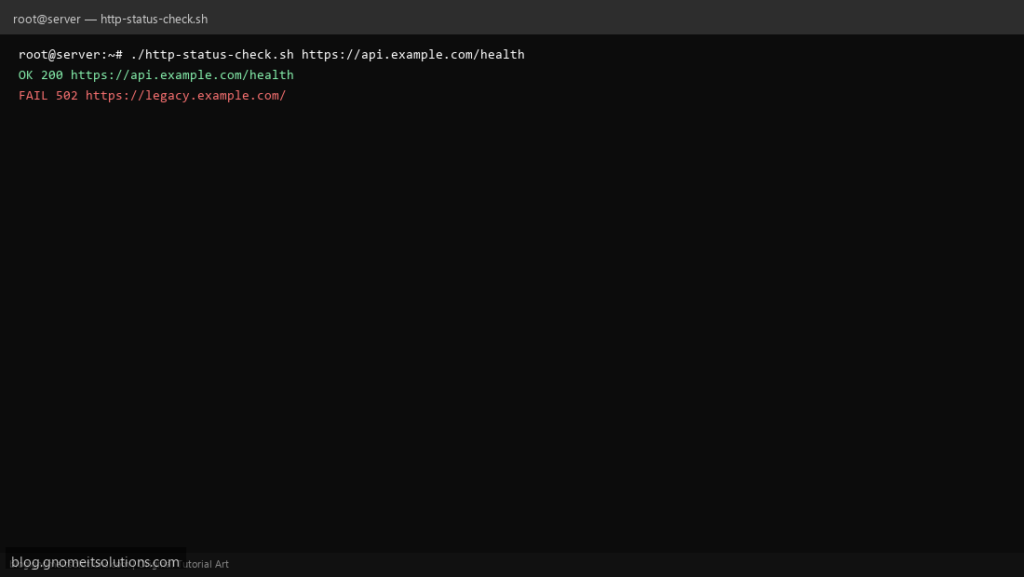
Teams bookmark a monitor URL HTTP status shell script when UptimeRobot is overkill but curl -I in cron is enough — this version reads a URL list, records codes, and fails for Nagios-style exits.
What this script does
- Reads URLs from file or single argument
- Uses
curl -fsSwith connect and max time - Captures HTTP code with
-w '%{http_code}' - Optional expected code (default 200)
- Exit 1 if any URL fails
Prerequisites
- curl
- Outbound HTTPS
- Optional mail or webhook for alerts
Step 1: Save the script
sudo nano /usr/local/bin/http-status-check.sh
sudo chmod +x /usr/local/bin/http-status-check.sh
Step 2: Full script (scroll to read)
http-status-check.sh
#!/usr/bin/env bash
set -euo pipefail

CONNECT="${CONNECT_TIMEOUT:-10}"
MAX="${MAX_TIME:-30}"
EXPECT="${EXPECT_CODE:-200}"
LOG="/var/log/http-status.log"
fail=0

log(){ echo "[$(date '+%F %T')] $*" | tee -a "$LOG"; }

check_one(){
  local url="$1"
  local code
  code=$(curl -fsS -o /dev/null -w '%{http_code}' --connect-timeout "$CONNECT" --max-time "$MAX" "$url" 2>/dev/null) || code="000"
  if [[ "$code" == "$EXPECT" ]]; then
    log "OK $code $url"
    return 0
  fi
  log "FAIL $code $url (expected $EXPECT)"
  fail=1
  return 1
}

if [[ $# -eq 1 && -f "$1" ]]; then
  while IFS= read -r url || [[ -n "$url" ]]; do
    [[ -z "$url" || "$url" =~ ^# ]] && continue
    check_one "$url" || true
  done <"$1"
elif [[ $# -ge 1 ]]; then
  for url in "$@"; do
    check_one "$url" || true
  done
else
  echo "usage: http-status-check.sh URL [URL...]" >&2
  echo "       http-status-check.sh urls.txt" >&2
  exit 2
fi

exit "$fail"
Scroll inside the box to read the full script.
Step 3: Configure settings
- Different from uptime monitor script — lighter single-URL focus
- JSON APIs: API health script
- Retries: curl retry script
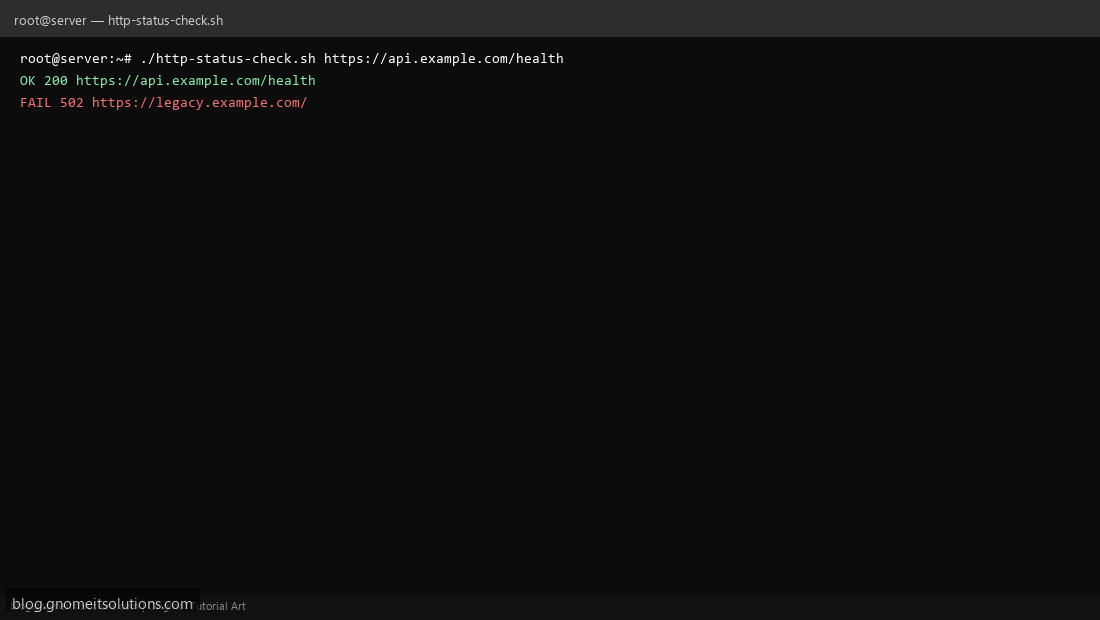
Step 4: Test manually
./http-status-check.sh https://example.com./http-status-check.sh /etc/monitor-urls.txtSchedule with cron
sudo crontab -eAdd:
*/5 * * * * /usr/local/bin/http-status-check.sh /etc/monitor-urls.txt >> /var/log/http-status.log 2>&1Related tutorials
- Linux Backup Shell Script: Files & Database to Remote Server
- Cron Jobs in Linux: Schedule Tasks with crontab
- SSH Key Authentication on Linux Servers
Terminal screenshot is an original illustration created for Gnome IT Solutions (blog.gnomeitsolutions.com).