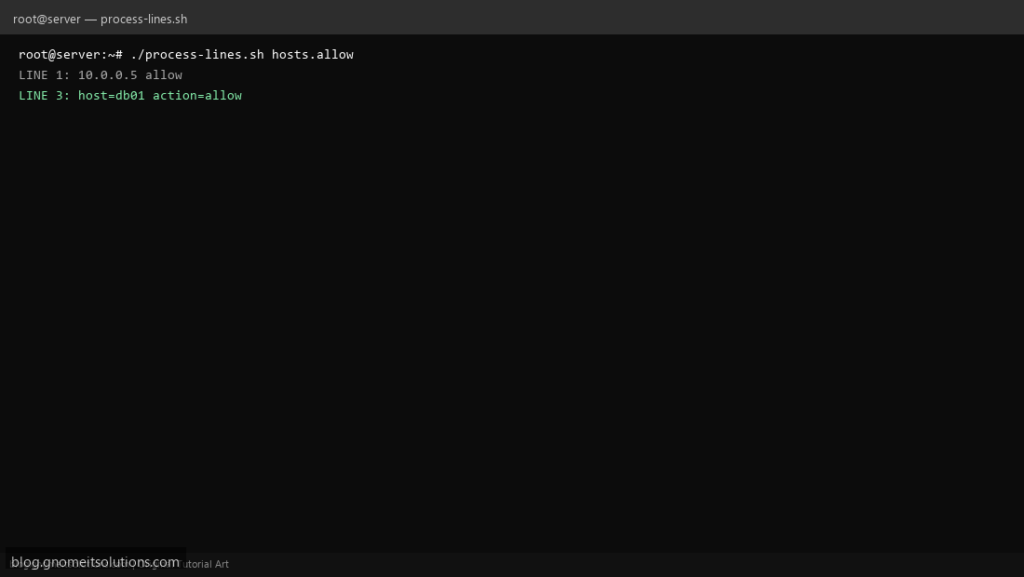
The bash while read loop is one of the highest-volume searches for beginners — how to walk a text file without loading it all into memory. Used for allow-lists, patching DNS entries, and mail aliases.
What this script does
- Uses
while IFS= read -r linefor safe line reading - Skips comment lines starting with
# - Splits fields with custom IFS for simple CSV
- Avoids piping into while (subshell) by using redirect
- Logs line number on errors for audit
Prerequisites
- bash 4+
- Readable input file
- Quote variables always
Step 1: Save the script
sudo nano /usr/local/bin/process-lines.sh
sudo chmod +x /usr/local/bin/process-lines.sh
Step 2: Full script (scroll to read)
process-lines.sh
#!/usr/bin/env bash
set -euo pipefail

FILE="${1:?usage: process-lines.sh FILE|- for stdin}"
LOG="/var/log/process-lines.log"
n=0

log(){ echo "[$(date '+%F %T')] $*" | tee -a "$LOG"; }

process(){
  local line="$1"
  [[ -z "$line" ]] && return 0
  [[ "$line" =~ ^[[:space:]]*# ]] && return 0
  log "LINE $n: $line"
  # example: first field host, second action
  local host action
  read -r host action _ <<<"$line"
  [[ -n "$host" ]] || return 0
  log "  host=$host action=${action:-allow}"
}

reader(){
  if [[ "$FILE" == "-" ]]; then
    cat
  else
    cat "$FILE"
  fi
}

while IFS= read -r line || [[ -n "$line" ]]; do
  ((n++)) || true
  process "$line"
done < <(reader)
Scroll inside the box to read the full script.
Step 3: Configure settings
- For very large files consider
mapfileor parallel workers - See read CSV script
- Pair with xargs pipelines for parallel per-line commands
Step 4: Test manually
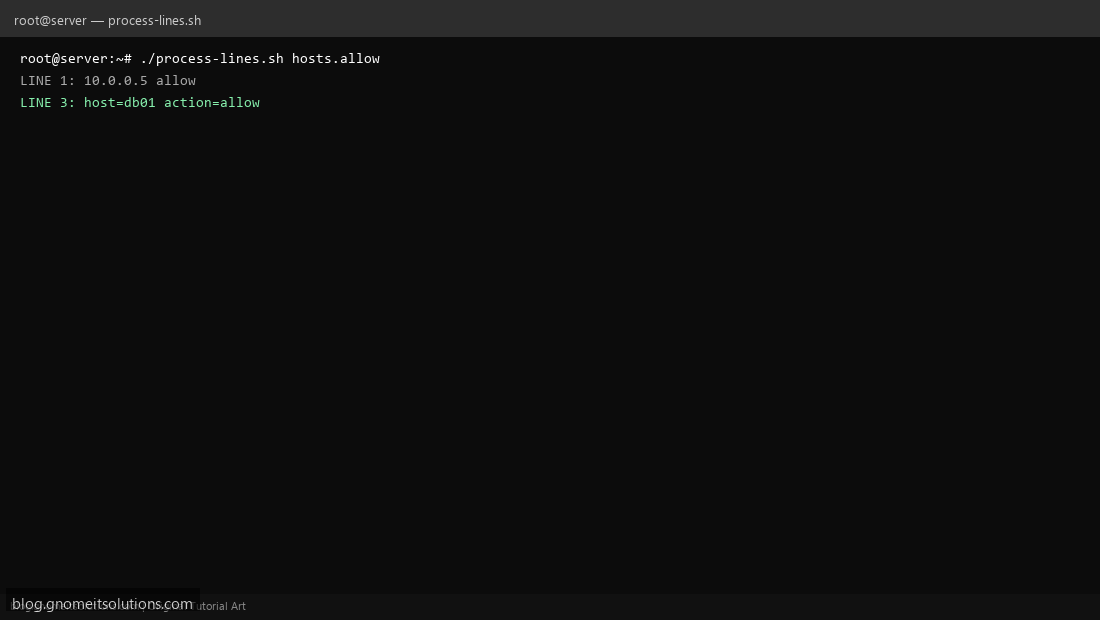
./process-lines.sh /tmp/hosts.allowprintf 'a b\n# comment\nc d\n' | ./process-lines.sh -Related tutorials
- Linux Backup Shell Script: Files & Database to Remote Server
- Cron Jobs in Linux: Schedule Tasks with crontab
- SSH Key Authentication on Linux Servers
Terminal screenshot is an original illustration created for Gnome IT Solutions (blog.gnomeitsolutions.com).