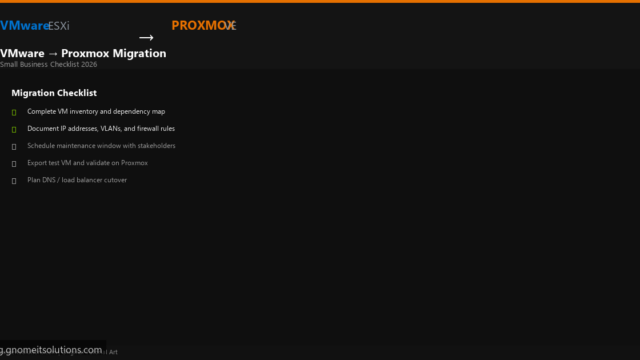
VMware to Proxmox Migration Checklist for Small Business
Printable VMware to Proxmox migration checklist for small business. Inventory, network plan, downtime window, test migration, rollback plan,…
Read tutorial →Browse step-by-step tutorials in this topic.
Printable VMware to Proxmox migration checklist for small business. Inventory, network plan, downtime window, test migration, rollback plan,…
Read tutorial →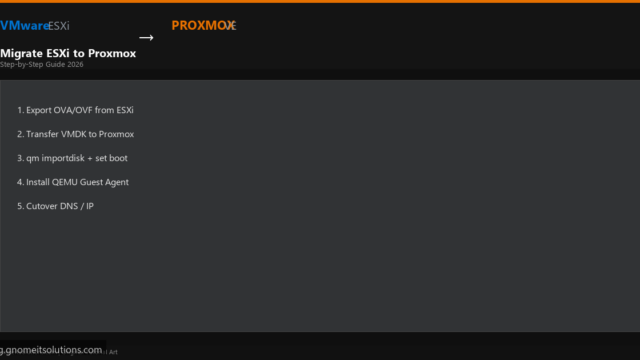
Complete 2026 guide to migrate VMs from VMware ESXi to Proxmox VE. Export OVF/VMDK, transfer disks, qm importdisk,…
Read tutorial →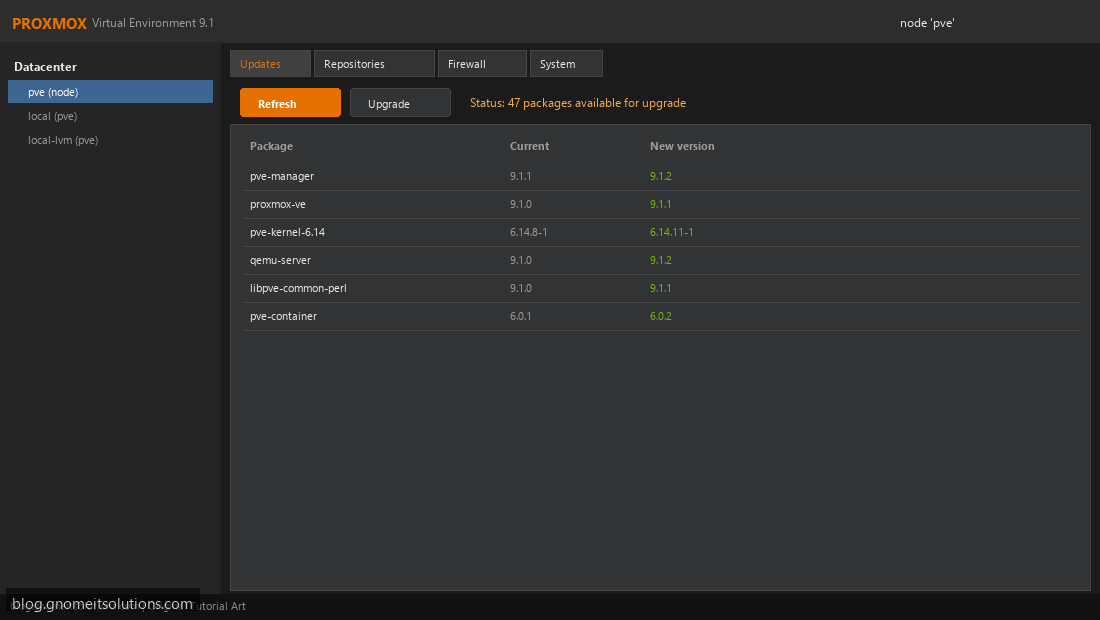
Safely upgrade Proxmox VE to the latest version. Pre-upgrade checklist, backup, apt commands, and post-upgrade verification.
Read tutorial →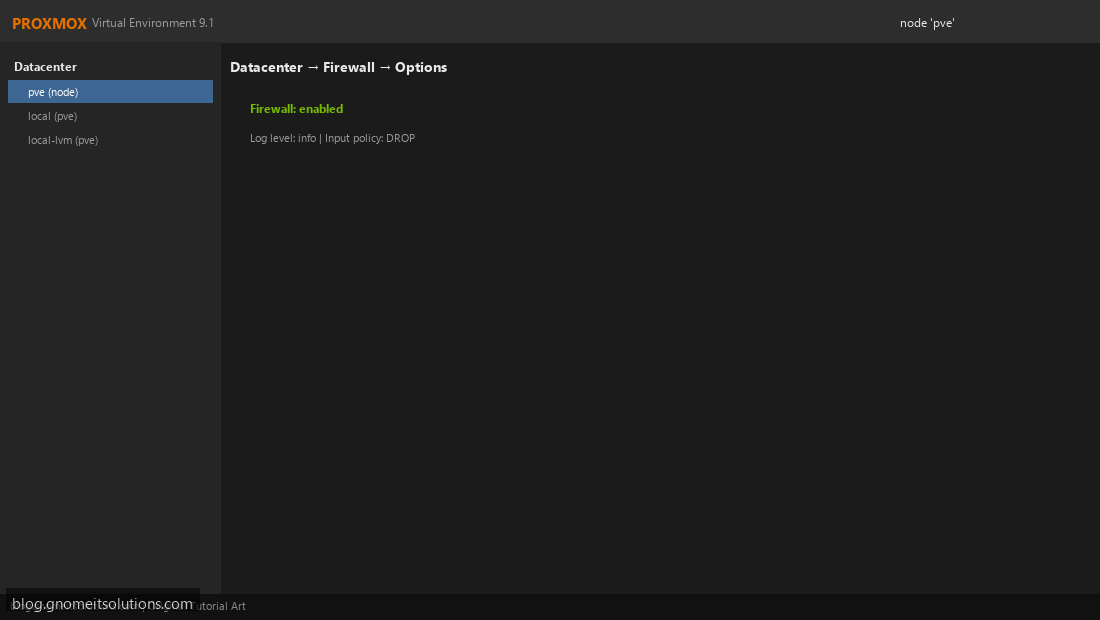
Configure Proxmox firewall rules for datacenter, node, and VM level. Secure your Proxmox host and virtual machines.
Read tutorial →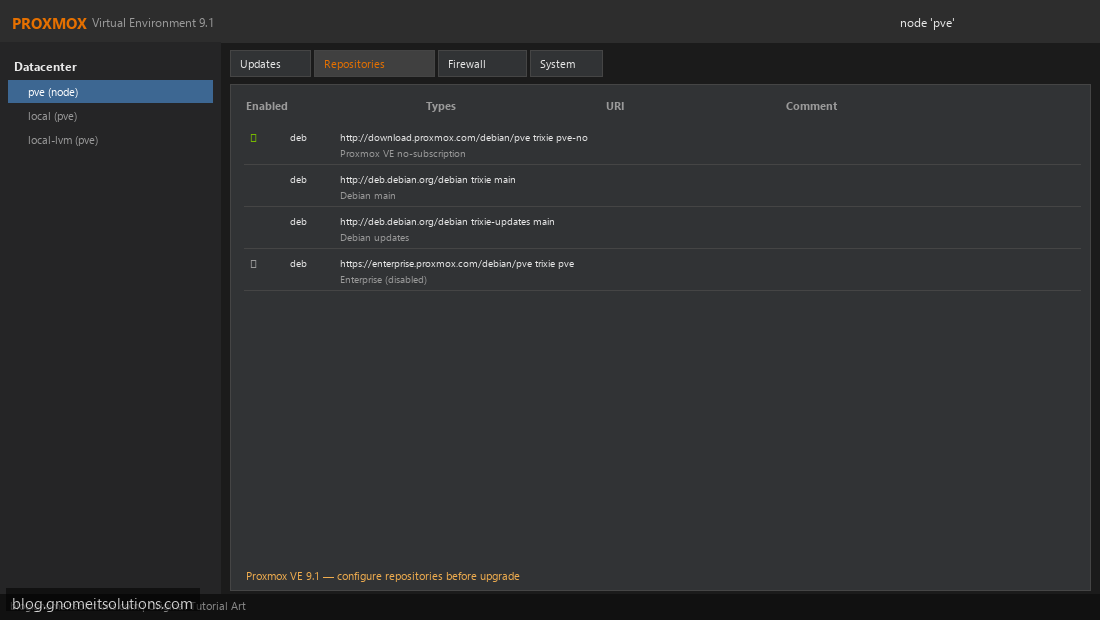
Configure Proxmox no-subscription repository for free community updates. Disable enterprise repo and remove subscription nag.
Read tutorial →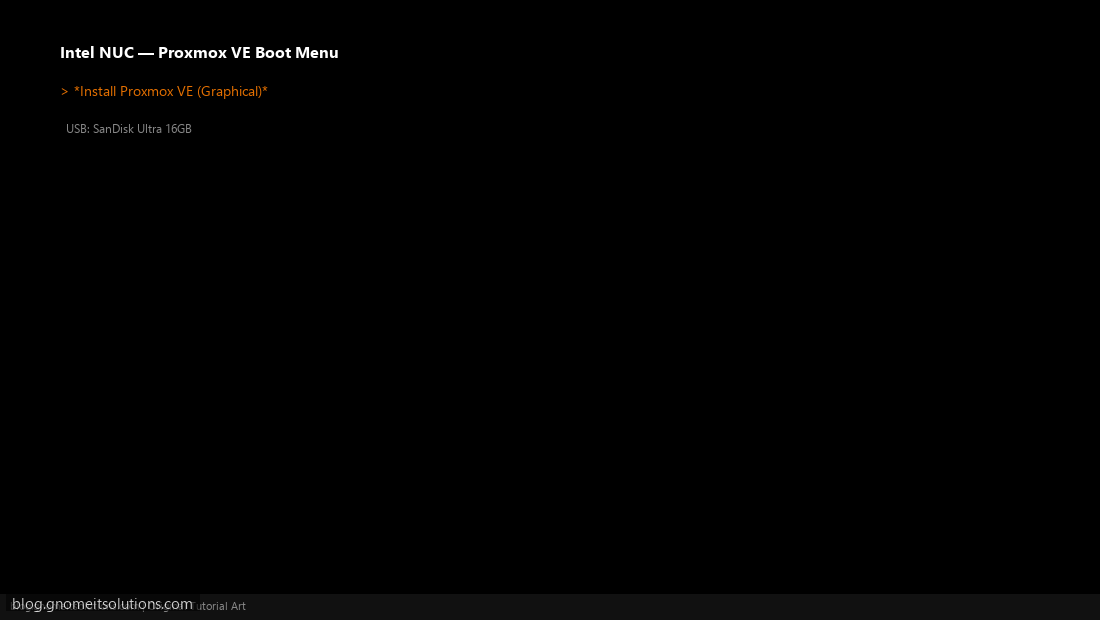
Install Proxmox VE on Intel NUC or mini PC homelab. Hardware checklist, BIOS settings, and first VM setup.
Read tutorial →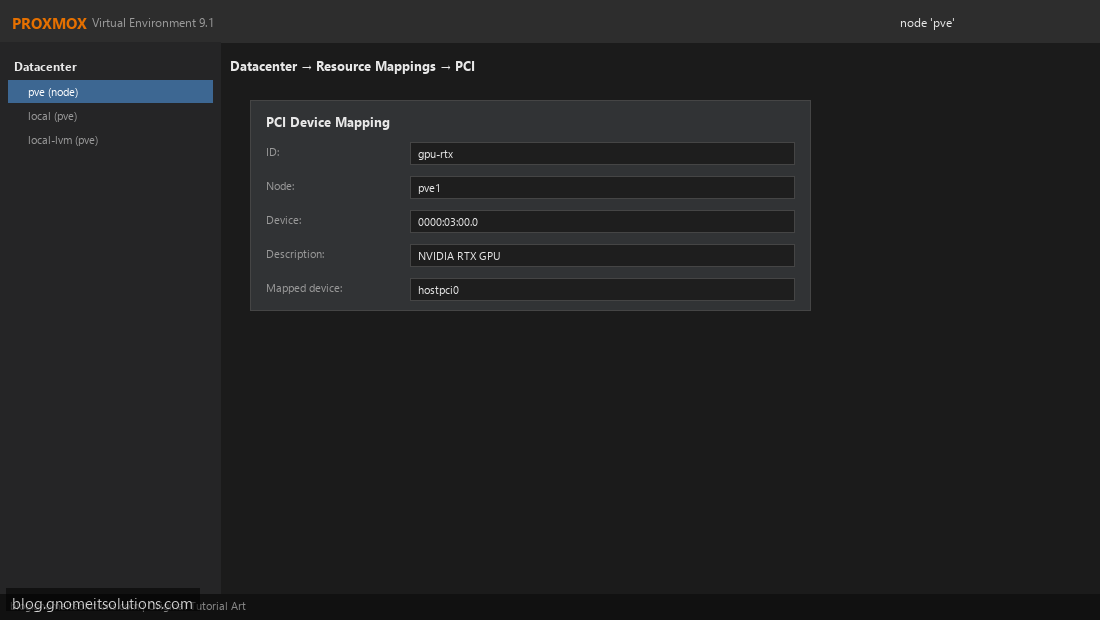
Configure PCI passthrough on Proxmox VE to pass GPU, USB, or other PCIe devices directly to VMs.
Read tutorial →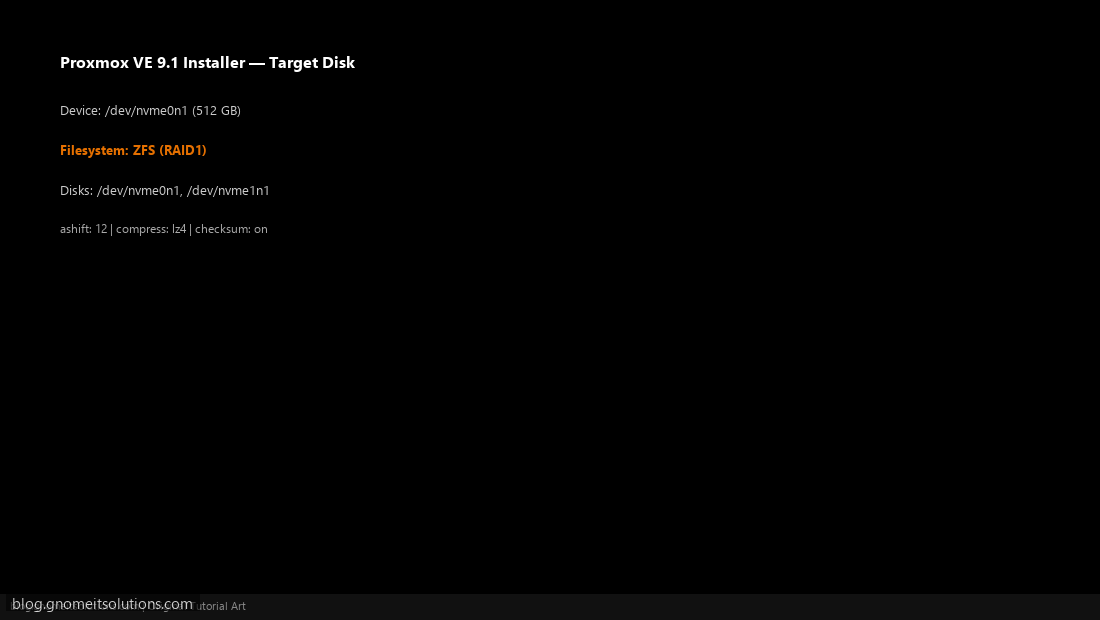
Create and manage ZFS storage pools on Proxmox VE. Install on ZFS, add pools, and use for VM…
Read tutorial →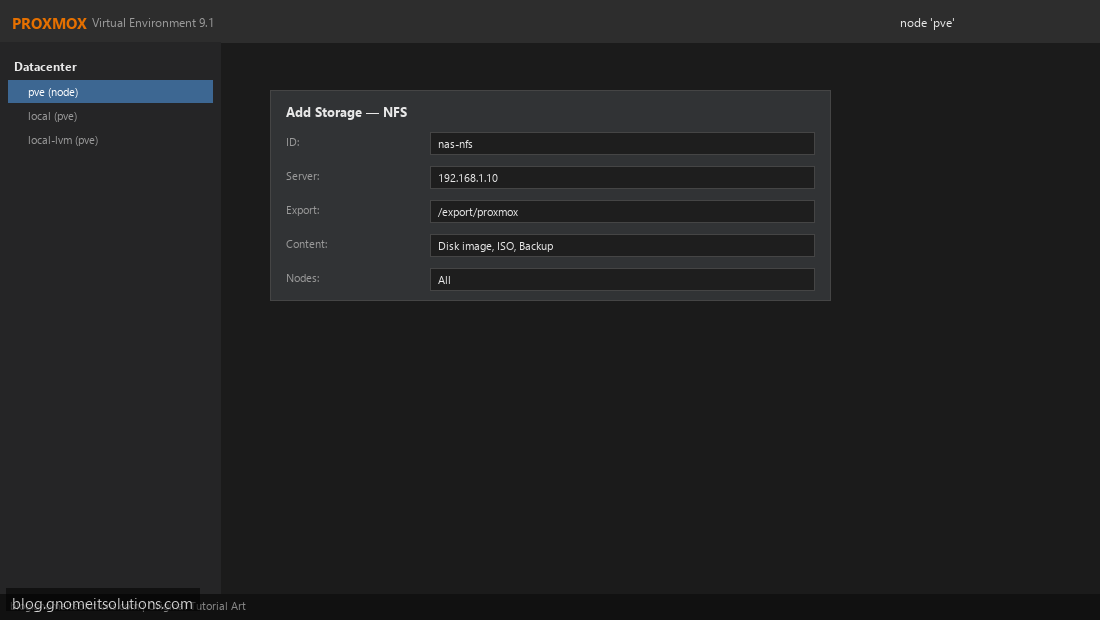
Add NFS storage to Proxmox VE for VM disks, ISO files, and backups. Mount NAS shares and configure…
Read tutorial →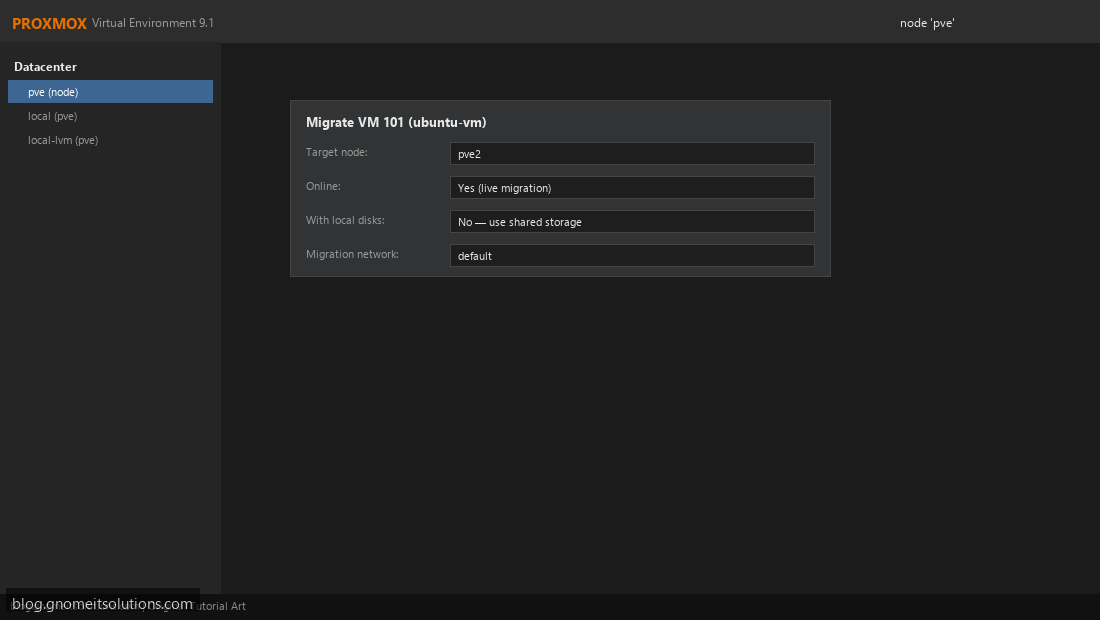
Live migrate running VMs between Proxmox cluster nodes with zero downtime. Requirements, shared storage, and GUI steps.
Read tutorial →