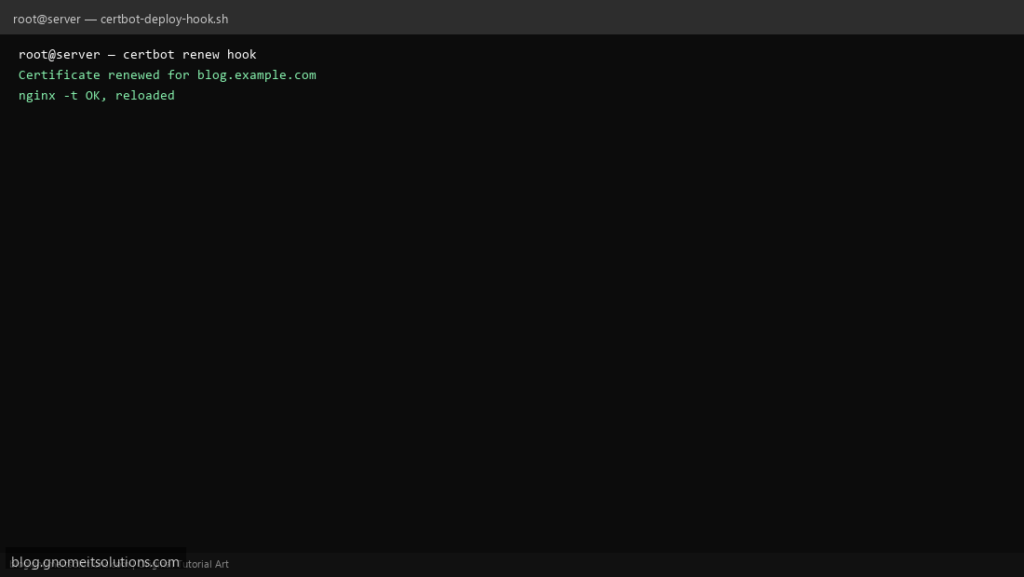
Let’s Encrypt renewal often succeeds silently — but Nginx still serves the old cert until reload. A deploy hook runs only when a cert is actually renewed, so you can safely nginx -t && systemctl reload nginx without bouncing the service on every dry run.
What this script does
- Intended for
/etc/letsencrypt/renewal-hooks/deploy/ - Tests Nginx config before reload
- Logs domain and timestamp to a dedicated log file
- Exits non-zero if
nginx -tfails (Certbot will report hook failure) - Pairs with the certbot-auto-renewal-check script on this blog
Prerequisites
- Certbot installed with Nginx plugin or webroot renewals
- Nginx managed by systemd
- Hook script owned by root, mode 755
Step 1: Save the script
sudo nano /usr/local/bin/certbot-deploy-hook.sh
sudo chmod +x /usr/local/bin/certbot-deploy-hook.sh
Step 2: Full script (scroll to read)
certbot-deploy-hook.sh
#!/usr/bin/env bash
set -euo pipefail

LOG="/var/log/certbot-deploy-hook.log"
LINEAGE="${RENEWED_LINEAGE:-unknown}"

log(){ echo "[$(date '+%F %T')] $*" | tee -a "$LOG"; }

log "Deploy hook for lineage: $LINEAGE"

if ! command -v nginx >/dev/null 2>&1; then
  log "nginx not installed — nothing to reload"
  exit 0
fi

nginx -t
systemctl reload nginx
log "nginx reloaded successfully after cert update"
Scroll inside the box to read the full script.
Step 3: Configure settings
- Certbot sets
RENEWED_LINEAGEin the hook environment - Install:
install -m 755 certbot-deploy-hook.sh /etc/letsencrypt/renewal-hooks/deploy/reload-nginx.sh - See Certbot on Nginx guide
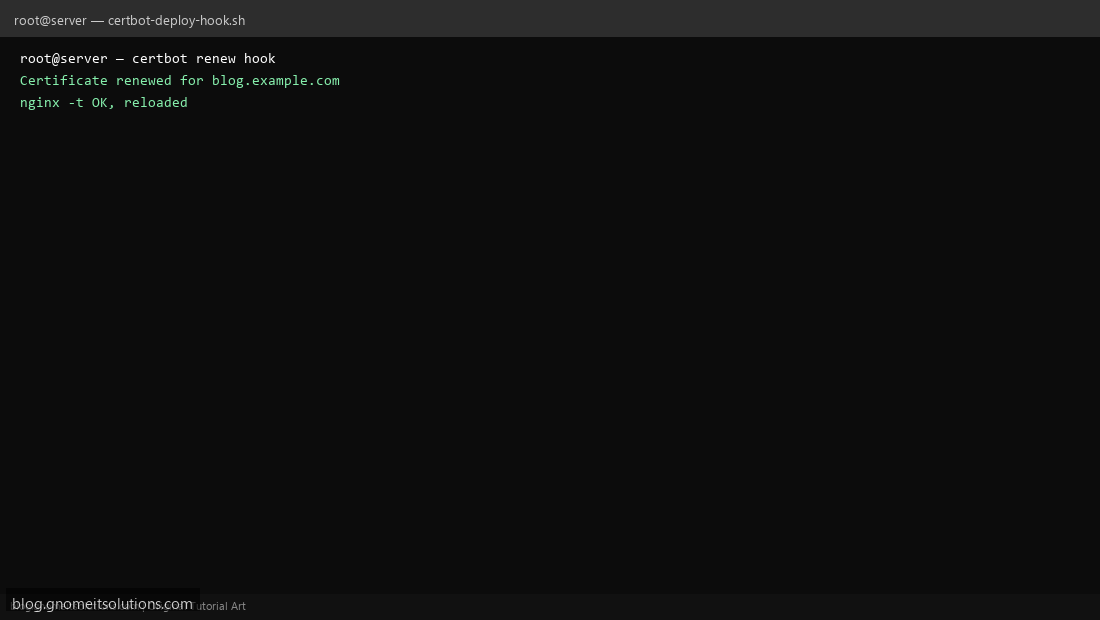
Step 4: Test manually
sudo certbot renew --dry-runsudo tail /var/log/certbot-deploy-hook.logSchedule with cron
sudo crontab -eAdd:
0 3 * * * certbot renew --quiet --deploy-hook /etc/letsencrypt/renewal-hooks/deploy/reload-nginx.shRelated tutorials
- Linux Backup Shell Script: Files & Database to Remote Server
- Cron Jobs in Linux: Schedule Tasks with crontab
- SSH Key Authentication on Linux Servers
Terminal screenshot is an original illustration created for Gnome IT Solutions (blog.gnomeitsolutions.com).