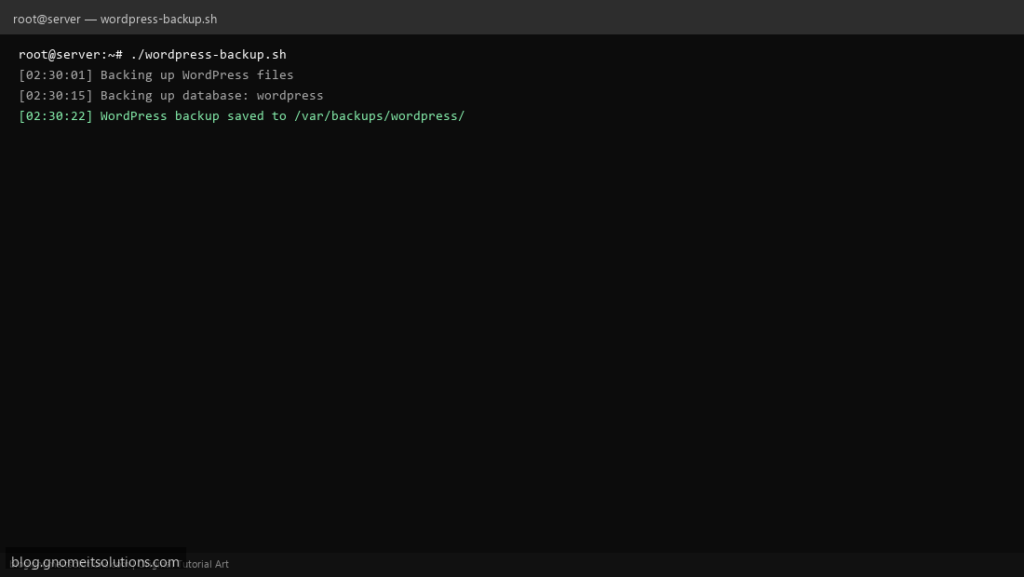
Back up a self-hosted WordPress site with one script — wp-content, config, and MySQL database in dated archives.
What this script does
- Archives wp-content and wp-config.php
- Dumps WordPress MySQL database with mysqldump
- Creates dated backup folder with tar.gz files
- Automatic retention cleanup
- Ready for cron and remote rsync
Prerequisites
- WordPress installed on Linux
- MySQL/MariaDB credentials
- Sufficient disk in backup directory
Step 1: Save the script
sudo nano /usr/local/bin/wordpress-backup.sh
sudo chmod +x /usr/local/bin/wordpress-backup.sh
Step 2: Full script (scroll to read)
wordpress-backup.sh
#!/usr/bin/env bash
set -euo pipefail

WP_ROOT="/var/www/html"
BACKUP_DIR="/var/backups/wordpress"
DB_NAME="wordpress"
DB_USER="root"
RETENTION_DAYS=7
DATE=$(date +%F_%H-%M-%S)
DEST="${BACKUP_DIR}/${DATE}"
LOG="/var/log/wp-backup.log"

log(){ echo "[$(date '+%F %T')] $*" | tee -a "$LOG"; }
mkdir -p "$DEST"

log "Backing up WordPress files"
tar -czf "${DEST}/wp-files_${DATE}.tar.gz" -C "$WP_ROOT" wp-content wp-config.php 2>/dev/null \
  || tar -czf "${DEST}/wp-files_${DATE}.tar.gz" -C "$WP_ROOT" .

log "Backing up database: $DB_NAME"
mysqldump -u"$DB_USER" --single-transaction "$DB_NAME" | gzip -9 > "${DEST}/wp-db_${DATE}.sql.gz"

find "$BACKUP_DIR" -mindepth 1 -maxdepth 1 -type d -mtime +"$RETENTION_DAYS" -exec rm -rf {} +
log "WordPress backup saved to $DEST"
Scroll inside the box to read the full script.
Step 3: Configure settings
WP_ROOT— WordPress installation pathDB_NAME— WordPress database name- Read DB password from wp-config.php or ~/.my.cnf
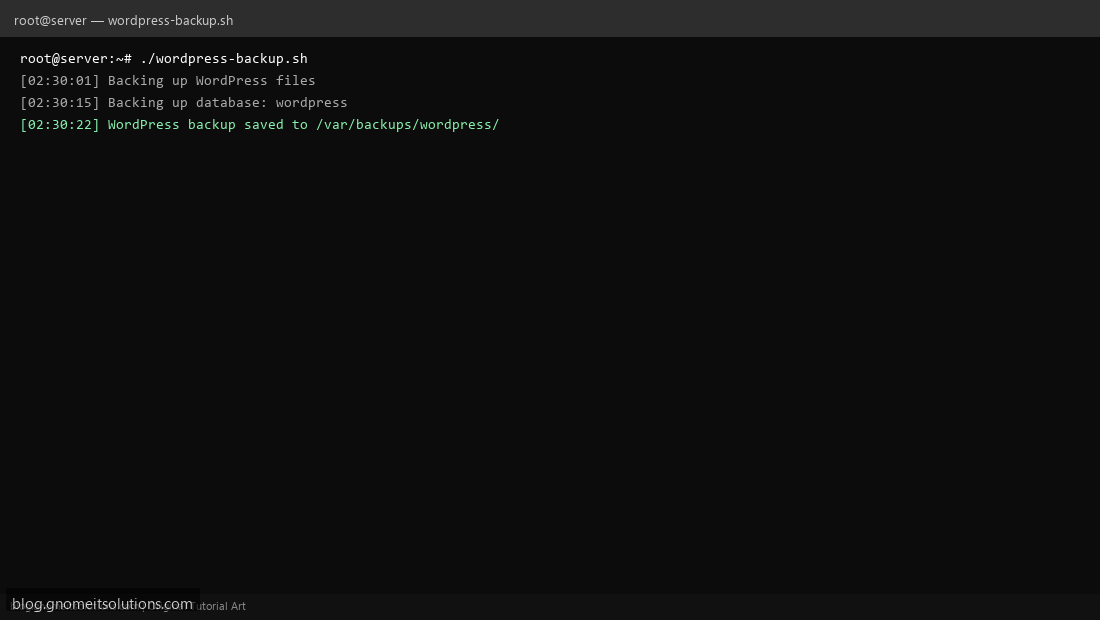
Step 4: Test manually
sudo /usr/local/bin/wordpress-backup.shls -lah /var/backups/wordpress/Schedule with cron
sudo crontab -eAdd:
30 2 * * * /usr/local/bin/wordpress-backup.sh >> /var/log/wp-backup.log 2>&1Related tutorials
- Linux Backup Shell Script: Files & Database to Remote Server
- Cron Jobs in Linux: Schedule Tasks with crontab
- SSH Key Authentication on Linux Servers
Terminal screenshot is an original illustration created for Gnome IT Solutions (blog.gnomeitsolutions.com).