Our from-scratch
ViciDial install guide covers the traditional path: one server, packages installed directly onto the
OS, Asterisk and MySQL sharing the same box. Containerizing ViciDial is a reasonable next
step once you need repeatable builds, easier version pinning, or the ability to scale the web frontend
independently of the call-handling engine — but it isn’t a drop-in “just Dockerize everything” exercise.
Asterisk’s real-time RTP media handling behaves differently inside a container’s default network namespace
than a normal stateless web app does, and that difference decides most of the architecture choices below.
This guide walks through which pieces of a ViciDial stack containerize cleanly and which need special
handling, the Dockerfiles for each image, a docker-compose layout tying them together, and the volume and
networking decisions that keep call quality and recordings intact once the stack is actually running.
The Architecture: What Containerizes Cleanly and What Doesn’t
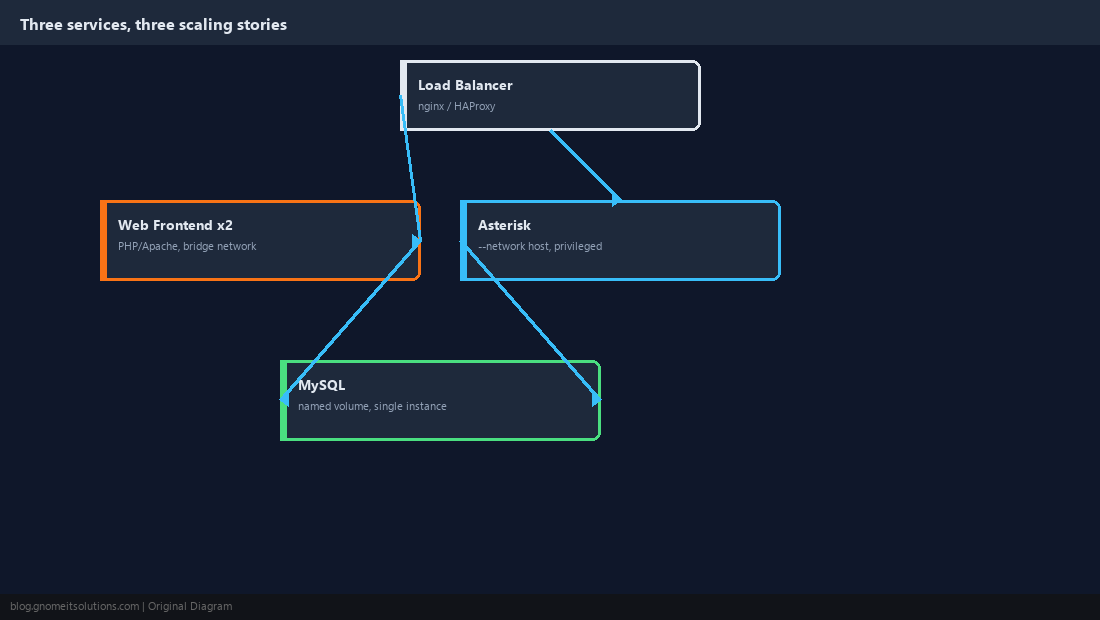
Split a ViciDial stack into three logical services before writing a single Dockerfile: the web frontend (PHP/Apache, the admin and agent screens), Asterisk (the actual call engine), and MySQL (call, lead, and campaign data). The web frontend is the easy one — stateless PHP behind Apache containerizes exactly like any other web app and scales horizontally behind a load balancer without complication. Asterisk is the one that needs real thought: it opens dynamic UDP ports for RTP media on every call, and Docker’s default bridge networking with per-container NAT fights that model badly enough that the practical answer for most production deployments is running the Asterisk container in --network host mode instead, trading container network isolation for working audio. MySQL containerizes fine technically but should run as a single instance on a durable named volume rather than being scaled or treated as disposable the way the web frontend is.
                        +------------------------+
                        |      Load Balancer      |
                        |     (nginx / HAProxy)   |
                        +------------+-------------+
                                     |
                 +-------------------+-------------------+
                 |                                       |
         +-------v--------+                     +--------v-------+
         |  Web Frontend   |                     |  Web Frontend  |
         |   container     |   <- scale these     |   container    |
         |  (PHP/Apache)   |     horizontally      |  (PHP/Apache)  |
         +-------+--------+                     +--------+-------+
                 |                                       |
                 +-------------------+-------------------+
                                     |
                         +-----------v-----------+
                         |       Asterisk         |
                         |  host networking mode  |
                         |  (RTP/SIP needs it)     |
                         +-----------+-----------+
                                     |
                         +-----------v-----------+
                         |         MySQL          |
                         |  named volume, single   |
                         |   instance, not scaled  |
                         +-----------------------+
Web Frontend Dockerfile
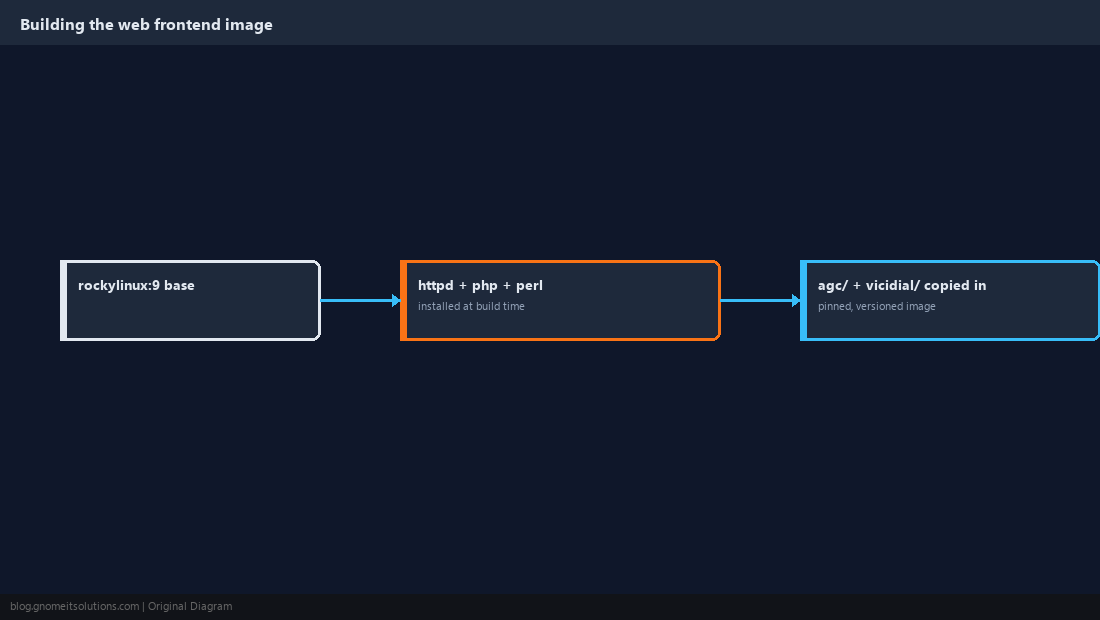
This is the straightforward image. ViciDial’s admin and agent interface is PHP served by Apache, with a handful of Perl dependencies for backend scripts the web layer shells out to. Base it on a current AlmaLinux or Rocky Linux image to match whatever distribution the rest of your infrastructure already standardizes on:
# ViciDial Web Frontend
FROM rockylinux:9

RUN dnf -y update && dnf -y install \
    httpd \
    php php-mysqlnd php-gd php-mbstring \
    perl perl-DBI perl-DBD-MySQL \
    cronie \
    && dnf clean all

COPY agc/ /var/www/html/agc/
COPY vicidial/ /var/www/html/vicidial/

RUN chown -R apache:apache /var/www/html

EXPOSE 80 443

CMD ["/usr/sbin/httpd", "-D", "FOREGROUND"]
Keep the agc/ and vicidial/ application directories copied in at build time rather than bind-mounted from the host in production, since a pinned, versioned image is exactly the reproducibility benefit containerizing the web tier is supposed to buy you. Bind-mount them only in a local dev environment where editing PHP and seeing the change immediately actually matters.
Asterisk Dockerfile and Why Networking Is the Hard Part
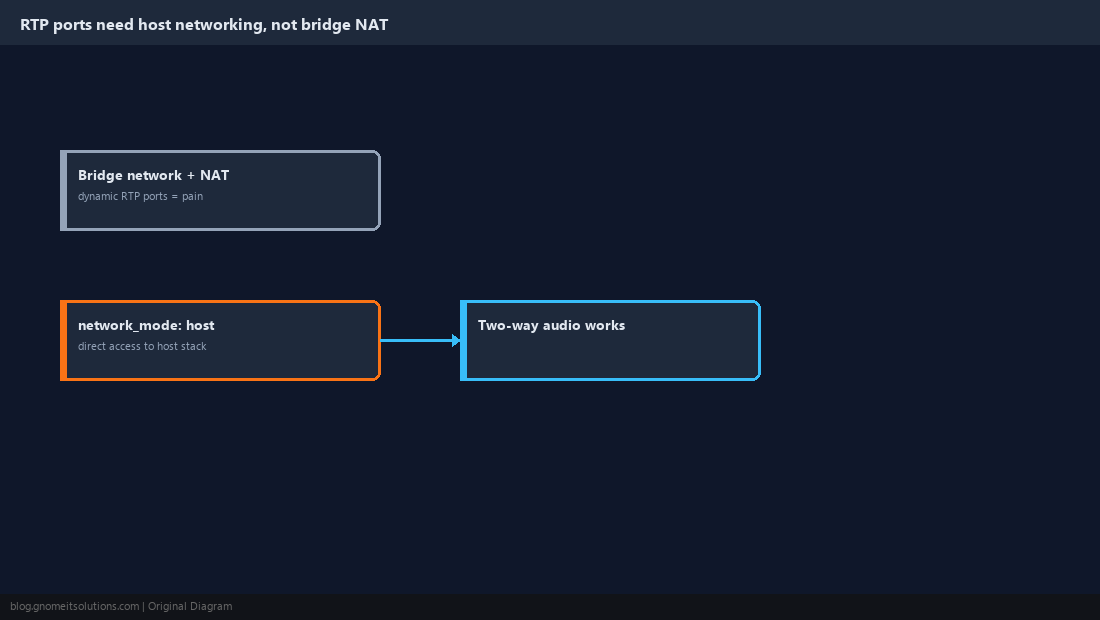
Asterisk’s Dockerfile looks like a normal compiled-from-source build — pull the source, install build dependencies, configure && make && make install — but the part that actually matters is how the resulting container runs, not how the image builds. RTP media streams use a wide range of dynamically negotiated UDP ports per call, and Docker’s default bridge network requires explicitly publishing every one of those ports through NAT, which is both a large published port range and a source of one-way-audio bugs when the NAT translation doesn’t line up with what the SIP signaling advertised. Running with network_mode: host, as shown in the compose file later in this guide, sidesteps the problem entirely by giving the container direct access to the host’s network stack, at the cost of losing Docker’s usual network namespace isolation for this one service:
# ViciDial Asterisk Engine
FROM rockylinux:9

RUN dnf -y update && dnf -y install \
    gcc gcc-c++ make patch \
    ncurses-devel libxml2-devel sqlite-devel \
    libuuid-devel jansson-devel \
    perl perl-DBI perl-DBD-MySQL \
    && dnf clean all

COPY asterisk-src/ /usr/src/asterisk/
RUN cd /usr/src/asterisk && ./configure && make && make install && make samples

COPY conf/ /etc/asterisk/

# Asterisk needs real interfaces for RTP/SIP timing, not the container's default
# bridged network -- this image is built to run with --network host.
CMD ["/usr/sbin/asterisk", "-f", "-vvv"]
MySQL: Containerize It, But Don’t Treat It Like the Web Tier
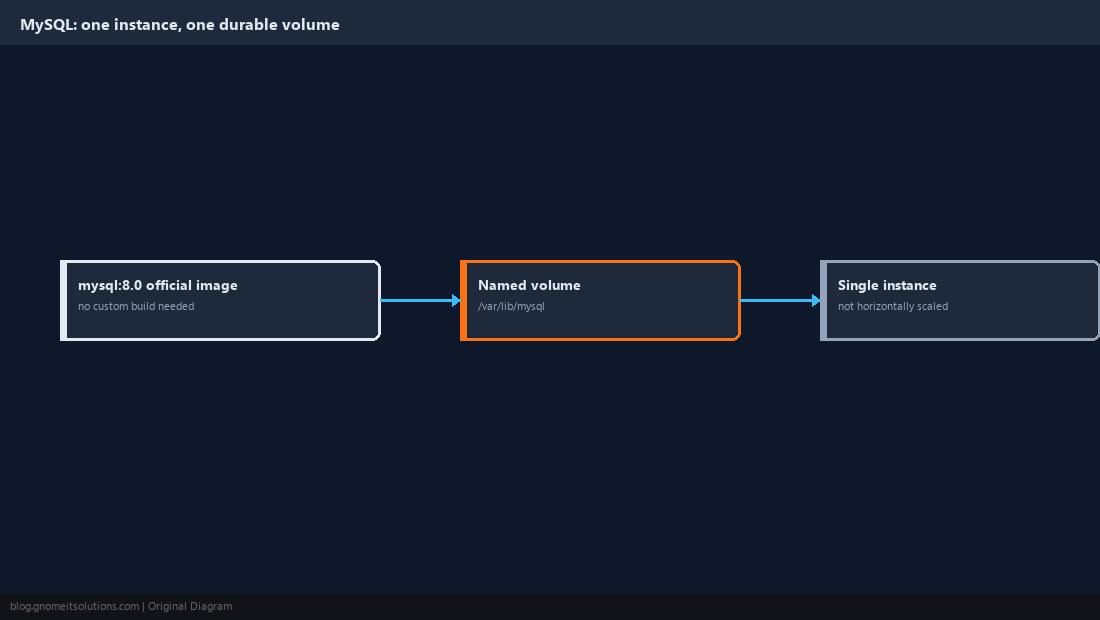
Use the official mysql:8.0 image rather than building a custom one — there’s no ViciDial-specific customization MySQL itself needs beyond the schema import, which happens once at setup rather than at every container start. The one decision that matters is the volume: mount a named Docker volume at /var/lib/mysql so the database survives container recreation, restarts, and image updates — a MySQL container without a persistent volume is a data-loss incident waiting for the next docker-compose up --force-recreate. Run exactly one MySQL instance for a given ViciDial stack rather than trying to scale it horizontally the way the web frontend scales; ViciDial’s schema and replication needs are a separate, more involved project than basic containerization and shouldn’t be conflated with it.
Tie It Together With Docker Compose
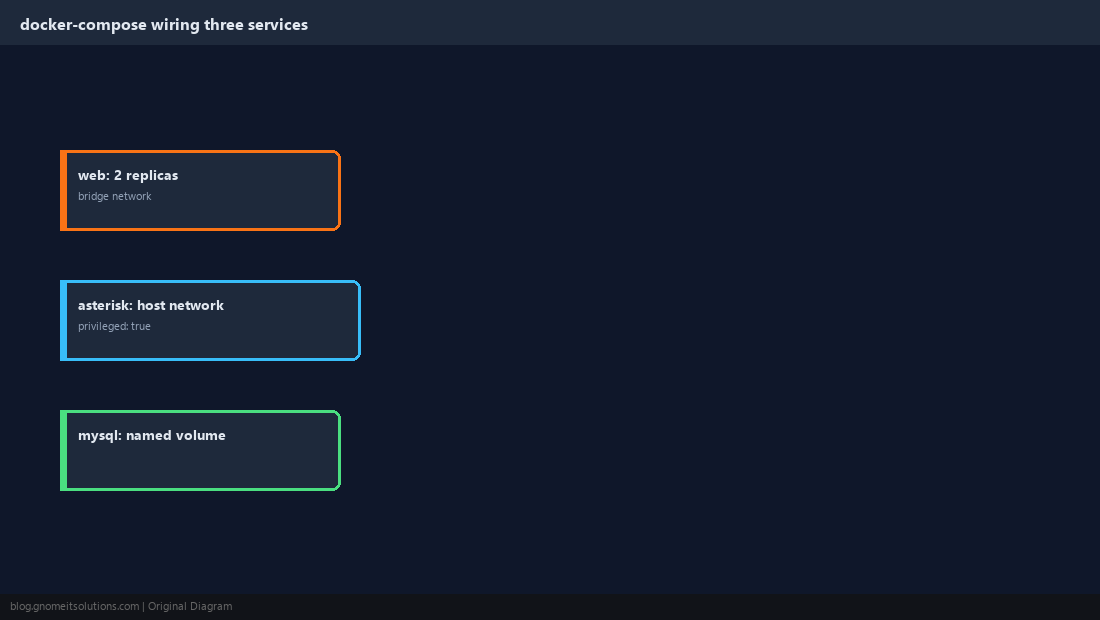
A compose file makes the three-service architecture from Step 1 concrete and reproducible. Notice the Asterisk service running in host network mode and privileged (needed for some kernel-level timing and device access Asterisk expects), the web service set to two replicas behind whatever load balancer sits in front of the stack, and named volumes for both the database and call recordings so neither is lost on a container rebuild:
version: "3.9"
services:
  web:
    build: ./web
    depends_on:
      - mysql
    ports:
      - "443:443"
    deploy:
      replicas: 2

  asterisk:
    build: ./asterisk
    network_mode: host
    privileged: true
    volumes:
      - recordings:/var/spool/asterisk/monitor
    depends_on:
      - mysql

  mysql:
    image: mysql:8.0
    environment:
      MYSQL_DATABASE: asterisk
    volumes:
      - mysql-data:/var/lib/mysql
    ports:
      - "3306:3306"

volumes:
  mysql-data:
  recordings:
Bring the stack up with docker compose up -d and confirm the Asterisk container actually bound to the host’s network by checking docker network inspect shows no bridge attachment for that service — a misconfigured network_mode is the single most common reason a first Docker attempt at ViciDial registers phones but never passes audio.
Persist Call Recordings on a Real Volume, Not Container Storage
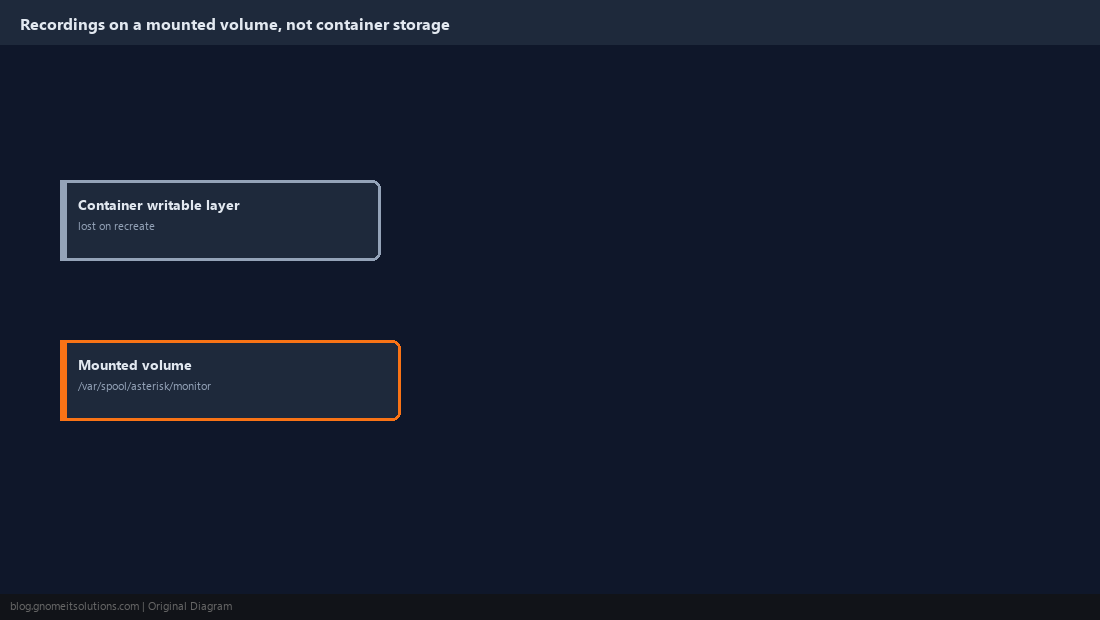
Call recordings written to a container’s writable layer instead of a mounted volume vanish the moment that container is recreated, which is exactly the kind of loss nobody notices until a recording is needed for a dispute months later. Mount a named volume or a host bind-mount at /var/spool/asterisk/monitor — the compose file above already does this with the recordings volume — and treat that path with the same seriousness our call recording storage guide covers for a bare-metal install, including offsite archiving on a schedule. Containerizing Asterisk doesn’t change the underlying retention and storage-growth problem, it just moves where the volume has to be declared.
Scale the Web Frontend, Not the Call Engine
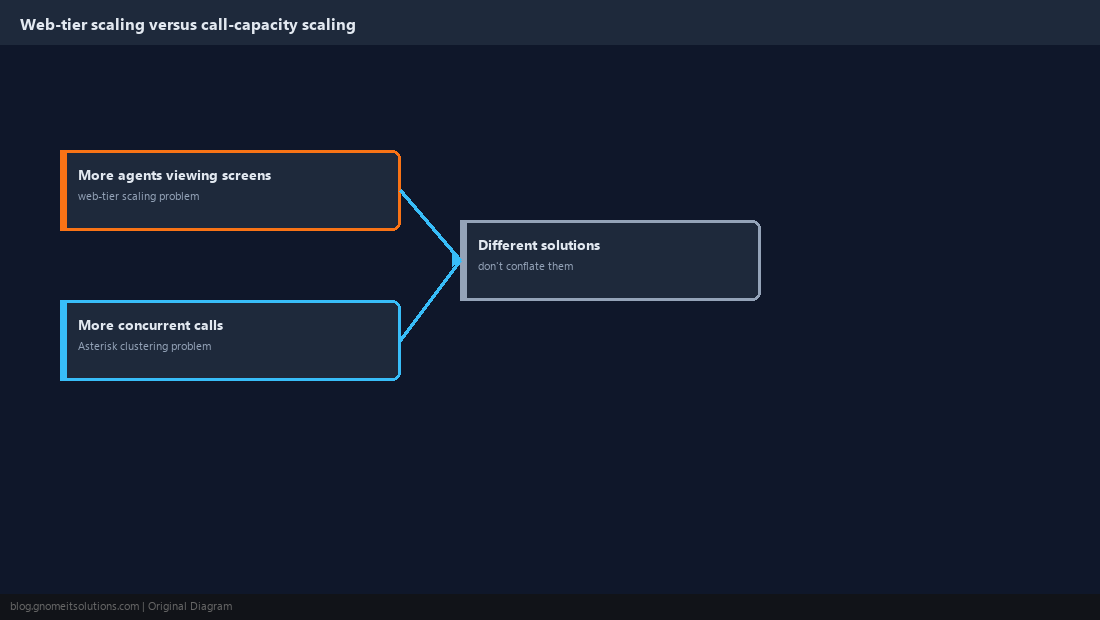
The load balancer and multiple web-frontend replicas from the architecture diagram exist because admin and agent screen traffic scales independently of call volume — more agents viewing the agent screen simultaneously is a web-tier scaling problem, not an Asterisk one. Resist the instinct to run multiple Asterisk containers behind the same load balancer expecting the same kind of horizontal scaling; ViciDial’s own multi-server clustering model for scaling call capacity is a separate, well-established pattern on bare metal, and reproducing it correctly across multiple Asterisk containers means solving the same host-networking and shared-database coordination problems this guide already covers, multiplied by however many Asterisk instances you’re running — worth doing deliberately, not as an afterthought bolted onto a docker-compose scale flag.
Verify the Full Stack Before Trusting It in Production
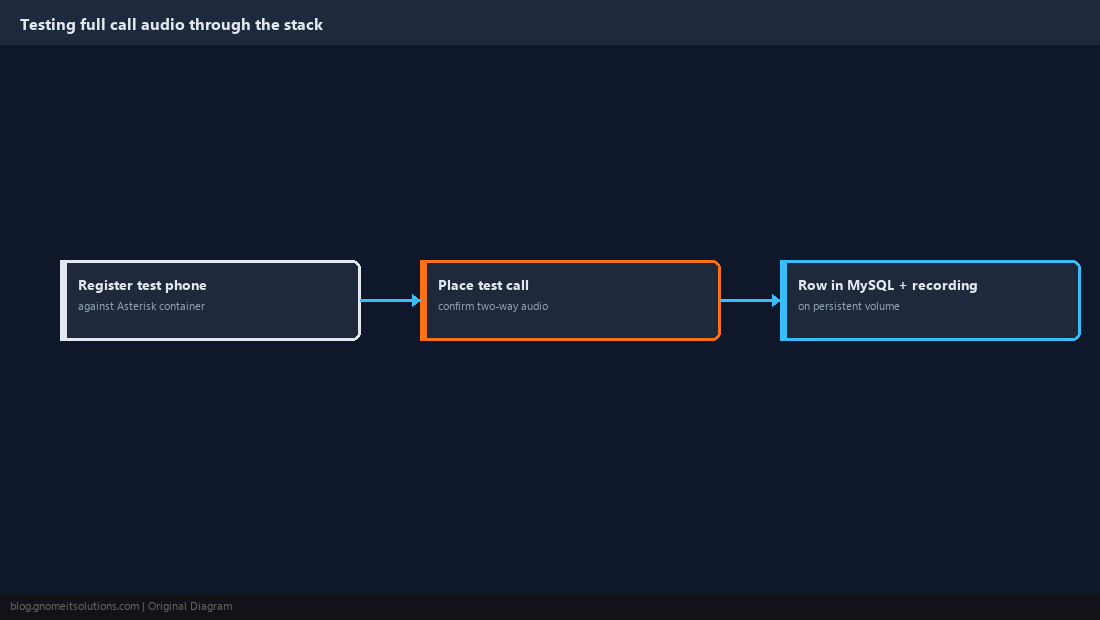
Before pointing real agents at a containerized stack, place a full round-trip test: register a WebRTC or SIP phone against the Asterisk container, place an outbound test call, confirm two-way audio (not just successful registration — one-way audio is the classic containerized-Asterisk failure mode), and confirm the resulting call row lands correctly in the MySQL container’s database with a recording written to the persistent volume from Step 6. Run this same test again after any change to the compose file’s networking configuration, since a networking regression here fails silently at the infrastructure level — the containers report healthy, agents can log in, and the problem only surfaces as “customers say they can’t hear us” reports from a live shift.
Container Split, at a Glance
Web frontend   PHP/Apache, stateless, scale horizontally, bridge network is fine
Asterisk       stateful RTP/SIP engine, --network host, privileged, single instance
MySQL          official image, named volume, single instance, no horizontal scaling
Recordings     named volume or bind-mount, never container writable-layer storage
Related tutorials
- ViciDial Scratch Installation on AlmaLinux 9
- WebRTC Softphone Setup Guide
- Call Recording Storage and Archiving
Image credits: All illustrations are original terminal/config mockups created for
Gnome IT Solutions — not screenshots from any third-party site. Tutorial text © Gnome IT Solutions.