
awk and sed are the workhorses behind almost every log one-liner. awk thinks in columns; sed thinks in line edits.
Together with grep they cover most text tasks without opening a spreadsheet.
This guide stays practical: copy-paste patterns for access logs, config tweaks, and CSV-ish data. For heavier JSON, consider jq; for huge files, combine with
find to narrow the input set first.
Stream Processing Model
Both tools read input line by line (or from a file). awk can summarise across lines in END blocks; sed applies editing commands per line.
grep 'error' /var/log/app.log | awk '{print $1, $NF}' | sed 's/\[//g'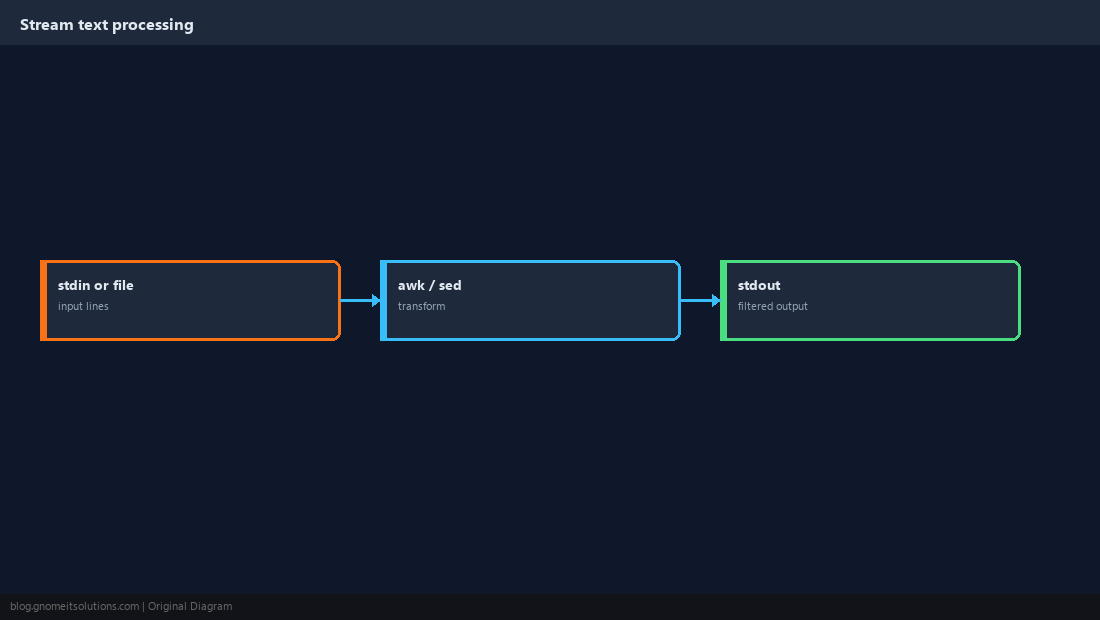
awk Fields and Delimiters
By default awk splits on whitespace. Set FS with -F for commas, tabs, or colons.
awk '{print $1, $3}' access.log
awk -F: '{print $1}' /etc/passwd | head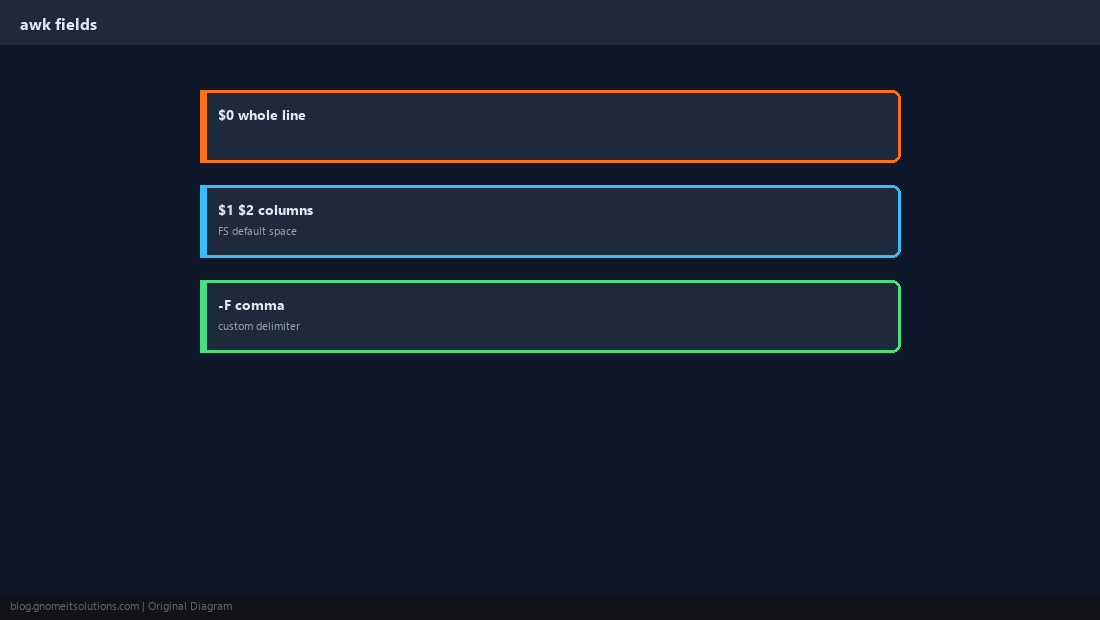
awk Filters and Totals
Use comparisons on numeric fields, or accumulate in END.
awk '$10 > 1000000 {print $7, $10}' access.log
awk '{s+=$2} END {print s}' metrics.txt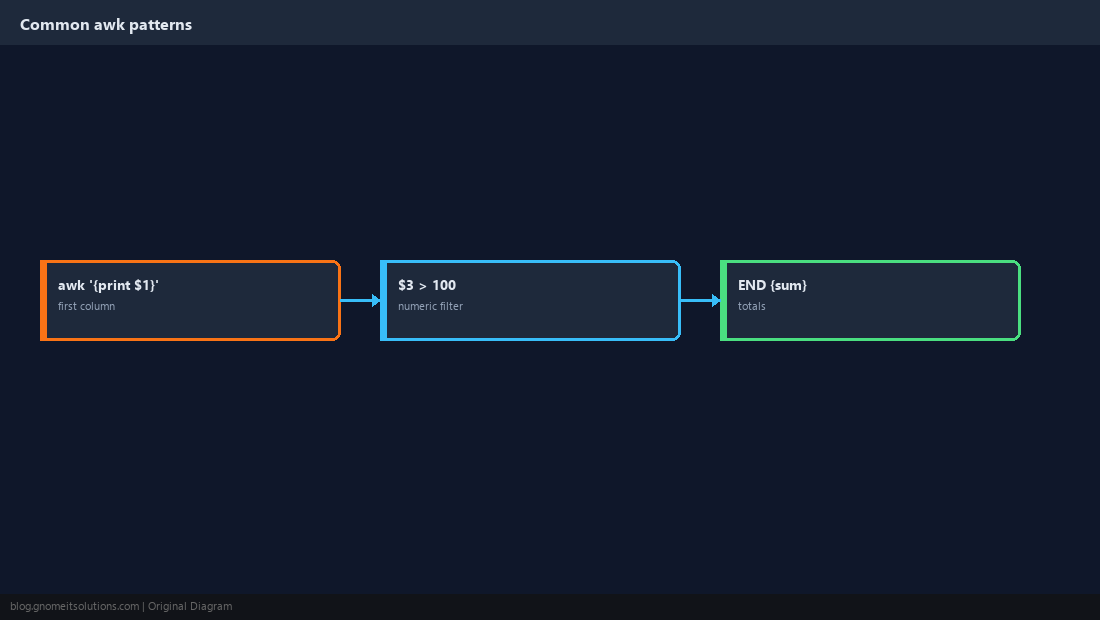
sed Substitutions
s/pattern/replacement/ replaces once per line; g replaces all. Escape slashes in URLs.
sed 's/http:/https:/g' config.txt
sed 's/# Password.*/# Password (redacted)/' .env.example
sed Line Ranges and Deletes
Delete blank lines, comments, or a header block before processing.
sed '/^$/d' file.txt
sed '1,5d' data.csv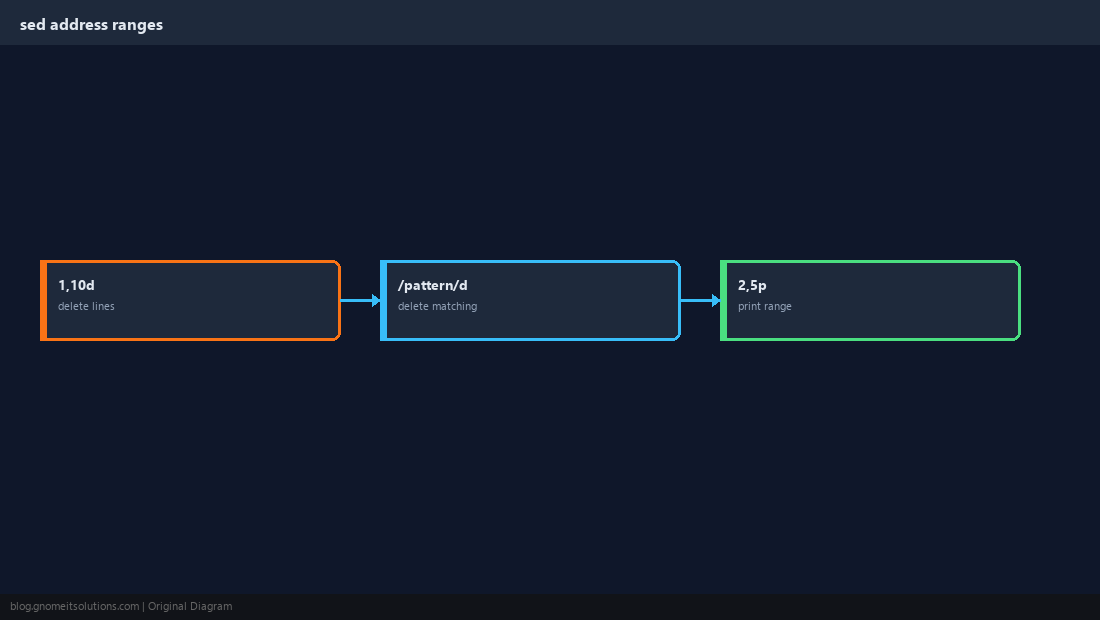
Chain With grep and sort
Typical pattern: grep narrow, awk shape, sed polish.
awk '{print $1}' access.log | sort | uniq -c | sort -rn | head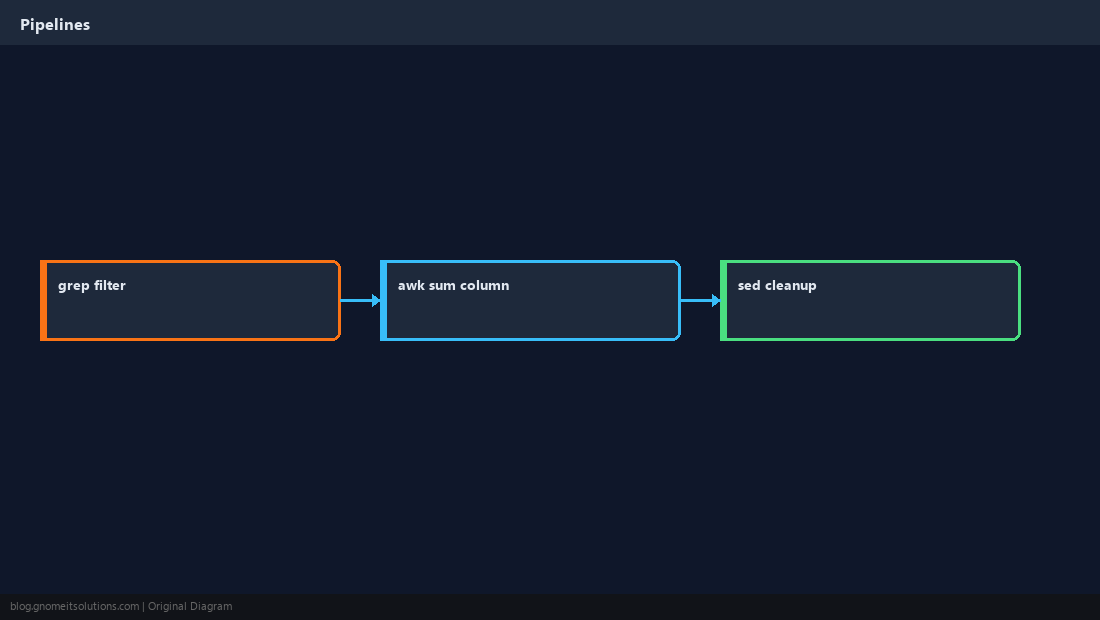
Safe In-Place Edits
Always keep a backup. Test without -i first; use sed -i.bak on servers.
sed -i.bak 's/oldhost/newhost/g' /etc/app/config.ymlsed -i on binary files or databases.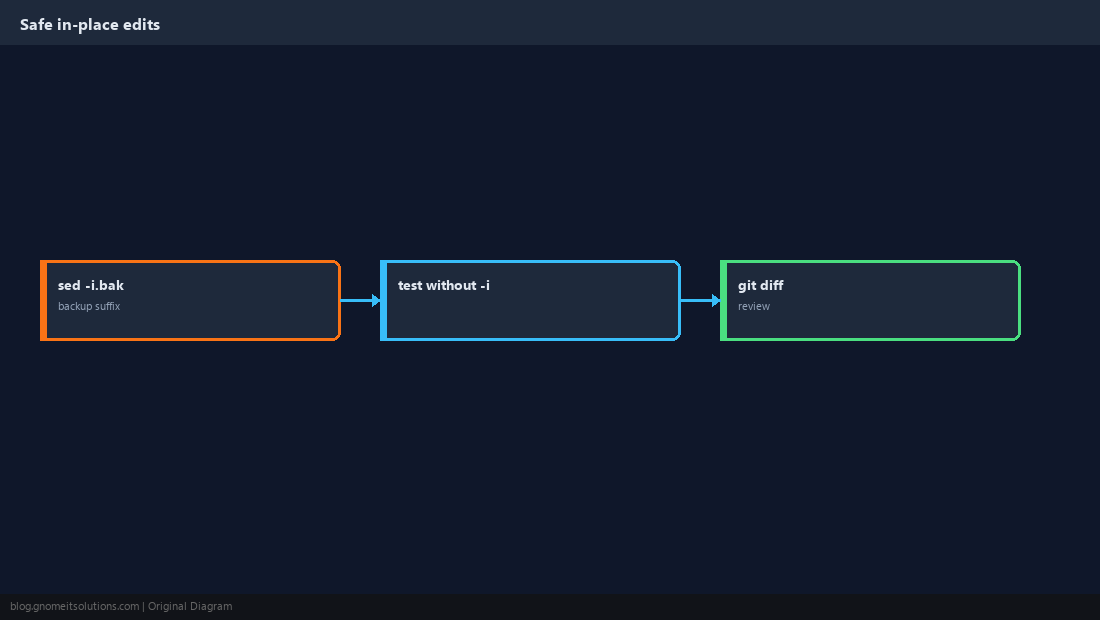
Quick Reference
awk '{print $n}'for columns;-Ffor delimiterssed 's/a/b/g'for replace; test before-i- Pipe after
grepto shrink input
Related tutorials
Diagrams are original illustrations by Gnome IT Solutions. Tutorial text © Gnome IT Solutions.