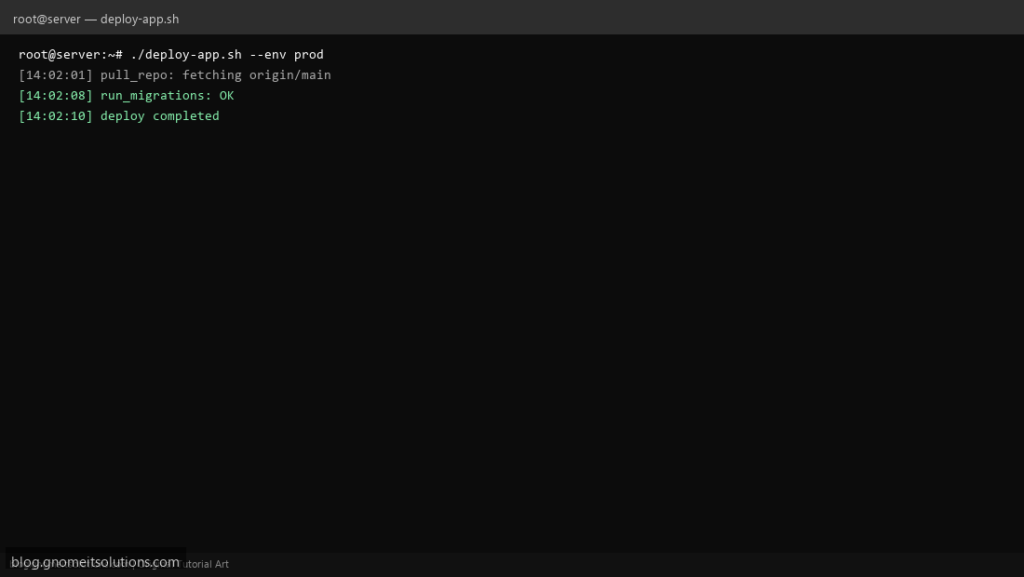
Long scripts become maintainable when each step is a function with a clear name and exit code. This template shows argument passing, local variables, and a pattern you can lift into backup or deploy automation.
What this script does
- Defines small functions with explicit responsibilities
- Uses
localto avoid clobbering global variables - Propagates failures with
returnandset -e - Accepts
--envstyle flags via simple parsing (see getopts post for full CLI) - Logs each stage with timestamps
Prerequisites
- Bash 4+ on Linux
- Git or app directory paths adjusted to your server
- Run as deploy user with required permissions
Step 1: Save the script
sudo nano /usr/local/bin/deploy-app.sh
sudo chmod +x /usr/local/bin/deploy-app.sh
Step 2: Full script (scroll to read)
deploy-app.sh
#!/usr/bin/env bash
set -euo pipefail

APP_DIR="/var/www/app"
ENV_NAME="prod"

log(){ echo "[$(date '+%F %T')] $*"; }

usage(){ echo "usage: $0 [--env prod|staging]"; exit 1; }

pull_repo(){
  log "pull_repo: fetching origin/main"
  git -C "$APP_DIR" fetch --prune origin
  git -C "$APP_DIR" checkout main
  git -C "$APP_DIR" pull --ff-only origin main
}

run_migrations(){
  log "run_migrations: running"
  # php artisan migrate --force  OR  ./manage.py migrate --noinput
  log "run_migrations: OK"
}

main(){
  pull_repo
  run_migrations
  log "deploy completed ($ENV_NAME)"
}

while [[ $# -gt 0 ]]; do
  case "$1" in
    --env) ENV_NAME="${2:?}"; shift 2 ;;
    -h|--help) usage ;;
    *) usage ;;
  esac
done

main
Scroll inside the box to read the full script.
Step 3: Configure settings
- Replace
APP_DIRandgit pullwith your stack - Pair with shell scripting guide
- For strict CLI flags use our getopts wrapper post in this series
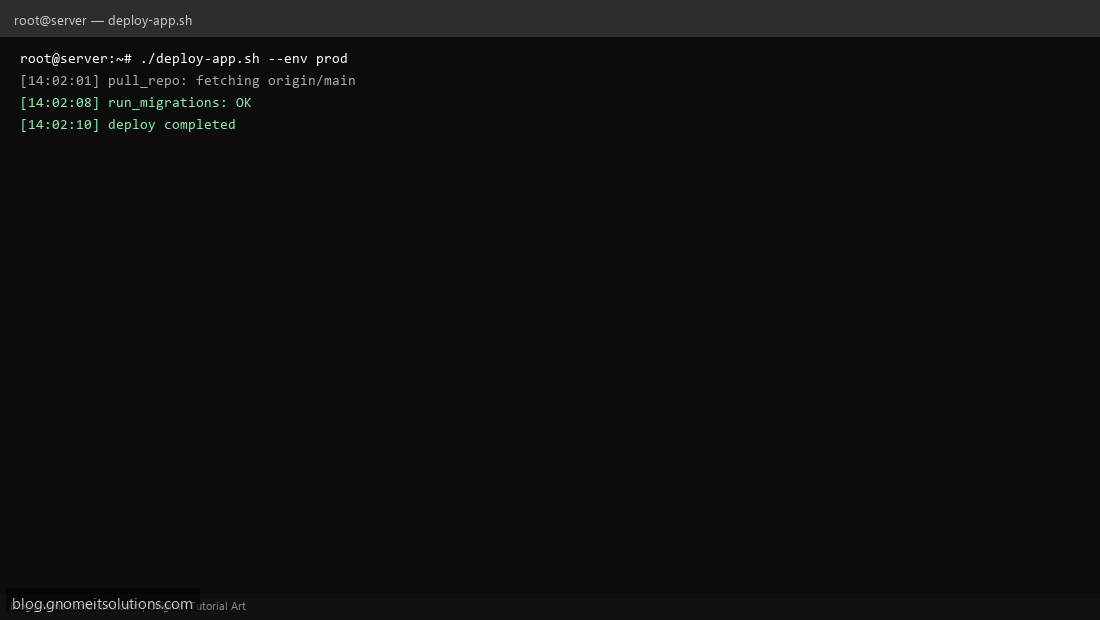
Step 4: Test manually
./deploy-app.sh --env stagingecho exit=$?Related tutorials
- Linux Backup Shell Script: Files & Database to Remote Server
- Cron Jobs in Linux: Schedule Tasks with crontab
- SSH Key Authentication on Linux Servers
Terminal screenshot is an original illustration created for Gnome IT Solutions (blog.gnomeitsolutions.com).