umask on Linux confuses almost everyone once — you touch a file and expect 644 but get 664 because the shell subtracted a different mask. umask only affects new files and directories, not existing ones.
Foundation: chmod & chown,
file permissions,
SCP & SFTP.
What umask Does
Subtracts bits from the default creation mode: files start from 666, directories from 777 (before umask).
Octal Examples
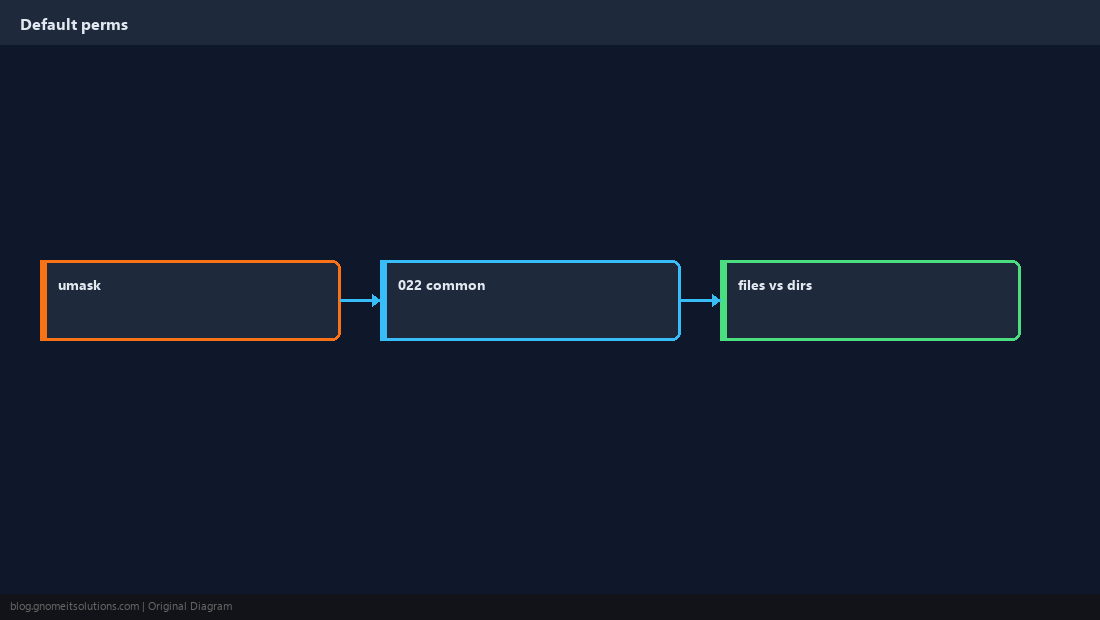
umask 022 → files 644, dirs 755. umask 027 → files 640, dirs 750 (group-friendly but tighter).
umask
umask 022
touch /tmp/demo-file
mkdir /tmp/demo-dir
ls -ld /tmp/demo-file /tmp/demo-dir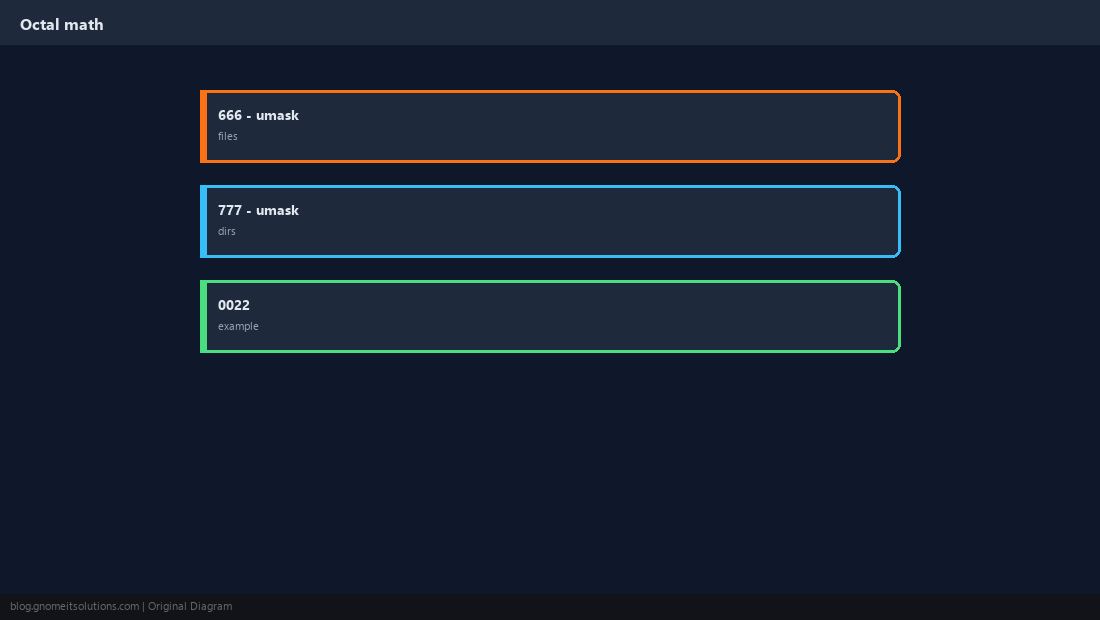
Set umask for Sessions
Interactive shells read profile snippets; document your team default.
umask 027 # stricter default for this shell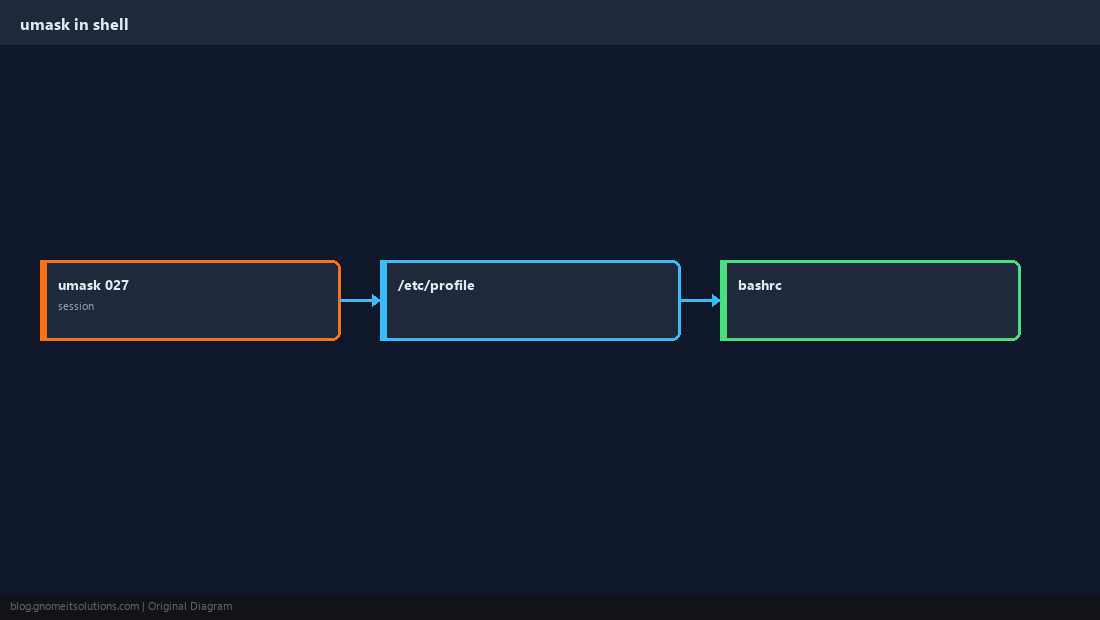
SFTP and Shared Upload Dirs
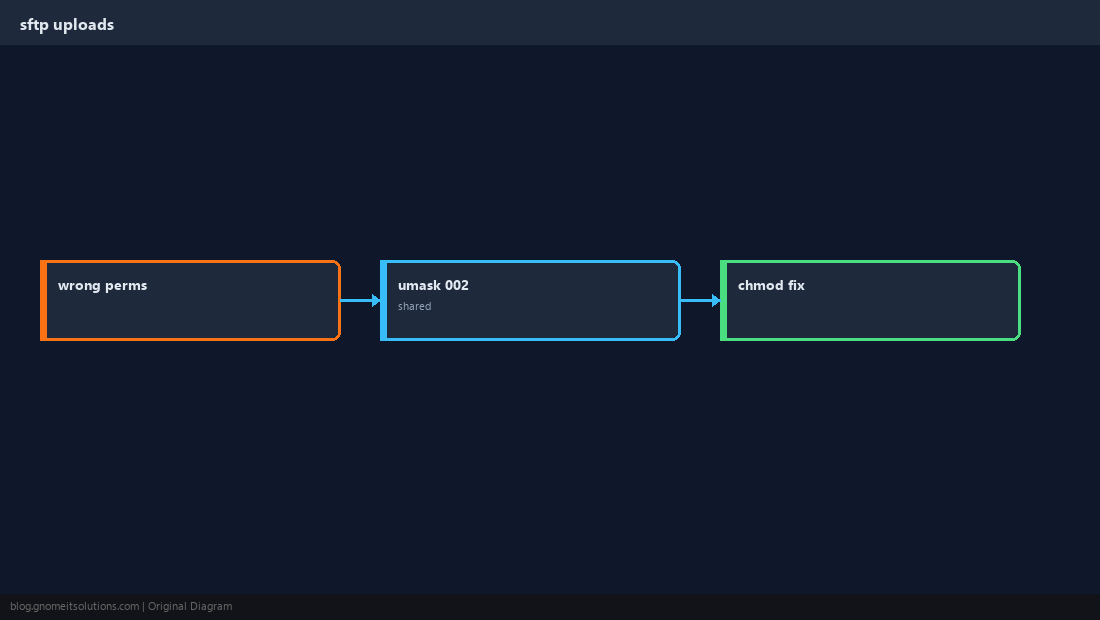
Wrong umask causes world-readable uploads or group-writable web roots.
systemd UMask=
Services create files too — set UMask= in the unit drop-in for daemons.
sudo systemctl edit myapp
# [Service]
# UMask=0027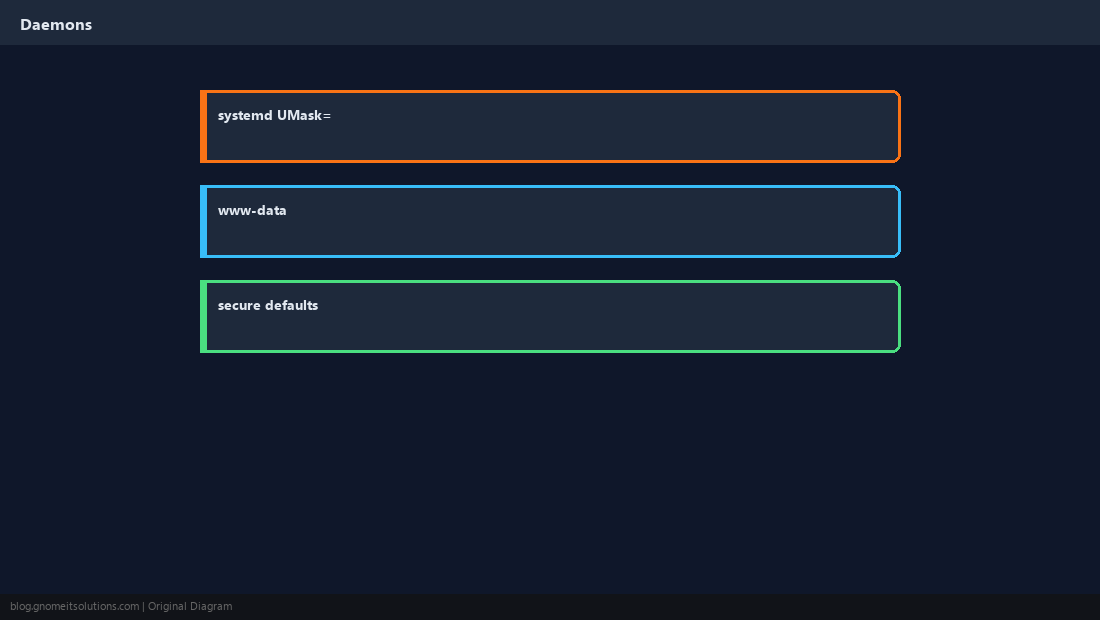
umask vs chmod
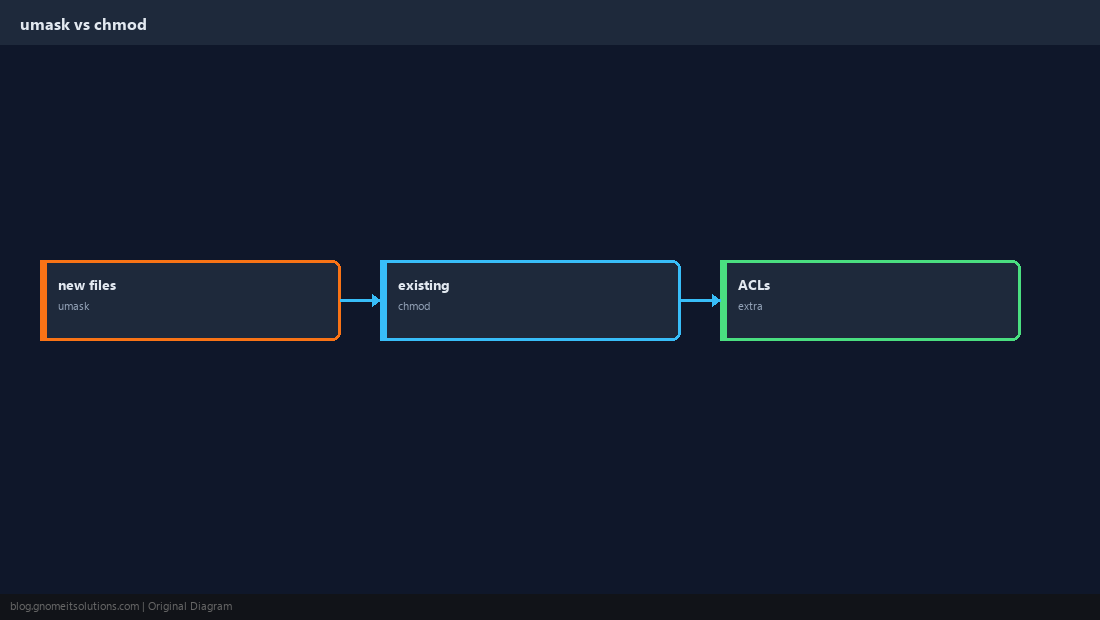
umask for defaults on create; chmod/chown for files that already exist.
Verify with touch and mkdir
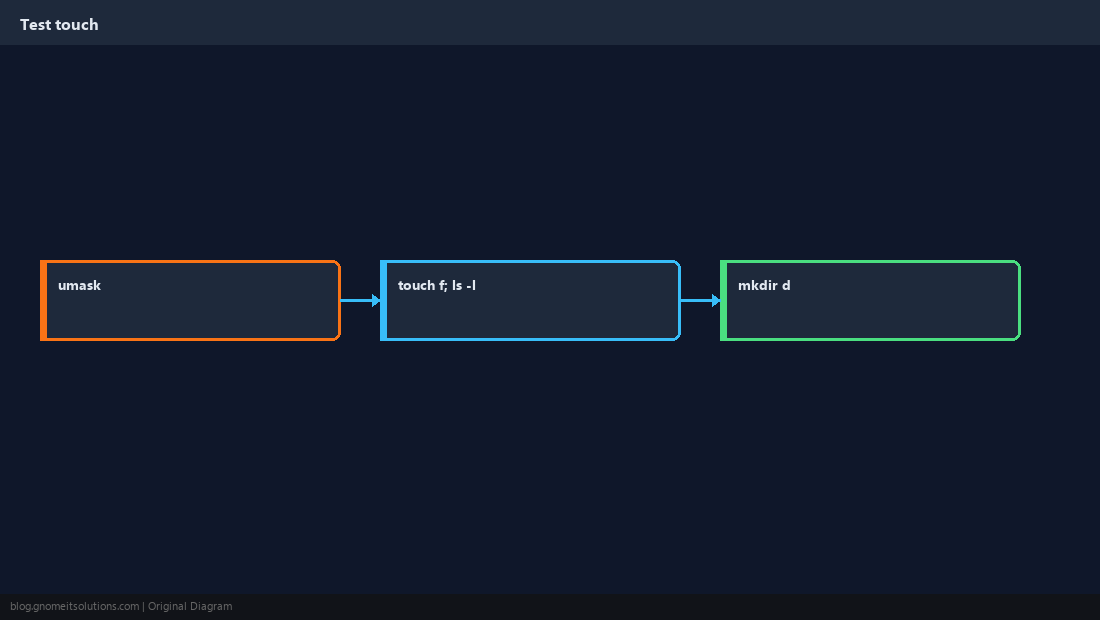
Always check both file and directory bits — they use different base modes.
Quick Reference
- Common server default:
umask 022(644 files, 755 dirs) - Stricter:
umask 027 - Existing files: use
chmod, not umask
Related tutorials
Diagrams are original illustrations by Gnome IT Solutions. Tutorial text © Gnome IT Solutions.