
LXC containers share the host kernel, so their security depends on how root inside the container maps to the host. In a
privileged container, container root is host root in the eyes of the kernel; a container escape is a host compromise.
Unprivileged containers map container root to a high, harmless host UID, which is why they are the safer default.
Our LXC creation guide shows how to build one; this guide shows how to keep it contained.
For VM-versus-container tradeoffs see Docker vs LXC.
Privileged Versus Unprivileged
The difference is a UID mapping. Unprivileged containers shift every container UID by 100000 on the host, so a process running as root inside owns nothing outside the container.
  container uid 0     -> host uid 100000   (unprivileged)
  container uid 1000  -> host uid 101000
  container uid 0     -> host uid 0        (privileged: avoid)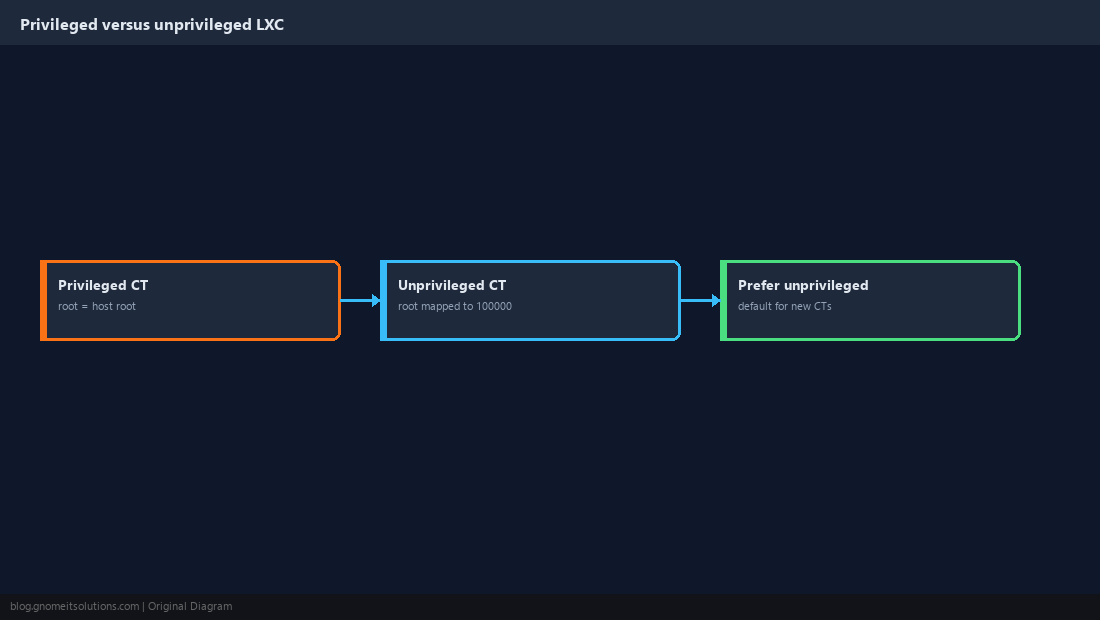
Create Containers Unprivileged by Default
In the wizard keep Unprivileged container ticked. On the CLI pass --unprivileged 1.
pct create 210 local:vztmpl/debian-12-standard_12.7-1_amd64.tar.zst \
  --hostname app01 --unprivileged 1 --cores 2 --memory 2048 --swap 512 \
  --rootfs local-lvm:8 --net0 name=eth0,bridge=vmbr0,firewall=1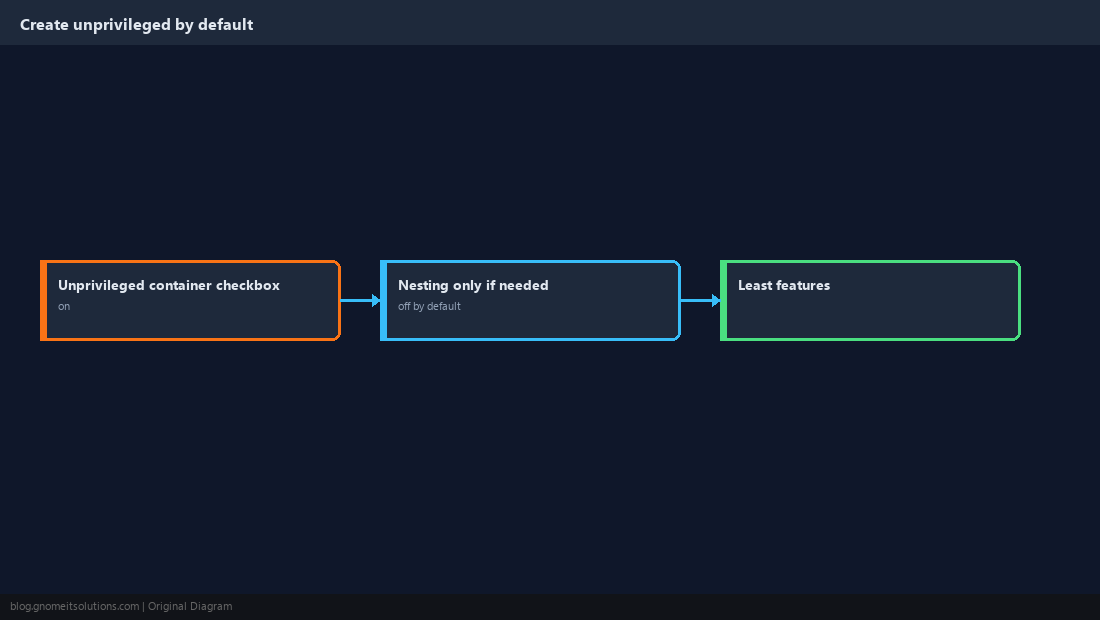
Understand the ID Mapping
The default mapping covers 65536 IDs starting at 100000. Custom mappings are only needed when a container must share files with the host at the same numeric IDs.
lxc.idmap: u 0 100000 65536
lxc.idmap: g 0 100000 65536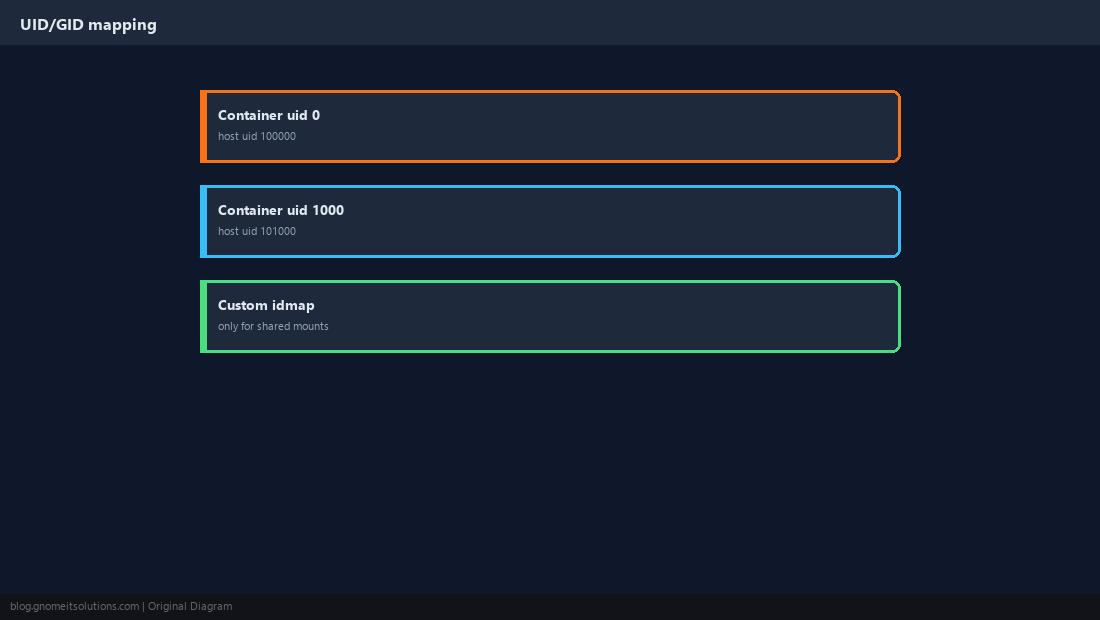
Bind Mounts and File Permissions
A host directory mounted into an unprivileged container must be owned by the shifted IDs, otherwise the container sees it as owned by nobody. Mount read-only when the container only reads.
mkdir -p /srv/shared && chown -R 100000:100000 /srv/sharedpct set 210 -mp0 /srv/shared,mp=/mnt/shared,ro=1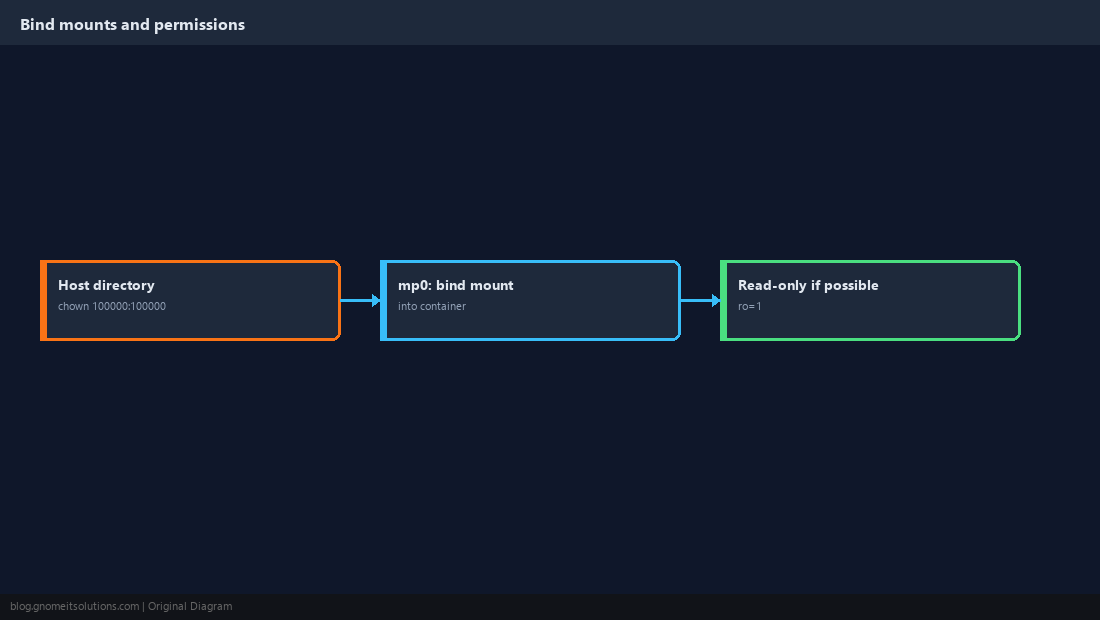
Restrict Container Features
Every extra feature widens the attack surface. Enable nesting only for Docker-in-LXC, and keyctl/fuse only when an application requires them.
pct config 210 | grep -E 'features|unprivileged'
# only if truly needed:
pct set 210 --features nesting=1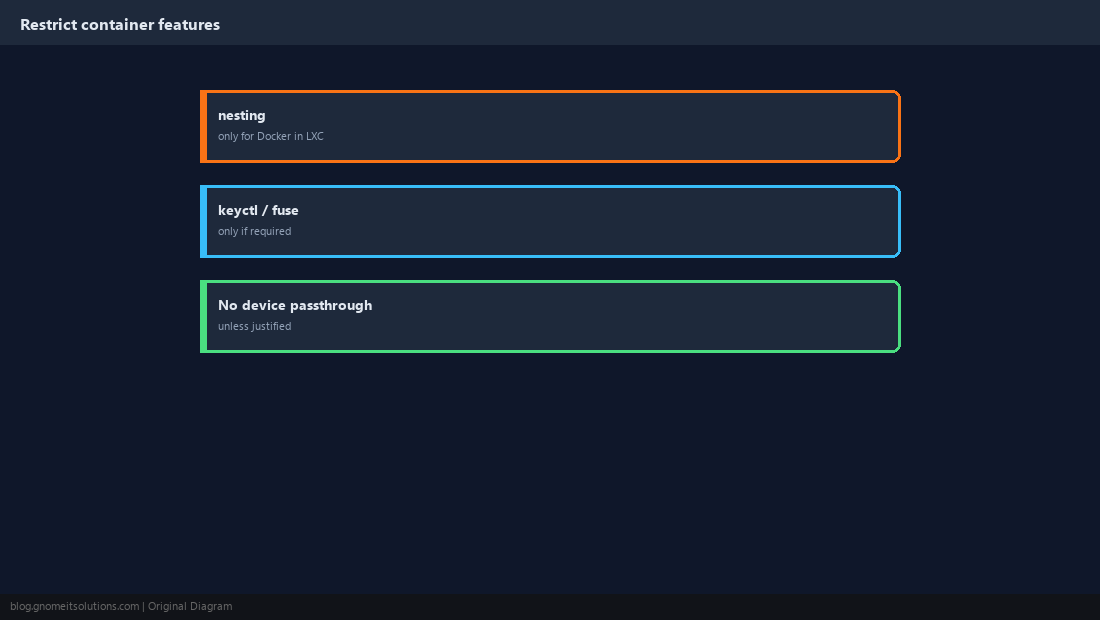
Isolate the Network
Place tiers on separate VLANs and enable the per-container firewall with a default-drop policy, allowing only required ports (see the firewall guide and VLAN guide).
pct set 210 --net0 name=eth0,bridge=vmbr0,tag=30,firewall=1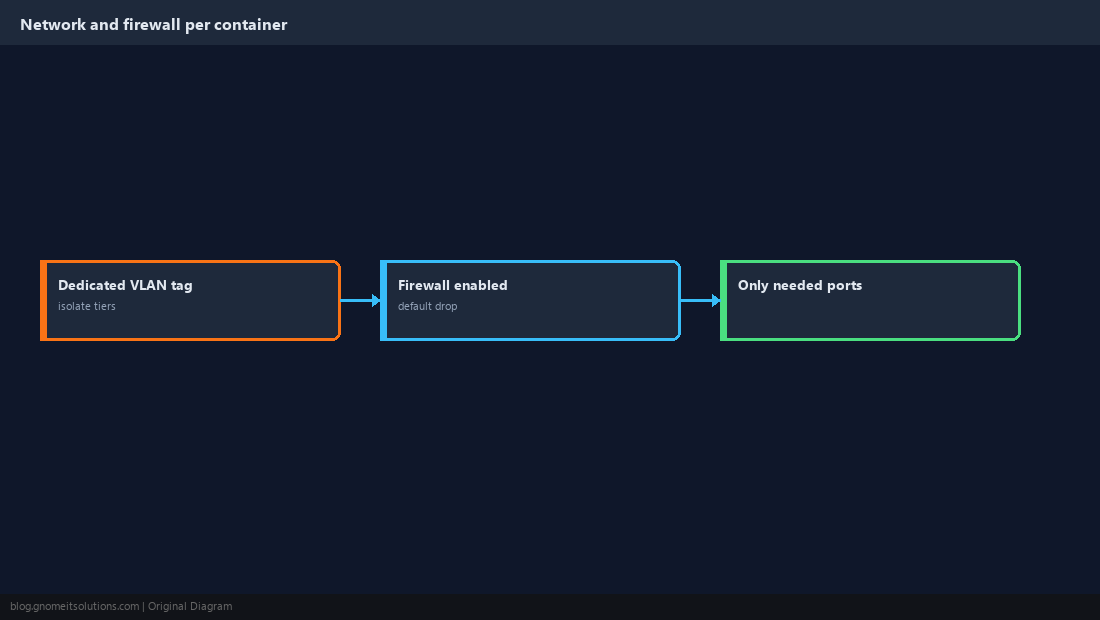
Limit CPU, Memory and Disk
A runaway process in one container should not starve the host or its neighbours.
pct set 210 --cores 2 --cpulimit 1.5 --memory 2048 --swap 512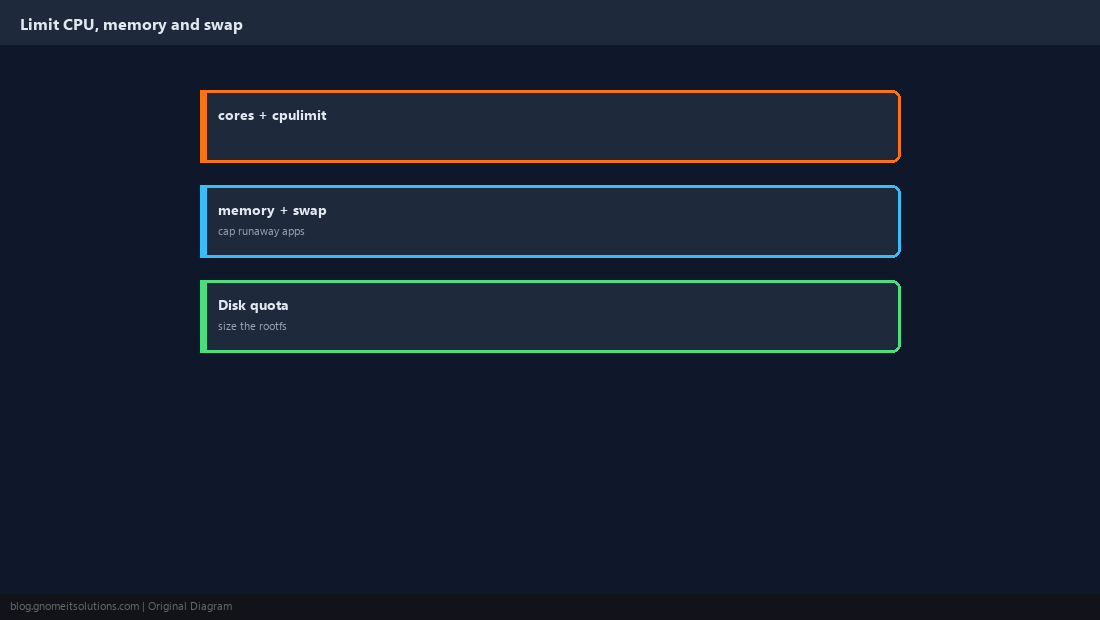
Audit Existing Containers
List every container and find those still privileged. Migrate them by backing up and restoring as unprivileged (see restore guide).
pct list
grep -L '^unprivileged: 1' /etc/pve/lxc/*.conf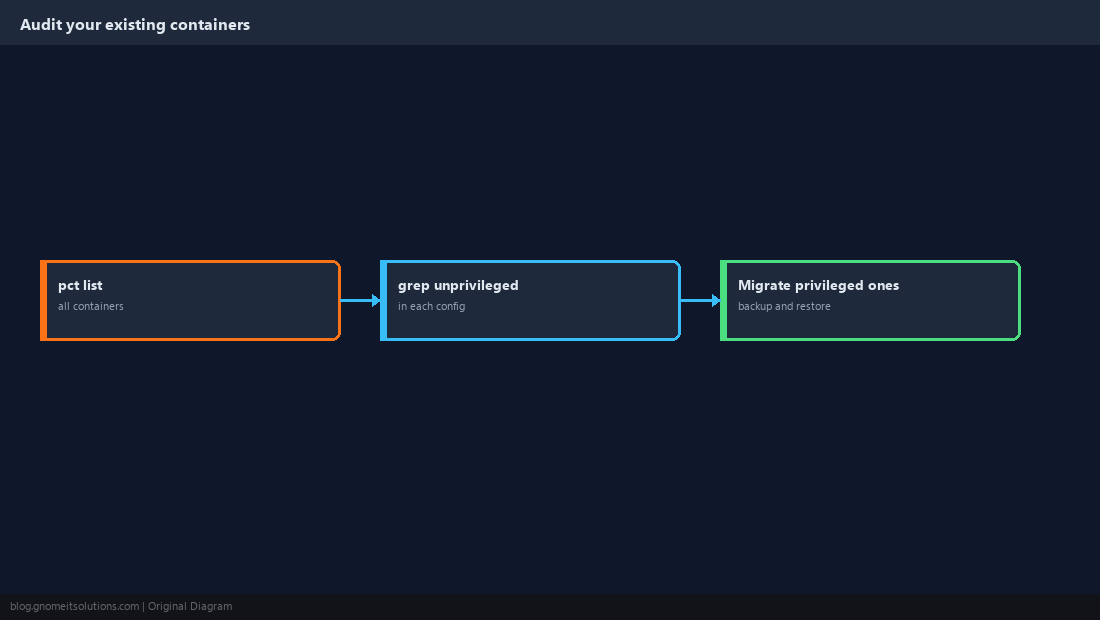
Quick Reference
- Unprivileged by default; nesting/keyctl/fuse only when required
- Bind mounts owned by shifted IDs; firewall on; resource limits set
Related tutorials
Diagrams are original illustrations by Gnome IT Solutions. Tutorial text © Gnome IT Solutions.