smartctl reads a drive’s self-reported health — reallocated sectors, pending errors, and overall PASSED/FAILED. Admins search it after I/O errors in dmesg or before trusting an old disk in production.
Related: dmesg,
mount & fstab,
disk full.
Install smartmontools
Provides smartctl and optional smartd daemon for mail alerts.
bashDebian/Ubuntu
sudo apt install -y smartmontools
sudo smartctl --version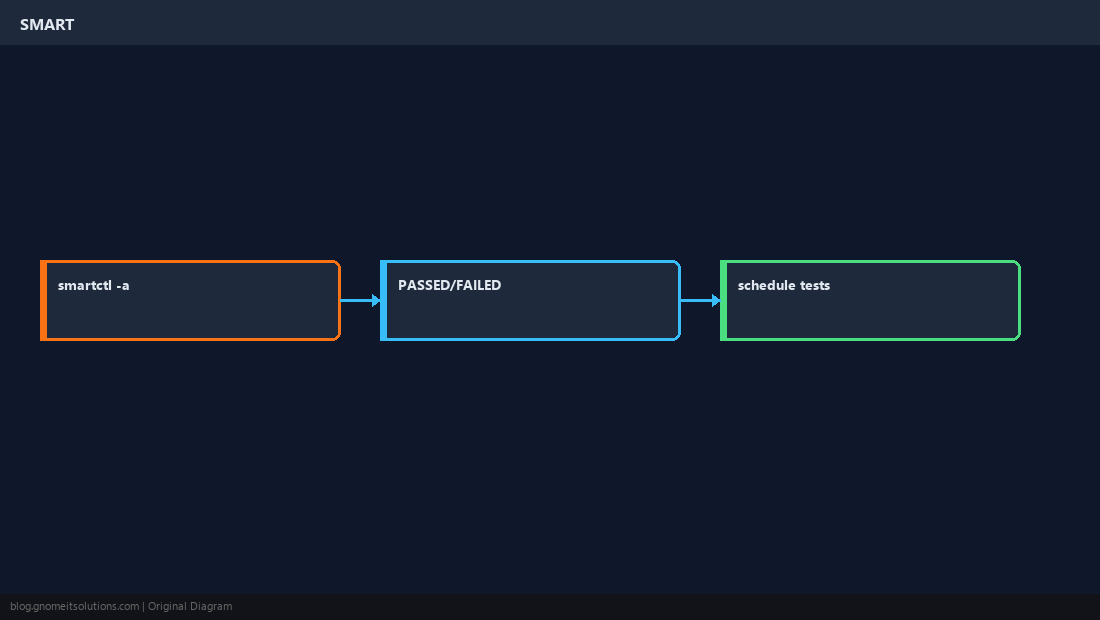
Health summary
Start with -H then full attributes -a (SATA/SAS) or NVMe log.
bashSATA
sudo smartctl -H /dev/sda
sudo smartctl -a /dev/sda | head -40Run self-tests
Short test online; long test may take hours on large disks.
bashshort test
sudo smartctl -t short /dev/sda
sudo smartctl -l selftest /dev/sdaAct on failures
Back up immediately on FAILED or rising reallocated sectors; replace disk before RAID degrades further.
WarningSMART is predictive, not perfect — pair with backups and RAID monitoring.
Quick Reference
- Quick health:
smartctl -H /dev/sdX - Details:
smartctl -a /dev/sdX - NVMe:
smartctl -a /dev/nvme0
Related tutorials
Diagrams are original illustrations by Gnome IT Solutions. Tutorial text © Gnome IT Solutions.