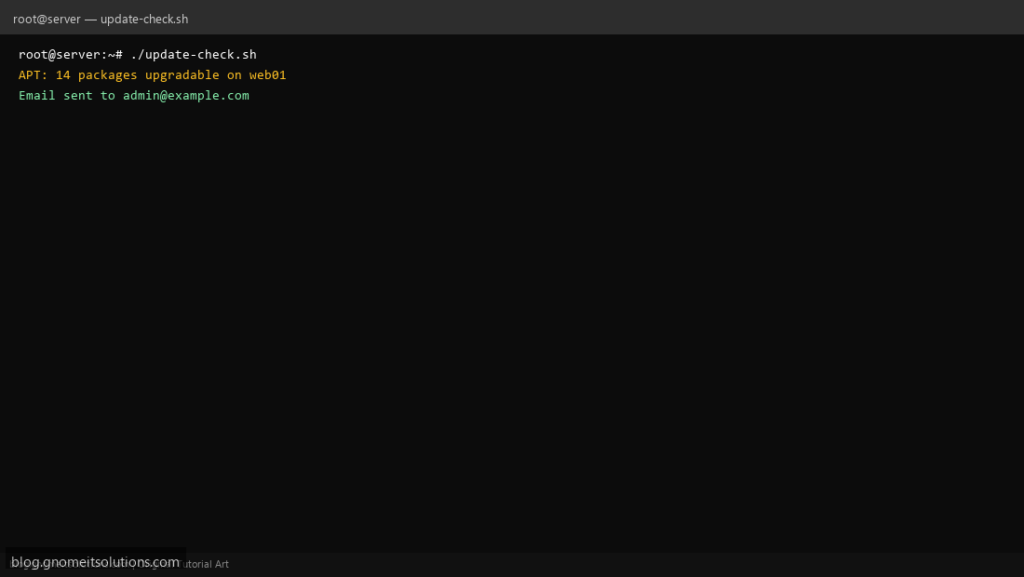
Stay patched with a system update checker that scans for pending packages and emails you when updates are available.
What this script does
- Works with apt (Debian/Ubuntu) and dnf/yum (RHEL/AlmaLinux)
- Lists pending updates with count
- Highlights security updates when available
- Email summary to admin
- Read-only — does not install updates automatically
Prerequisites
- Root for package manager metadata refresh
- apt or dnf installed
Step 1: Save the script
sudo nano /usr/local/bin/update-check.sh
sudo chmod +x /usr/local/bin/update-check.sh
Step 2: Full script (scroll to read)
update-check.sh
#!/usr/bin/env bash
set -euo pipefail

ALERT_EMAIL="[email protected]"
LOG="/var/log/update-check.log"
REPORT=""

log(){ echo "[$(date '+%F %T')] $*" | tee -a "$LOG"; }

if command -v apt >/dev/null; then
  apt update -qq 2>/dev/null || true
  COUNT=$(apt list --upgradable 2>/dev/null | grep -c upgradable || echo 0)
  REPORT="APT: $COUNT packages upgradable on $(hostname -s)"
  apt list --upgradable 2>/dev/null | head -20 >> /tmp/upgrades.txt
elif command -v dnf >/dev/null; then
  dnf check-update -q >/tmp/upgrades.txt 2>&1 || true
  COUNT=$(grep -cE '^[A-Za-z0-9]' /tmp/upgrades.txt || echo 0)
  REPORT="DNF: $COUNT packages upgradable on $(hostname -s)"
else
  REPORT="No supported package manager found"
fi

log "$REPORT"
if (( COUNT > 0 )) && [[ -n "$ALERT_EMAIL" ]] && command -v mail >/dev/null; then
  { echo "$REPORT"; echo; head -30 /tmp/upgrades.txt; } | mail -s "Updates available: $(hostname -s)" "$ALERT_EMAIL"
fi
rm -f /tmp/upgrades.txt
Scroll inside the box to read the full script.
Step 3: Configure settings
ALERT_EMAIL— where to send reportAUTO_REFRESH— run apt update / dnf check-update first
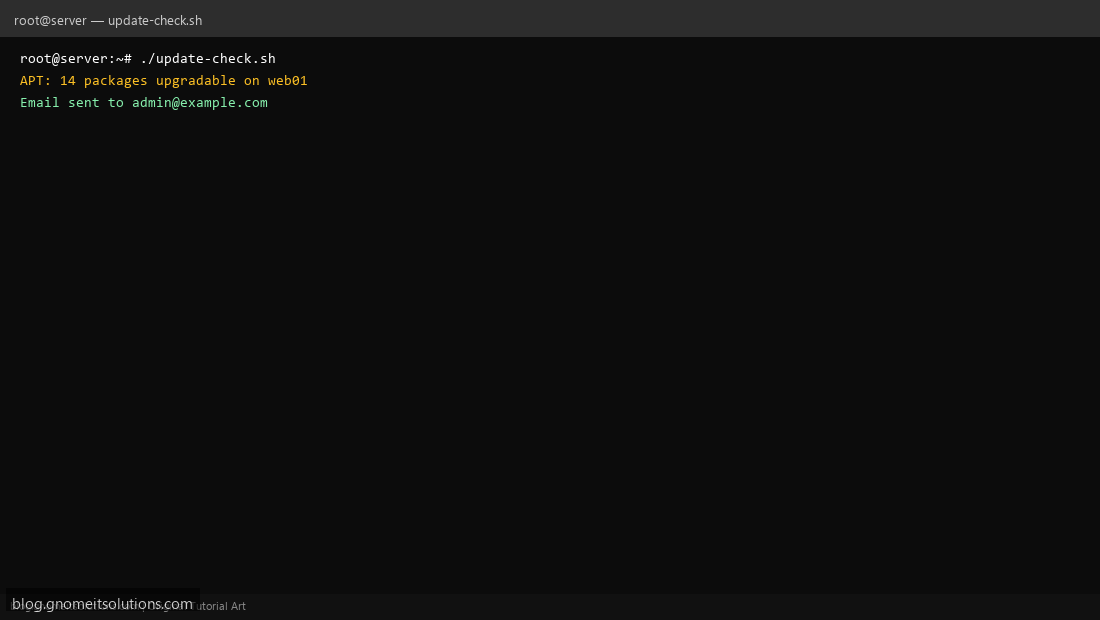
Step 4: Test manually
sudo /usr/local/bin/update-check.shapt list --upgradable 2>/dev/null | headSchedule with cron
sudo crontab -eAdd:
0 7 * * * /usr/local/bin/update-check.sh >> /var/log/update-check.log 2>&1Related tutorials
- Linux Disk Monitor Shell Script
- Linux Backup Shell Script: Files & Database to Remote Server
- Cron Jobs in Linux: Schedule Tasks with crontab
- SSH Key Authentication on Linux Servers
Terminal screenshot is an original illustration created for Gnome IT Solutions (blog.gnomeitsolutions.com).