LUKS (Linux Unified Key Setup) is the standard for encrypting block devices on Linux. It protects
data at rest: if a disk is stolen or an old drive is discarded, the contents are unreadable without a passphrase or keyfile.
It does not protect a running, unlocked system, so treat it as one layer alongside
SSH hardening and sensible
file permissions.
This guide encrypts a secondary data disk (not the root filesystem), mounts it, sets up unattended unlock for servers,
and covers the header backup that most tutorials forget.
Understand the Layers Before You Format
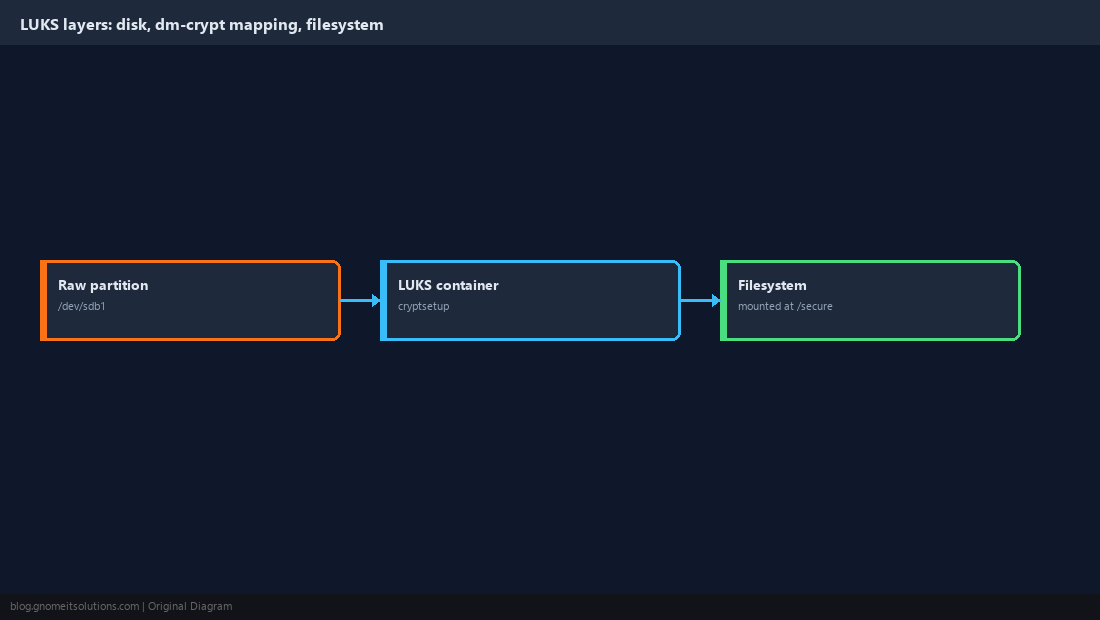
LUKS sits between the raw partition and the filesystem. cryptsetup unlocks the container and exposes a decrypted device under /dev/mapper; you create and mount the filesystem on that mapped device, never on the raw partition.
  /dev/sdb1            raw partition (ciphertext)
     |  cryptsetup luksOpen
  /dev/mapper/secure   decrypted block device
     |  mkfs + mount
  /secure              your files
Back Up Existing Data First
luksFormat destroys whatever is on the partition. Confirm the device name with lsblk, copy off anything you need, and verify the copy before continuing.
lsblk -f
sudo blkid /dev/sdb1luksFormat erases it. Re-read the device path before pressing Enter.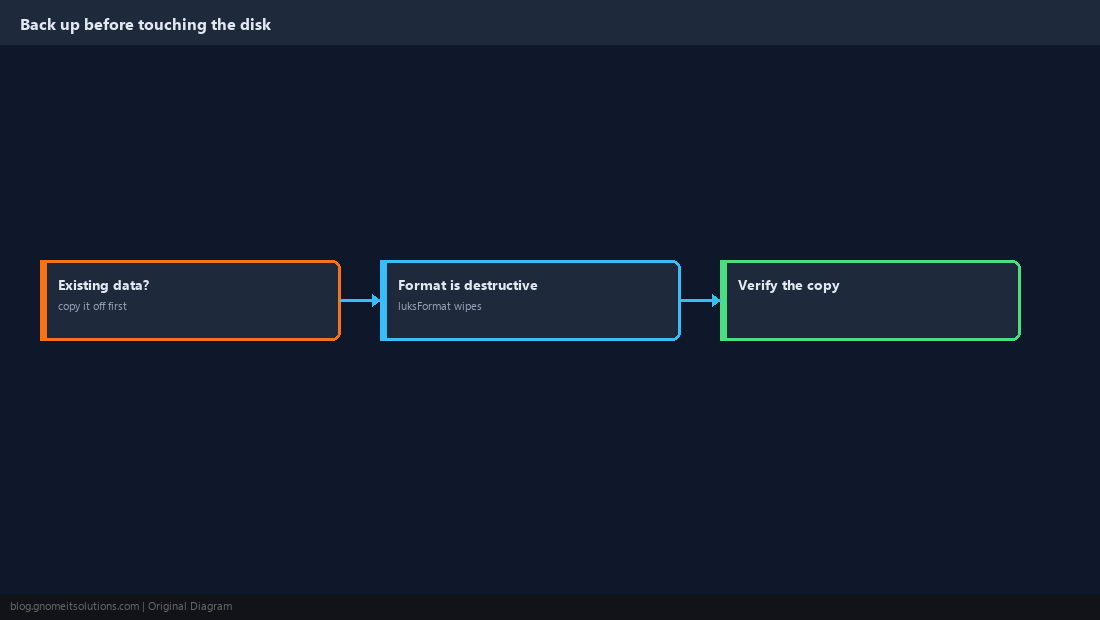
Create the LUKS Container
Modern cryptsetup defaults to LUKS2 with AES-XTS and the argon2id key derivation function. Choose a long, unique passphrase — it is the only thing standing between an attacker and the data.
sudo cryptsetup luksFormat --type luks2 /dev/sdb1sudo cryptsetup luksDump /dev/sdb1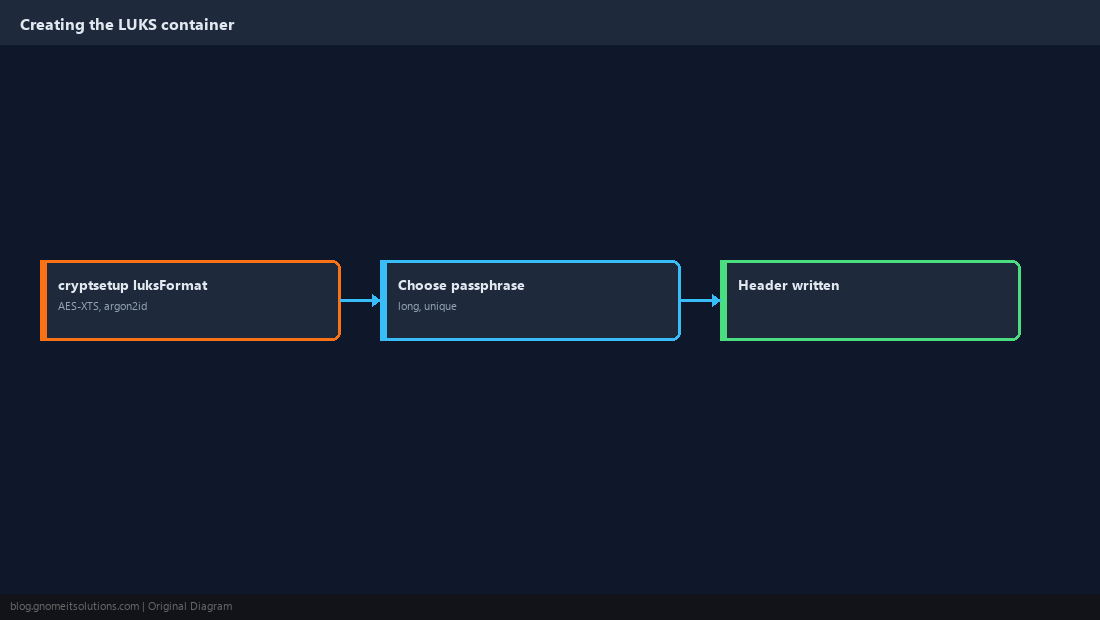
Open the Container, Create a Filesystem, Mount It
Opening maps the decrypted device. Make the filesystem once; afterwards you only open and mount.
sudo cryptsetup luksOpen /dev/sdb1 secure
sudo mkfs.ext4 /dev/mapper/secure
sudo mkdir -p /secure
sudo mount /dev/mapper/secure /securesudo umount /secure
sudo cryptsetup luksClose secure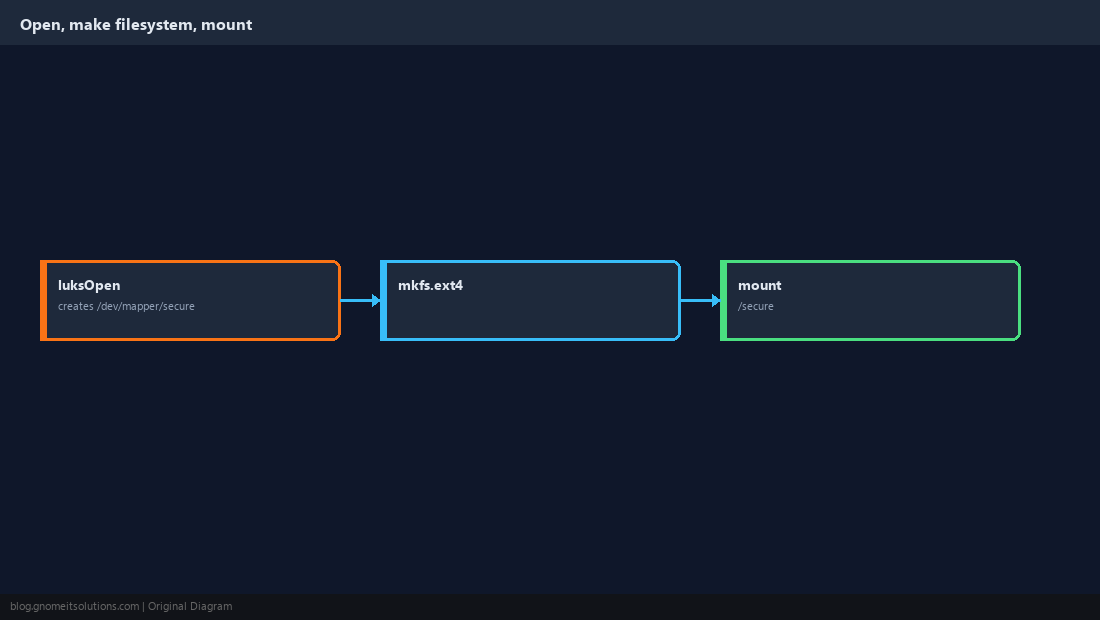
Add a Keyfile Slot for Unattended Unlock
A server that reboots at 3 a.m. cannot wait for someone to type a passphrase. LUKS supports multiple key slots, so add a random keyfile readable only by root while keeping the passphrase as your recovery slot.
sudo dd if=/dev/urandom of=/root/secure.key bs=512 count=8
sudo chmod 400 /root/secure.key
sudo cryptsetup luksAddKey /dev/sdb1 /root/secure.key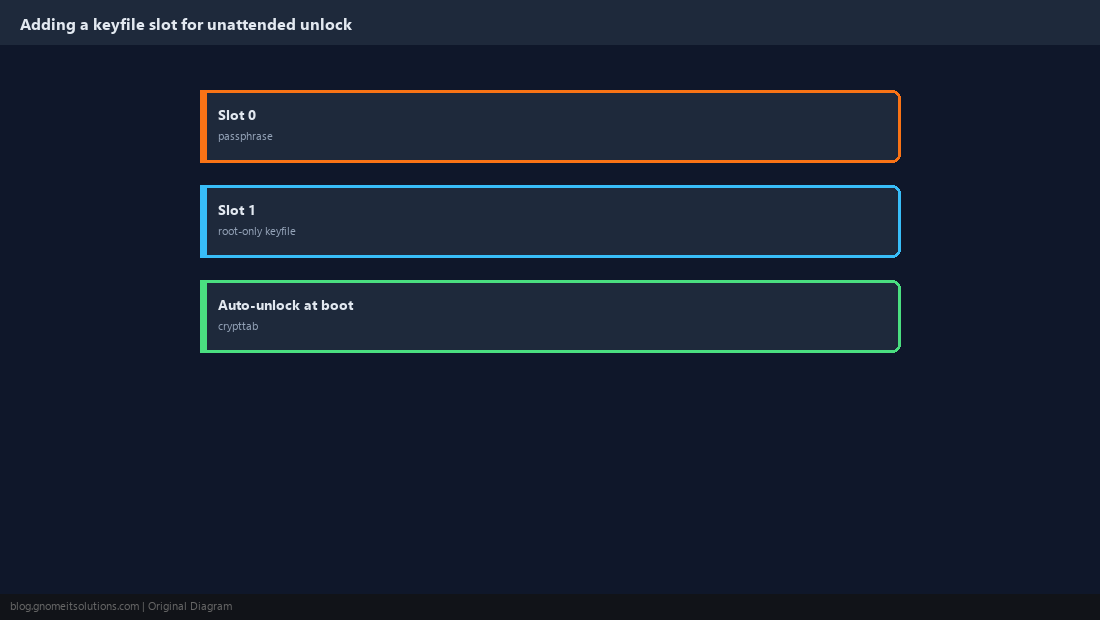
Wire It into crypttab and fstab
Reference the partition by UUID so a changed device name cannot break boot. nofail keeps a missing disk from dropping the machine into emergency mode.
sudo blkid -s UUID -o value /dev/sdb1secure UUID=<uuid-from-above> /root/secure.key luks/dev/mapper/secure /secure ext4 defaults,nofail 0 2sudo cryptdisks_start secure && sudo mount -a && df -h /secure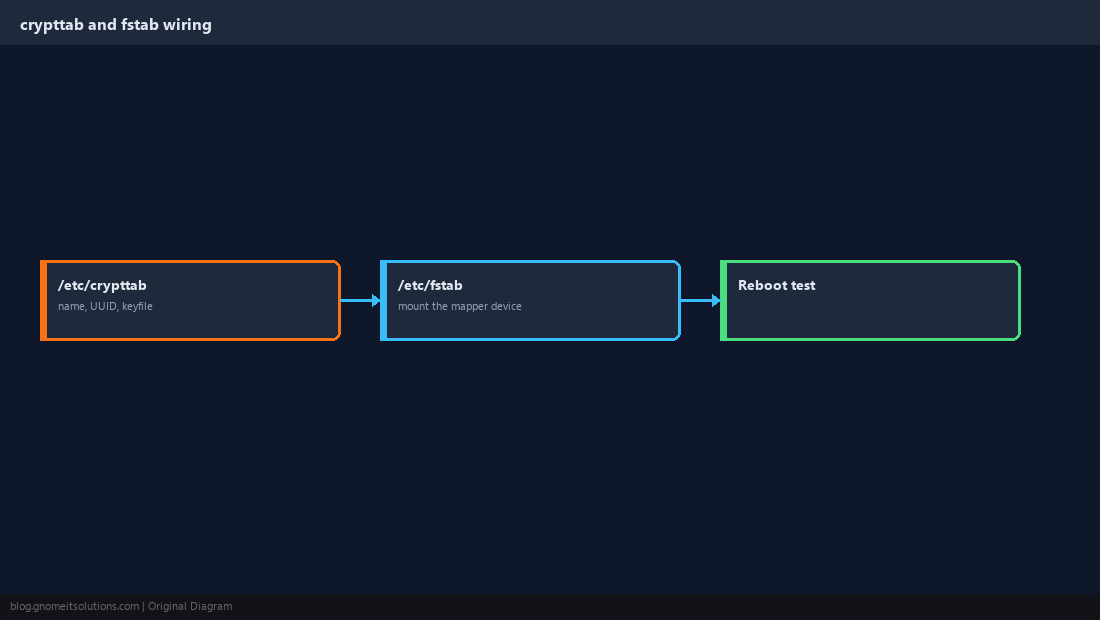
Back Up the LUKS Header
All key slots live in a small header at the start of the partition. If it is corrupted, the data is gone even with the right passphrase. Save a copy offline and treat it as sensitive, since it can be used to attack the passphrase.
sudo cryptsetup luksHeaderBackup /dev/sdb1 --header-backup-file /safe/place/sdb1-header.imgsudo cryptsetup luksHeaderRestore /dev/sdb1 --header-backup-file /safe/place/sdb1-header.img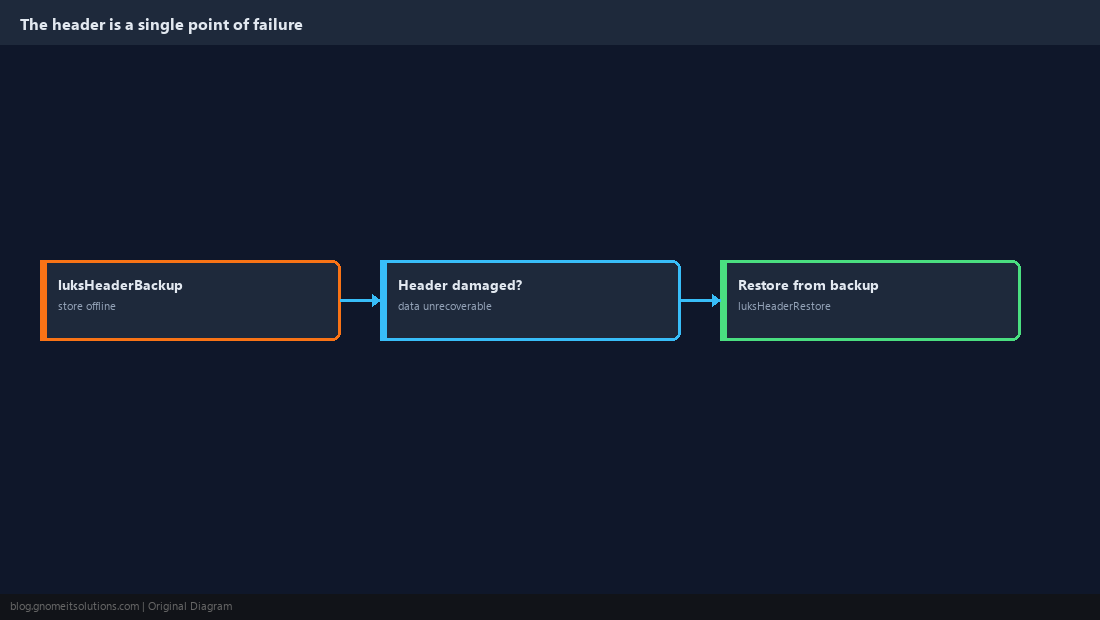
Rotate and Remove Passphrases
People leave and passphrases leak. Add the new one first, confirm it works, then remove the old one so you never lock yourself out. luksDump shows which slots are in use.
sudo cryptsetup luksAddKey /dev/sdb1
sudo cryptsetup luksRemoveKey /dev/sdb1
sudo cryptsetup luksDump /dev/sdb1 | grep -i keyslot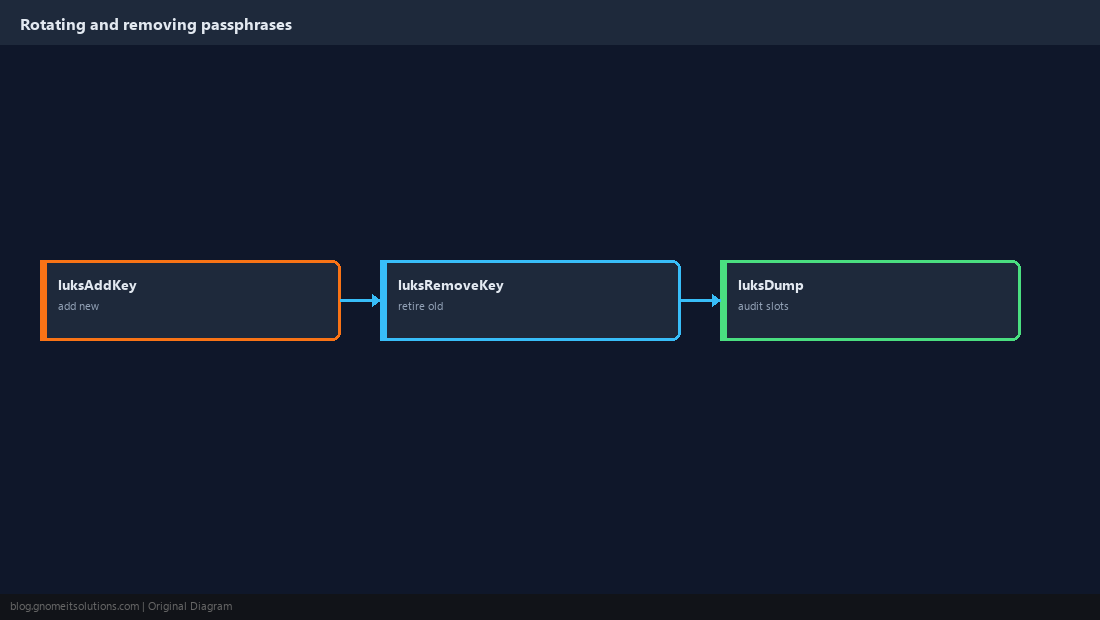
Cheat Sheet
- Format:
luksFormat→ Open:luksOpen→mkfs→mount - Always keep one passphrase slot and an offline header backup
Related tutorials
Diagrams are original illustrations by Gnome IT Solutions. Tutorial text © Gnome IT Solutions.