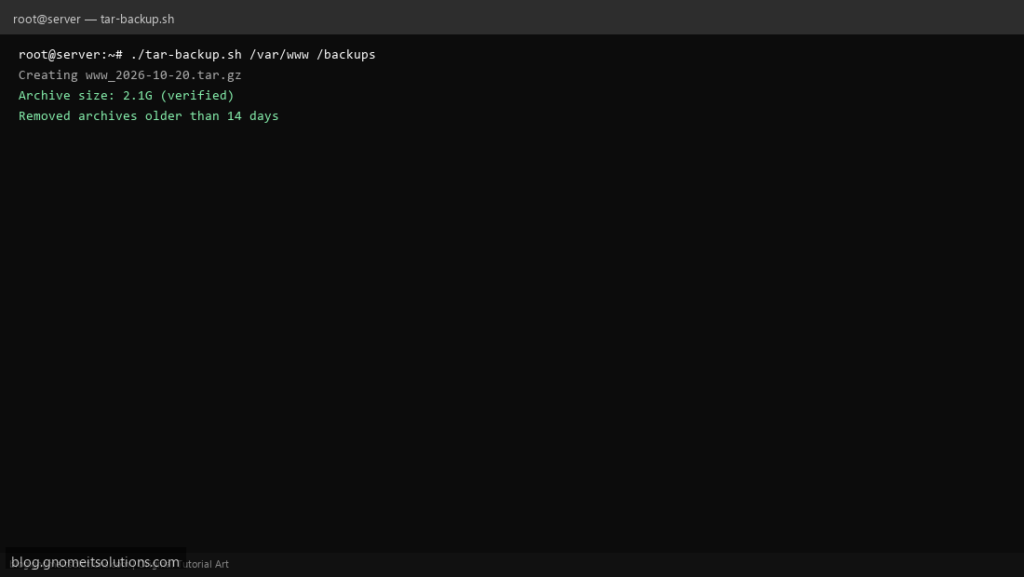
tar backup shell scripts are the go-to before rsync or cloud sync — one compressed file you can copy anywhere. This recipe creates .tar.gz snapshots with verification and automatic pruning of old archives.
What this script does
- Archives a source directory to
BACKUP_DIR/name_DATE.tar.gz - Optional
EXCLUDESfile for paths likecache/* - Verifies archive with
tar -tzfafter creation - Deletes
*.tar.gzolder than retention days - Logs size and path for audit
Prerequisites
- tar and gzip
- Enough disk space in BACKUP_DIR (often 2× source size during write)
- Read access to source tree
Step 1: Save the script
sudo nano /usr/local/bin/tar-backup.sh
sudo chmod +x /usr/local/bin/tar-backup.sh
Step 2: Full script (scroll to read)
tar-backup.sh
#!/usr/bin/env bash
set -euo pipefail

SRC="${1:-/var/www}"
BACKUP_DIR="${2:-/backups}"
NAME="$(basename "${SRC%/}")"
RETENTION_DAYS=14
LOG="/var/log/tar-backup.log"
EXCLUDES=""   # optional: /path/to/exclude.txt for --exclude-from

log(){ echo "[$(date '+%F %T')] $*" | tee -a "$LOG"; }

[[ -d "$SRC" ]] || { log "SRC not found: $SRC"; exit 1; }
mkdir -p "$BACKUP_DIR"

STAMP=$(date +%F_%H%M)
ARCHIVE="$BACKUP_DIR/${NAME}_${STAMP}.tar.gz"

TAR_OPTS=(-czf "$ARCHIVE" -C "$(dirname "$SRC")" "$(basename "$SRC")")
[[ -n "$EXCLUDES" && -f "$EXCLUDES" ]] && TAR_OPTS=(--exclude-from="$EXCLUDES" "${TAR_OPTS[@]}")

log "Creating $ARCHIVE from $SRC"
tar "${TAR_OPTS[@]}"
tar -tzf "$ARCHIVE" >/dev/null
SIZE=$(du -h "$ARCHIVE" | awk '{print $1}')
log "Verified archive size=$SIZE"

find "$BACKUP_DIR" -maxdepth 1 -type f -name "${NAME}_*.tar.gz" -mtime +"$RETENTION_DAYS" -delete
log "Pruned archives older than ${RETENTION_DAYS} days"
log "DONE"
Scroll inside the box to read the full script.
Step 3: Configure settings
- CLI guide: tar & gzip on Linux
- Off-site copy: rclone backup script
- /etc configs: /etc backup script
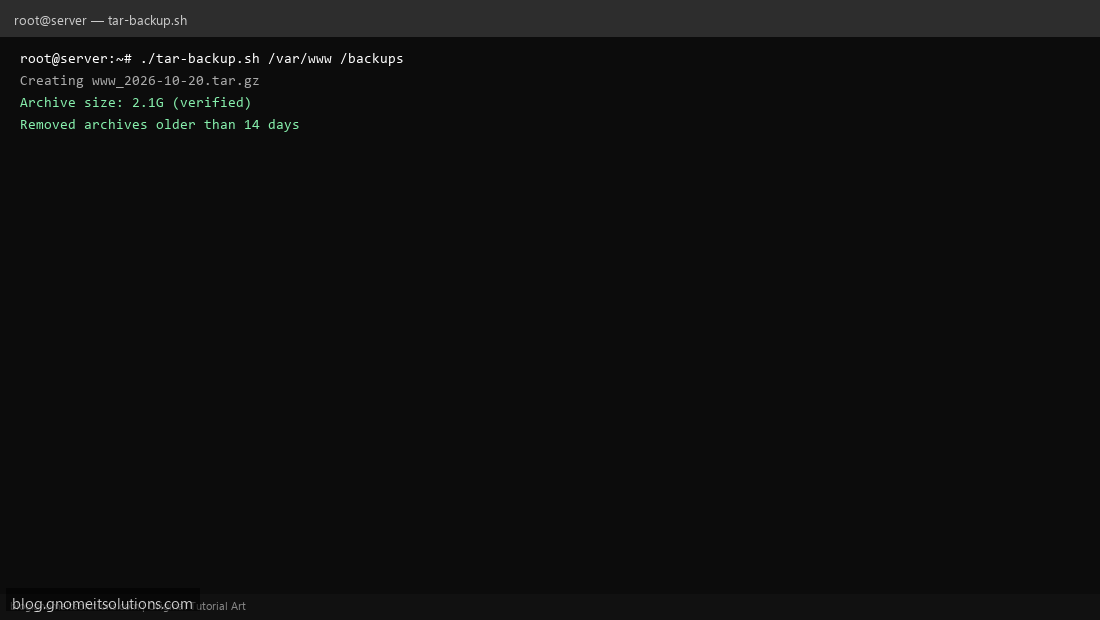
Step 4: Test manually
sudo /usr/local/bin/tar-backup.shls -lh /backups/*.tar.gz | tailSchedule with cron
sudo crontab -eAdd:
30 1 * * * /usr/local/bin/tar-backup.sh >> /var/log/tar-backup.log 2>&1Related tutorials
- Linux Backup Shell Script: Files & Database to Remote Server
- Cron Jobs in Linux: Schedule Tasks with crontab
- SSH Key Authentication on Linux Servers
Terminal screenshot is an original illustration created for Gnome IT Solutions (blog.gnomeitsolutions.com).